Service Pack Installation
Upgrade to the latest version of NetFlow Analyzer
SHA Value: f361b640ddc608d04a603b3714bb595d5c4fd9ed57d8370bb40288eb2224855e
Read and accept the License Agreement before downloading this software.
We recommend users to move to the latest version NetFlow Analyzer 12.9 (Build 12.9.111). In case, you are in a previous build, please use the following table to identify the upgrade path.
Download Service Packs
| Current build | Upgrade path to the latest build | 129000 & above | Install the service pack to move to the latest build. |
|---|---|
| 128000 to 128738 | Install the service pack to move to build 129003. |
| 127000 to 127317 | Install the service pack to move to the build 128004. |
| 126000 to 126329 | Install the service pack to move to the build 127007. |
| 125000 to 125659 | Install the service pack to move to the build 126007. |
| 124000 to 124196 | Install the service pack to move to the build 125012 |
| 12300 - 123329 | Install the service pack to move to the build 124006 |
| 123137 & above | Install service pack to move to build 123329 |
| 12200/201 | Fill this form to download the service pack to move to build 123137(For Enterprise Edition) |
| 12100 and earlier | Contact netflowanalyzer-support@manageengine.com |
Post Migration Check
Clear the web browser cache before trying to access the web client.
How do I find out my Build number?
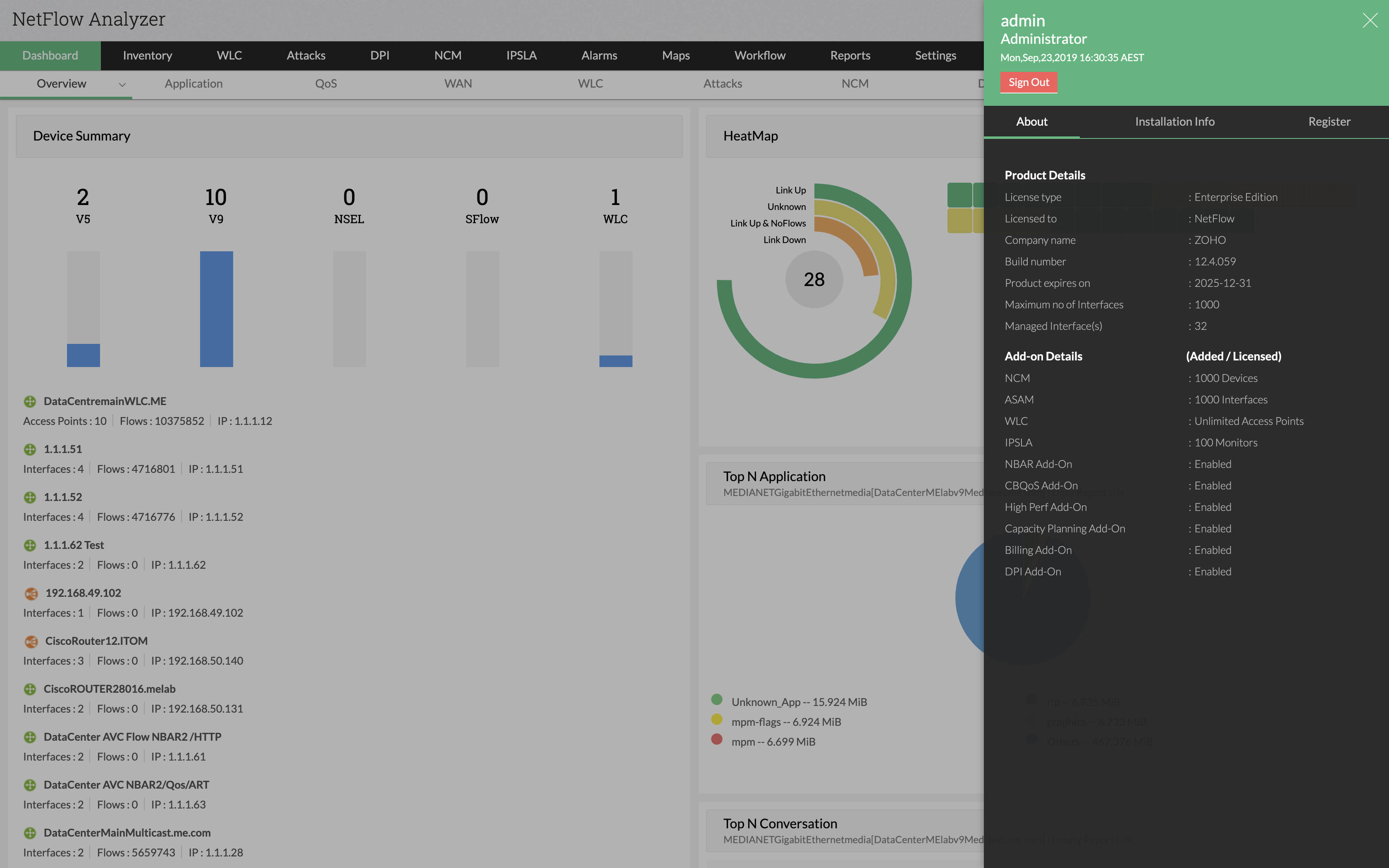
- In the Web Client, click on the Administrator/User icon in the top right corner of the page.
- Search for the Build Number among the product details listed in the About tab.
- Check the image guide above to locate the build number.
Note:
- An end of support has been announced for NetFlow Analyzer version 12.8 and below
- Only users with a valid AMS (Annual Maintenance and Support) contract are eligible to download Service packs and other upgrades.
BenefitsRelated Products