
Votre sécurité Active Directory est-elle fiable ?
Effectuez ce test d’une minute sur les GPO avec cinq questions fermées (oui-non) drôles pour le savoir !
| GPO Settings | Use case | Why enforce it? | Steps to configure |
|---|---|---|---|
| Turn off Windows Installer | Prevents the installation of new software unless explicitly allowed.So you can stop your users from installing that "totally legit" online free game and accidentally infecting the entire network. | Avoid installation of unauthorized or vulnerable applications because not every download is a treasure—some are Trojan horses. |
|
| Account lockout policy (threshold, duration, reset counter) | Locks accounts after a set number of failed login attempts.So you can protect Greg’s account from being locked out because his cat walked across the keyboard (again). | Mitigate brute force attacks on user accounts because it’s better to lock out suspicious activity than to let the cat—or hackers—wreak havoc. |
|
| DNS cache optimization | Adjusts caching settings for DNS lookups.So you can help your user load his favorite website in milliseconds. | Reduce domain lookup times for frequently accessed sites because faster DNS lookups mean less time waiting and more time working. |
|
| Offline Files: Exclude specific folders | Prevents certain folders from being cached locally.So you can prevent Greg from syncing his “Funny GIFs” folder to the cloud and hogging bandwidth. | Optimize synchronization and storage usage because synchronization should be efficient, focusing on necessary files rather than wasting storage and bandwidth on unnecessary ones. |
|
| Folder Redirection | Redirects folders containing important documents to network locations.So you can save Greg's "Important Presentation.pptx" from being lost forever when his laptop dives into a coffee spill. | Centralize data storage for security and backup because central storage ensures you can recover files—even from caffeine-induced disasters. |
|
Group policies are the last piece of puzzle that keeps your Active Directory infrastructure from banishing itself to the shadow realm. They hold together all your user and computer configurations in whatever shape, size, and command they come with.
Votre sécurité s’avère totale.
Nous pensons avoir peut-être trouvé notre nouveau favori.
Télécharger maintenantWant to up your GPO game?
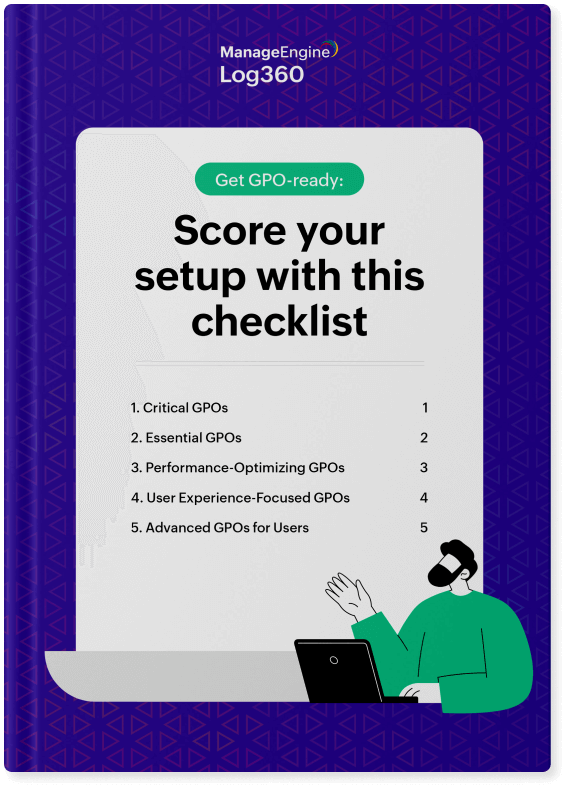
We've got you covered right from critical and essential GPOs to advanced and user experience optimizing GPOs.
We have hand-picked over 50 GPOs to help you configure all user and computer settings. Get your copy now.
Download nowWe hope this survey sheds light on how cybersecurity works in this part of the world.
Thank you for downloading the infographic.
Téléchargez votre exemplaire
, Zoho Corporation Pvt. Ltd. Tous droits réservés.