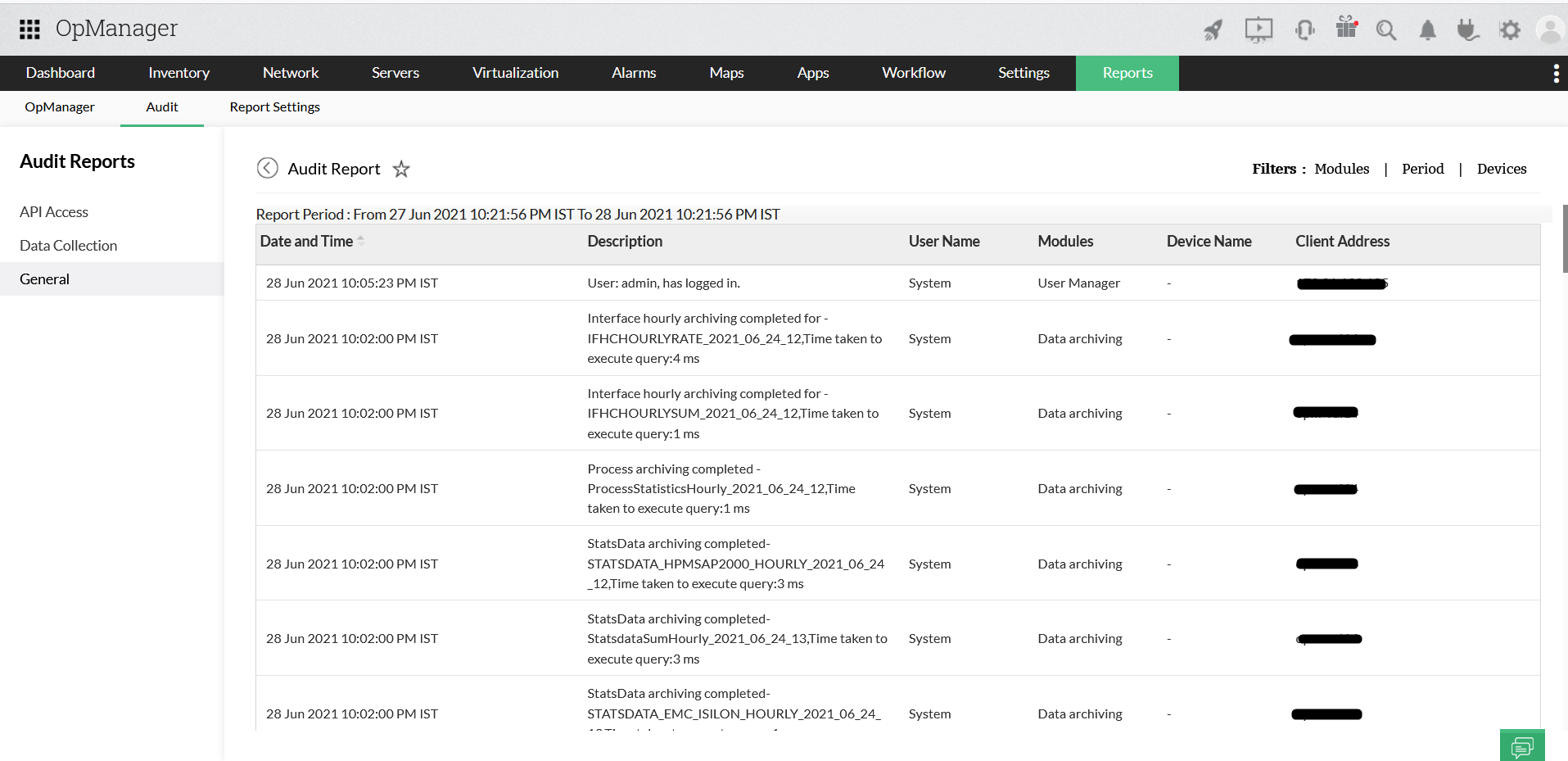
Audit Reports
OpManager's Audit Reports provide in-depth visibility into user activity, API usage, and configuration changes within the application. These reports are essential for ensuring accountability, enhancing security, and maintaining operational transparency across your network monitoring setup.
Audit Reports allow administrators to track and review:
- User actions performed within the OpManager interface.
- API requests made to the system, including any database-modifying operations.
- Data collections executed along with monitoring.
This centralized logging mechanism helps IT teams conduct internal audits, investigate issues, and meet regulations or organizational requirements.
To access the audit reports, navigate to Reports -> Audit in OpManager
There are three types of Audit Reports in OpManager :
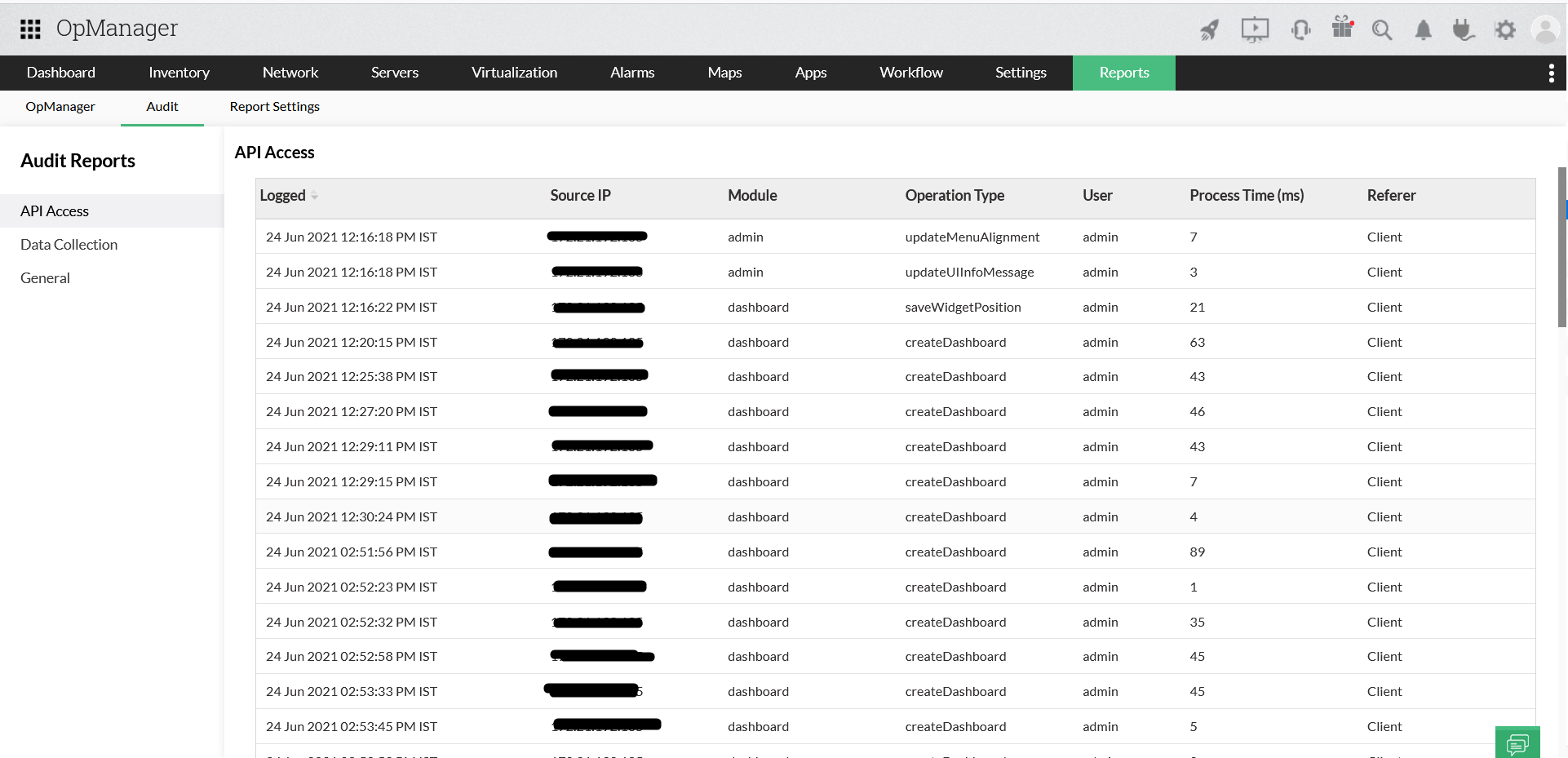
API details of all POST API actions and API actions that update the database are recorded in this Report.
To access API Access Report in the OpManager UI, go to Reports -> Audit -> API Access.
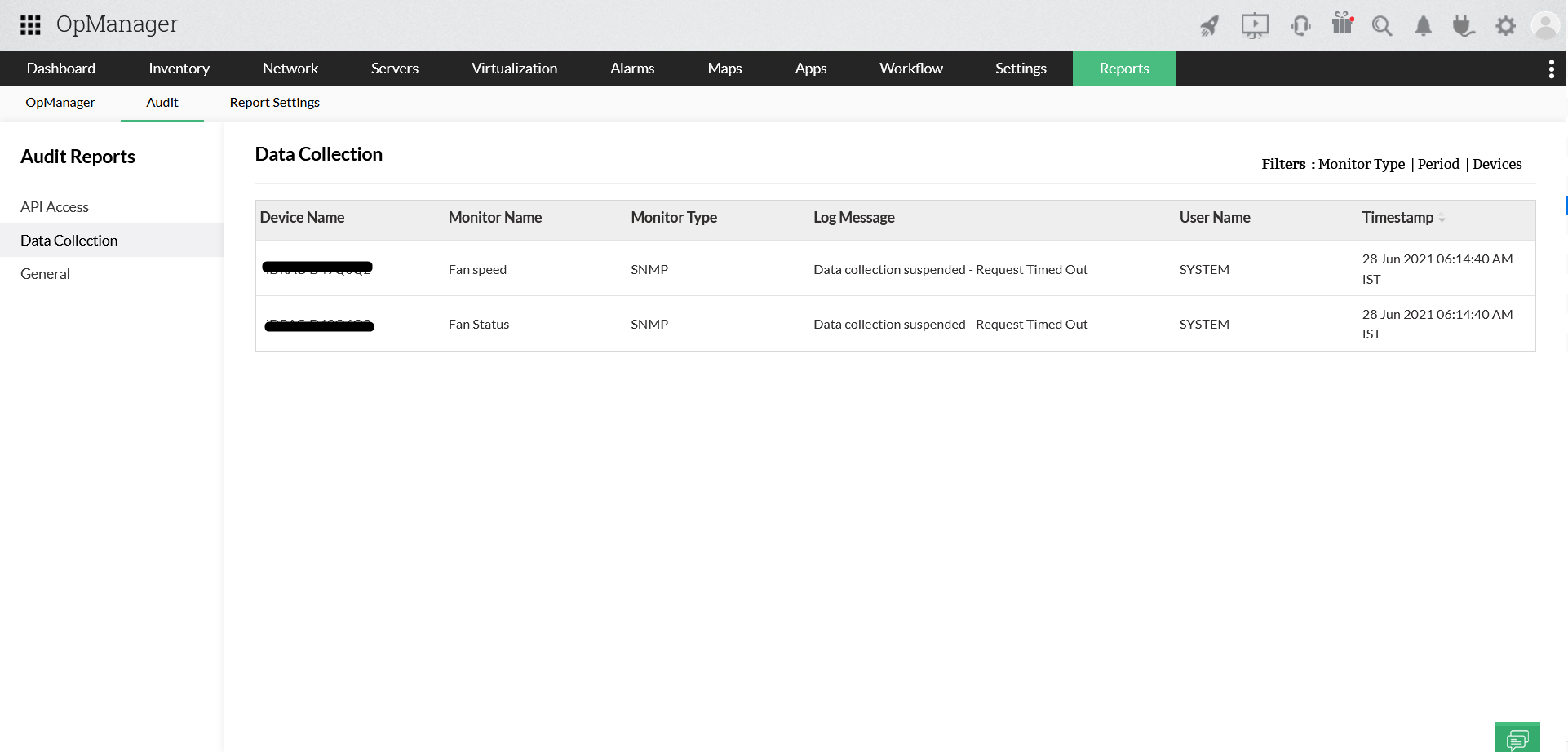
The Data Collection report contains polling data for individual monitors and devices. All events regarding data collection management and diagnostics will be logged under this page, and is available for the user to verify any details related to data collection in general. This page also has filters to enable the user to filter messages based on Monitor Type/Period/Devices. Learn more.
To access Data Collection Reports, go to Reports -> Audit -> Data Collection.
Details of all actions that have been done in OpManager can be found in this report. The events can be filtered by Module, Period and Device.
Go to Reports -> Audit -> General.