Create New Dashboard
Customizing Dashboard feature in OpManager Nexus helps you to create your own dashboard and view the desired performance metrics, reports etc at-a-glance. To create a New Dashboard follow the steps given below:
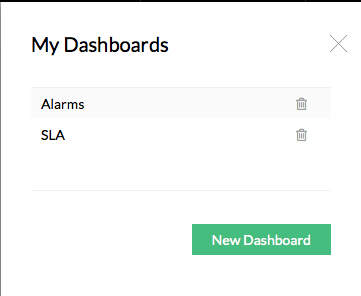
- Click Dashboard > My Dashboard > New Dashboard. Create New Dashboard page opens [screen shots given below].
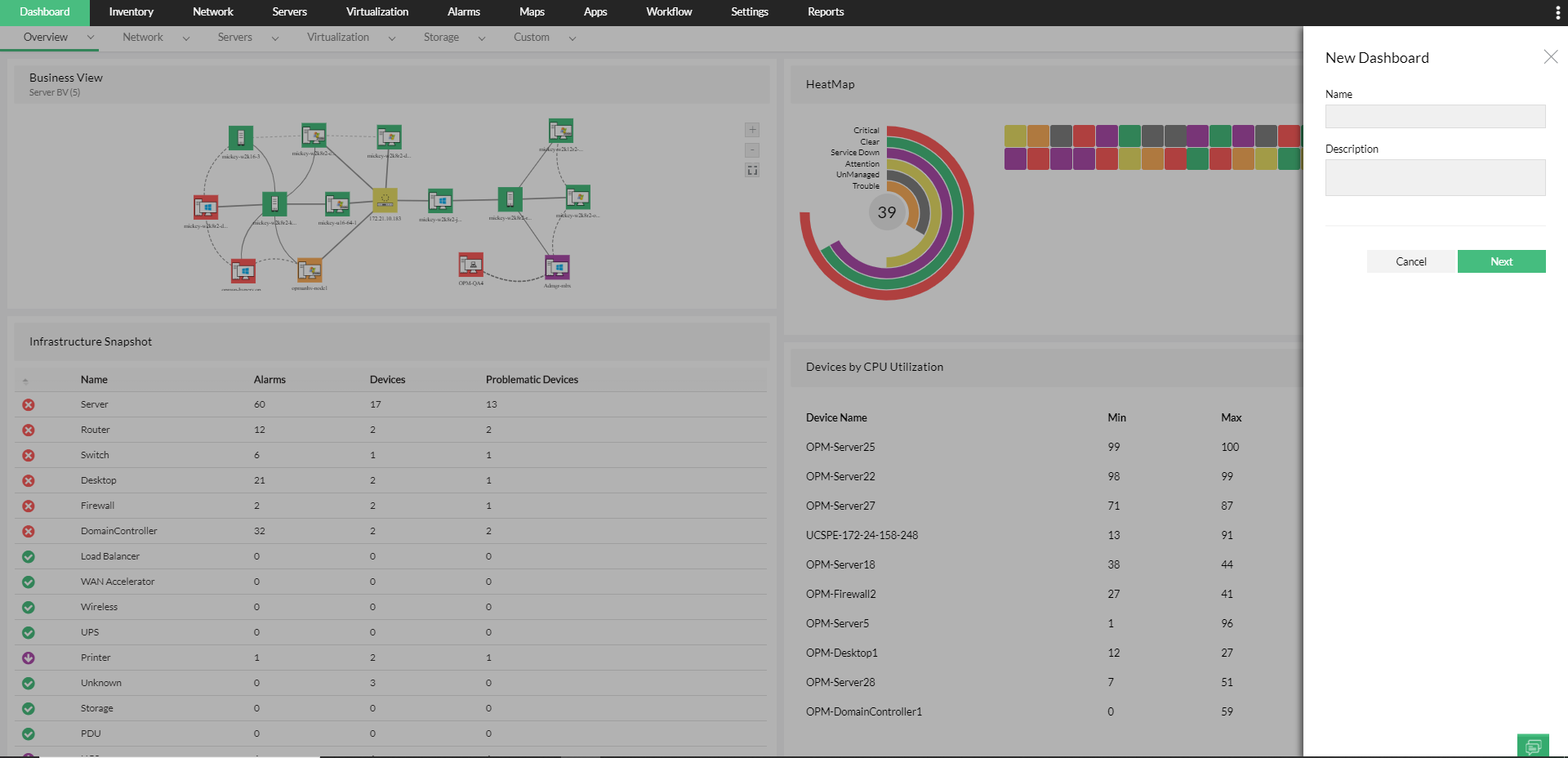
- Name: Enter a unique name for the dashboard.
- Description: Brief description about the dashboard.
- Click Next.
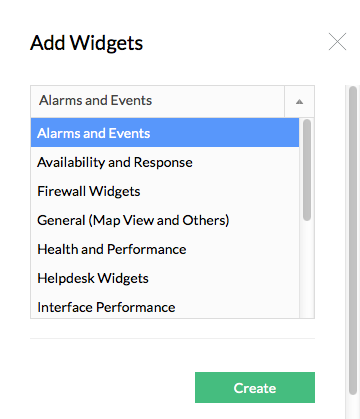
- Select Widget Category from the drop down list
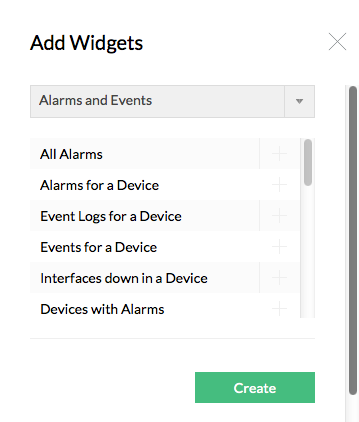
- Select Widget from the drop down list for the particular widget category
- Click Create button
A new dashboard is created and listed on the My Dashboard page.
