Layer 2 Mapping
Layer 2 Discovery helps network administrators/ Data center admins to visualize their complete network infrastructure with a live network map. It automatically discovers, maps and reports the complete set of devices (servers, desktops, virtual machines, firewalls etc) present in your infrastructure in less than no time.
It also offers periodical network rediscovery options to keep the map live and up-to-date. You can export these network maps to PDF, take print outs and share it with your peer groups.
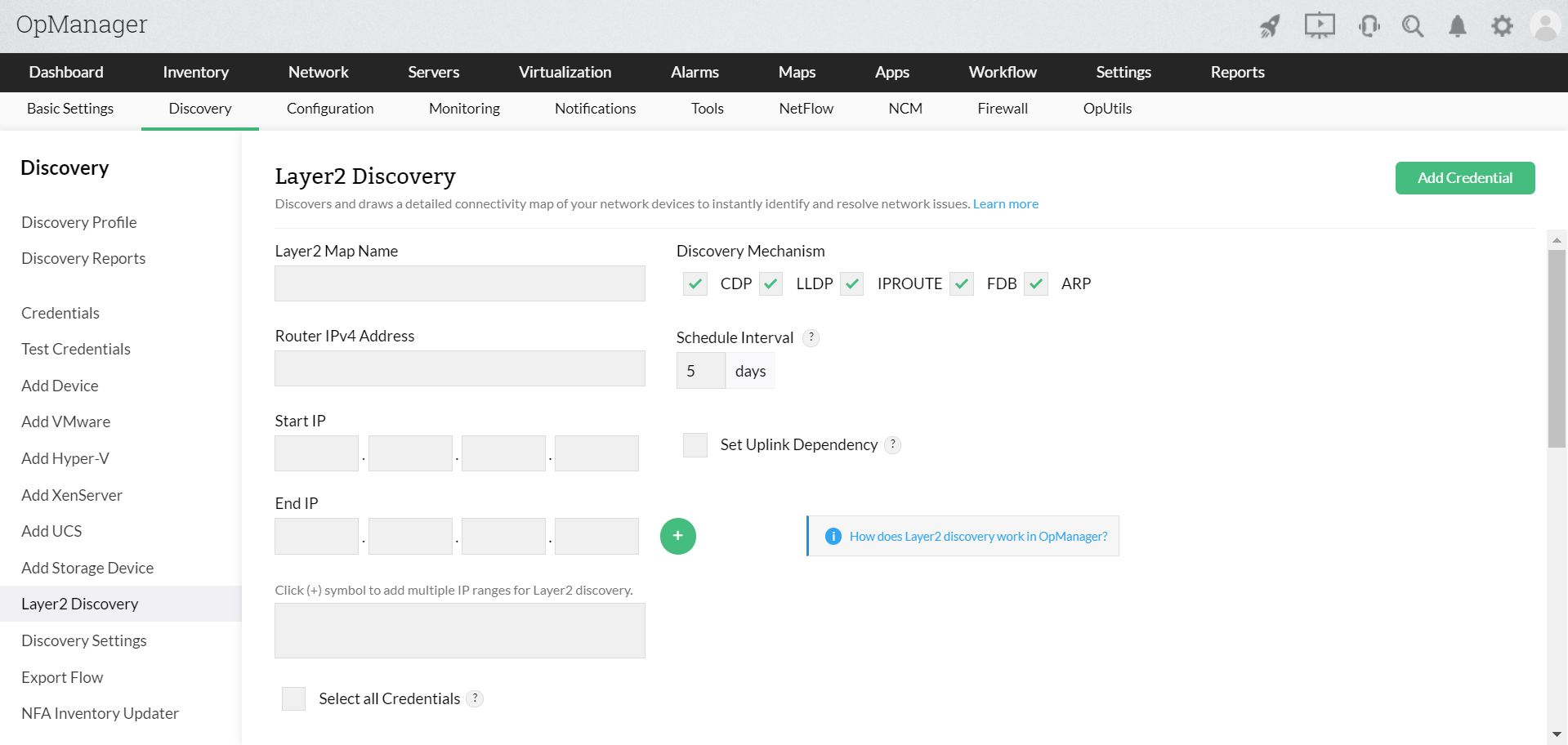
Configuration
- Go to Settings > Discovery > Layer 2 Discovery
- Layer 2 Map Name > Unique name of Map to be referrenced from all the places
- Router Address > The device must be a Seed Router or an L3 Switch
- Start IP > Network range starting IP Address
- End IP > Network ragne ending IP Address
- Select the Discovry Mechanism: CDP, LLDP, IPROUTE, FDB, ARP
- Schedule Interval > Specify the interval (in days) at which the map must be re-drawn
- Select the respective credential and click Discover to let OpManager Nexus draw the map.
