Managing and Unmanaging a Device
By default, OpManager Plus manages all the discovered devices. However, there might be some known devices that are under maintenance and hence cannot respond to status polls sent by OpManager Plus. These devices can be set to unmanaged status to avoid unnecessary polling. Once maintenance gets over, they can be set to managed status.
To unmanage a device:
- Go to Inventory > Devices > Device snapshot page
- Under Actions, select Unmanage.
This stops the status polling and data collection for the device and changes the device status icon to gray .
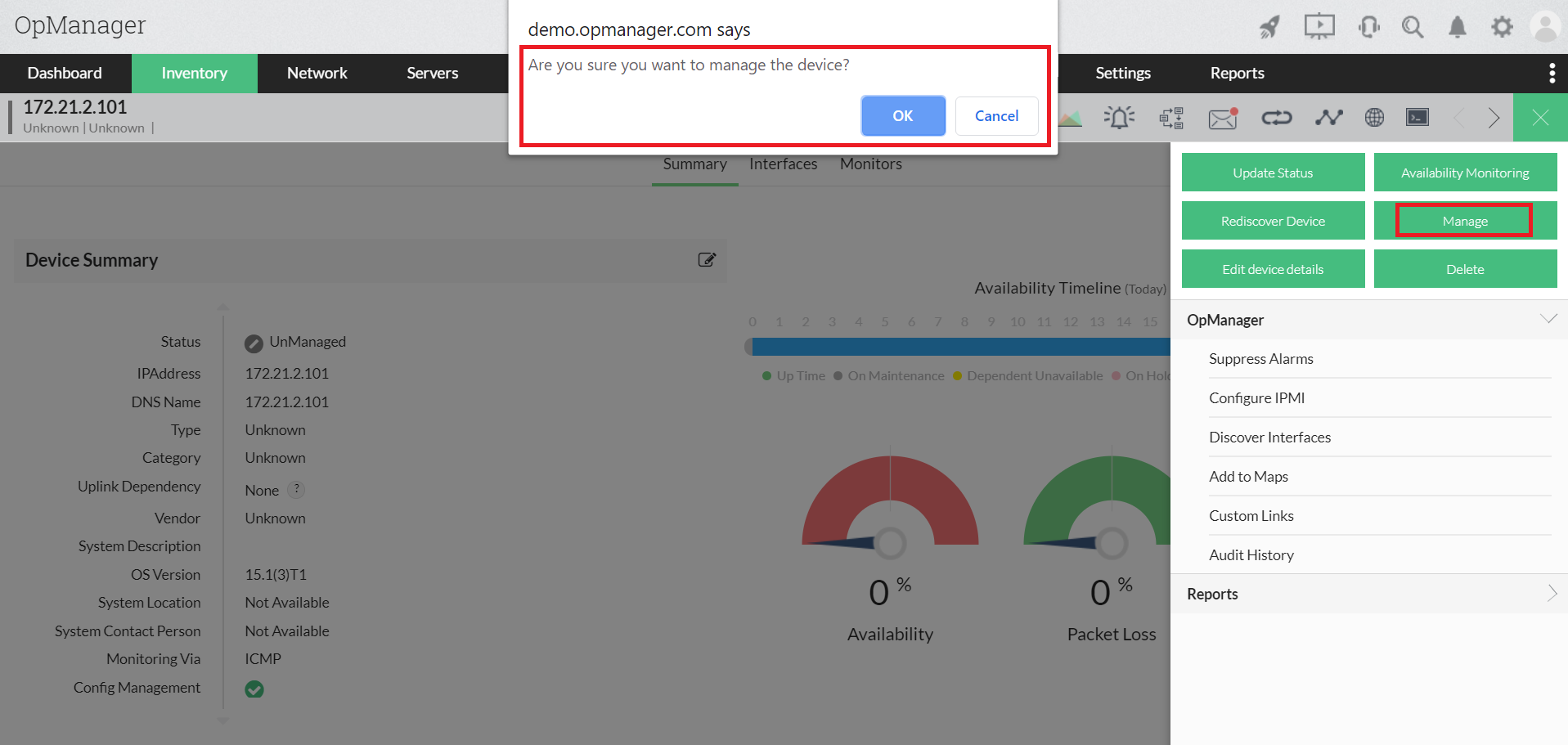
To start managing an unmanaged device:
- Go to Inventory > Devices > Device snapshot page
- Under Actions, select Manage.
This resumes the status polling and data collection for the device. The status icon shows the current status of the device.
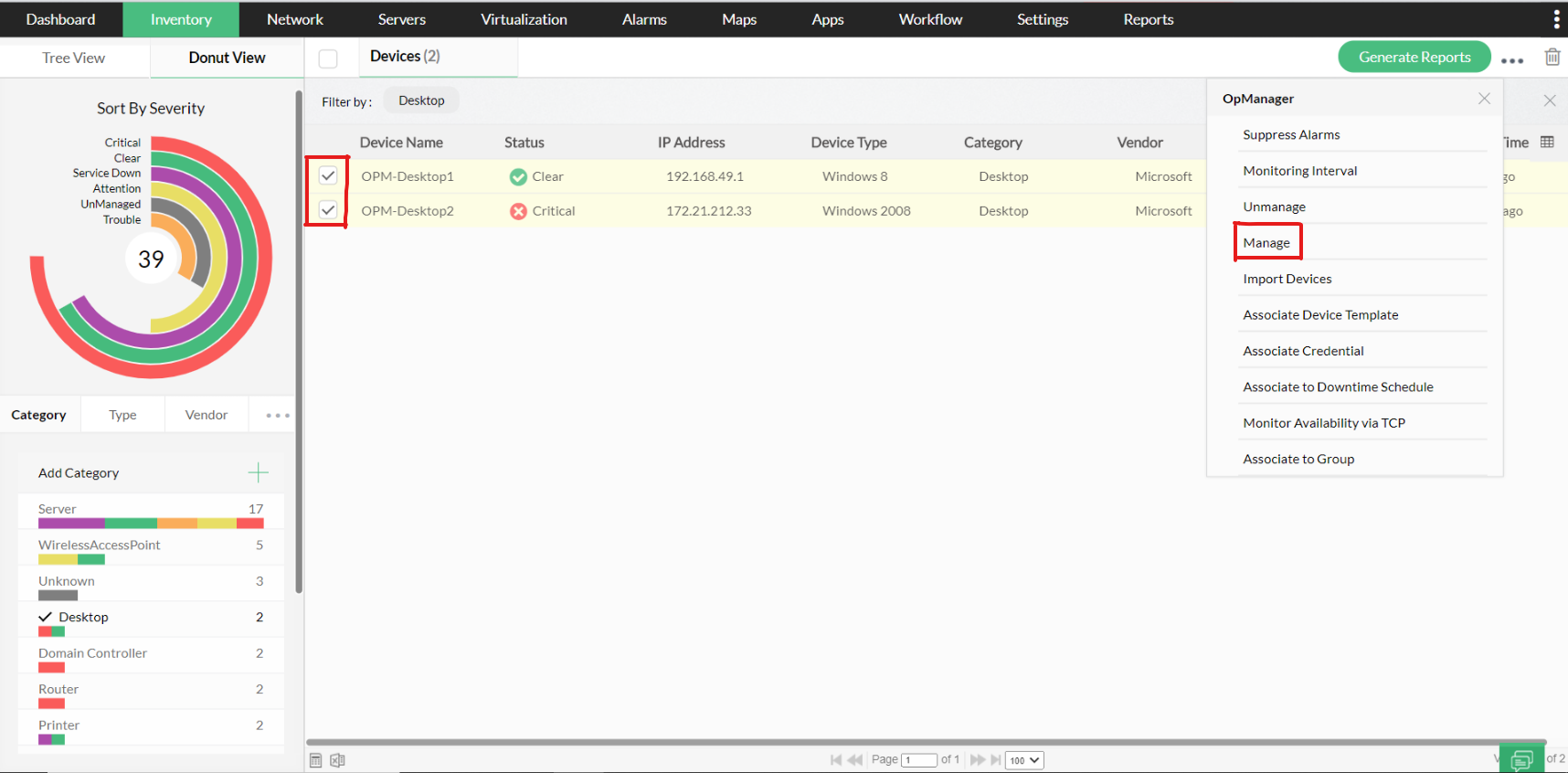
To Manage or Unmanage devices in bulk -
- Go to Inventory
- Check the devices you wish to manage/unmanage
- Click on the menu at the top right>>unmanage/unmanage the devices