POSTMAN - Third party API tool - An App in chrome
This tool will help you to check whether the API is successful or not. Provide the details which should be used in the SMS server settings and you can cross verify once here before configuring in OpManager Nexus.
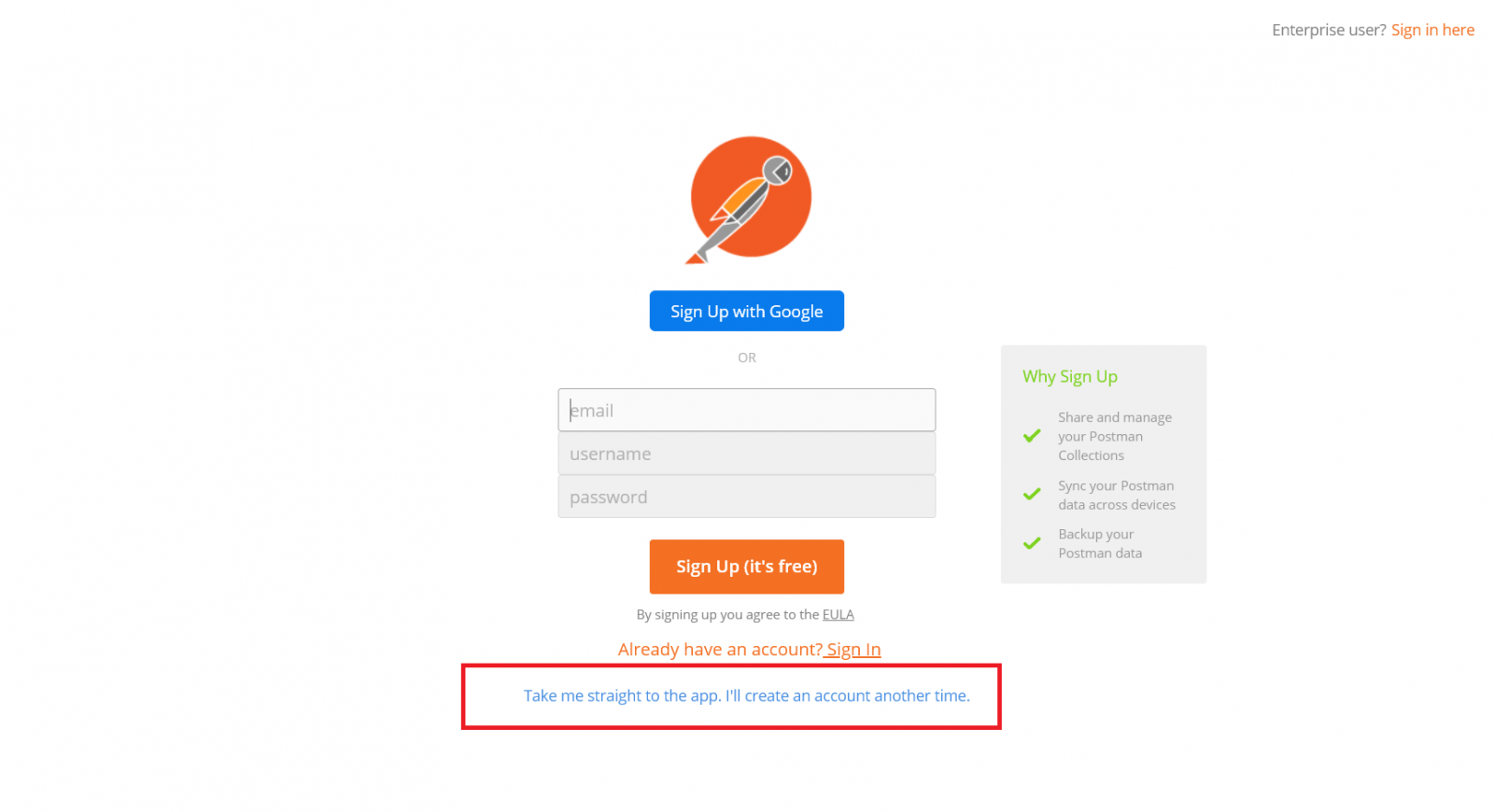
You can download this from here and either sign in or click "Take me straight to the app".
1.Please provide the base URL of the SMS gateway provider and select the API method as POST or GET.
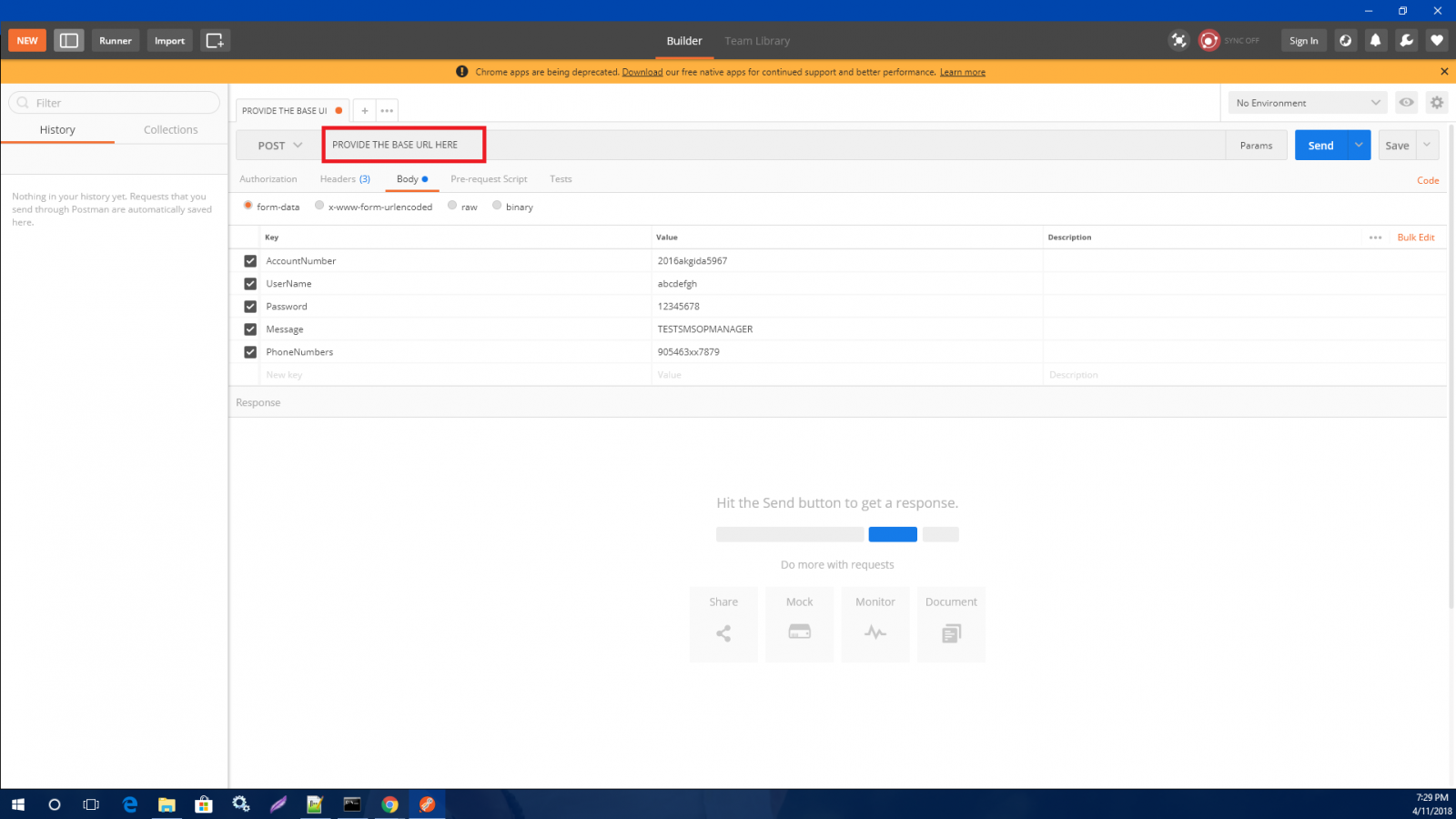
2.Please provide the body with the required "HTTP parameters" you provide in OpManager Nexus.
3.Provide the headers under Headers tab which you will use it as "Request Headers" in OpManager Nexus.
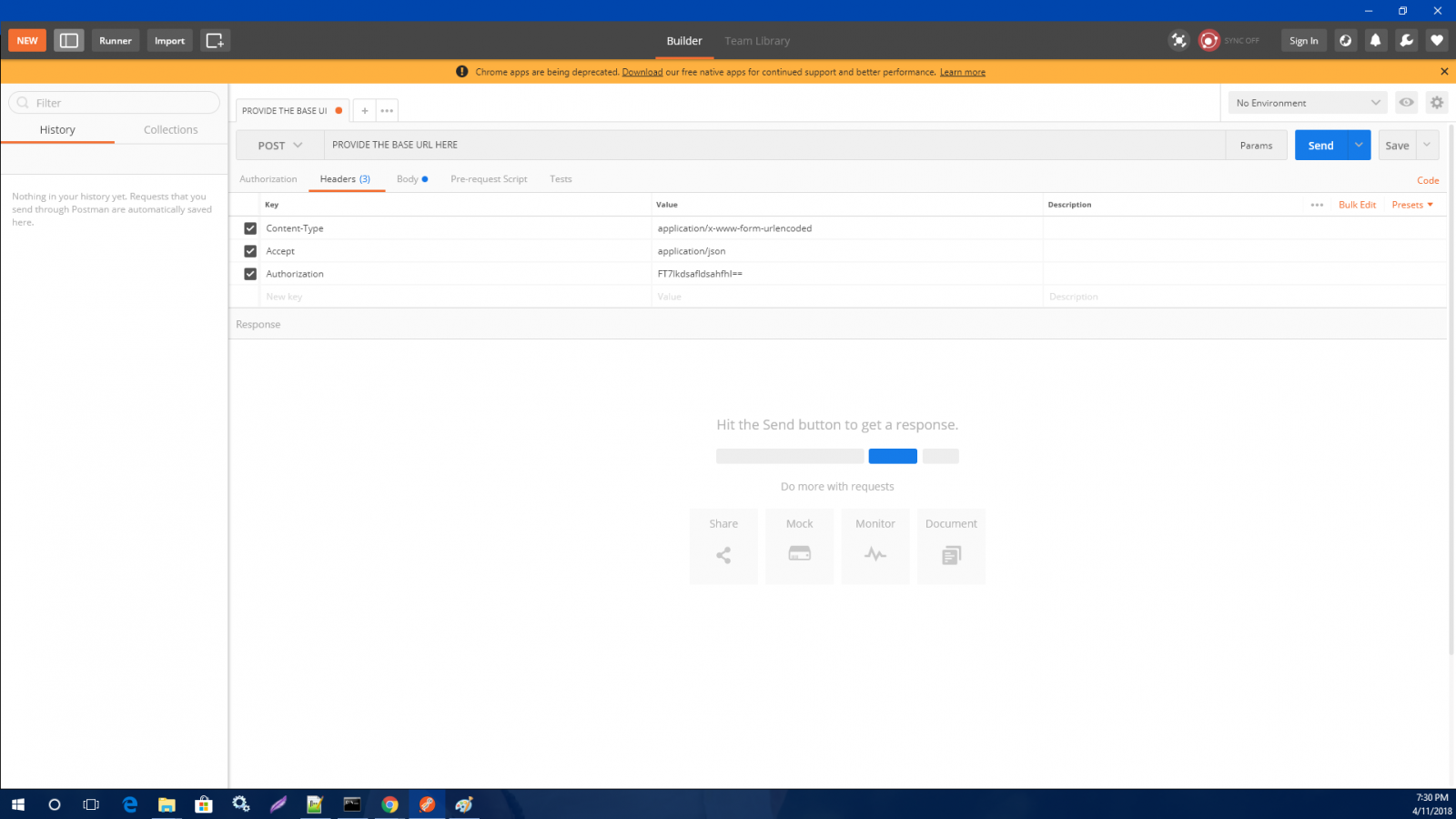
4.Click "Send" and check the status.
