Adding New Widgets
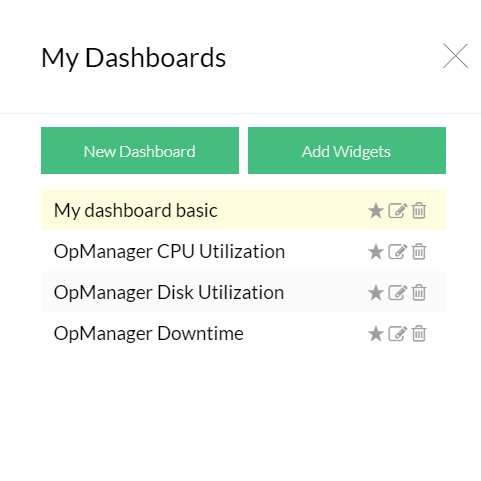
To add a new widget to a dashboard follow the steps given below:
- Go to Dashboard > My Dashboard and click on name of the Dashboard to which you want add widgets.
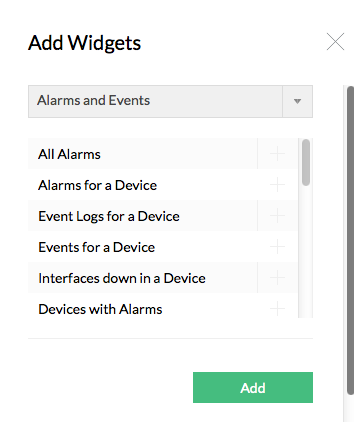
- Click on Add Widgets seen at the bottom of the page
- Select the Widget(s) that you want add to the dashboard.
- Click Add button to add the selected widget(s) to the dashboard

Editing Widgets
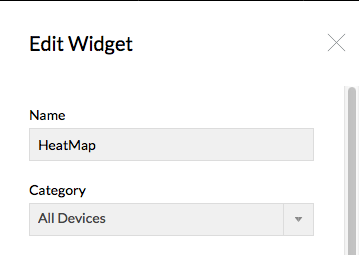
To modify the existing widgets go through the steps given below:
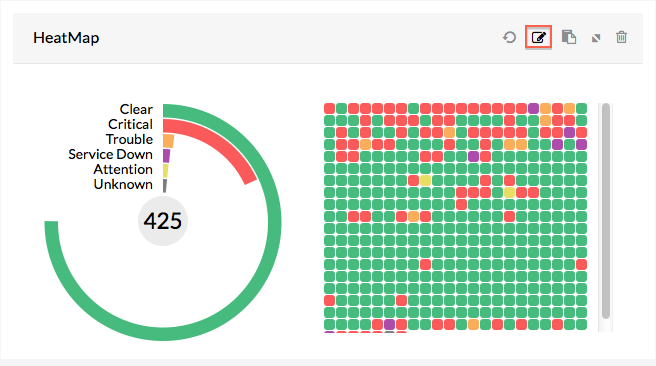
- Click on the Edit against the widget on which you wish to modify the fields
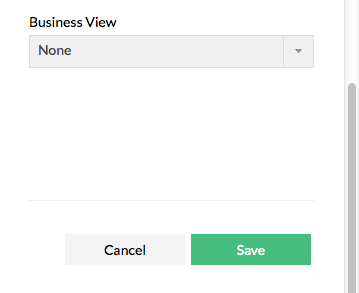
- Modify the required fields.
- Click Save to effect the changes.
Deleting Widgets
To delete a widget go through the steps given below:
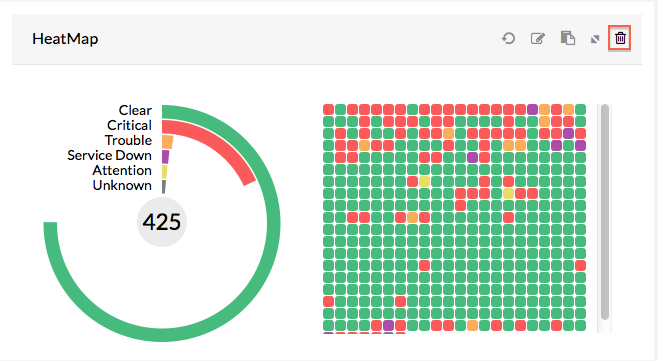
- Click on Delete icon available on the widget box. A confirmation window pops up.
- Click OK to confirm deleting