
Database Access
Last updated on:
In this page
Overview
This page outlines how to use the database access feature to run read-only queries on the product database. It allows you to retrieve specific data for diagnostic or verification purposes without directly connecting to the database server.
Only select query types are supported to maintain data integrity and security.
Steps to query the product database
- Navigate to the Settings tab and click on System Settings > System Diagnostics > Database Access
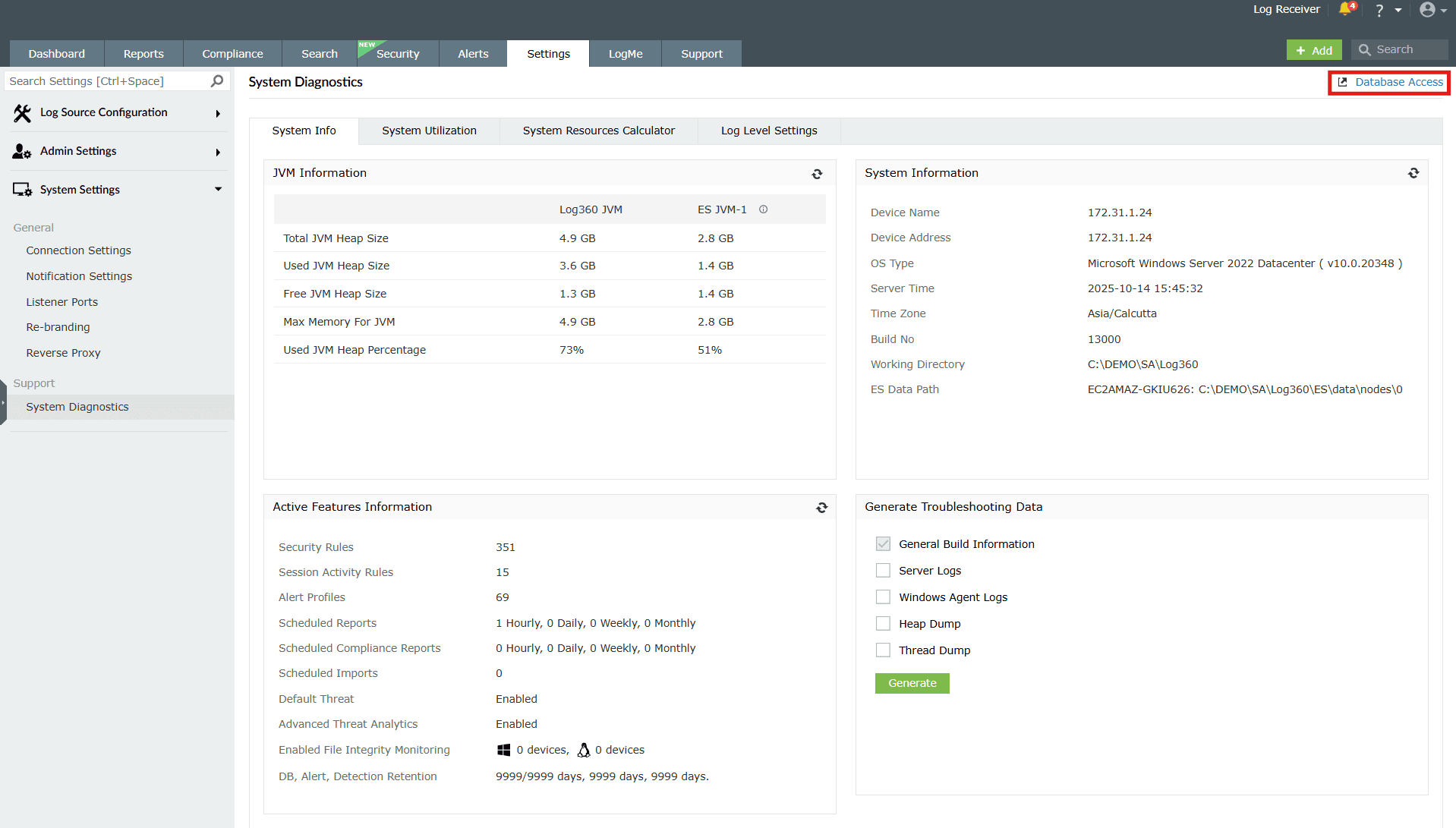
Image 1: Database access option in system diagnostics settings 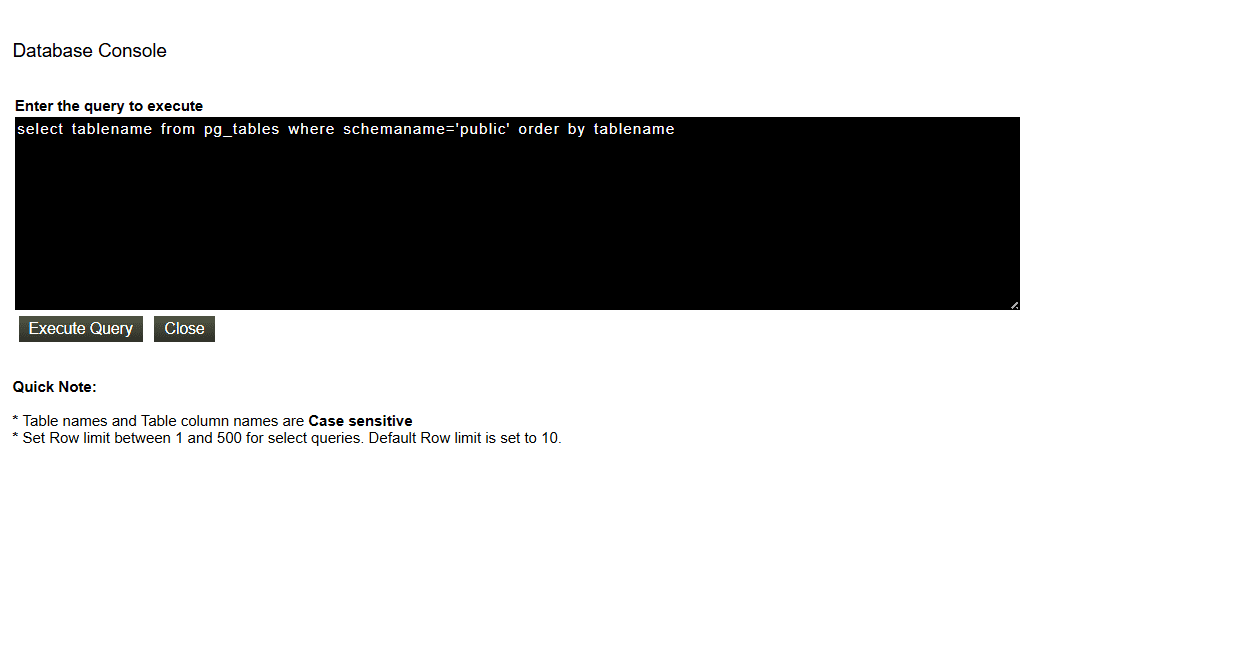
Image 2: Database access configuration in the product console - Enter the database query in the console.
- Click the Execute Query button.
NOTE
- Only 'read queries' can be executed.
- Create, Alter, Insert queries cannot be executed.
- Table and Column names are case sensitive.
Read also
This page outlined how to use the database access option to execute read-only queries for diagnostics. To learn more about related configurations, see the following pages: