Microsoft Office 365 can issues due to your computers, connection, Office 365 service itself, or iOffice 365 subscription payment. Microsoft offers troubleshooting tools to help you diagnose and resolve the problem.
Using Microsoft Support and Recovery Analyzer for Office 365
The Microsoft Support and Recovery Analyzer can run diagnostic tests to identify and, in some cases, automatically resolve issues. You can download Recovery Analyzer, from https://diagnostics.outlook.com/#/.
Using the Service Health Dashboard
If you suspect a problem with any of the components of the Office 365 service itself, the first place you should look is the Service Health Dashboard, available at https://portal.office.com/adminportal/home#/servicehealth.
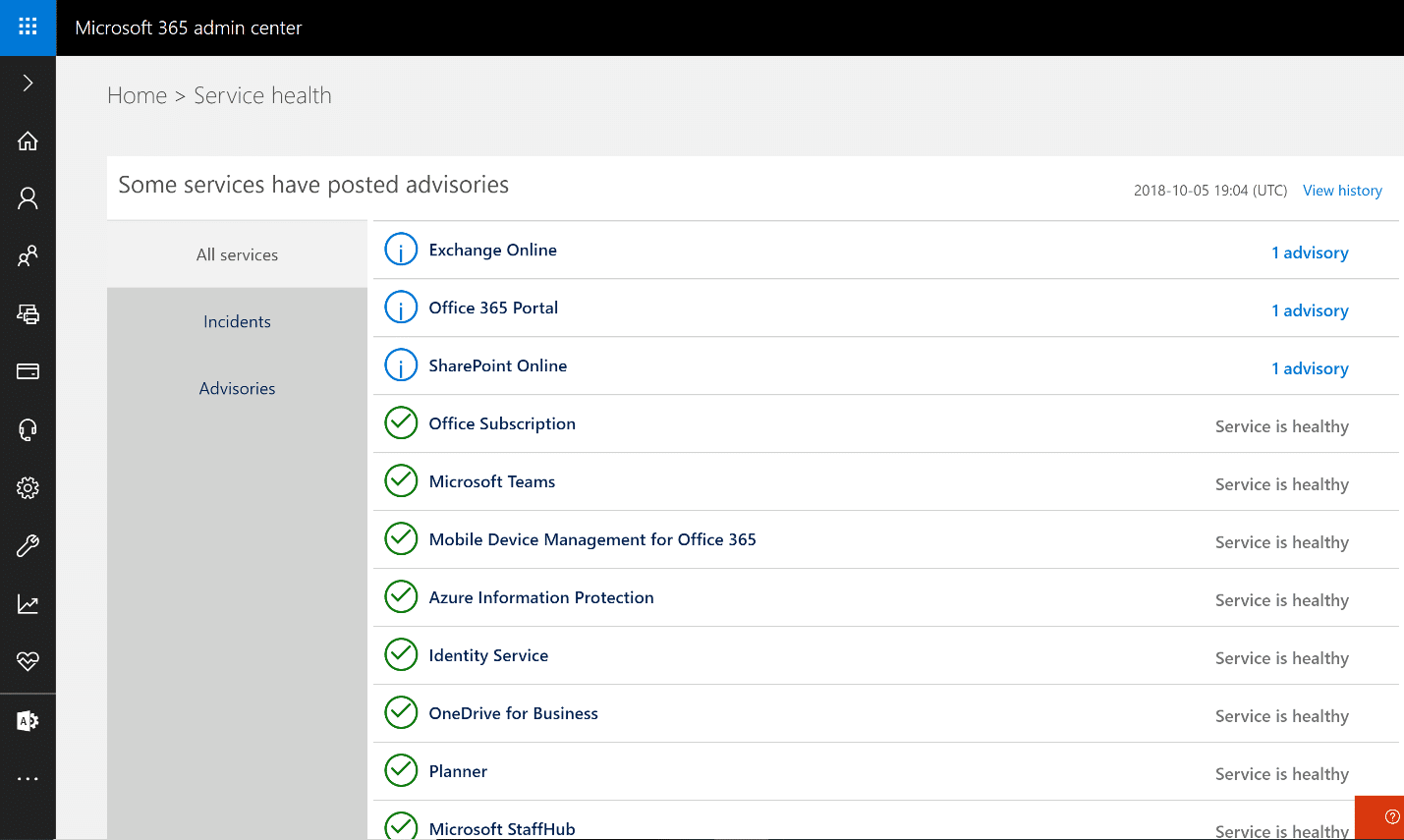
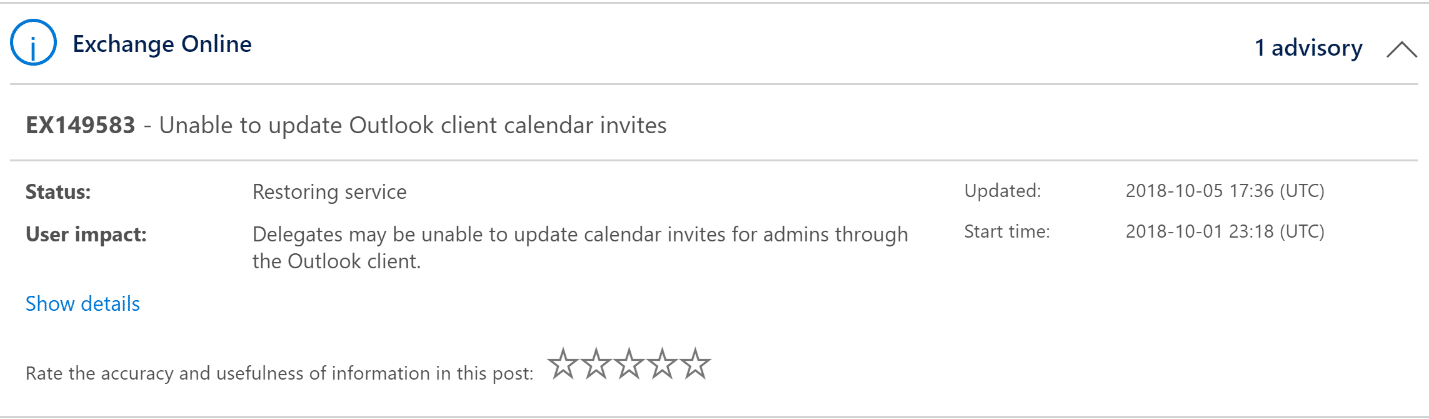
If you do see a relevant notice, open it to get more information. Here is an example:
Using the Microsoft Remote Connectivity Analyzer
The Microsoft Remote Connectivity analyzer, available at https://testconnectivity.microsoft.com/, is a website hosted independently of the Microsoft datacenter network. It can attempt to connect to various Microsoft services (or your on-premises systems) in a variety of scenarios; a failure of any of these tests is a very strong indicator that an issue resides on the Microsoft side of the equation and not locally.
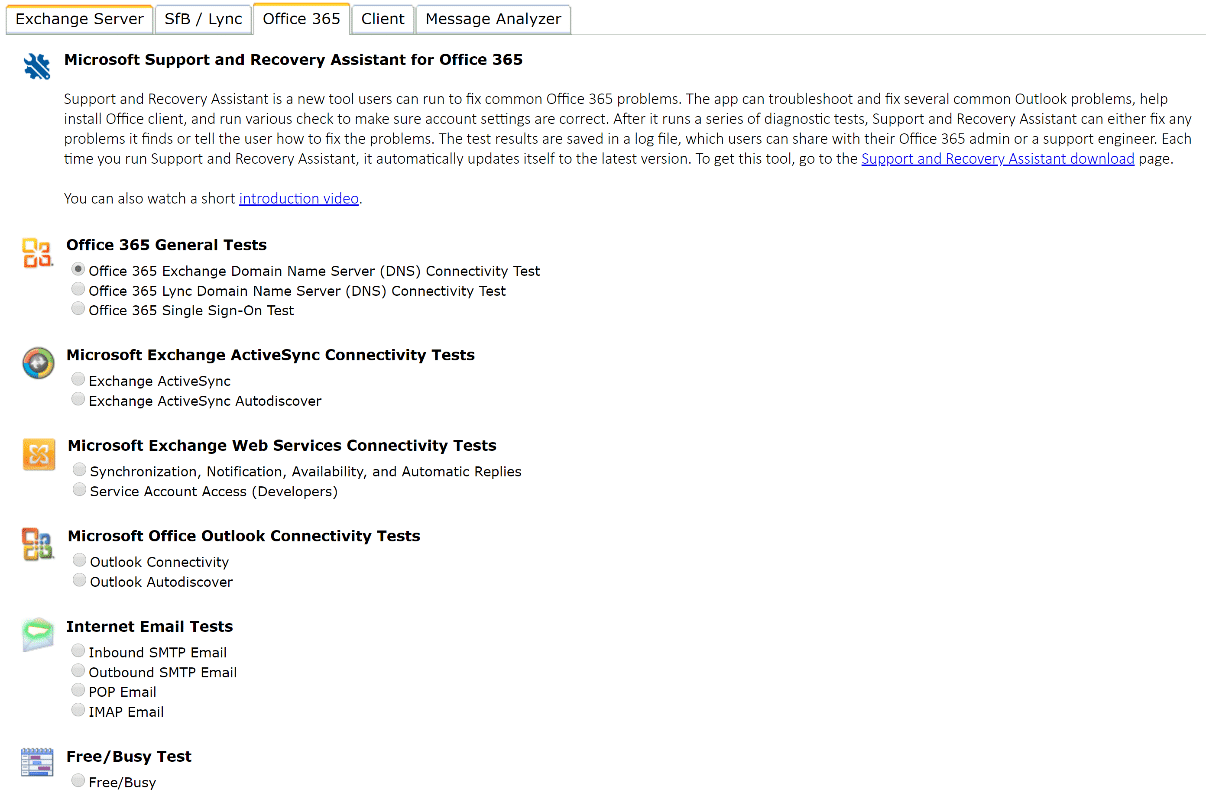
The Office 365 tab of the analyzer has a variety of tests, including tests to make sure Exchange and Skype for Business Online are responding. You can also test inbound and outbound email and, if you are operating in a hybrid environment, you can test whether calendar free/busy results are available on the Office 365 side. If you are in the initial stages of Office 365 adoption, you may also find it useful to try the Autodiscover tests to make sure your DNS records are properly entered and hosted so that late-model Outlook clients can automatically find their own configurations.
Of course, troubleshooting is just one aspect of maintaining a secure and available IT environment. You also need to perform regular risk assessment, strictly enforce the least-privilege principle, carefully monitor user activity, understand where your sensitive data is stored and so on.
