| Facilitate conditional access by | How it can be accomplished | How it can be used |
| Device-based conditional access |
| Granting access to enrollment only when the device meets specific conditions. | Restrict enrollment and provisioning based on device type, ownership, OS, and directory group. | Limit enrollment only to specific OSs, BYOD devices, or only to specific users, depending on how you wish to set up your mobile IT infrastructure. |
| Granting access to corporate resources based on a device's group membership. | Automatically assign devices to groups with pre-configured policies to dictate the level of access allowed to each device based on its group. | Implement stricter device configuration policies for business-critical device groups. For instance, kiosk devices can be locked down to only the needed app, while devices serving both personal and corporate uses can be configured with less restrictions, with the corporate workspace containerized. |
| Granting access to corporate resources based on user role. | Implement thoroughly configured policies to each team to limit employees access to only the apps, content, and permissions needed to fulfill their tasks. | Configure devices based on the user's job. For instance, an HR employee can access only the HR app, while someone in sales will be allowed access to CRM, sales tools, and files containing customer details. |
| Granting access to Exchange only to managed devices. | Restrict access to your Exchange server and Microsoft 365 apps only to managed devices. | Ensure employees accessing corporate data through mobile devices have the needed security measures configured and are compliant with your policies. |
| Granting access to enrollment only to users who accept predefined terms. | Configure the Terms of Use and require it to be accepted by employees before enrolling their devices and allowing access to sensitive corporate data. | Ensure employees read and agree to device management terms that outline the aspects of the device that the IT team can control and what data is collected. This is crucial, especially when managing BYOD devices. |
| App-based conditional access |
| Granting access to Microsoft apps only to secure devices. | Restrict Microsoft 365 app access to devices that fulfill specific security conditions, OS, and patch versions. | Allow the access of Microsoft 365 apps on unmanaged Apple and Android devices that have passwords, DLP policies, specified OS and app versions, and other requirements configured. |
| Granting access to internal apps based on group membership and user role. | Restrict internal app access only to specific directory groups and users on an as-needed basis. | Deploy internal apps containing or allowing access to sensitive data on an as-needed basis. For instance, devices held by hospital staff can have access to the patient database app, while devices deployed as self-service kiosks will have access only to the check-in app. |
| Granting access to work files only through secured devices and trusted apps. | Restrict corporate mailboxes, attachments, and documents to be accessed through trusted apps, and apply DLP policies to prevent data exports. | Allow corporate data to be accessible only through internally-built apps to negate the security risks of having these files accessed through third-party and malicious apps. |
| Risk-based conditional access |
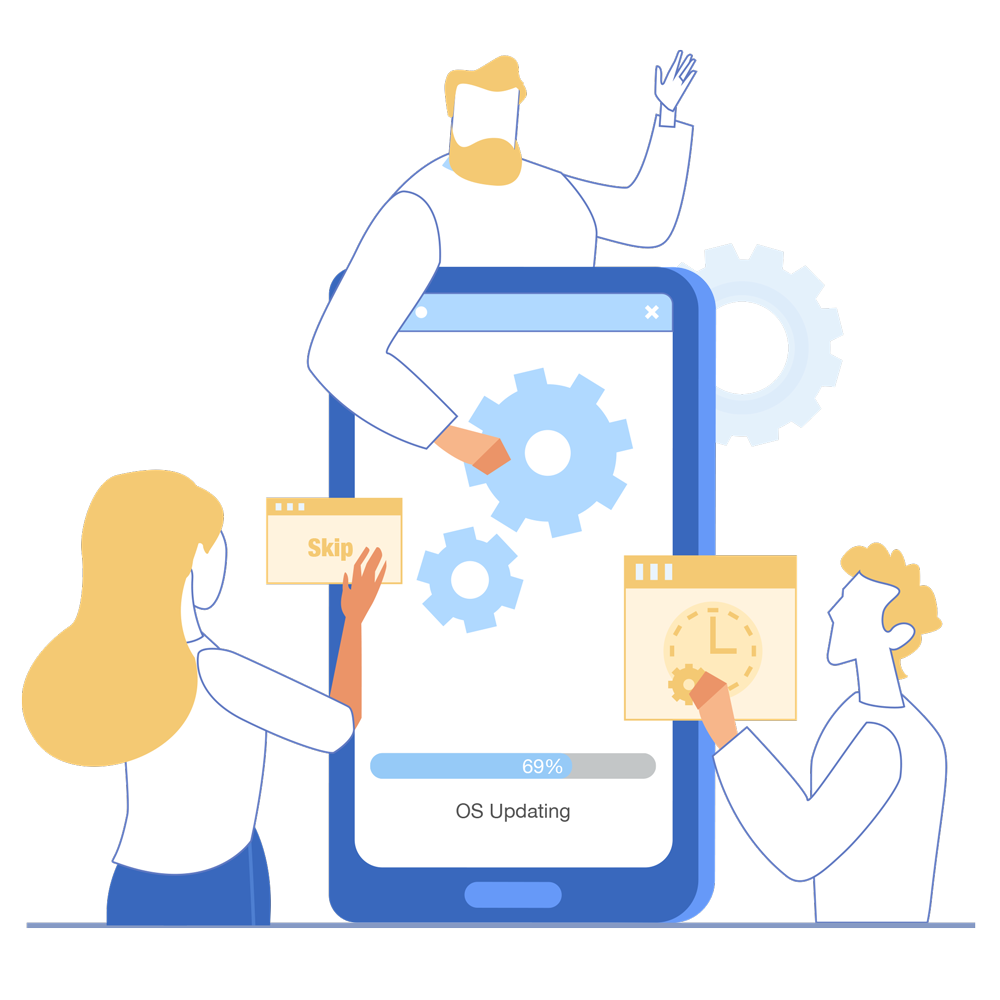
| Granting access to corporate data only to devices that fulfill specific security policies. | Restrict devices until they comply with customized sets of security restrictions like mandated password, forced encryption, scheduled un-skippable OS updates, and more. | Configure a password and define the minimum level of password strength required to fulfill security and compliance requirements. Device users will be forced to configure the password before being able to access their work device. |
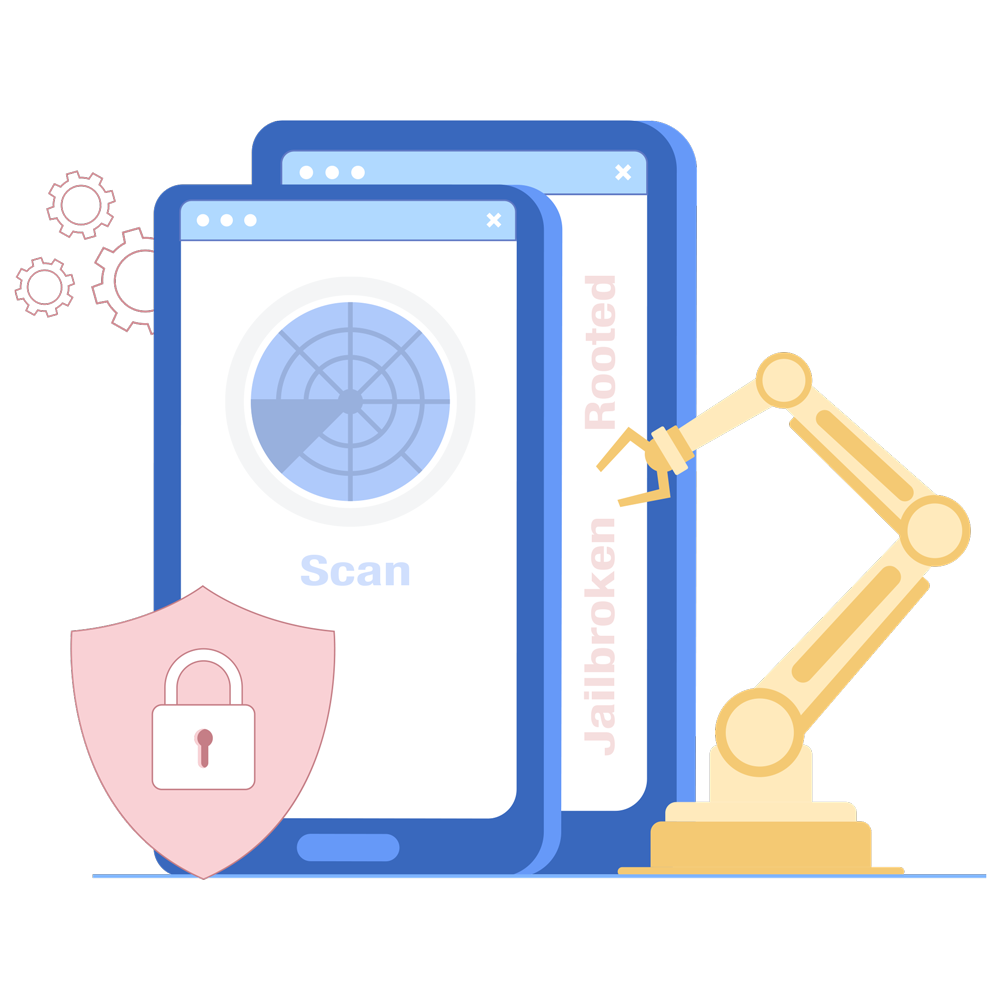
| Granting access to corporate data only to non-vulnerable devices. | Restrict access from jailbroken, rooted, and legacy devices by automating their detection and removal. | Monitor and constantly assess the security posture of your fleet by removing these devices from management and eliminate any possible security threats they pose. |
| Granting access to corporate data only to devices that don't register as a security threat. | Restrict devices that don't meet compliance standards by integrating with MTD apps. When devices are detected to pose a high threat, block the access of work apps and data on them, thereby allowing the conditional access of corporate resources only to secure devices. | Dynamically group and filter devices that register as high threat, and automatically restrict their access to corporate apps and data by initiating Kiosk Mode on them with access only to non-corporate apps. |
| Network-based access |
| Granting access to corporate data only after the device is connected to a VPN. | Facilitate an automatic VPN connection to be established when a corporate app is launched. | Have devices connect to your internal network when work apps are launched to monitor and secure securing communications carrying sensitive corporate data. |
| Granting access to corporate data only after the device is connected to a safe internet connection. | Allow devices to connect only to trusted and pre-configured Wi-Fi networks. | Prevent devices from connecting to public and open Wi-Fi networks to secure device communications. For added security, you can also ensure devices only connect to the office Wi-Fi to safeguard devices and data from network-based threats. |
| Granting access to corporate data only after the device is verified with certificates. | Restrict corporate network access only to devices verified with certificates. | Keep work devices secured with certificates that are automatically renewed, preventing access from non-verified devices. |
| Location- and time-based access |
| Granting access to devices located within specific boundaries. | Block the access of corporate data when devices are outside specific geographical boundaries, thereby enabling location-based access through geofencing. | Ensure business-essential data stays within the office premises by wiping it if the device is taken out of the defined boundary. |
| Granting access to device apps only during a specified time. | Automate an app to launch only during a certain time of day, thereby enabling time-based access to apps through Autonomous app mode. | Allow access to apps during a specific event like an exam, conference, or meeting. |