From Metrics to Mastery: VMware Monitoring Best Practices
Virtualization has become the backbone of today’s data centers, with VMware at the forefront of this shift. As more enterprise workloads migrate to virtual machines, organizations gain scalability, flexibility, and cost savings. But they also face new layers of complexity.
Traditional VMware monitoring approaches often fall short, relying on basic uptime checks and reactive troubleshooting. This can lead to blind spots, delayed issue detection, and missed opportunities to prevent performance degradation or compliance gaps. The result? VM sprawl, resource contention, costly outages, and frustrated end-users.
To overcome these challenges, IT teams need to move beyond simple monitoring and adopt a proactive, best-practices-driven strategy. This guide outlines key technical practices for building a resilient VMware monitoring framework, with OpManager as the foundation for visibility, automation, and prevention.
Best practices for VMware monitoring
Below are some of the recommended best practices while monitoring a VMware infrastructure.
1. Establish monitoring governance & objectives
- Define business services and SLAs by mapping VMs, clusters, datastores, network paths and storage arrays to revenue-bearing services (e.g., PMS, PoS, booking API). Every metric you track should tie back to an SLA or business impact.
- Create an owners matrix by assigning application owners, infra owners, and escalation contacts for each service. This removes ambiguity during incidents.
- Set measurable SLOs (latency, error rate, transaction time) and use those SLOs to derive technical thresholds.
2. Discovery, inventory & tagging
- Automate discovery via vCenter credentials (agentless). Ensure automatic refresh of inventory and topology maps so the CMDB reflects the live state.
- Tag critical VMs (payment systems, booking, DNS, AD) and create business views in the monitoring console so alerts and dashboards surface business impact first.
3. Metrics: What to monitor and why
Track a consistent set of host, datastore, network and VM metrics. Prioritize the following as your minimum baseline:
- CPU utilization and CPU Ready
- Host memory utilization, balloon driver usage, swap in/out.
- Host network drops, RX/TX errors, interface saturation.
- Datastore read/write latency (ms), IOPS, queue depth, storage path errors.
- Snapshot growth and orphaned snapshots per VM.
- SIOC (Storage I/O Control) congestion and thresholds.
4. Telemetry retention
- Collect infrastructure metrics at short intervals for real-time analysis; store aggregated hourly/daily rollups for capacity planning and trend analysis.
5. Baseline & thresholding
- Establish baselines for normal behaviour by studying current usage patterns and historical trends.
- Derive thresholds from the said baselines and SLOs rather than using generic values.
6. Intelligent alerting & noise reduction
- Use adaptive thresholds and anomaly detection rather than static single-value thresholds for everything.
- Correlate alerts across different layers of the stack. For instance, datastore latency + host CPU ready + storage array alarms should correlate into a single incident with a clear root cause.
- Alert grouping & suppression windows during noisy maintenance tasks (backup runs, patch windows) to avoid fatigue.
- Prioritize alerts by triggering immediate notifications for critical business services, while sending emails only for lower-impact infrastructure issues.
7. Automation & remediation playbooks.
- Integrate with orchestration platforms to create and trigger remediation playbooks at the hint of a mishap. For instance, when datastore latency breaches the threshold and multiple VMs show I/O wait, run a prescriptive checklist. (notify storage team, throttle non‑critical VMs, open ticket)
- Automate safe corrective actions (snapshot cleanup, VM restart, automated vMotion) wherever possible; and mandate human approval for disruptive fixes.
- Integrate with ITSM by automatically creating incidents and assigning them to a relevant technician to speed up troubleshooting.
8. Capacity planning & forecasting
- Weekly capacity reports with headroom recommendations (CPU, memory, datastore) tied to business growth forecasts.
- Use trend forecasting to plan host additions or optimizing.
9. Storage & network – Don’t treat VMware in isolation
- Storage and network are frequent root causes. Monitor and map storage paths, controller queues, back-end SAN latency, and switch errors alongside vSphere metrics.
- Enable Storage I/O Control (SIOC) and tune congestion thresholds per workload; SIOC defaults are a starting point but must be validated for your IO profile.
10. Security, compliance & change monitoring
- Audit vCenter API calls, VM power events, and configuration changes. Retain logs for compliance windows required by PCI‑DSS/HIPAA.
- Monitor for unexpected VM spawns, role changes, or sudden configuration drift.
11. Operational routines
- Run daily health checks for capacity, cluster imbalance, datastore free space, and backup job success.
- Monthly audit for orphaned VMs, snapshots older than X days, and license consumption.
- Quarterly DR and failover drills to validate assumptions and monitoring coverage under load.
Choosing the right VMware monitoring strategy
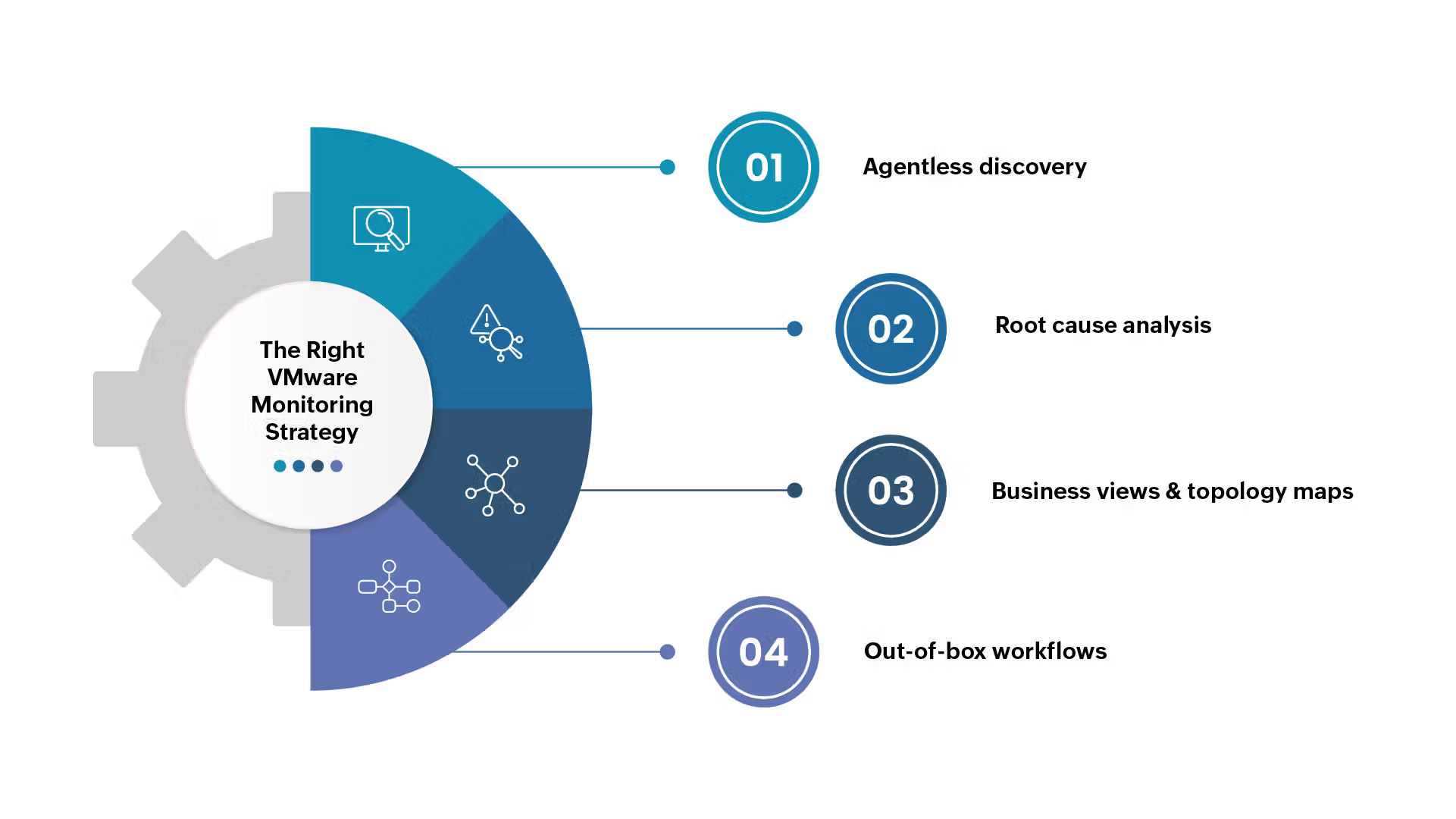
The right strategy balances performance visibility, scalability, and automation. With OpManager's VMware monitoring feature, you can:
- Agentless discovery simplifies deployment with minimal overhead.
- Root-cause analysis to help identify cross-layer problems faster.
- Business views and topology maps provide a service-oriented perspective.
- Out-of-box workflows allow automated remediation for recurring issues.
OpManager’s integrated model ensures teams don’t need multiple point solutions, reducing complexity and licensing costs.
Common VMware monitoring challenges and how to address them
Even experienced teams face hurdles when monitoring VMware environments. Understanding these challenges is key to avoiding service disruptions.
I. Performance bottlenecks
Performance bottlenecks occur when virtual machines compete for limited resources like CPU, memory, or storage I/O. Symptoms include sluggish application performance and delayed response times.
- Why it happens: Overcommitment of resources, poorly sized VMs, or misconfigured hosts.
- Solution: Monitor CPU Ready Time, Memory Ballooning, and Datastore Latency in real-time with OpManager. Use the data to proactively rebalance workloads or trigger resource allocation adjustments.
II. Alert fatigue
Too many alerts can overwhelm IT teams, causing critical issues to be overlooked.
- Why it happens: Static thresholds that don’t adapt to fluctuating workloads or seasonal traffic spikes.
- Solution: Leverage adaptive thresholds and multi-level alerts in OpManager to prioritize important notifications. Group related alerts to reduce noise and highlight root causes.
III. Data overload
VMware environments generate massive amounts of telemetry data, making it hard to separate actionable insights from raw numbers.
- Why it happens: Lack of streamlined dashboards or focus on irrelevant metrics.
- Solution: Customize OpManager dashboards to show only the most impactful KPIs, such as datastore latency, host CPU usage, and VM health, making it easier to spot trends.
IV. VM sprawl
Uncontrolled VM growth leads to resource wastage and licensing cost overruns.
- Why it happens: Provisioning new VMs without proper tracking or decommissioning policies.
- Solution: Schedule regular audits using OpManager’s reports to identify unused or inactive VMs. Automate cleanup workflows to reclaim resources.
Bringing It All Together
When VMware monitoring challenges are addressed proactively using the right strategies and tools, IT teams can prevent downtime, optimize performance, and ensure seamless end-user experiences. The key lies in:
- Monitoring critical metrics continuously.
- Automating responses to recurring issues.
- Scaling monitoring processes as the environment grows.
- Regularly auditing resources to maintain efficiency and compliance.
OpManager simplifies this entire process by providing a single pane of glass to oversee your VMware infrastructure and its supporting ecosystem.
Ensure VMware monitoring best practices with OpManager
Implementing best practices is one thing, but sustaining them over time requires the right tools and visibility. This is where ManageEngine OpManager steps in as a comprehensive solution for VMware monitoring. OpManager brings together performance tracking, capacity planning, compliance, and automation to create a reliable and efficient monitoring workflow.
With OpManager, IT teams can:
- Automatically discover VMware hosts, clusters, and VMs, mapping relationships across the entire virtual ecosystem.
- Correlate virtual performance data with network and storage metrics for holistic root cause analysis.
- Configure dynamic, intelligent alerts to detect issues before they affect end-users.
- Generate detailed compliance and audit reports to meet PCI-DSS, HIPAA, and other regulatory requirements.
- Use custom dashboards to focus on the KPIs that matter most to your business.
- Automate remediation workflows, reducing manual intervention and human error.
By combining these capabilities, OpManager helps IT teams transition from a reactive troubleshooting model to a proactive, prevention-focused approach. With a well-implemented OpManager deployment, organizations can ensure their VMware monitoring strategy remains effective, scalable, and aligned with business objectives.
Download our 30-day free trial version for a hands-on experience. Alternatively, you can also schedule a personalised demo with our product experts.