Integrate OpManager with ilert
OpManager alerts can now be converted into ilert Events, enabling customers to monitor, acknowledge, and resolve alarms before escalation. This integration supports event deduplication and suppression, helping reduce alert noise. Thereby, it streamlines response to critical issues, minimizes downtime, and improves overall system reliability.
Steps to perform in ilert
Steps to follow in OpManager
Steps to perform in ilert
Create an Alert Source
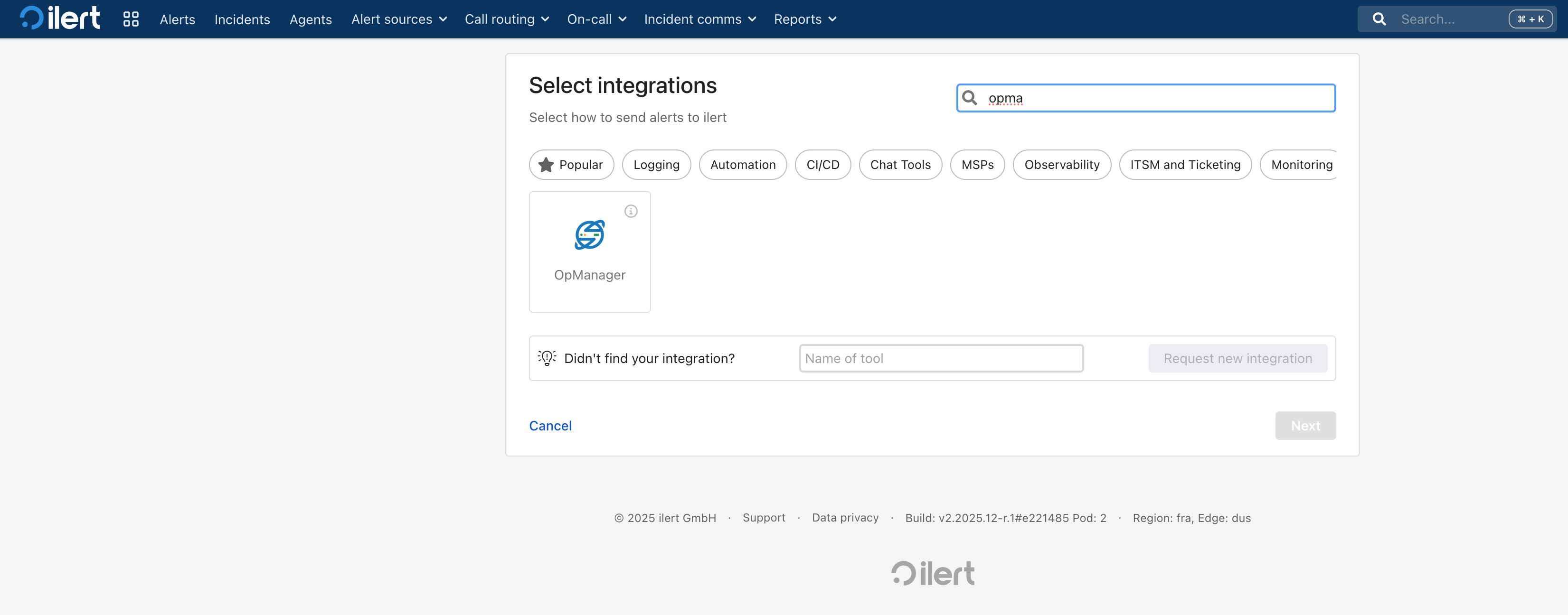
- Navigate to Alert Sources → New Alert Source → search for OpManager → and select OpManager.
- Enter a Name
- Select escalation policy and alert groupings as needed (both are optional).
- Click continue setup.
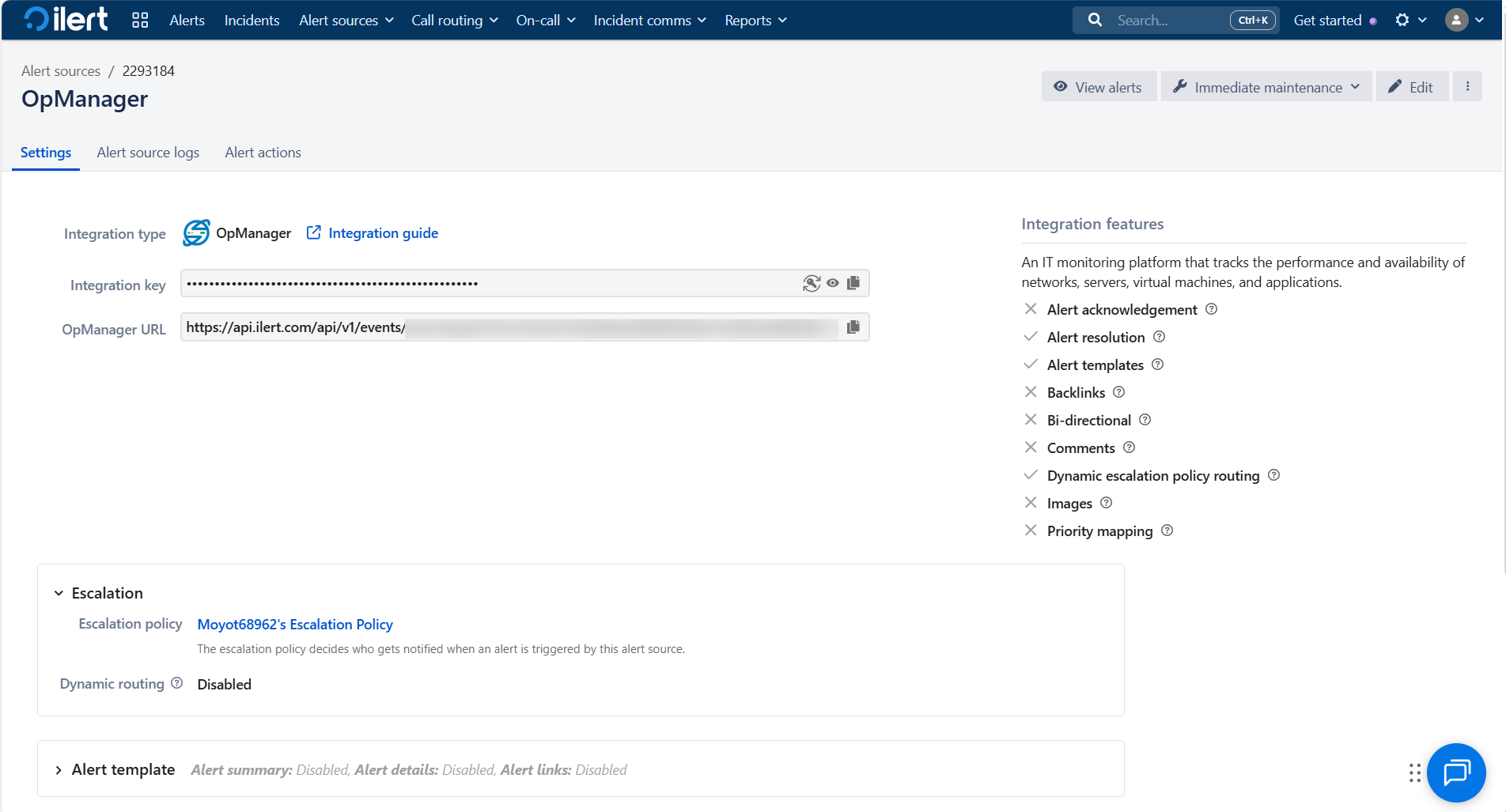
- Verify the configuration and click Finish setup.
- Copy the integration key and API URL.
Steps to perform in OpManager
Configure Custom Integration
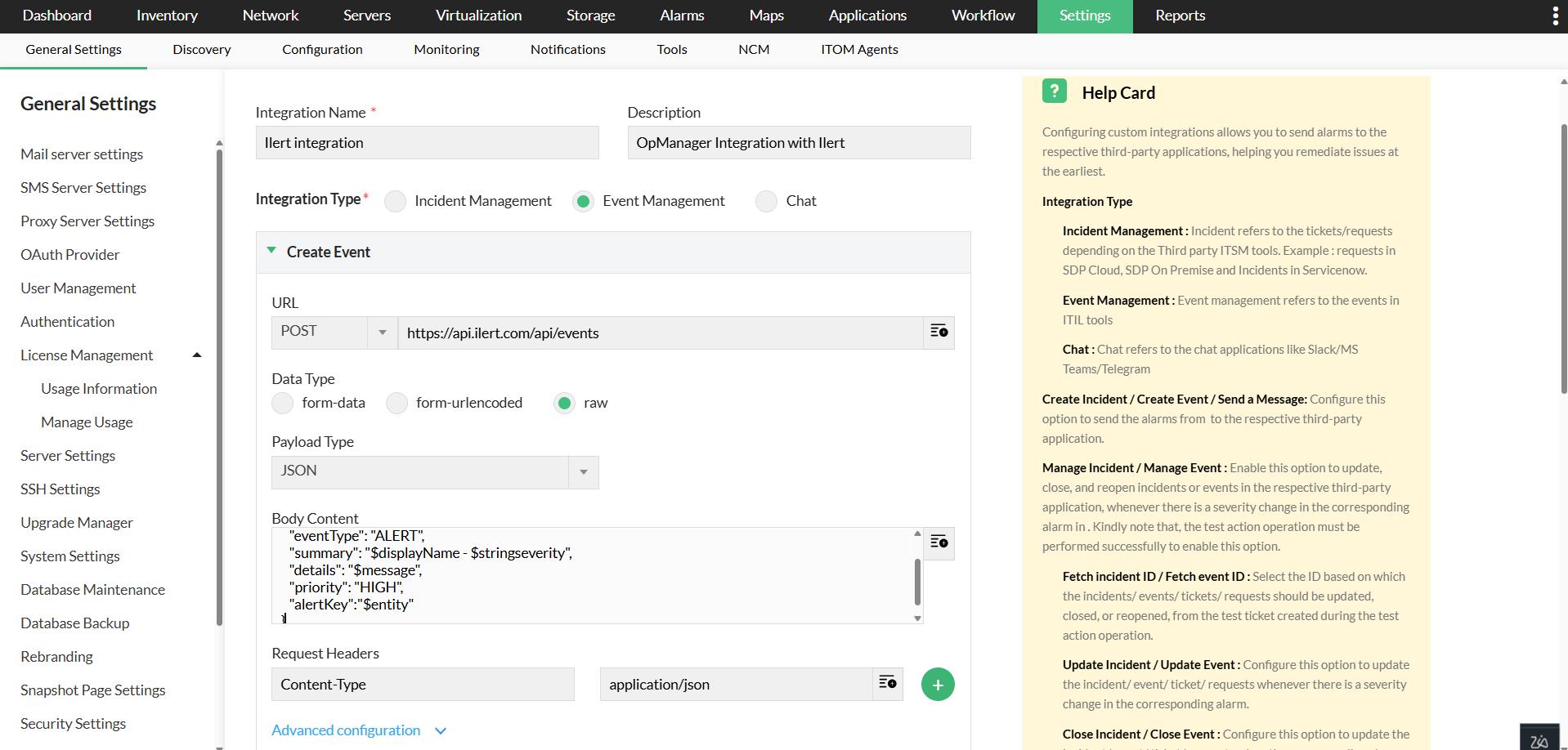
- Go to Settings → General Settings → Integrations → New Custom Integration.
- Name the integration as ilert Integration and add a description.
- In Integration Type, select Event Management.
Create an Event
Enter the following details under Create Event to create an event in OpManager,
- Method Type: POST
- Method URL: https://api.ilert.com/api/events
- Data Type: Raw
- Payload Type: JSON
- Body Content:
{
"integrationKey": "<integ_key>",
"eventType": "ALERT",
"summary": "$displayName - $stringseverity",
"details": "$message",
"priority": "HIGH",
"alertKey":"$entity"
}
Note: Replace <integ_key> with the integration key copied from the ilert page.
- Click Test action to verify the connection and check the Manage Event box.
- In Fetch Event id, enter $id.
Update an Event
To update an event, enter the following details,
- Method Type: POST
- Method URL: https://api.ilert.com/api/events
- Data Type: Raw
- Payload Type: JSON
- Body Content:
{
"integrationKey": "<integ_key>",
"eventType": "ALERT",
"summary": "$displayName - $stringseverity",
"details": "$message",
"priority": "HIGH",
"alertKey":"$entity"
}
Note: Replace <integ_key> with the integration key copied from the ilert page.
Close an Event
Enter the following details to close an event in OpManager,
- Method Type: POST
- Method URL: https://api.ilert.com/api/events
- Data Type: Raw
- Payload Type: JSON
- Body Content:
{
"integrationKey": "<integ_key>",
"eventType": "RESOLVE",
"summary": "$displayName - $stringseverity",
"details": "$message",
"priority": "HIGH",
"alertKey":"$entity"
}
Note: Replace <integ_key> with the integration key copied from the ilert page.
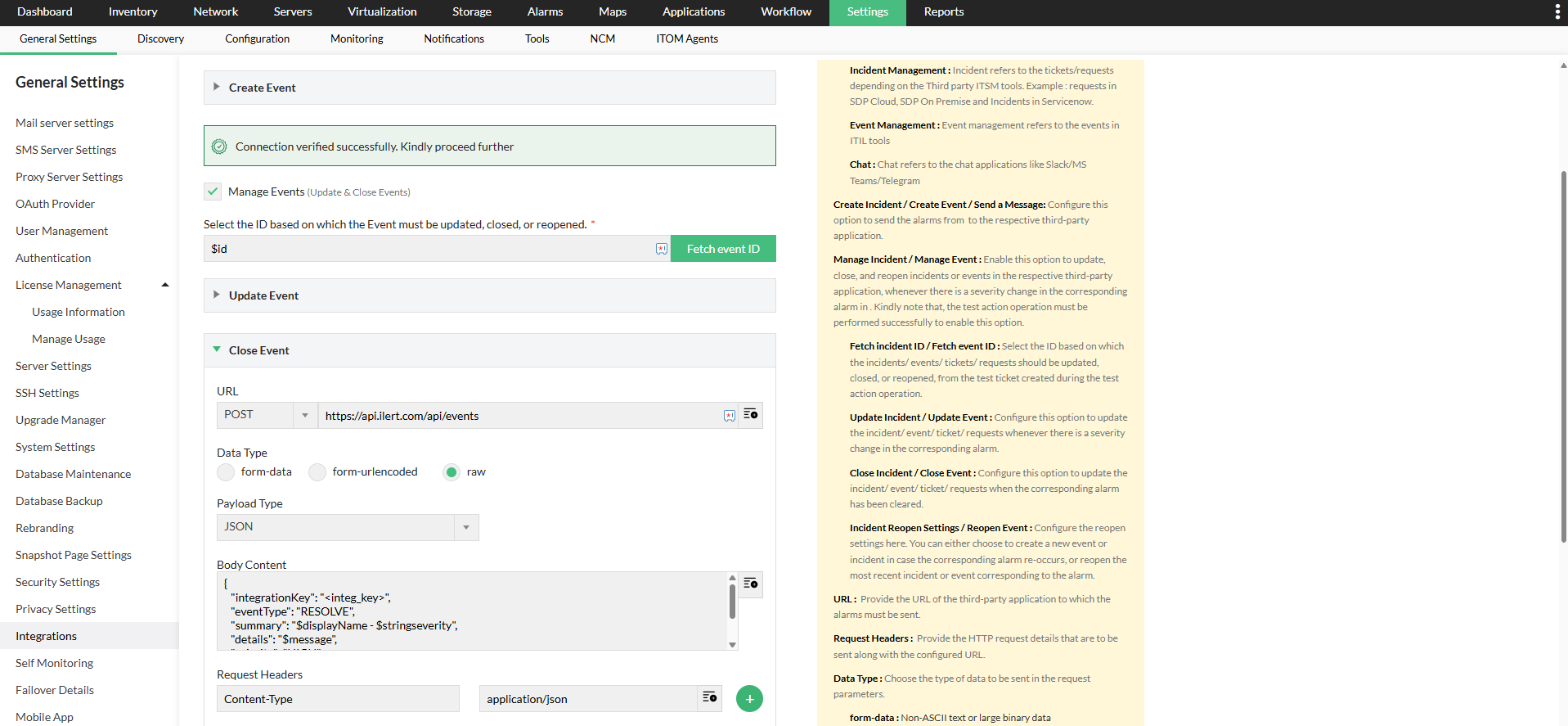
- Click Save to finalize the configuration.
- Click Configure Now under "Associate Notification Profile".
- Select Custom_Integration and choose the profile named "ilert integration".
- Learn more about configuring criteria, devices, and time window in notification profiles here.
- Click Save.
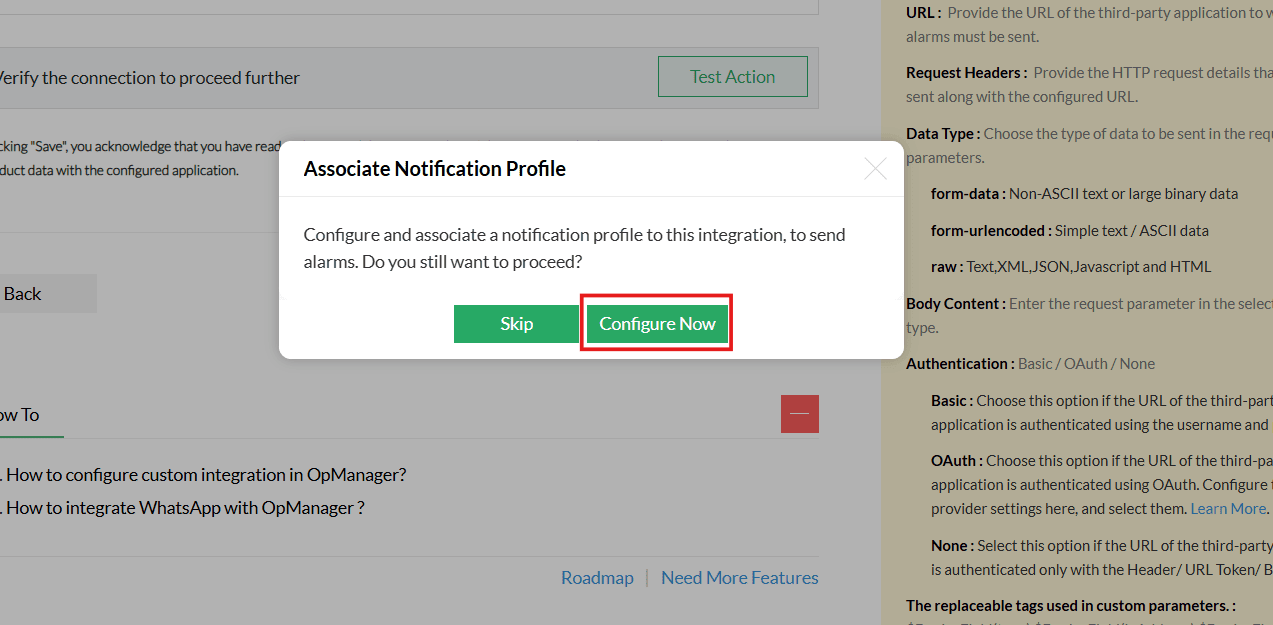
Refer to the steps below to configure multiple notification profiles.
Associate a Notification Profile
Follow the steps below to configure the notification profile:
- Go to Settings → Notifications → Notification Profiles → Add
- Select Custom_Integration and choose the profile named "ilert integration".
- Learn more about configuring criteria, devices, and time window in notification profiles here.
- Click Save.
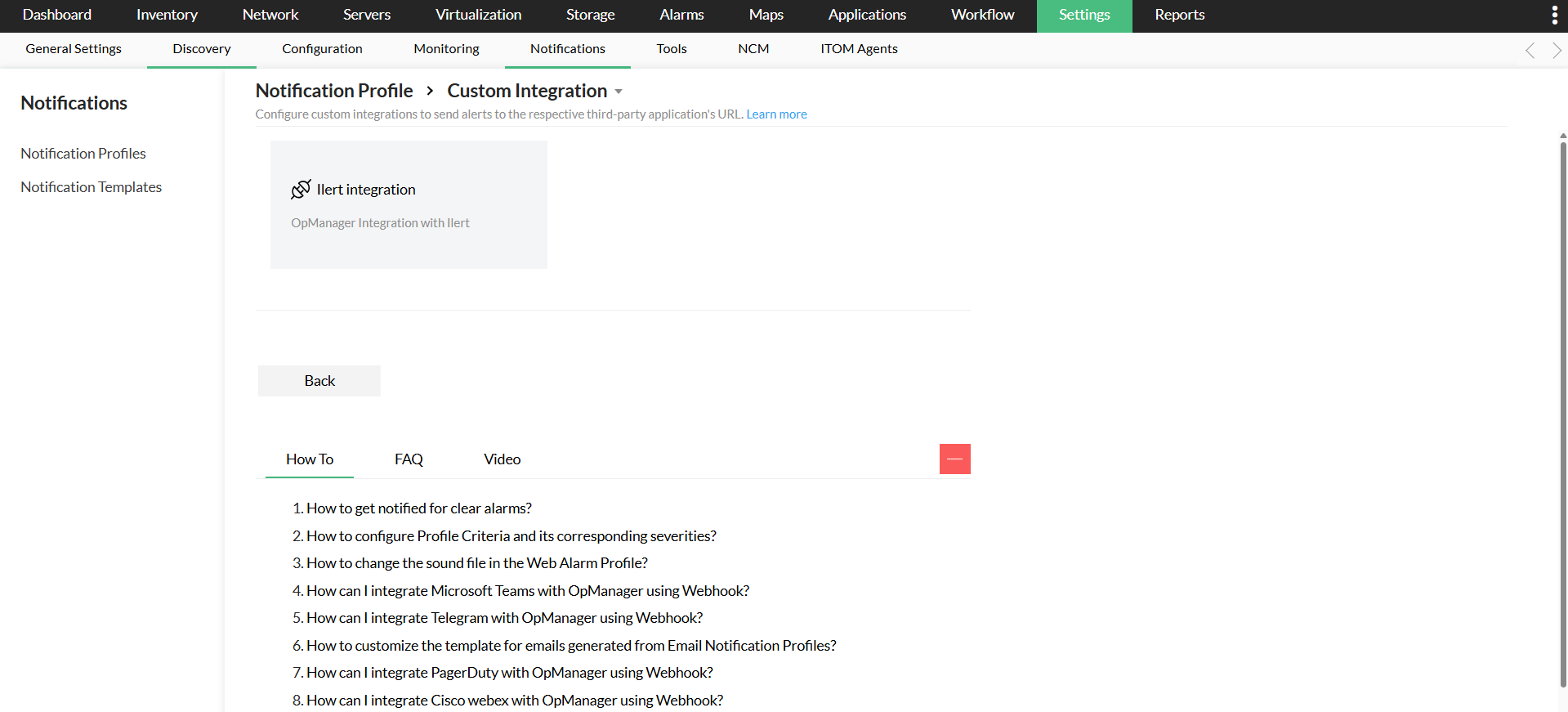
Verifying the Integration
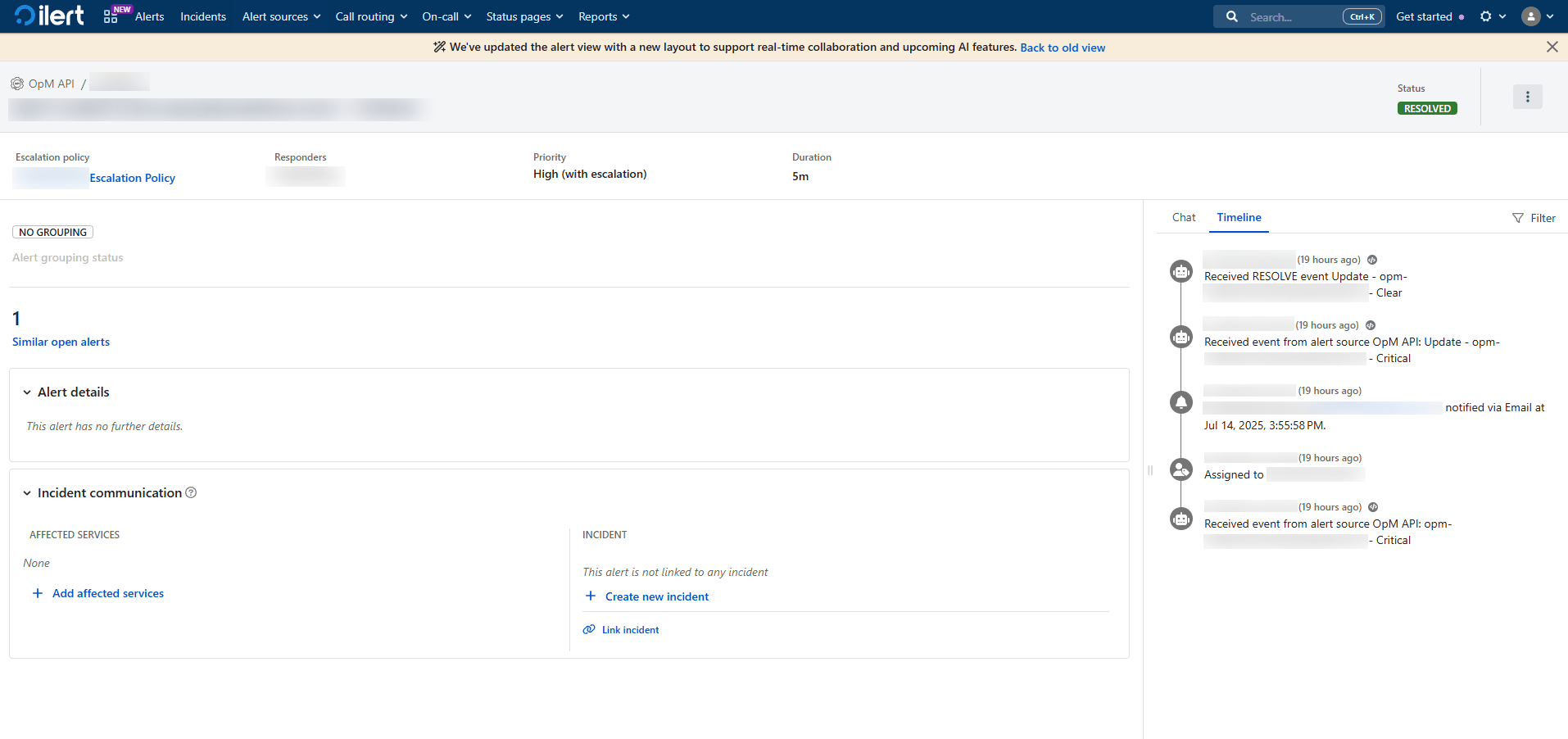
Trigger a real-time alert in OpManager, then log in to your ilert interface to verify that the alert has been logged as an event.