


1 Million and Counting

Saint Gobain
NASA
Time Warner Cable
Loreal Paris
Siemens
DHL

What is Windows network monitoring?

Windows network monitoring is the continuous tracking of server activity including services, processes, logs, file systems, and hardware performance to detect early warning signs before they affect business applications. Instead of reacting to outages, OpManager gives IT teams a unified, correlated view of how Windows servers behave, surfaces anomalies instantly, and automates fixes. The result? Fewer surprises, faster troubleshooting, and smoother operations across every site.

Maximize Windows reliability and performance with proactive monitoring

Optimized Windows monitoring with hybrid agent flexibility

OpManager adapts to the realities of your environment whether you need zero-touch deployment or deep diagnostics.

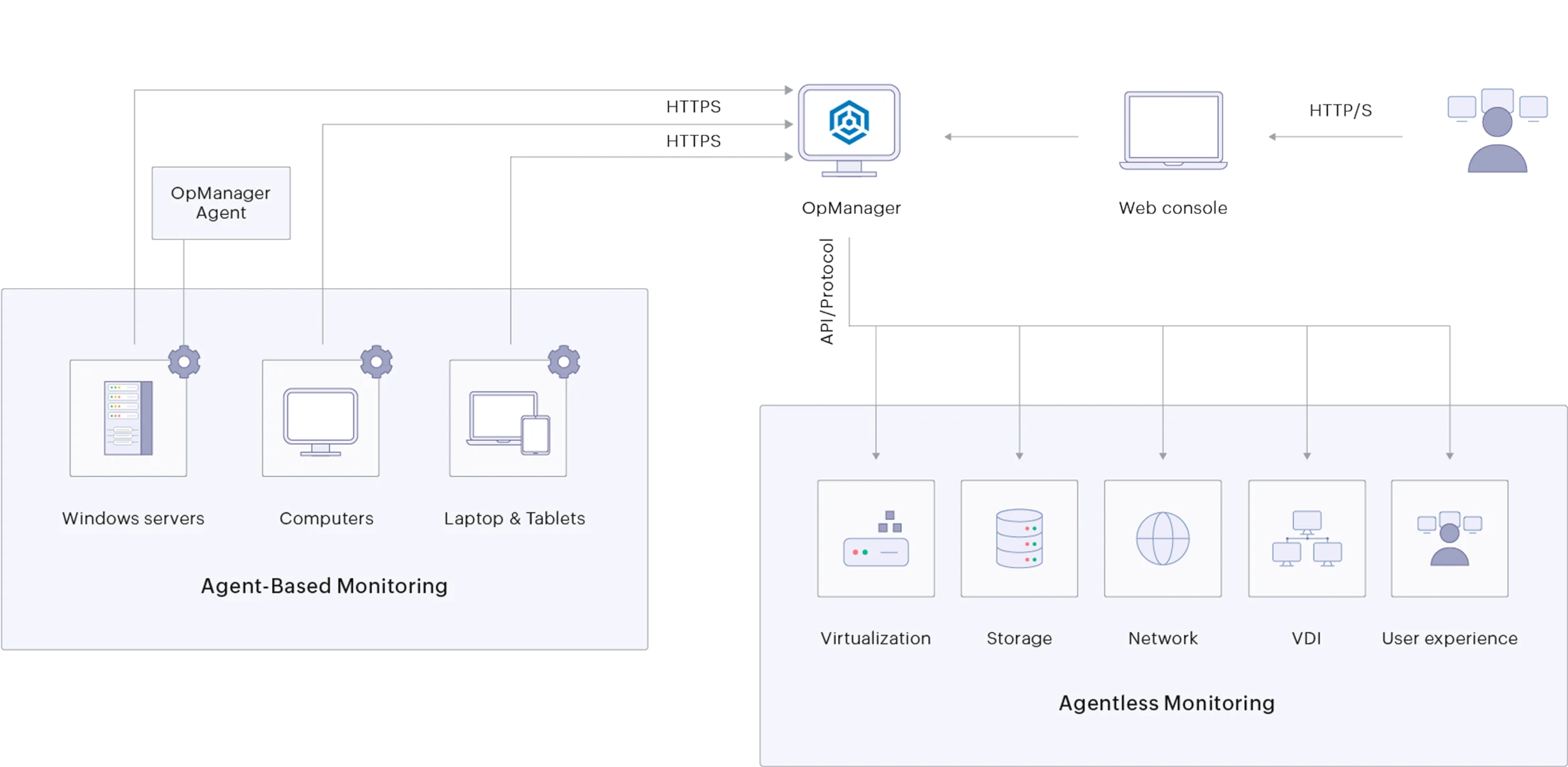
  • Deploy agentless monitoring instantly with low overhead and no installation hassles.
  • Use lightweight agents for remote sites with unstable WAN links to ensure data accuracy and continuous visibility.
  • Enjoy seamless coverage across on-premises servers, cloud-connected workloads, and branch-office Windows systems.

Result: Every Windows server stays monitored consistently, regardless of network constraints or topology.
Optimized Windows monitoring with hybrid agent flexibility
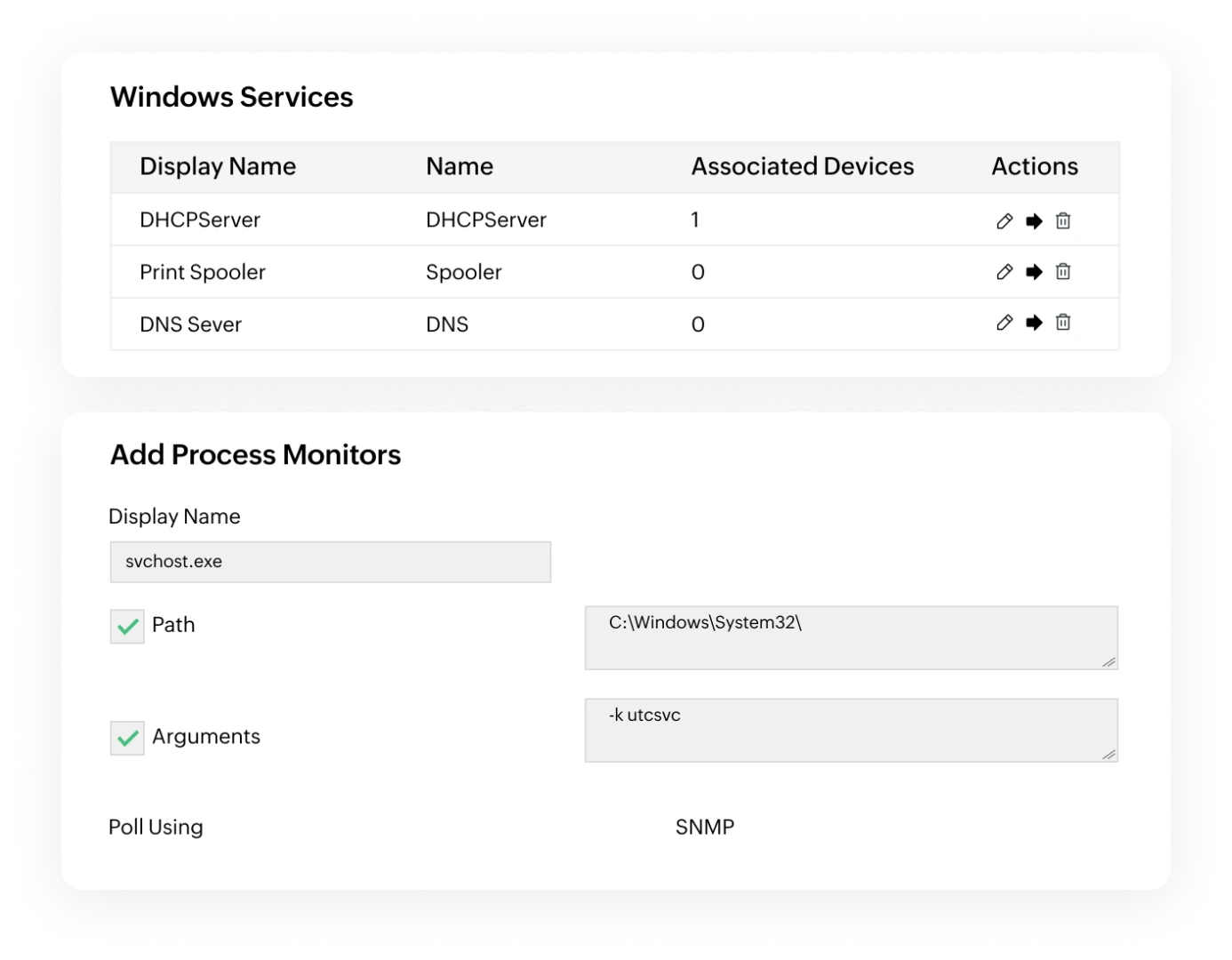
Stay ahead of outages with full control over Windows services & processes

Stay ahead of outages with full control over Windows services & processes

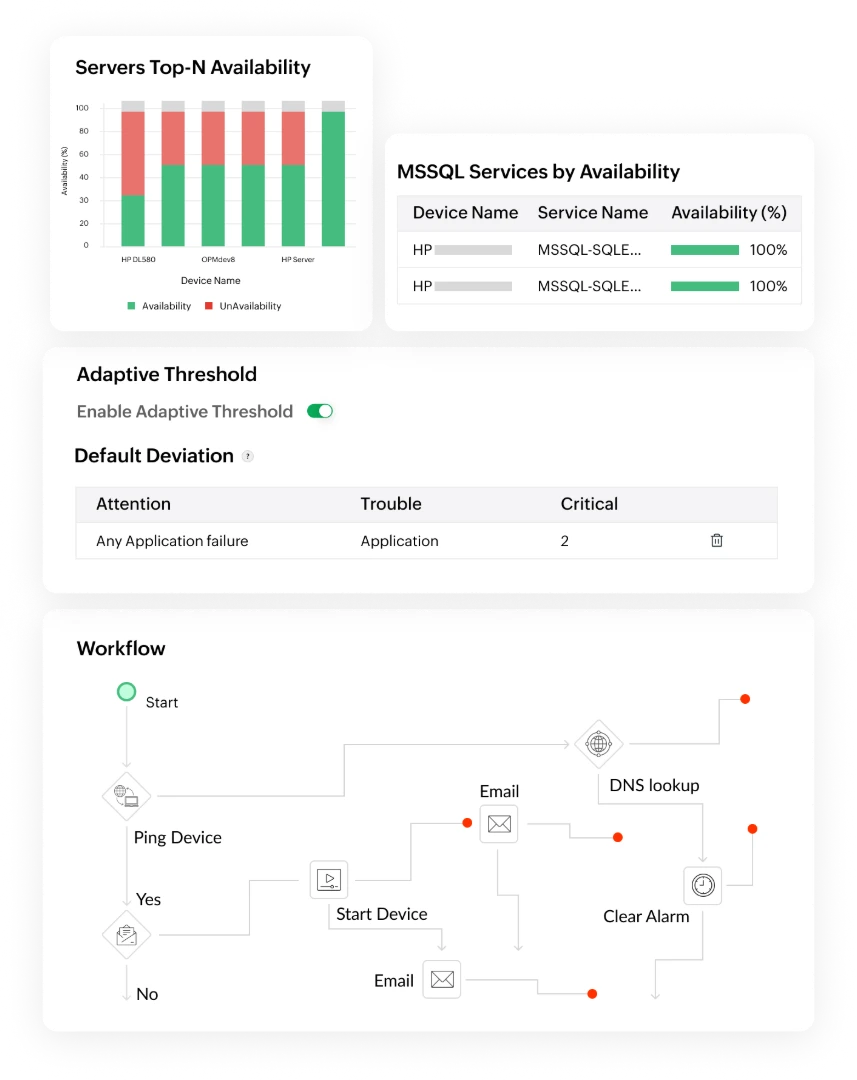
Keep performance issues from escalating into user-impacting outages. OpManager gives deep visibility into service and process behavior: CPU spikes, memory leaks, thread surges, or hung services.

Result: Your business-critical Windows workloads stay reliable, responsive, and interruption-free.

Strengthen security & stability with deep Log, File, and Hardware monitoring

Managing Windows logs and hardware health across distributed servers is time-consuming. OpManager simplifies everything into one intelligent workflow.

  • Consolidates security, system, and application logs to flag suspicious access, permission changes, and hidden issues.
  • Track file/folder changes for compliance and watch disk usage patterns to prevent storage failures.
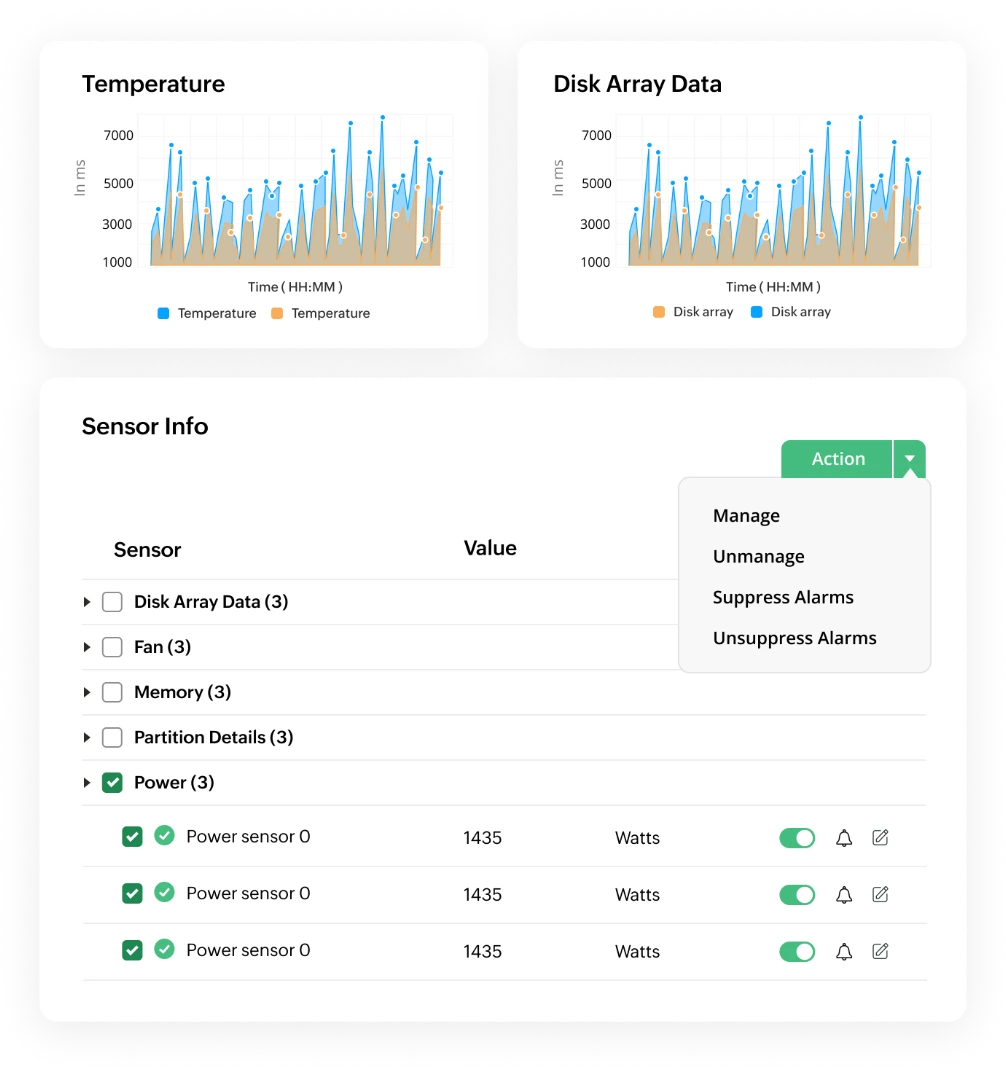
  • Tracks temperature, fan speed, power supply health, and RAID status so hardware faults are caught long before they trigger outages.

Result: You gain early warning signals, better forensic insight, and stronger infrastructure resilience without juggling multiple tools.

Strengthen security & stability with deep Log, File, and Hardware monitoring

The OpManager Advantage: Complete control over your Windows infrastructure

Real-time, holistic visibility

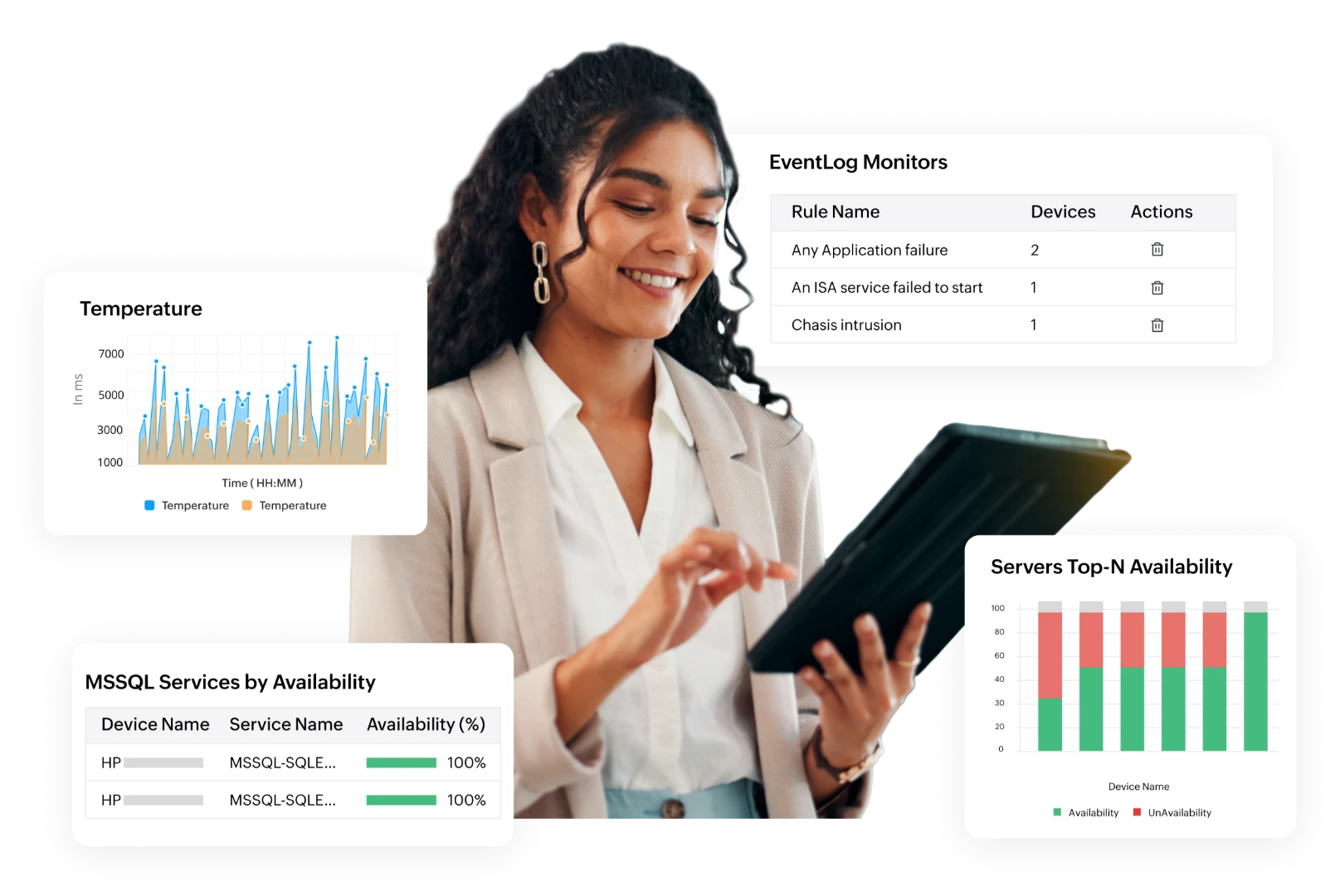
  • OpManager aggregates server CPU/memory/disk, service & process states, logs, file-system changes, and hardware sensors into unified dashboards.
  • Helps administrators see the full state of Windows infrastructure at a glance; no need to shift across tools or consoles.
  • Eliminates blind spots, ensuring both software and hardware layers are under continuous supervision.

Intelligent, noise-free alerts & root-cause clarity

Automation for stability & efficiency

The OpManager Advantage: Complete control over your Windows infrastructure

Built for every Windows environment:
On-prem, cloud, and hybrid

Supported Windows technologies and roles

  • Windows Server 2012–2022
  • Windows desktops and VMs
  • Active Directory
  • DNS
  • DHCP
  • IIS
  • SQL Server
  • Hyper-V
  • Failover Clusters
  • WMI
  • SNMP
  • Optional Agent
  • Native performance counters

Key Windows metrics to monitor

  • CPU utilization
  • Process-level CPU
  • Context switches
  • Memory usage
  • Paging
  • Working set
  • Memory leaks
  • Disk I/O
  • Read/write latency
  • Free space
  • File counts
  • Service status
  • Response times
  • Restart counts
  • Event log counts by severity
  • Failed logins
  • Security events
  • Temperature
  • Fan speed
  • Power supply,
  • RAID status

Why choose OpManager for Windows monitoring

Scalability

Scalability

Scales from a handful of servers to thousands with consistent monitoring and predictable resource usage.

Security

Security & Compliance

Detects suspicious logins, privilege changes, and policy violations while preserving logs for audits.

Availability

Availability

Proactive alerts and automation keep critical services online, reducing unplanned downtime.

Efficiency

Efficiency

Automates repetitive remediation and reporting tasks so teams can focus on strategic work.

Visibility

Visibility

Centralized dashboards provide a single source of truth for Windows health, capacity, and performance.

FAQs on Windows monitoring

What is Windows network monitoring?


Windows network monitoring tracks servers, services, processes, event logs, file systems, and sensors to detect and resolve issues that can impact performance or availability.

Can OpManager monitor Windows without agents?


Will OpManager restart a failed Windows service automatically?


Can OpManager collect custom performance counters?


Does OpManager monitor Windows hardware sensors?


Modernize your Windows Ops with OpManager

Loved by customers all over the world


“Easy Implementation, Excellent support & Lower Cost Tool - Team Lead, IT Services Industry”

Reviewer Role: Infrastructure and Operations

Company size: 500M - 1B USD

We have been using OpManager since 2011 and our overall experience has been excellent. The tool plays a vital role in providing the value to our organization and to the customers we are supporting. The support is excellent and staff takes full responsibilities in resolving the issues. Innovation is never stopping and clearly visible with newer versions.

“OpManager - 10 steps ahead of the competition, one step away from being unequaled - Network Services Manager, Government Organization”

Reviewer Role: Infrastructure and Operations

Company size: 5,000 - 50,000 Employees

I have a long standing relationship with ManageEngine. OpManager has always missed one or two features that would make it truly the best tool on the market, but over it is the most comprehensive and easy to use the product on the market.

“Easy Implementation with a feature rich catalogue, support has some room for improvement - NOC Manager, IT Services Industry”

Reviewer Role: Program and Portfolio Management

Company size: 500M - 1B USD

The vendor has been supportive during the implementation & POC phases providing trial licenses. Feature requests and feedbacks is usually acted upon swiftly. There was sufficient vendor support during the implementation phase. After deployment, the support is more than adequate, where the vendor could make some improvements.

“Great Monitoring tool - CIO in Finance Industry”

Reviewer Role: CIO

Company size: 1B - 3B USD

ManageEngine provides a suite of tools that have made improvements to the availability of our internal applications. From monitoring, management and alerting, we have been able to peak performance within our data center.

“Simple Implementation, Easy To Use. Very Intuitive. - Principle Engineer in IT Services”

Reviewer Role: Enterprise Architecture and Technology Innovation

Company size: 250M - 500M USD


ManageEngine support was responsive to all our queries.

Capterra
Getapp
Software Advice
G2
Altaleb Alshenqiti

“OpManager helps me monitor all aspects of the data-center and equipment like servers, switches and routers. It is fast, intuitive and centralized and you do not need to be an expert to deal with OpManager.”

Altaleb Alshenqiti

NGHA

Donald Stewart

“Donald Stewart, IT Manager of Crest Industries is happy with ManageEngine OpManager for its end-to-end network monitoring software. It is easy-to-use and offers fault and performance management for router.”

Donald Stewart

IT Manager, Crest Industries

John Rosser

“John Rosser, MIS Manager of Yale Chase talks about the proactive nature of ManageEngine OpManager & how his organisation gained value from it.”

John Rosser

MIS Manager


 Pricing  Get Quote