In today's IT operations landscape, IT admins have to deal with and comb through data from multiple sources, identify meaningful patterns, and gather actionable insights—all of which is entirely cumbersome. The complexity increases multifold when it comes to a distributed network with multiple devices spread across different geographical areas. Even with advanced monitoring and management solutions, having your infrastructure's health and performance data at your fingertips is no easy feat.
OpManager comes equipped with an in-built chatbot powered by Zia, our in-house AI assistant. With the Zia chatbot, you can get the answers to your queries anytime with a single pre-defined prompt.
The Zia chatbot is now available to both Administrators and Operators. To access the chatbot, operators must have the Monitor, NetFlow, NCM, Firewall, OpUtils, and DPI modules enabled simultaneously in their profile; to access APM-related groups in OpManager, operators will additionally require APM-plugin Admin or User privileges. While operators have access to most chatbot capabilities, the Suppress Alarms and Copy Dashboard functions remain exclusive to administrators.
Here's how the Zia chatbot helps you simplify and streamline your IT operations management process.
1. Easier accessibility
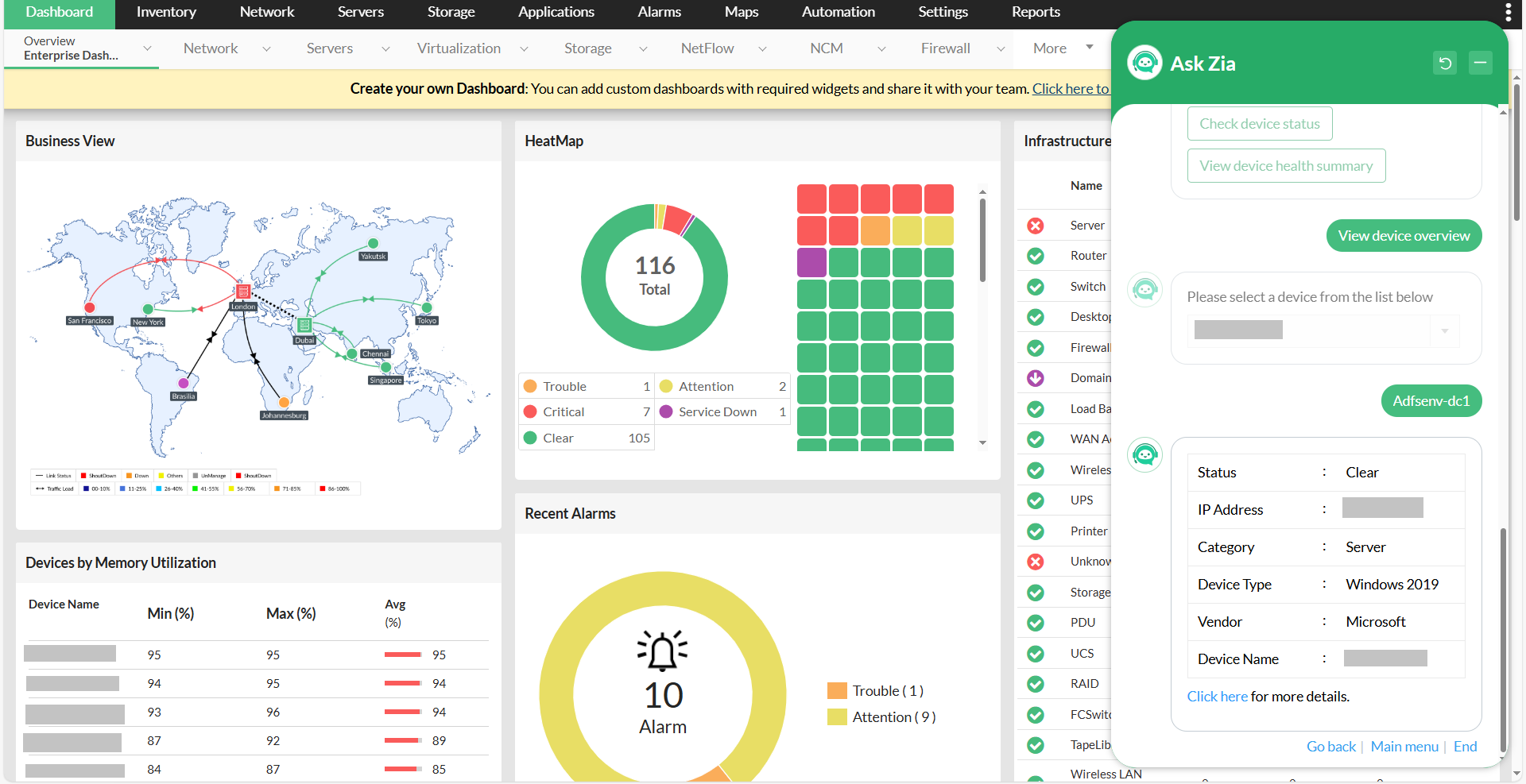
Using Chat with Zia to get instant access to your devices' operational health, availability, and status without having to dig through multiple dashboards or reports, using View Device Details. Check the device overview, device health summary, device operational status, and device-specific alarms. This level of quick access is crucial for proactive IT management and helps you stay on top of potential problems before they escalate.
2. Effortless monitoring
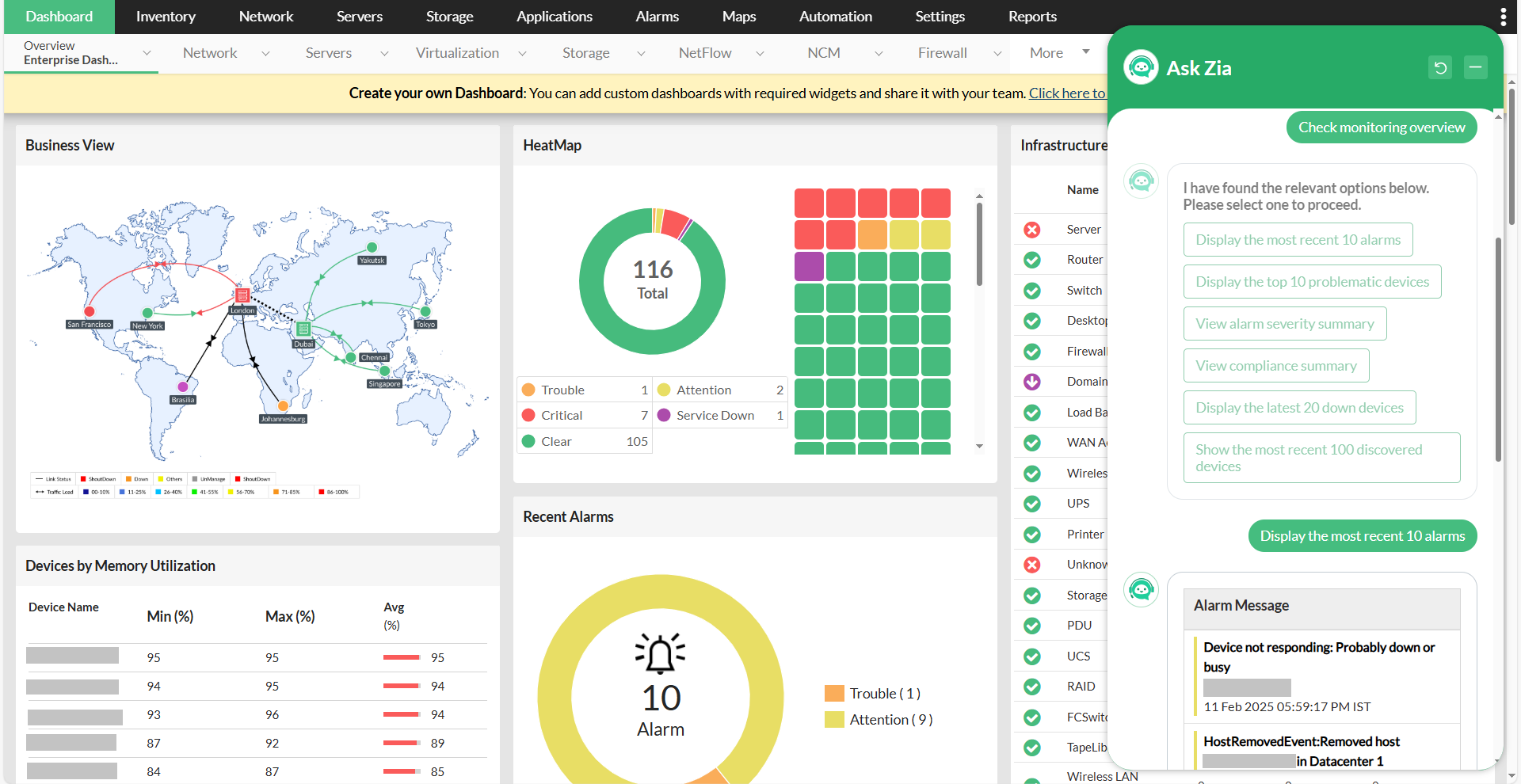
Seamlessly track the health and performance of your network using Zia's instant access to real-time data with Check Monitoring Overvieww . Quickly assess the status of your devices by reviewing the most recent alarms, identifying the top ten problematic devices, and generating a summarized overview of your alarm severity. Plus, gain visibility into your compliance summary, latest devices that went down, and most recently discovered devices, enabling you to address potential issues swiftly and keep your infrastructure running smoothly.
3. Seamless device operations
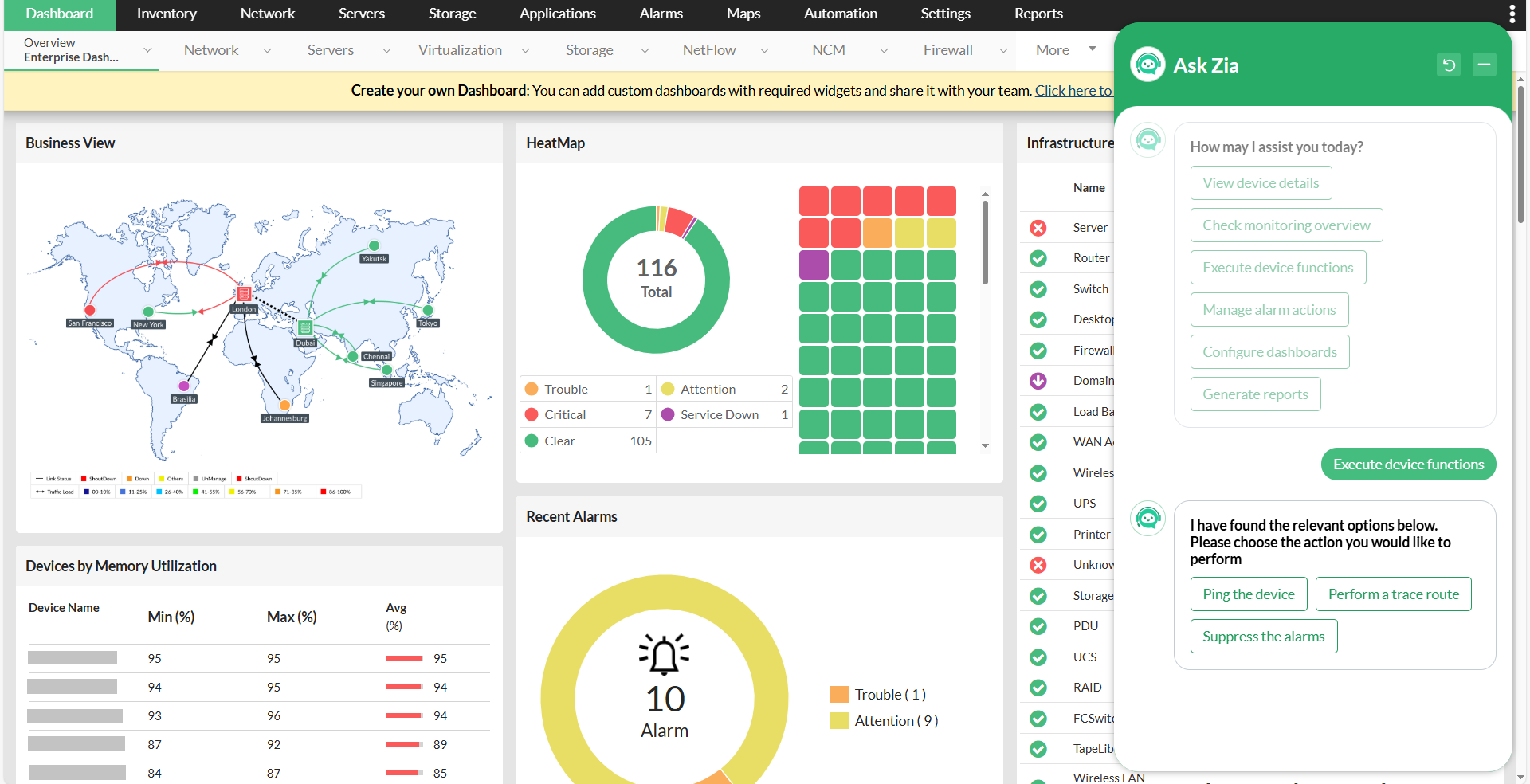
Managing these device operations is easier than ever with Zia with Execute Device Functions, giving you the following options:
- Ping a device.
- Perform a traceroute.
- Suppress alarms.
By using Zia to swiftly execute key tasks that keep your network running smoothly and without delay, you can streamline workflows and ensure efficient and reliable device management.
4. One-click actions
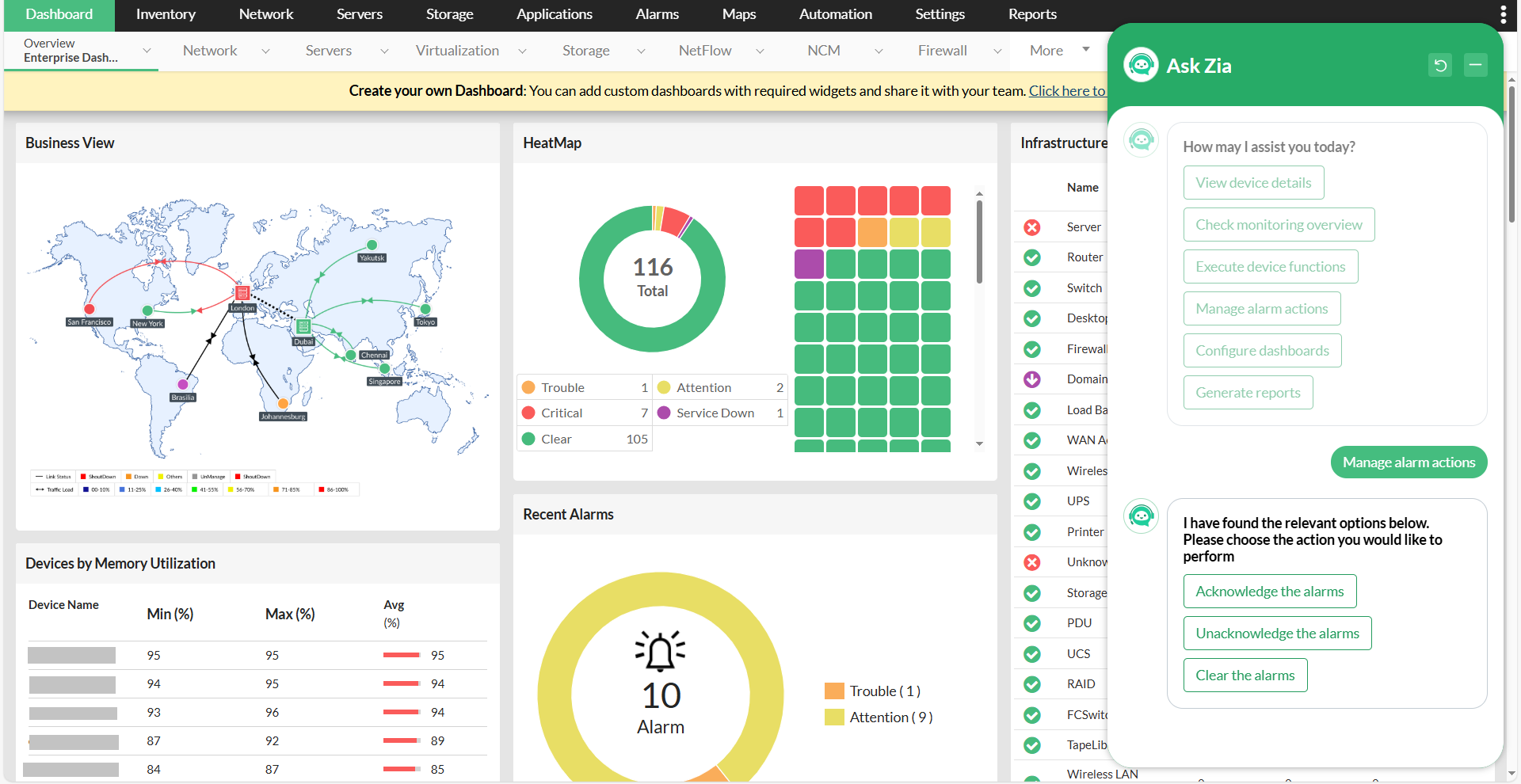
Zia enables the execution of powerful actions instantly, such as Manage Alarm Actions; Whether you need to acknowledge, unacknowledge, or clear alarms, you can trigger these actions with a single command to Zia. This on-demand functionality not only speeds up your workflow but also enhances your agility in resolving issues, ensuring that your network operations are fully optimized with minimal disruptions.
5. Customizable dashboards
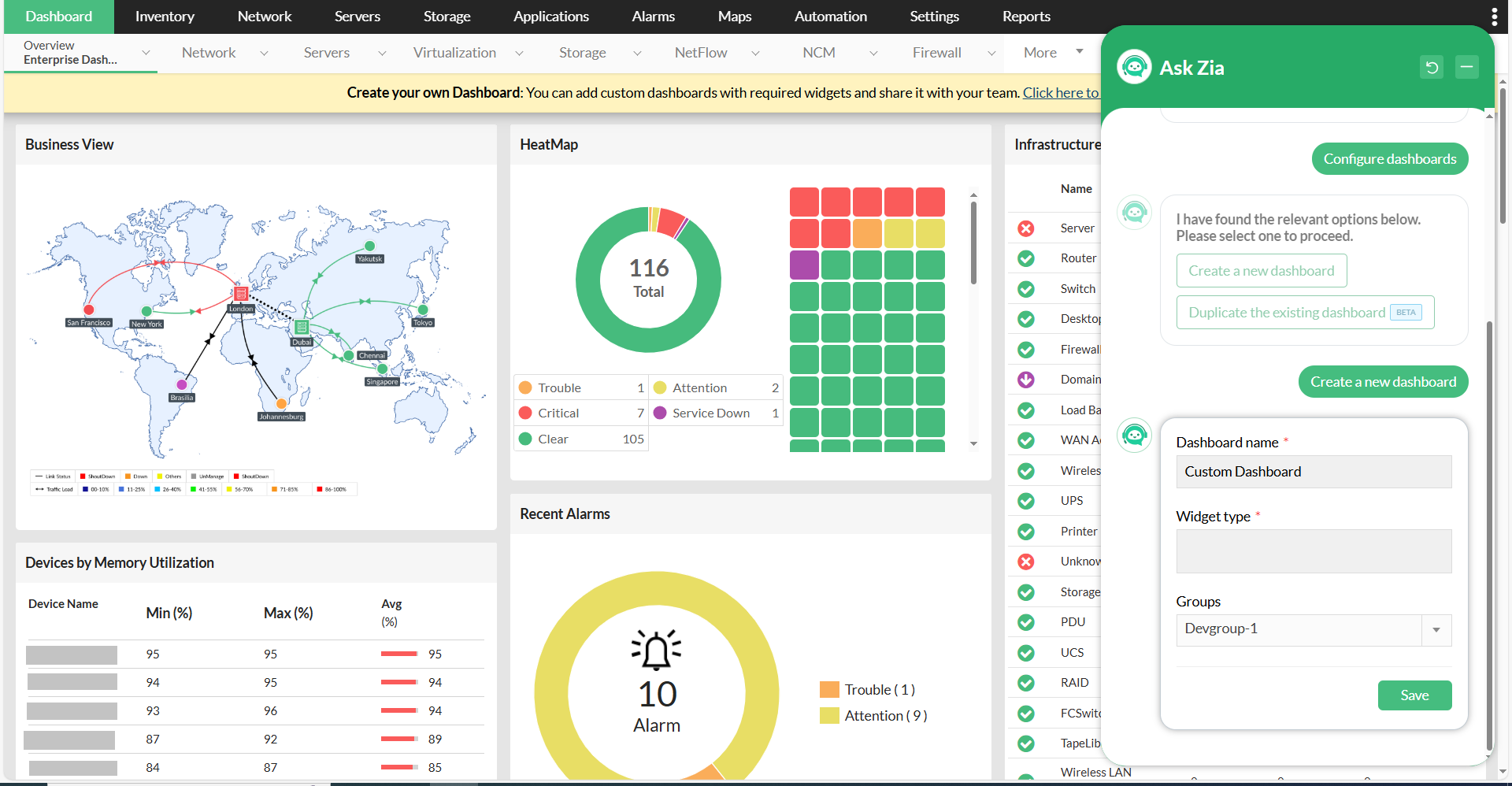
Let Zia simplify the challenge of creating and managing dashboards with the Configure Dashboards option. Easily design custom dashboards tailored to your needs, whether it's monitoring server performance, network traffic, or other key metrics. Zia streamlines the process, allowing you to access personalized views in real time with minimal effort. This helps you stay focused on the most critical information, ensuring that key data is always at your fingertips.
6. Real-time insights
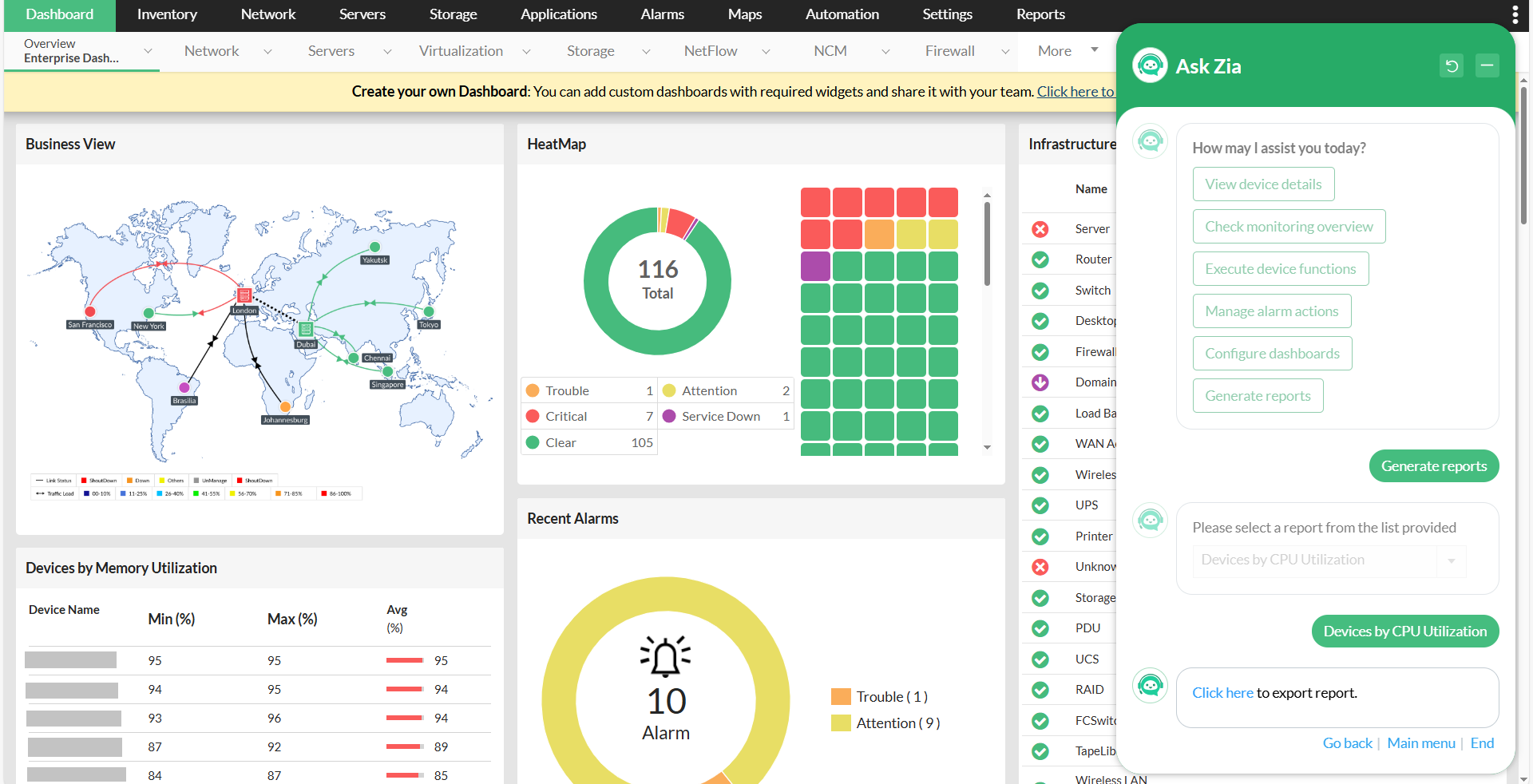
Zia delivers real-time insights and allows you to Generate Reports on demand. Whether you're tracking device utilization, network traffic, or performance metrics, the chatbot provides immediate access to detailed reports. This enables you to identify issues quickly, track trends, and make informed decisions. With Zia, stay ahead of potential problems, improving the efficiency and reliability of your IT operations by having the right data when you need it.
7. Instant group visibility
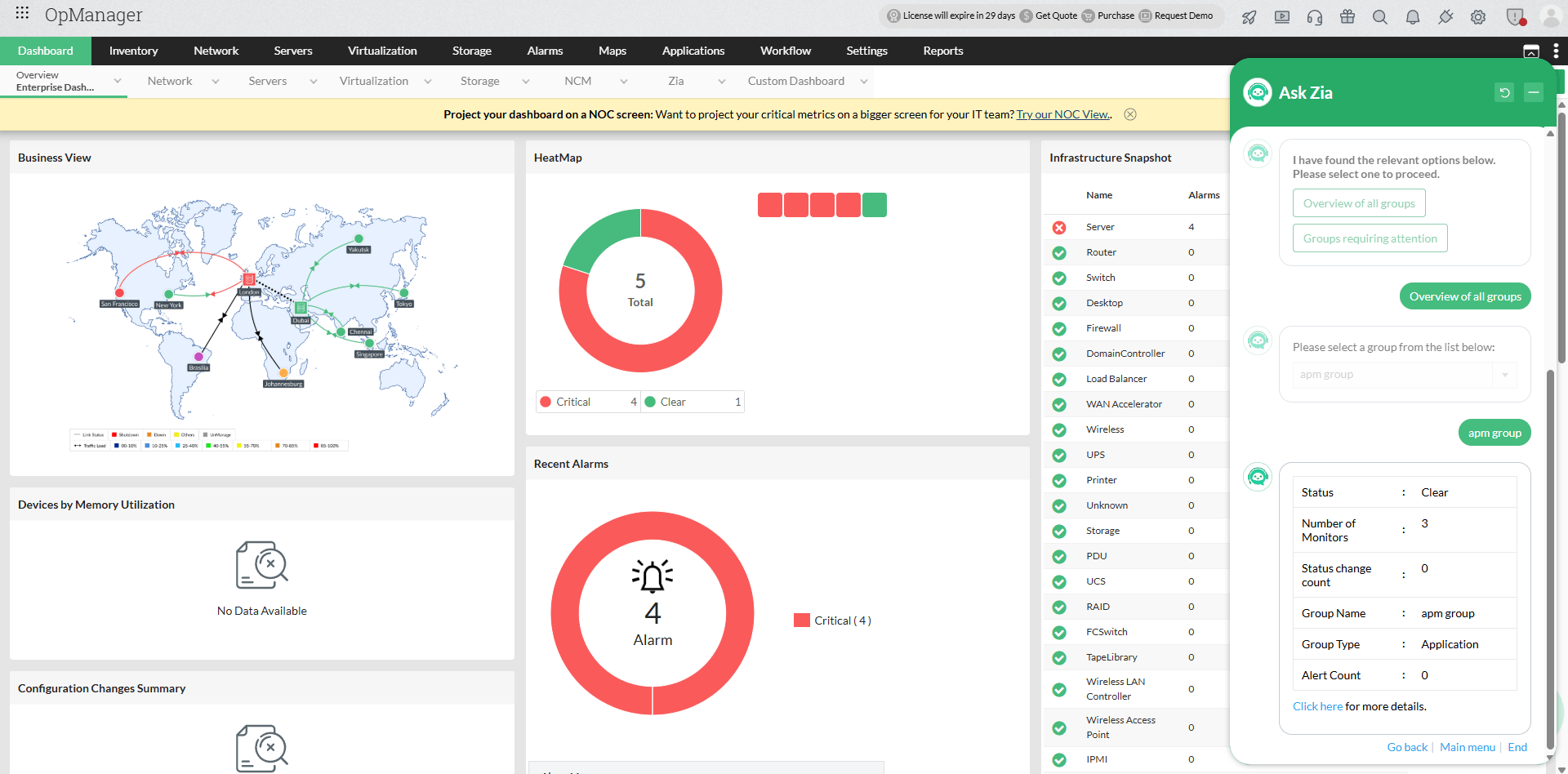
Zia makes it simple to get a consolidated view of all your groups at a glance, with View group details. Ask Zia for an overview of all groups and select from a dropdown of available groups to drill into their status and performance. You can also ask Zia to surface groups requiring immediate attention—those with critical alerts, degraded performance, or availability issues to prioritize your response and focus where it matters most.
8. Interface-level monitoring at a glance
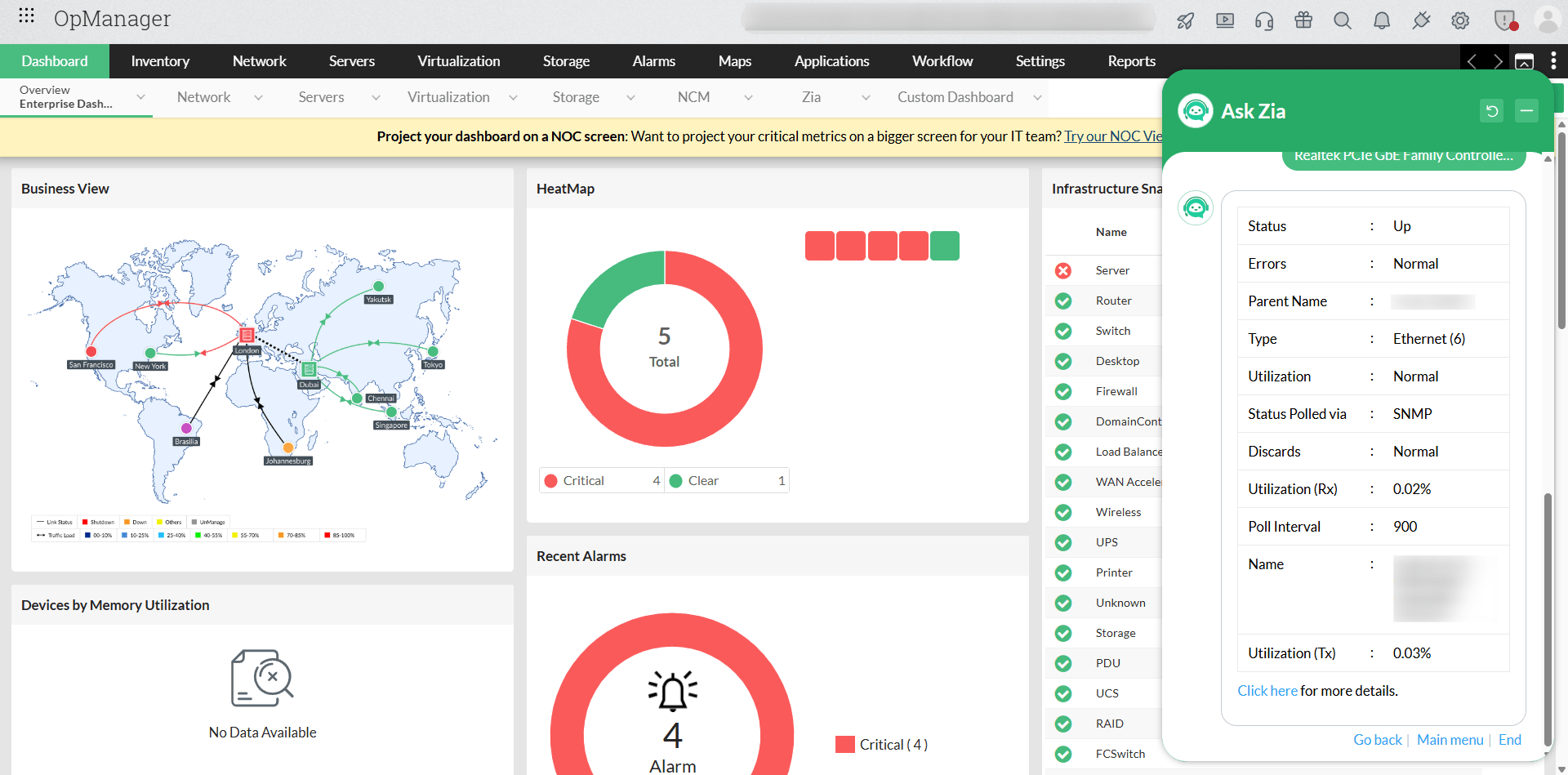
With Zia, you can now instantly pull up a detailed interface overview for any device—simply select the interface from a dropdown list and get real-time data on interface health, utilization, and status without navigating through multiple screens. With the View interface details option, Zia can now put granular interface-level insights directly in your hands—faster than ever.
Transform the way you manage and monitor your infrastructure using the Zia chatbot, consolidating all essential functions into one accessible, easy-to-use interface. With just a pre-defined prompt, instantly access real-time data, execute critical actions, and gain actionable insights, all without navigating through multiple menus or dashboards. Instantly access real-time data, execute critical actions, and gain actionable insights, all without navigating through multiple menus or dashboards. This streamlined, on-demand functionality empowers you to manage your IT operations more efficiently, make informed decisions quickly, and keep your network running smoothly.