Custom Parameters
You can monitor custom parameters of various transactions in your PHP applications by specifying and configuring the required parameters using the PHP API. This PHP API comprises of a key-value pair that allows you to keep track of the parameters within a transaction and gives deeper visibility into your own application methods.
Syntax
zpa_custom_params("Key",Value);
- Key - The name of the custom parameter you want to track for a particular transaction/request.
- Value - The value of the custom parameter you want to track. It can be any of the following types: int, float, long, double, bool, decimal or string.
Example
The following method illustrates how the parameters are tracked via API:
function trigger_application_update(){
//Your application code...
$app_version = get_bloginfo('version');
$user_name = wp_get_current_user();
zpa_custom_params("Version",$app_version);
zpa_custom_params("UserName",$user_name->display_name);
zpa_custom_params("Action","Triggered update");
//Your application code...
}
The added parameter values will be displayed under the Custom parameters section of the Trace summary tab as follows:
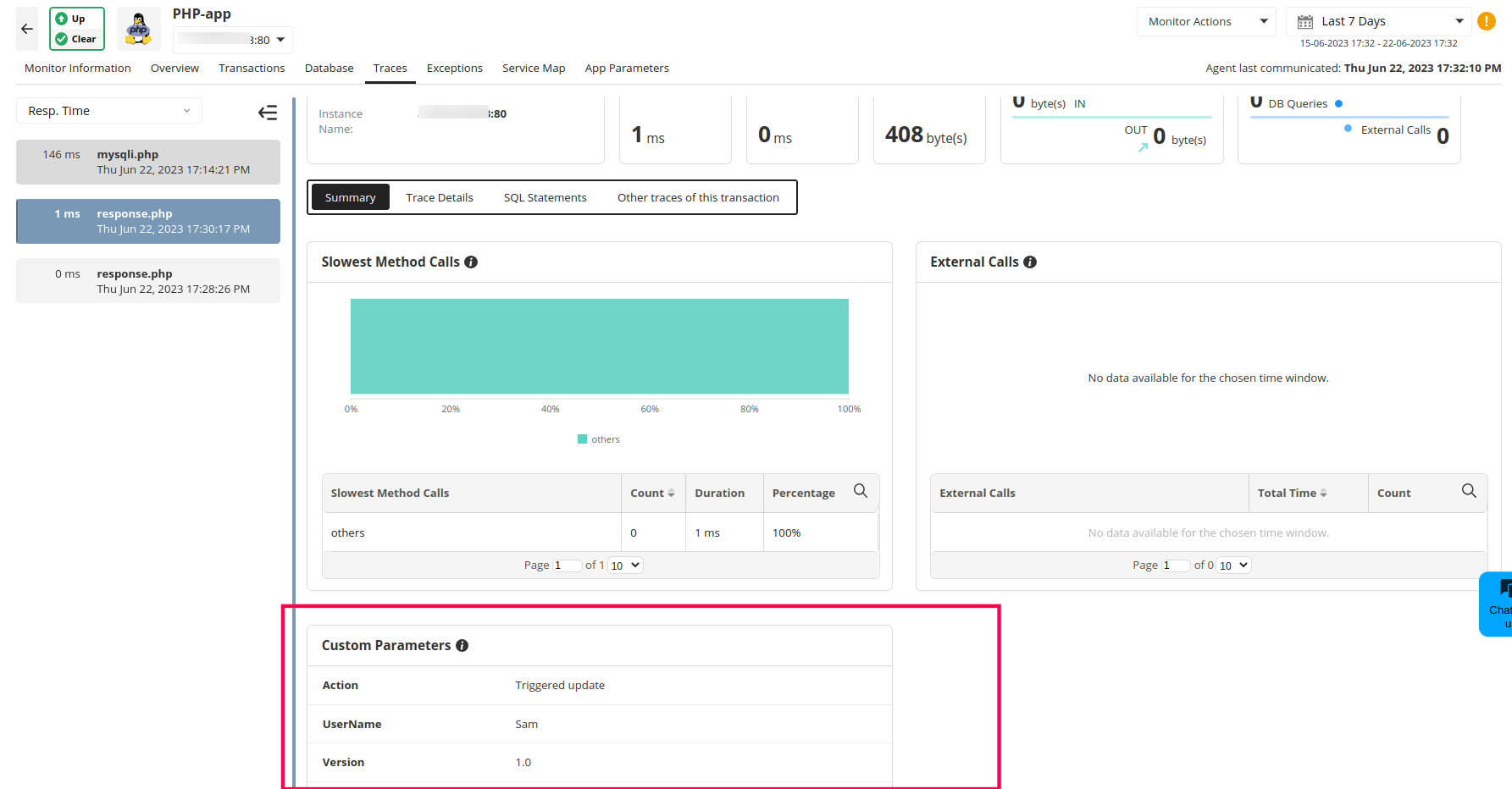
Note: Custom parameters can be found only if the transaction has an error or if the trace is populated for that transaction.

