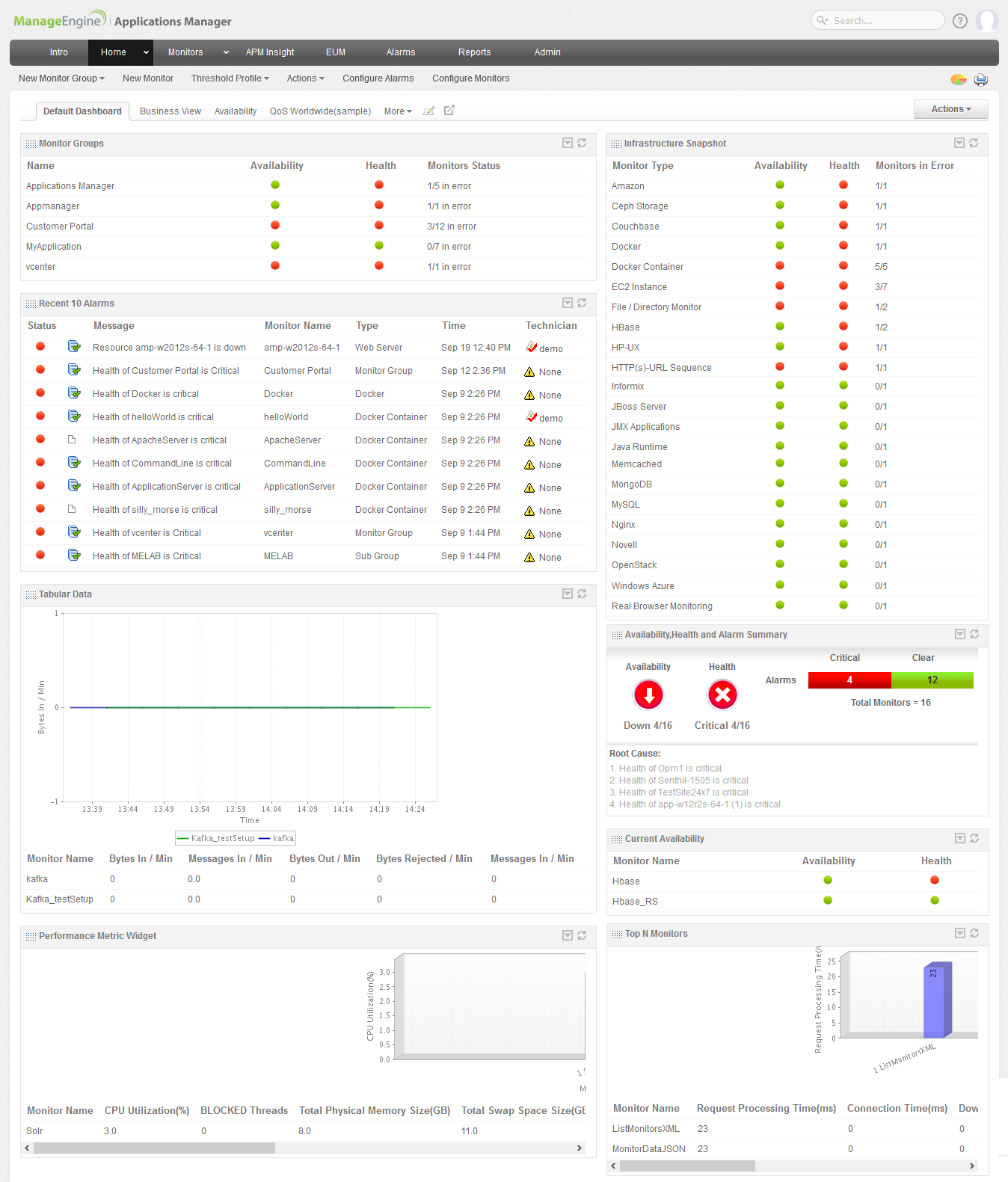
- Represents the Dashboard view of the monitors. The dashboard view gives the
- Overall monitor snapshot (lists down the monitor types along with the availability and Health status).
- List of the various monitor groups.
- Graphical representation of the most critical monitor groups.
- List of servers with high CPU Utilization, List of monitors with high response time.
- You can have a detailed view by clicking on the respective parameters and icons.
- Next, click Monitors tab.
|
|