How to View Configuration Reports in Endpoint Central
What are Configuration Reports?
Configuration reports help IT administrators audit and log all the configurations that are deployed to an endpoint. IT administrators can generate reports on the deployed configurations to watch out for settings or baseline conditions that are missing/required on any specific endpoint and deploy them accordingly. To generate a report on configurations:
- Navigate to Reports > Configuration Reports.
- Choose the report type and export it, if required.
Below are the types of reports that can be viewed regarding configuration:
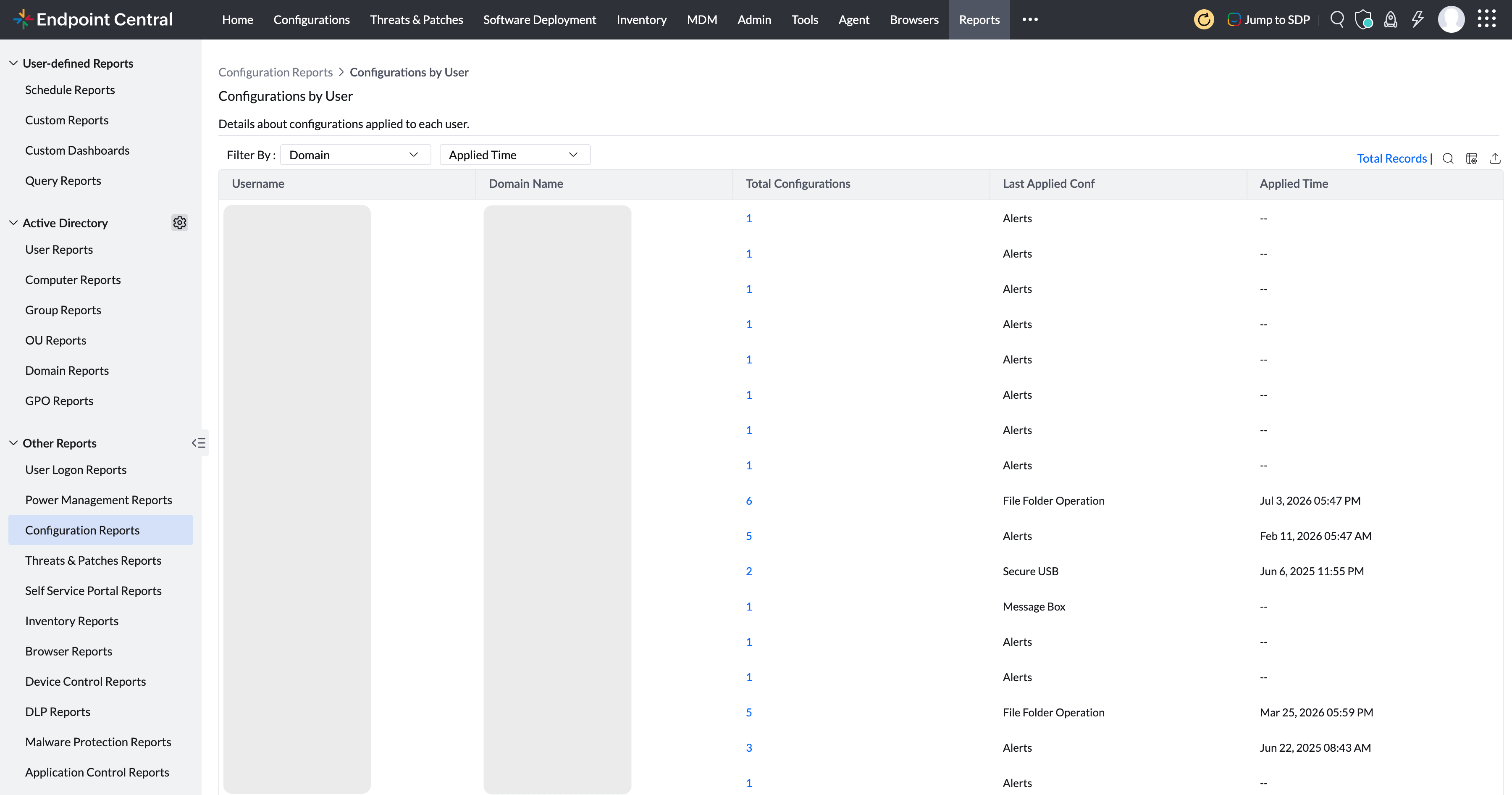
Configurations by User
This report lists the configurations that are applied to any user under your management. This report provides details such as the number of configurations deployed, the latest configuration deployed, configuration time details, and domain details.
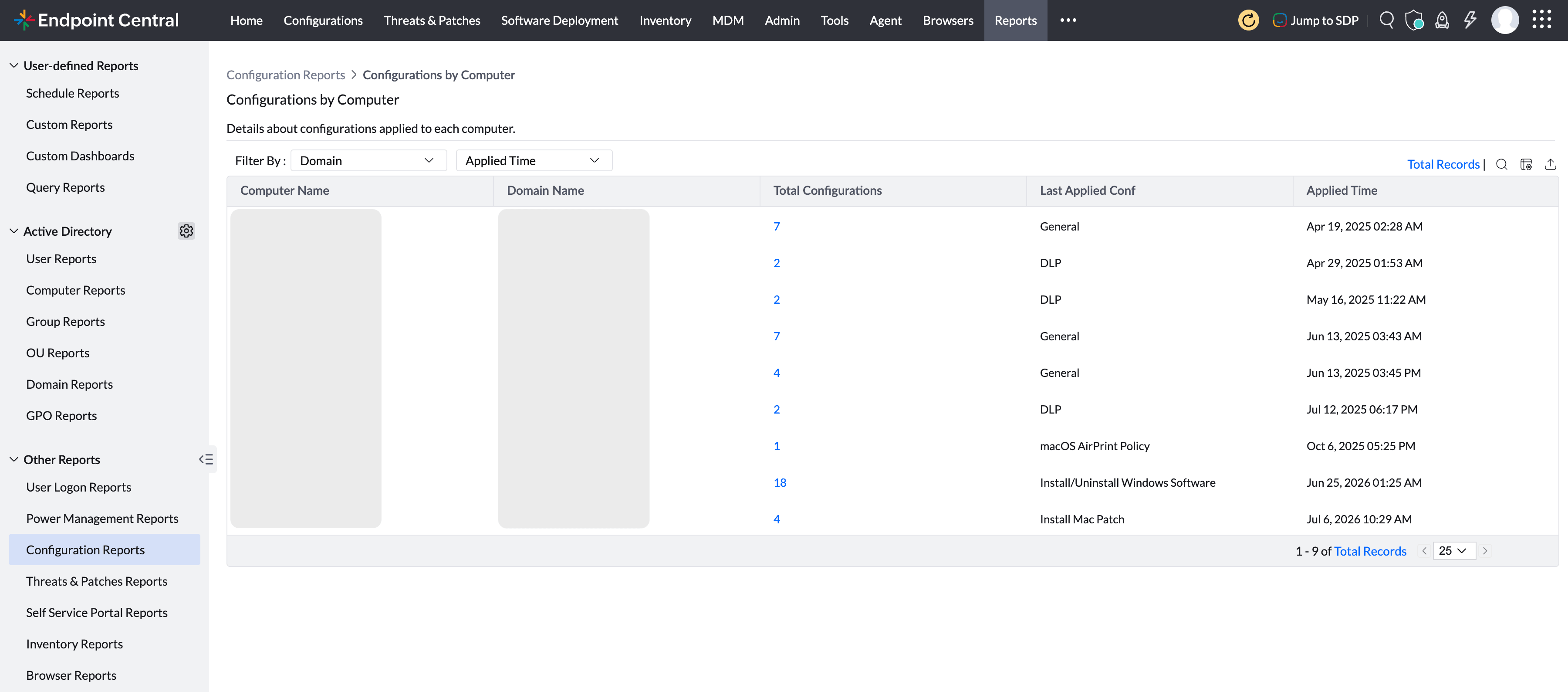
Configurations by Computer
This report provides comprehensive data on the configurations that are applied to your managed endpoints. The details include computer name, domain name, number of configurations deployed, latest configuration deployed, and the time details.
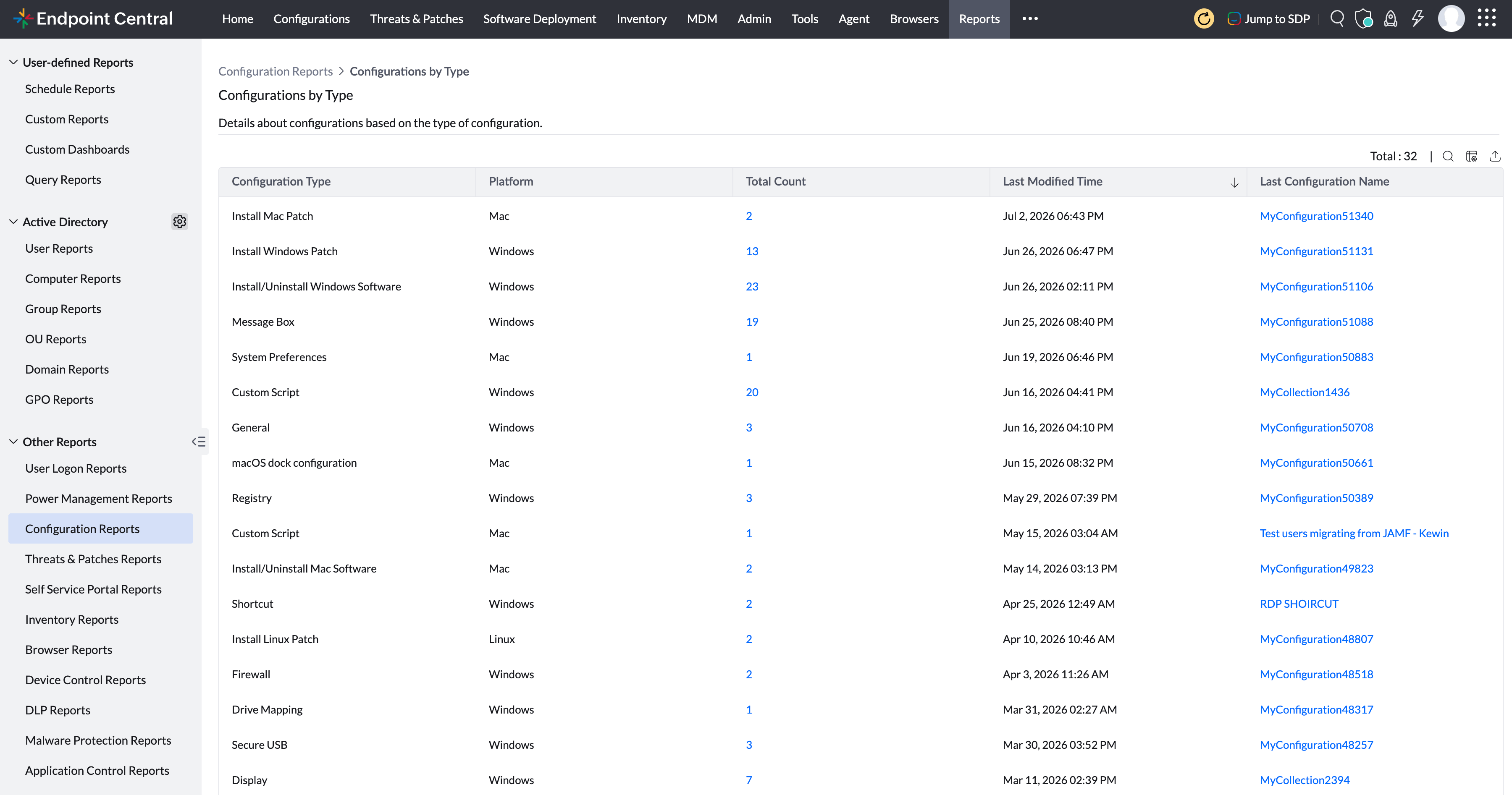
Configurations by Type
This report details the list of configurations based on their functionality. This report provides visibility on details such as configuration deployed, OS type, and configuration details.
All these reports can be exported either as a PDF, CSV or XLSX file. Furthermore, you can customise the privacy settings while exporting the reports.