DEX Browser Extension Overview
Overview
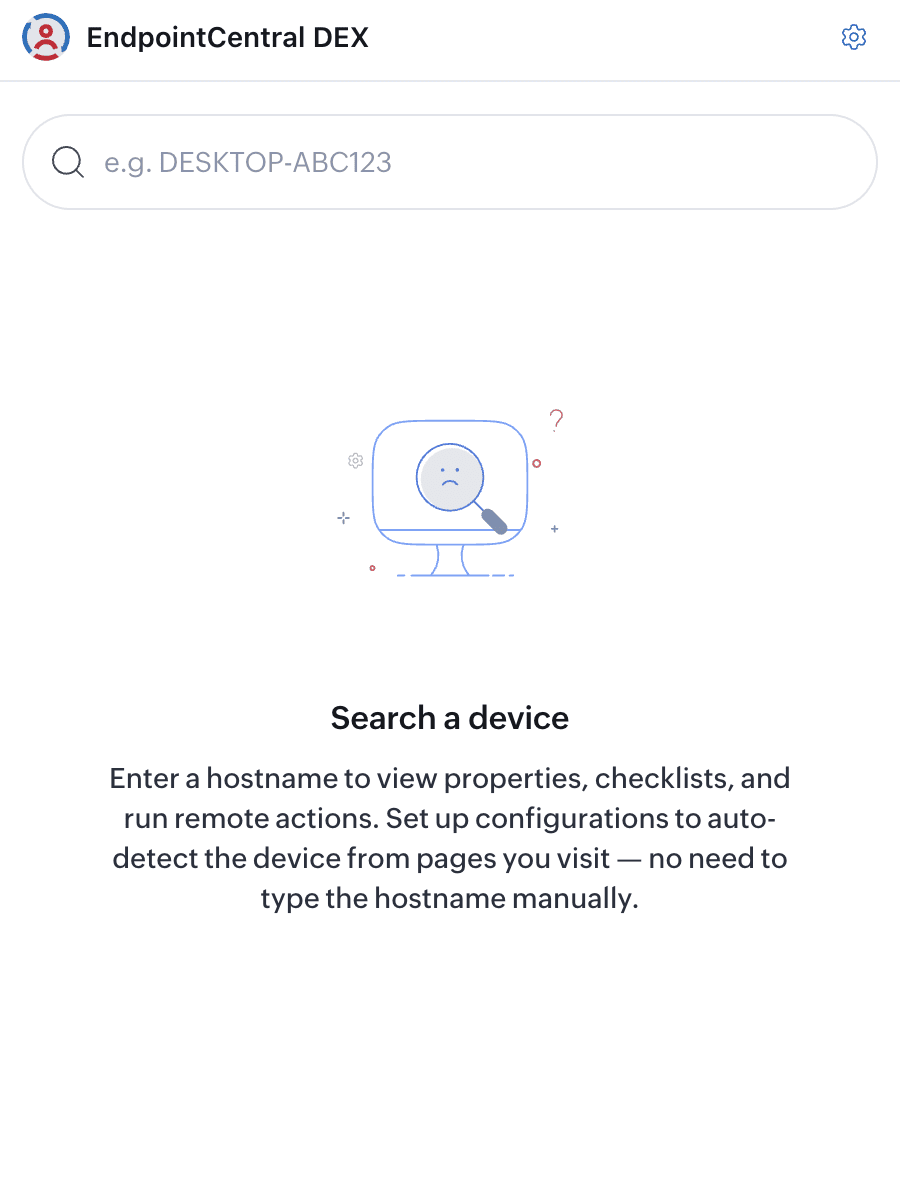
The DEX Browser Extension brings commonly used device-management information and actions into a browser sidebar. Technicians can search for a managed computer, review its experience and compliance data, and trigger authorized remediation workflows without opening the full Endpoint Central console.
The extension is available for Google Chrome, Microsoft Edge, and Mozilla Firefox on Windows, macOS, and Linux. The device being queried must be enrolled in the connected Endpoint Central organization.
For installation, authentication, device lookup, and page-configuration steps, see Install and use the DEX Browser Extension.
How the extension helps
The extension reduces context switching during device support. A technician can inspect a device while working in a help desk or ITSM page, instead of moving between that page and the DEX console.
- Look up a managed device while handling a support ticket.
- Review experience and compliance indicators before escalating an incident.
- Compare device stability, responsiveness, and application reliability signals.
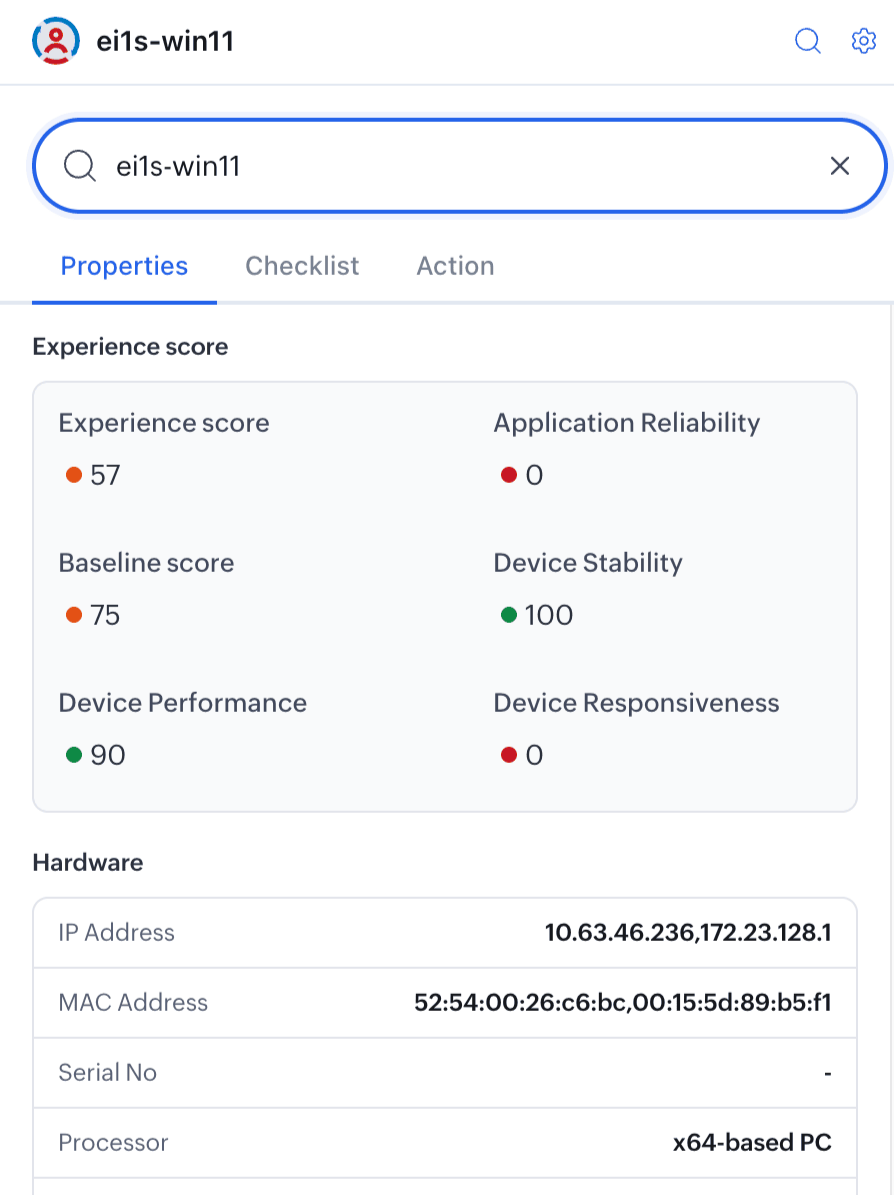
- Check hardware identifiers such as IP address, MAC address, serial number, and processor type.
- Run an available remediation workflow on the selected device.
Extension views
| View | Purpose |
|---|---|
| Properties | Shows the device's experience scores and available hardware details. |
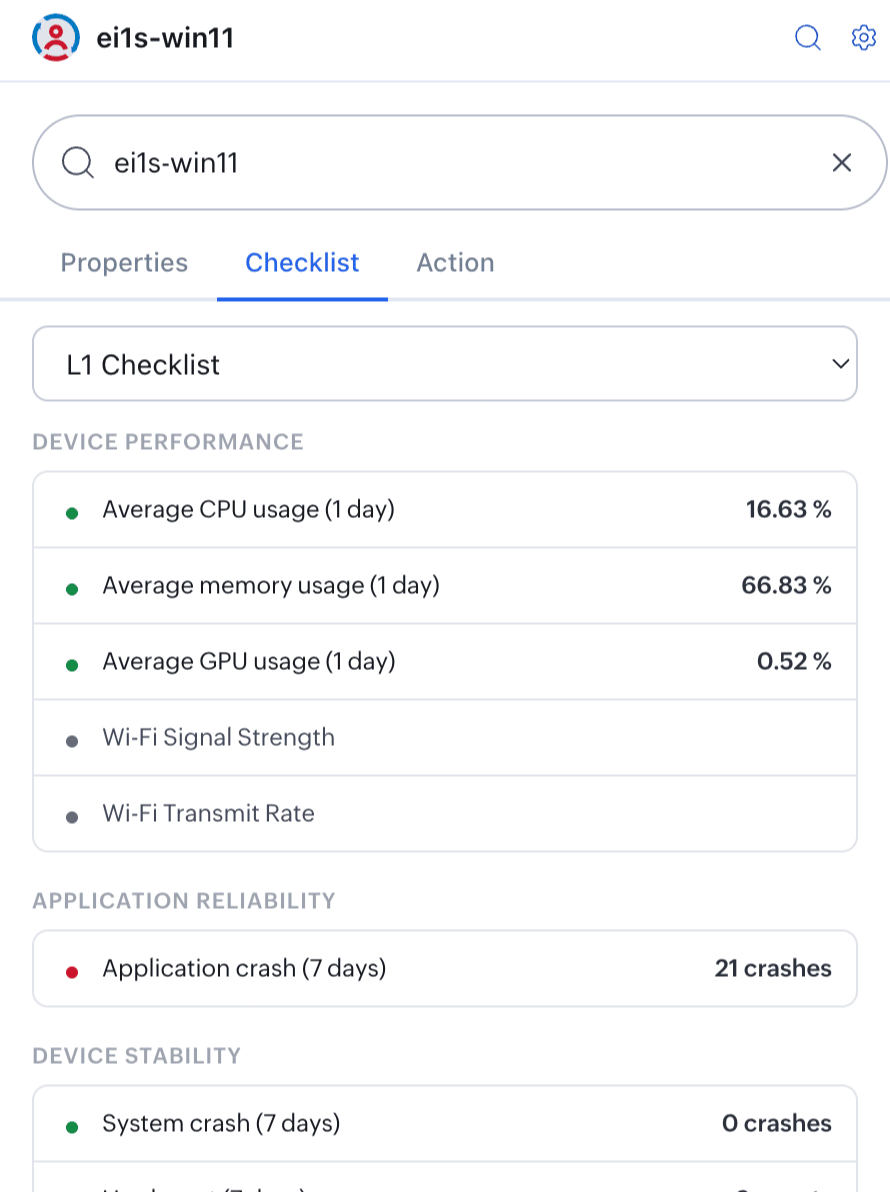
| Checklist | Shows available L1 and L2 compliance and health results for the selected device. |
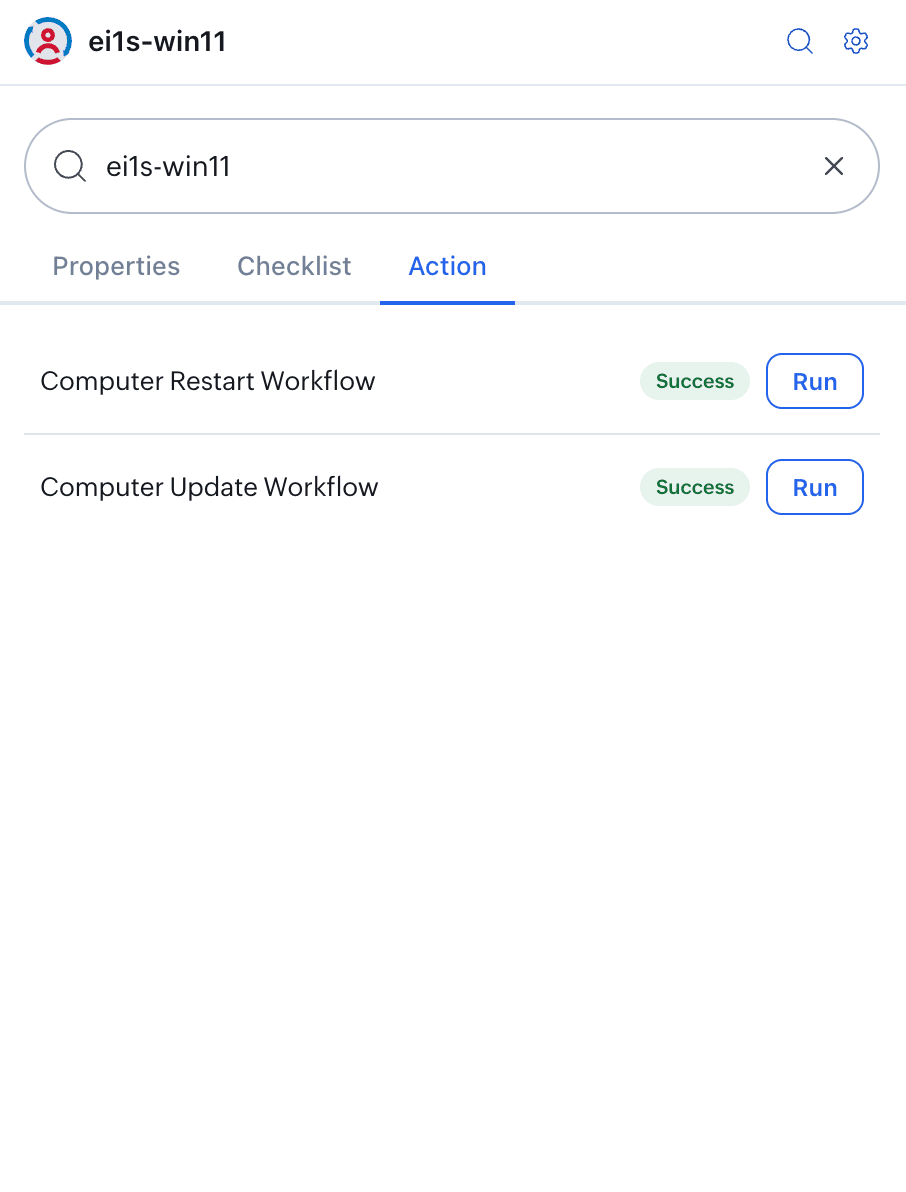
| Actions | Lists workflows available to the technician and shows whether a workflow has already been triggered. |
Key concepts
| Term | Description |
|---|---|
| Experience Score | A composite device-health score derived from performance, reliability, stability, and responsiveness signals. |
| L1 Checklist | A first-level set of available health and compliance checks, including CPU, memory, GPU, Wi-Fi, application-crash, and system-stability signals. |
| Workflow | A predefined remediation task, such as disk cleanup, battery optimization, or system restart, that an authorized technician can dispatch from the extension. |
| Triggered | Indicates that the workflow has been dispatched to the device and is pending or in progress. |
| Page configuration | A saved URL and element mapping that lets the extension detect a hostname on a supported web page and open the matching device automatically. |
Limitations and considerations
- Only devices enrolled in and managed by the connected Endpoint Central organization can be queried.
- Real-time values depend on the device being online and reporting to the server. Offline devices can show stale or incomplete data.
- The signed-in technician sees only the data and actions allowed by their assigned role.
- An expired browser session requires the technician to authenticate again.
- Page configurations detect a device only when the current URL matches the saved pattern and the selected hostname element is available.