×![]()
×
×![]()
×
×
Ask Zia
Zia is virtual assistant integrated with Endpoint Central, designed to help users automate various tasks and improve overall experience. It leverages OpenAI technology to provide intelligent assistance within the product.
This guide walks you through how to enable Zia, explore its capabilities, and get the most out of it.
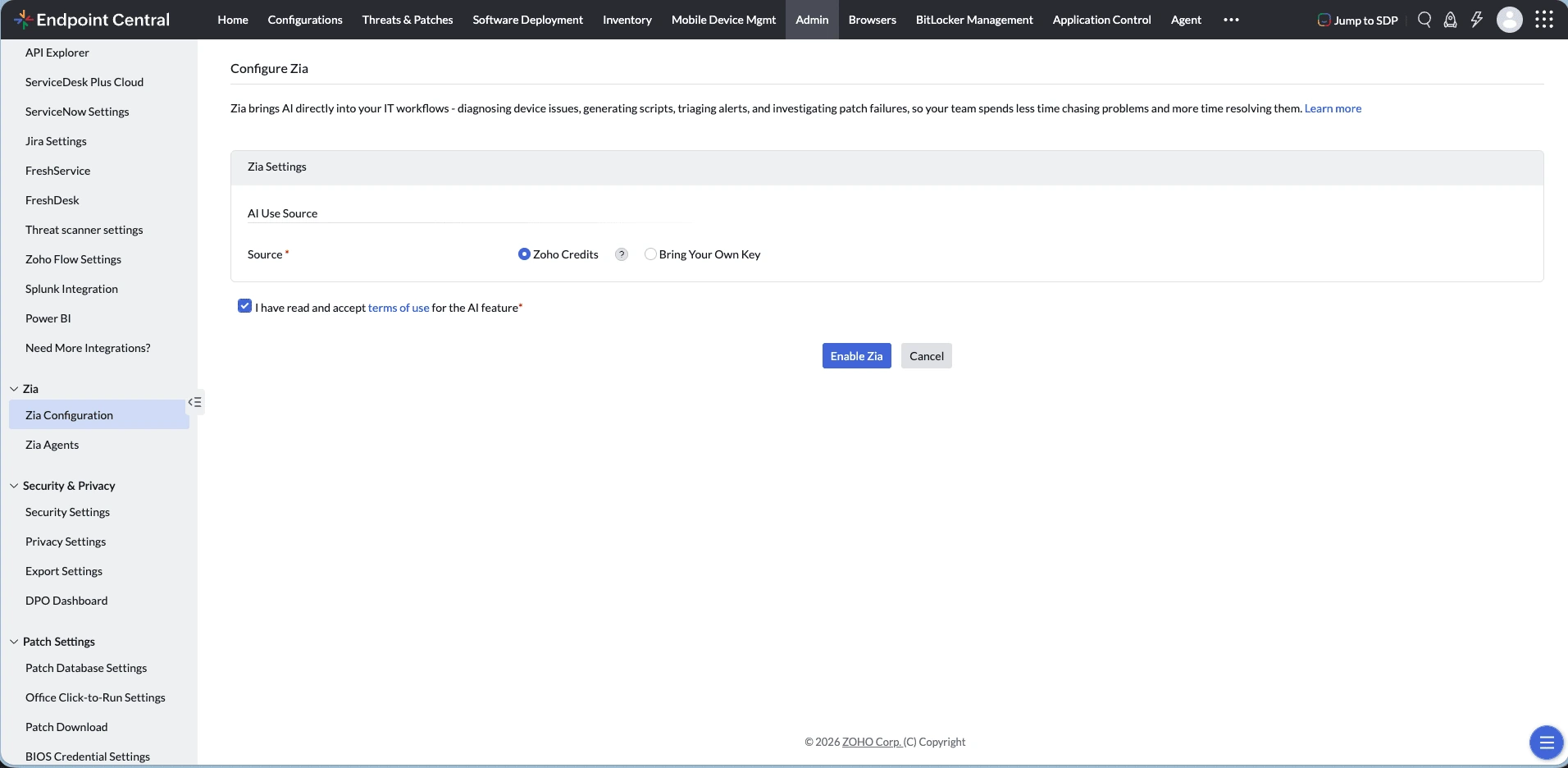
Enabling Zia
- Zia assistant can be enabled by individual users who have atleast Sensor write or Workflow write in DEX.
- On first access, users will be prompted to review and confirm the privacy policy.
- Once accepted, Zia will be activated for that user. Users can then start asking sensor-related questions and receive assistance, as shown in the example image below.
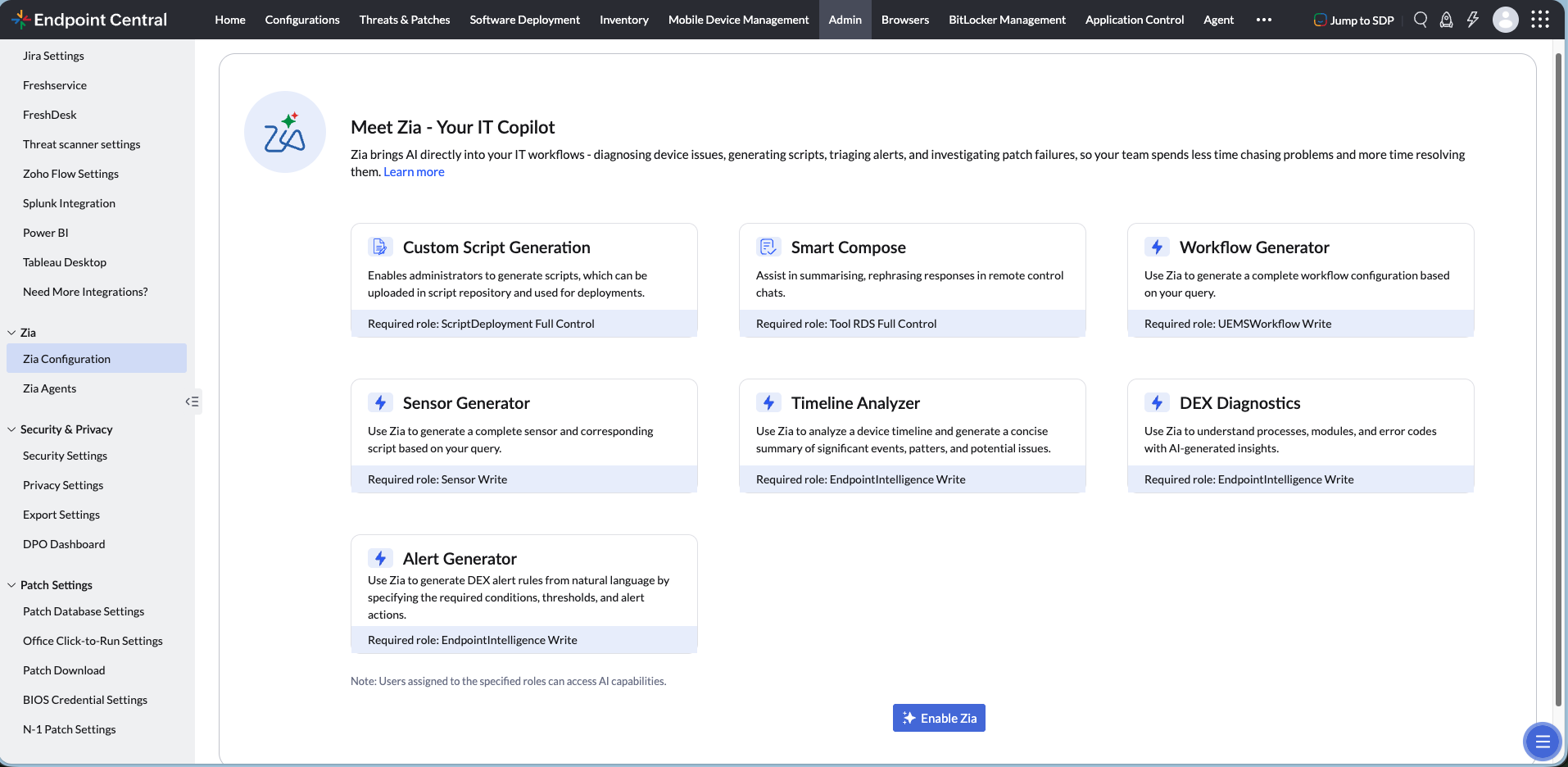
AI Features in Endpoint Central
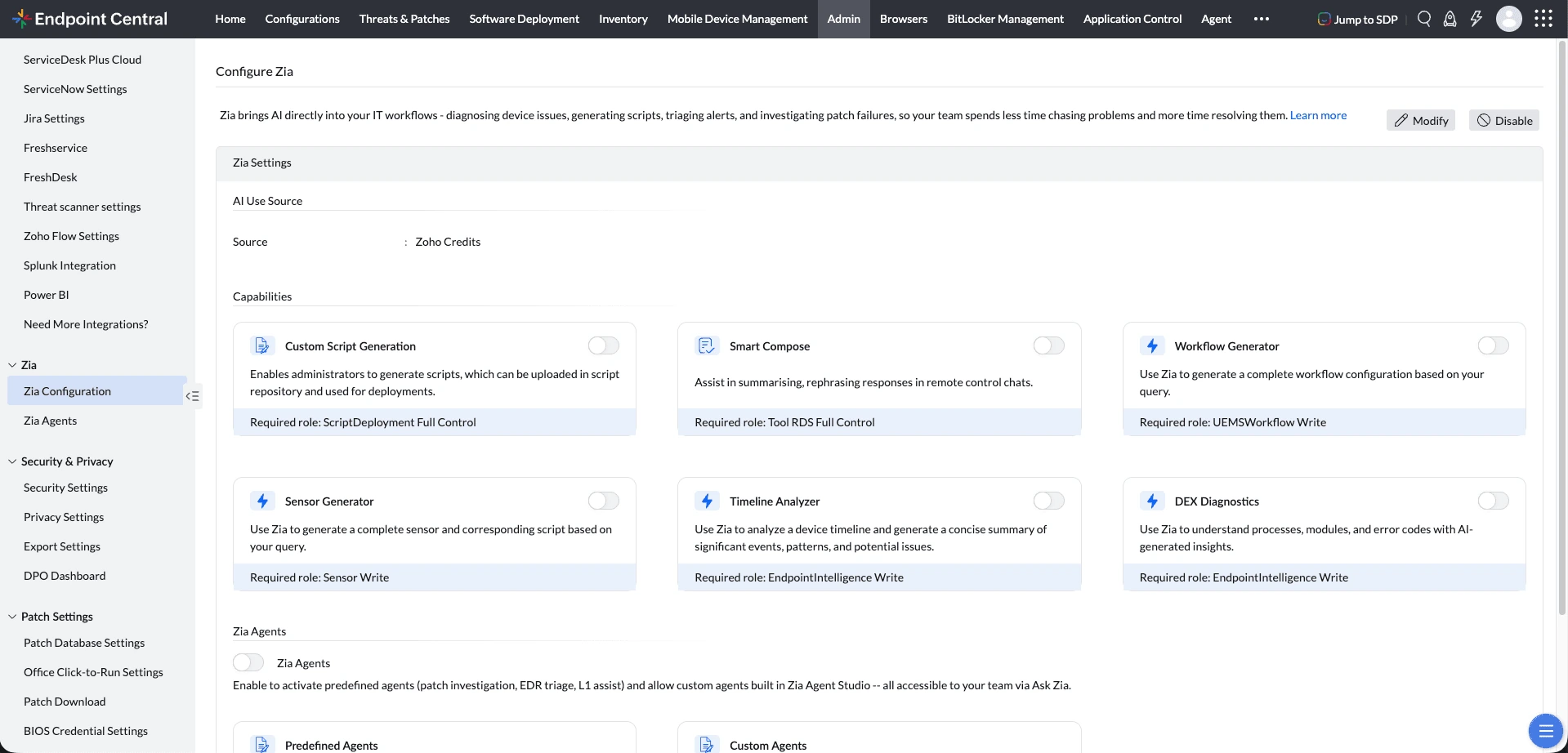
Managing endpoints involves navigating across multiple areas, and manual tasks can be time-consuming and error-prone. Once Zia is enabled, it provides intelligent assistance across the following areas. These capabilities are available based on the user's role permissions.
- Sensor Generator (Required Role: Sensor Write): Create new sensors from scratch using natural language prompts, eliminating the need to configure data collection parameters manually.
- Custom Script Generation (Required Role: Script Deployment Full Control): Generate ready-to-deploy custom endpoint management scripts instantly using natural language prompts, reducing manual scripting effort.
- Smart Compose (Required Role: Tools RDS Full Control): Summarize and rephrase responses in real-time during live remote control sessions, enabling clearer and more professional communication with end-users.
- Workflow Generator: Create automation workflows effortlessly using simple natural language prompts, without manual configuration.
- Alert Profile Creation Assistance: Create alert profiles in natural language by describing the issue conditions, thresholds, and device impact you want to monitor.
- Timeline Analyzer: Analyze device timeline events and receive AI-generated summaries, enabling IT teams to quickly understand the sequence of events leading to an issue and make informed decisions.
- DEX Diagnostics: Get AI-powered explanations for exception codes and faulting modules in DEX insights, helping IT teams understand application crashes and identify likely causes faster.
Sample Queries
Here are some example prompts you can try with Ask Zia:
- Create an alert when CPU or memory usage is high
- Create an alert when boot is slow or too many apps start up
FAQ
Who will have access to Zia?
User with Sensor write or workflow write permission has access to Zia assistant. Each user must individually confirm the privacy policy before use.
What data will be shared with OpenAI and which model is used?
Only the user's prompt (query text) is shared with OpenAI. Zia currently supports sensor-related queries only, and it uses the GPT-4o Mini model.
How to handle credit limit exceeded case?
Each organization is allocated 10,000 credits. Credits are calculated based on the number of input and output tokens per query. To keep usage aligned with AI pricing, credit limits are enforced. You can contact Endpoint Central support to request an increase in your credit limit.
Supported Data Centers for Zia's AI Features
Zia's AI capabilities are available only in the following data centers: US, Canada, India, Australia, and Japan.