- Related Products
- Log360
- AD360
- ADManager Plus
- ADAudit Plus
- ADSelfService Plus
- Exchange Reporter Plus

 Click here to expand

We recommend migrating to V2 APIs to ensure continued support and access to new features.
EventLog Analyzer provides REST Application Programming Interfaces (API) to enable seamless integration of its log management features with other applications. The API enables you to access EventLog Analyzer from other applications and perform necessary log monitoring and analysis with ease. Here are the APIs available and the steps to use them:
| API | Function |
| Get log sources | To get the list of log sources available in EventLog Analyzer. |
| Get log fields | To get the list of parsed log fields from the processed logs. |
| Get log types | To get the list of all log types available in EventLog Analyzer. |
| Synchronous search | To perform search in Eventlog Analyzer. All search results are obtained by the server before they are returned to the user. |
| Asynchronous search | The Search is performed in the background and the user is provided with a request ID. The status of the request can be monitored using the Jobs endpoint. |
| Jobs endpoint | To fetch or delete the status of all the running, failed or completed Asynchronous search, alert tasks. |
| Jobs Result endpoint | To fetch the search, alert results of the completed Asynchronous search tasks. |
| Get alert profiles | To get the list of all alert profiles available in EventLog Analyzer. |
| Synchronous alerts | To get alerts data in Eventlog Analyzer. All alert results are obtained by the server before they are returned to the user. |
| Asynchronous alerts | The alert data retrieval is performed in the background and the user is provided with a request ID. The status of the request can be monitored using the Jobs endpoint. |
| Get Product Details | To get EventLog Analyzer product details. |
| Disable Device | To disable a log source in EventLog Analyzer. |
| Sync Incident Status/Severity using Ticket | To update an incident's status/severity based on the created ticket. |
| Export Incident using Ticket | To export an incident from a created ticket. |
| Disable Ticket Notification | To disable alert profile notification for ticketing tool connections. |
| Execute Workflow | To execute a predefined workflow in EventLog Analyzer. |
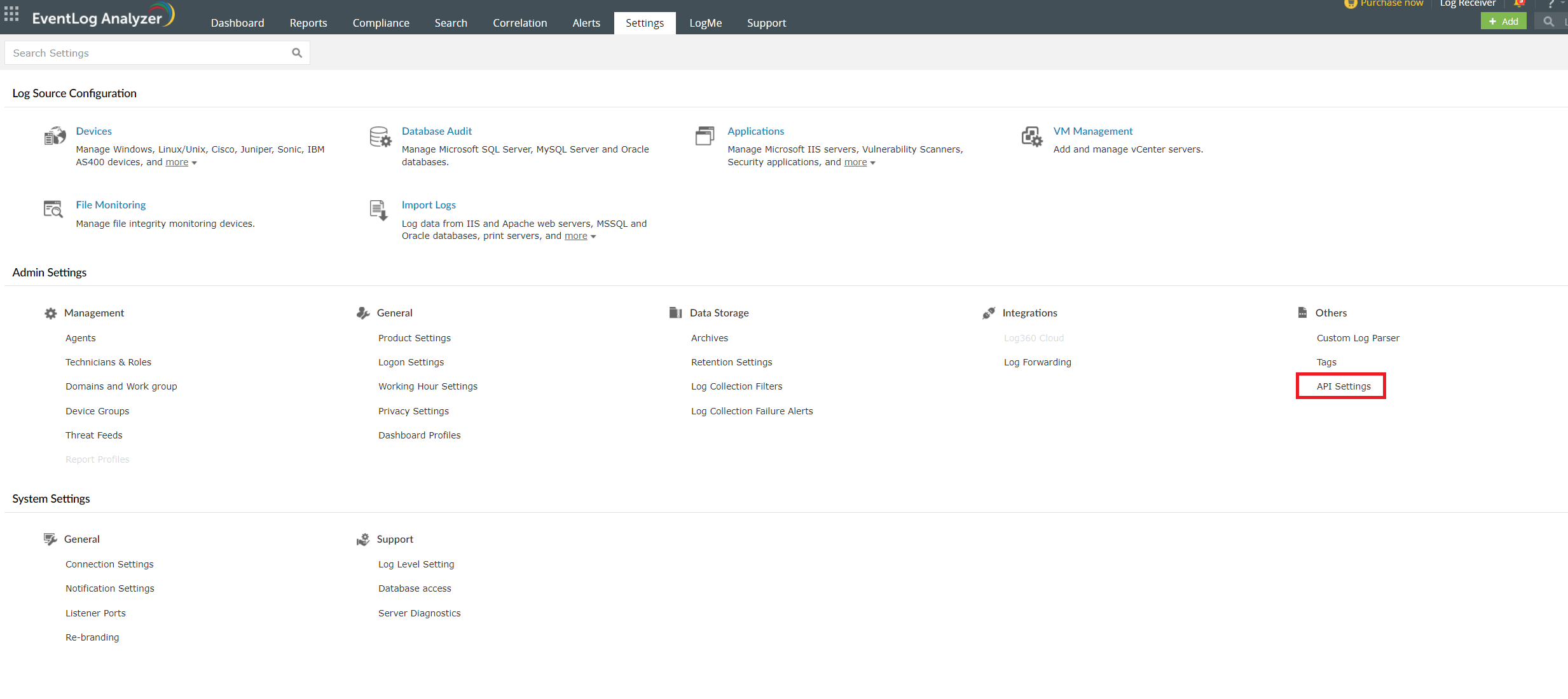
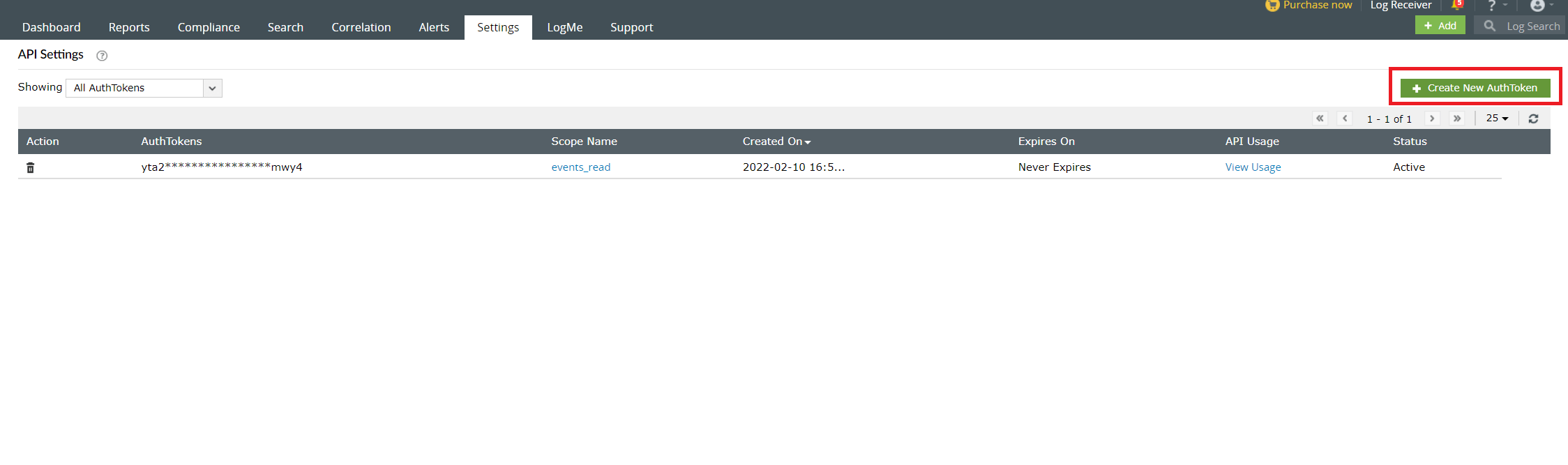
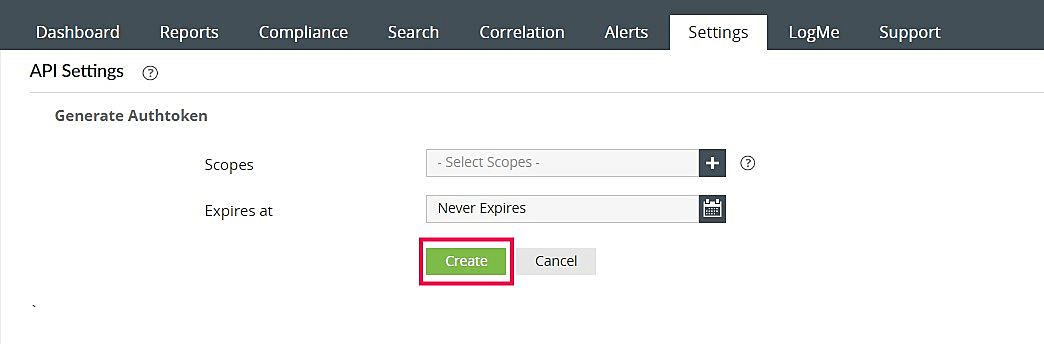
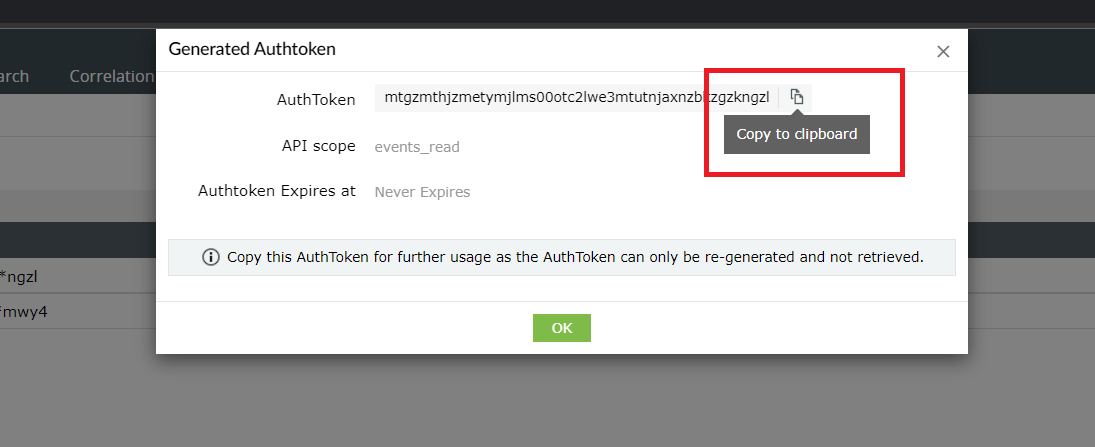
To access EventLog Analyzer from your applications or services, you need an authorization token from EventLog Analyzer. You can generate the same by following the steps below.
Copyright © 2020, ZOHO Corp. All Rights Reserved.
 Download PDF