What is a DHCP conflict? How proper DHCP hygiene prevents IP address conflicts

DHCP conflicts may seem minor, but they can disrupt user connectivity, slow down applications, and drain IT time on troubleshooting. This page explores the causes, effects, and best practices to prevent conflicts through proper DHCP monitoring and configuration.

What is a DHCP conflict?

A DHCP conflict occurs when two devices on the same network are assigned the same IP address, either because of overlapping DHCP scopes or a mix-up with manually assigned static IPs. When this happens, both devices struggle to communicate properly, resulting in downtime, application errors, and frustrated end users.

Are DHCP conflicts the same as IP address conflicts?

DHCP conflicts are a specific type of IP address conflict. While DHCP misconfigurations are a common cause, other factors such as duplicate static IP assignments and network issues can also lead to conflicts.

Both DHCP conflicts and broader IP address conflicts waste valuable troubleshooting time for administrators. The key difference is that DHCP conflicts can often be prevented with proper configuration and continuous monitoring practices.

On this page, we will discuss:

Common causes of DHCP conflicts

DHCP conflicts can arise from several issues within a network:

  • Duplicate IP assignments: Occur when a static IP allocation overlaps with a dynamic IP address from the DHCP pool.
  • Rogue DHCP servers: Unauthorized devices that assign IPs outside IT control can overlap with legitimate DHCP allocations.
  • DHCP lease mismanagement: Expired or duplicate leases not being properly released or cleared can cause conflicting assignments.
  • Device or configuration errors: Misconfigured routers, switches, or DHCP relays distributing overlapping addresses.
  • Overlapping IP pools: Static IP assignments overlapping DHCP pools or multiple DHCP servers managing the same IP range can lead to duplicates.
  • Expired leases being reassigned: If stale leases aren’t cleared, DHCP servers may reassign IPs while the original device is still using them.
  • Multiple servers handing out the same addresses: Poorly configured or redundant DHCP servers may distribute identical IPs to different clients, creating conflicts across the network.

Risks and impacts of ignoring DHCP conflicts

  • Operational downtime: Devices lose connectivity, causing disruptions to applications, VoIP calls, and business services.
  • Security vulnerabilities: Conflicting IPs can enable spoofing or man-in-the-middle attacks.
  • Troubleshooting overhead: IT teams waste hours manually diagnosing and fixing conflicts.
  • Unreliable network performance: Users experience intermittent drops, slow response times, or failed connections.
  • Compliance and audit issues: Poor IPAM can lead to violations of security policies or audit failures.
  • Data loss or corruption: Applications relying on network connections may suffer data inconsistencies or loss due to dropped packets or failed transmissions.
  • Customer dissatisfaction: Frequent network issues can impact customer experience, leading to complaints or loss of business.
  • Increased costs: Repeated manual fixes and downtime can lead to higher operational expenses and possible SLA penalties.
  • Impact on scalability: Persistent DHCP conflicts can hinder network growth and deployment of new services or devices.

DHCP hygiene explained:

DHCP hygiene is the practice of proactively managing and monitoring DHCP settings to prevent conflicts, downtime, and misallocation of IP addresses. Good DHCP hygiene ensures that every device on the network gets a unique, valid IP address, reducing errors, improving availability, and strengthening security. Without proper hygiene, DHCP conflicts can snowball into service outages, frustrated users, and endless troubleshooting cycles for IT admins.

Top 5 best practices for IP address conflict prevention

Below are the core best practices for preventing DHCP conflicts in enterprise and hybrid networks:

1. Avoid static-dynamic overlap

One of the most frequent scenarios that lead to DHCP conflicts is when the same IP addresses are given both statically and dynamically. The following measures can help avoid such situations:

  • Set aside specific IP addresses for critical devices such as servers, printers, gateways, and firewalls.
  • Set up a range of addresses, or "scope," for the DHCP server and create IP address exclusions to ensure reserved IPs are never dynamically assigned.
  • Keep records of static assignments either in an IPAM solution or an asset inventory.

2. Segment DHCP scope by VLANs, departments, or devices

When large organizations run a flat DHCP scope, the chances of duplication and mismanagement increase. Follow these scope segmentation best practices:

  • Allocate separate DHCP scopes for each VLAN, subnet, or department to isolate traffic and reduce conflicts.
  • Implement hierarchical IP addressing schemes, such as using 10.1.x.x for Sales and 10.2.x.x for HR, to simplify identification and troubleshooting.
  • Avoid overlapping subnets across hybrid or multi-cloud environments to ensure seamless connectivity and prevent routing issues.
  • Assign DHCP scopes based on device types, e.g., separate scopes for printers, VoIP phones, and workstations to better control and monitor device-specific IP usage.
  • Implement DHCP lease time policies. Adjust lease durations per VLAN or department to optimize IP address availability and reduce conflicts.
  • Use DHCP reservations for critical devices to ensure important servers and network equipment always receive consistent IP addresses.
  • Plan for future growth by designing scopes with room for expansion to avoid frequent reconfiguration as the organization grows.

3. Regular lease cleanup and monitoring

Stale or expired leases can create confusion and cause DHCP servers to reassign addresses incorrectly. To maintain lease hygiene:

  • Shorten lease times for transient devices: Apply shorter DHCP lease durations for guest Wi-Fi, IoT, and BYOD devices to reduce the risk of conflicts from frequently connecting endpoints.
  • Clear unused leases periodically: Remove stale or inactive leases, especially after network scans or device decommissioning, to free up IPs and avoid duplicate assignments.
  • Track IP utilization trends: Monitor usage patterns to identify scope exhaustion early and adjust allocations before conflicts occur.

4. Detect and eliminate rogue DHCP servers

Unauthorized or misconfigured DHCP servers can hand out conflicting addresses and compromise security. Rogue DHCP detection should be part of ongoing network monitoring:

  • Use switches with DHCP snooping enabled: Block rogue assignments and ensure only authorized servers can issue IP addresses.
  • Monitor for multiple DHCP offer messages: Detect if more than one DHCP server is responding on the same subnet.
  • Investigate unauthorized devices: Identify and remove rogue devices connected to the network to prevent conflicts.

5. Use IPAM and DHCP monitoring tools

Manual tracking of DHCP scopes is error-prone, especially in hybrid and large-scale networks. IP Address Management (IPAM) tools provide automation and real-time visibility where administrators can:

  • Automate IP address discovery to spot duplicate assignments quickly.
  • Correlate DHCP, DNS, and IPAM data for faster conflict resolution.
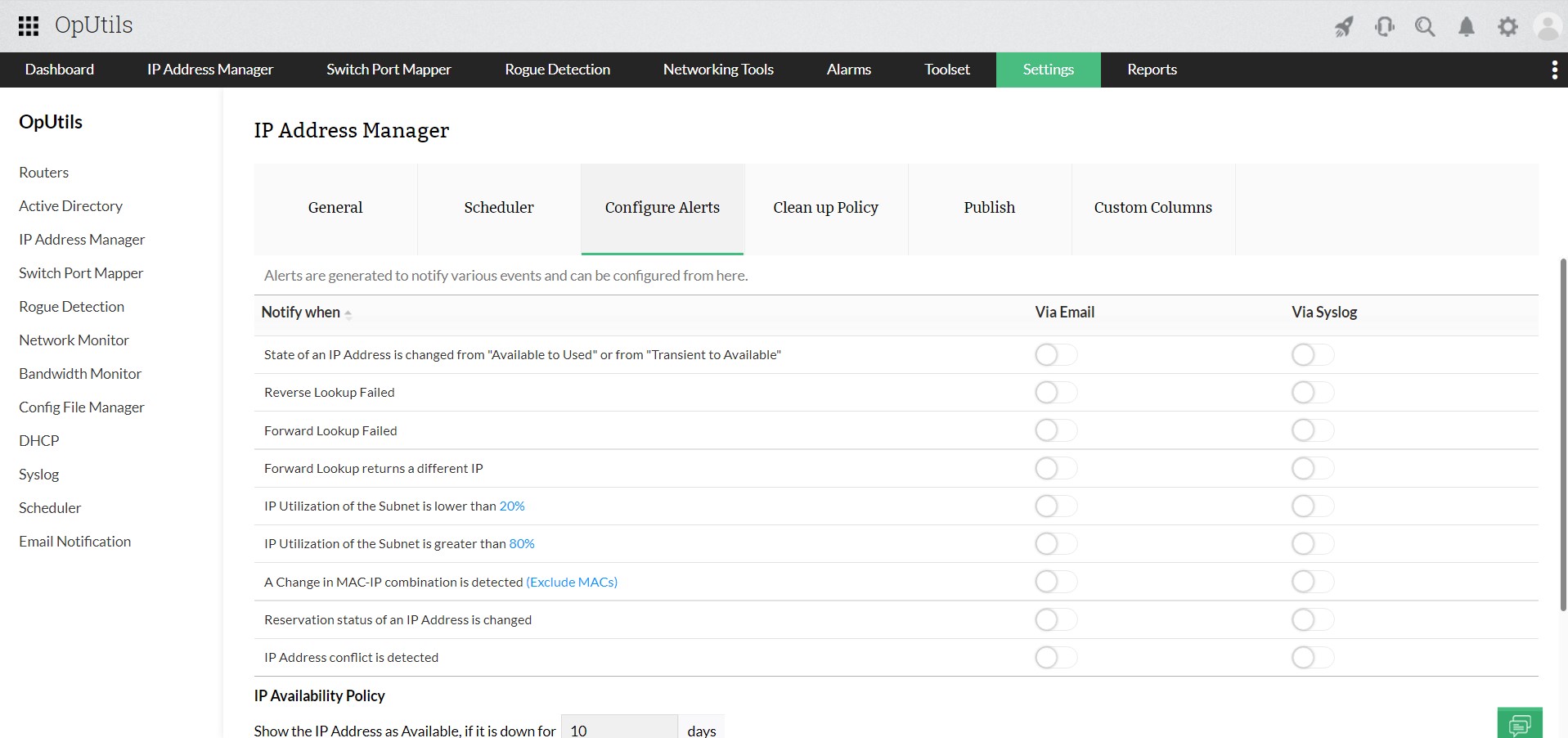
  • Set alerts for scope exhaustion, rogue devices, and duplicate leases.
  • Generate detailed reports on IP utilization and lease history for capacity planning.
  • Enforce IP address assignment policies consistently across all network segments.
  • Integrate with rogue device detection tools to detect and respond to unauthorized devices.
  • Simplify auditing and compliance by maintaining accurate, centralized IP records.
  • Provide role-based access controls to ensure only authorized personnel can modify DHCP settings.

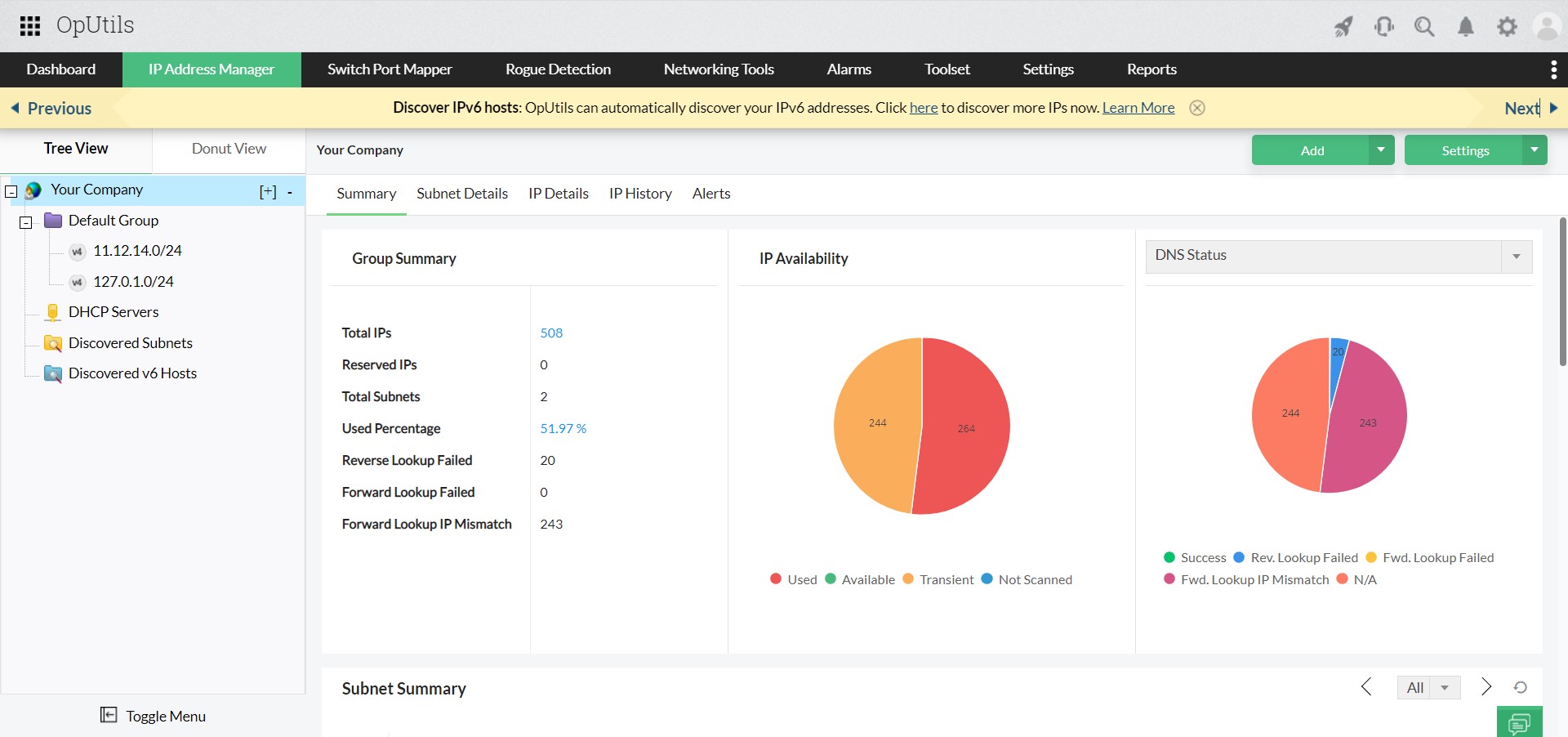
Tools like ManageEngine OpUtils support real-time IP conflict detection, VLAN-aware scanning, and integration with DHCP/DNS servers and Active Directory, making DHCP hygiene practical, not just theoretical.

A step-by-step guide to resolve DHCP conflicts

A DHCP conflict occurs when two devices are assigned the same IP address. This can lead to dropped connections, failed logins, or intermittent network access.

Follow this step-by-step process to resolve DHCP conflicts quickly:

  1. Identify the symptoms of DHCP conflict:

    The first step is to watch for telltale signs such as system alerts like “Duplicate IP address detected,” devices suddenly failing to connect to the network or internet, or users complaining about intermittent connectivity.

  2. Pinpoint the DHCP conflict source:

    Once symptoms appear, check DHCP server logs for duplicate leases or run the "arp -a" command to spot conflicting MAC-to-IP mappings. While these manual methods work, they are time-consuming. Tools like OpUtils automate this process, giving instant visibility into IP conflicts and saving troubleshooting time.

  3. Isolate the devices affected by IP conflict:

    After identifying the conflicting IP, focus on the devices involved. Temporarily disconnect the duplicate device to restore normal connectivity. For recurring issues, centralized tools like OpUtils continuously monitor IP usage, flag duplicate assignments, and help pinpoint the source without manual intervention.

  4. Release, renew, or reassign IPs:

    To resolve the conflict, refresh the devices’ IP leases. On Windows, Mac, or Linux, use commands like "ipconfig /release" followed by "ipconfig /renew" or their equivalents. Adjust DHCP scopes to eliminate overlaps or expand pools if needed. For static devices, assign addresses outside the dynamic range to prevent future clashes.

  5. Verify the resolution:

    After applying fixes, either run a network scan, review DHCP logs, and manually verify device connectivity, or use a monitoring solution to automatically ensure all devices are online and no duplicate IPs remain.

Understanding DHCP conflicts in hybrid and cloud environments

  • VM cloning and snapshots: Cloned virtual machines or restored snapshots often inherit the IP addresses of the source VM, causing duplicate IP issues.
  • Multi-cloud overlapping subnets: Multiple cloud environments with overlapping subnet ranges may result in DHCP servers assigning the same IP to different devices.
  • DHCP relay misconfigurations: Incorrectly configured DHCP relays across sites can lead to devices receiving duplicate IPs or conflicting leases.

Use a centralized IPAM system and enforce DHCP hygiene to detect and avoid conflicts proactively.

Want to detect, prevent, and resolve DHCP conflicts efficiently?

Organizations looking to prevent and resolve DHCP conflicts have several options. Basic command-line utilities and simple network scanners can help detect IP conflicts in small environments, but they often lack automation and comprehensive monitoring.

For SMBs and larger networks, enterprise IPAM and DHCP solutions provide a more structured approach, enabling proactive conflict detection, enforcing IP hygiene, and offering visibility across complex, multi-site, or cloud environments.

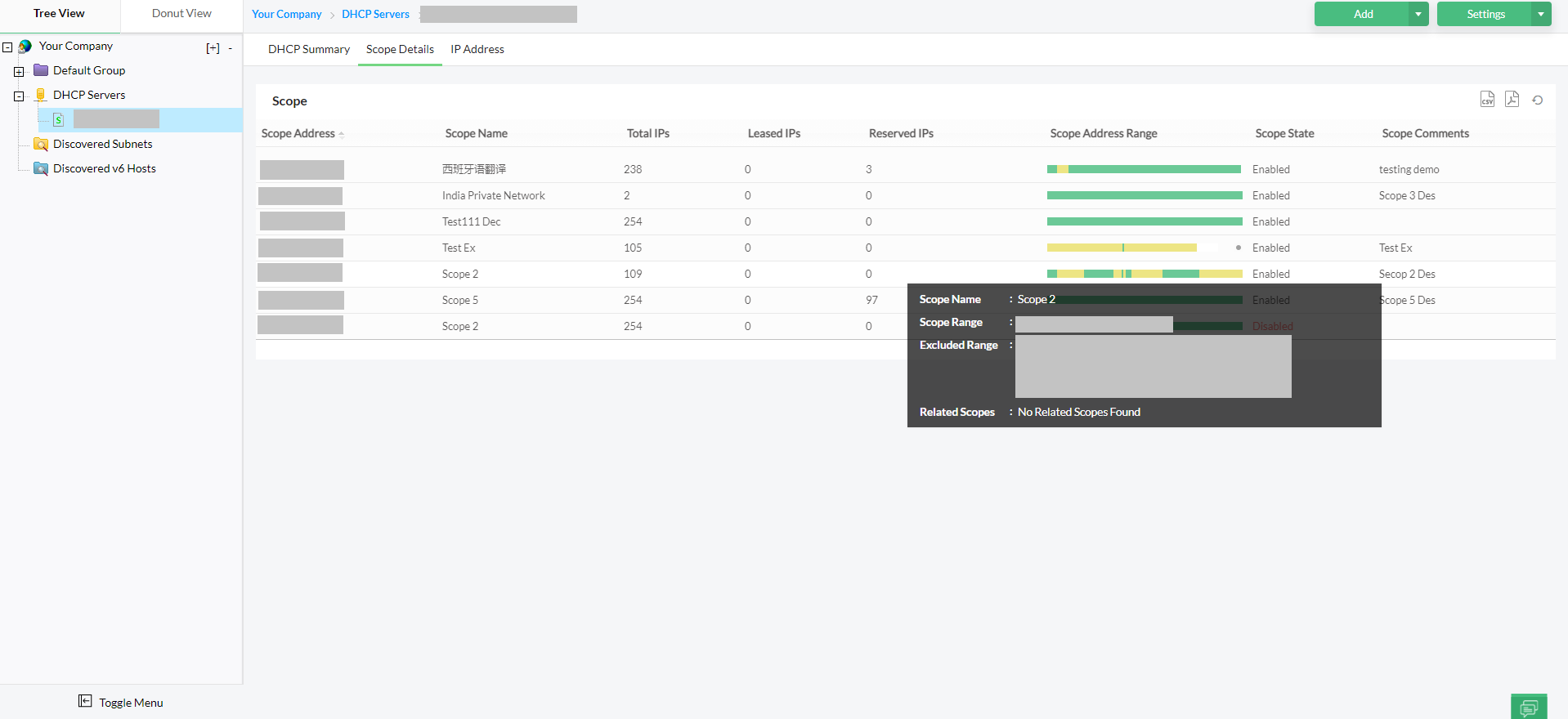
Tools like OpUtils are particularly effective, offering VLAN-aware scanning, DHCP scope monitoring, and more bundled into a comprehensive IPAM solution to identify and prevent conflicts in real time. While basic utilities may suffice for small setups, organizations aiming to actively eradicate DHCP conflicts benefit from disciplined IP management and DHCP practices.

Detect IP conflict
IP address conflict
Fixing IP conflict
Fixing IP conflict


Try OpUtils for free for the next 30 days and see why it is the right IPAM tool for your network. You can also schedule a free personalized demo, and we will connect you with the right product expert.
Simplify DHCP conflict detection across your network with OpUtils

Try OpUtils for free today
DHCP conflict