IP address management best practices

Managing IP addresses has shifted from being a mere routine task to a core function of IT operations. What once involved tracking a limited pool of addresses in static environments has transformed into overseeing thousands of dynamic, short-lived IPs across cloud-native, containerized, or hybrid environments.

This shift demands a structured approach to IP address management, helping the IT teams maintain in-depth visibility, prevent IP conflicts, and support a scalable environment without affecting the network's performance or security.

Relying on manual checks or waiting for user complaints is no longer practical. Modern IP conflict detection tools continuously scan for duplicate IP addresses, log historical incidents, and send instant alerts the moment a conflict occurs, helping teams minimize downtime and ensure seamless connectivity.

Hence, knowing the best practices for IP address management is the key to building a resilient network. Before diving into the best practices, let us understand the basics of IPAM.
What is IP address management (IPAM)?

IP address management, or IPAM, is the practice of planning, tracking, and managing IP addresses within a network. It combines and streamlines best practices and tools that help IT teams allocate, monitor, and secure IP addresses across devices, applications, and services. Unlike basic IP tracking, IPAM typically integrates with DHCP and DNS, making it a central DDI system of record for how addresses are assigned and resolved across the network.

To read more about IPAM, click here.

Why IPAM is critical for modern enterprises

The way organizations use networks has changed drastically. It’s no longer just desktops and servers connecting to a corporate LAN. Today, enterprises handle IoT devices, mobile endpoints, cloud workloads, and remote users, all competing for address space. Without structured IPAM, teams risk running into IP address conflicts, downtime, or compliance issues.

Challenges of manual IP tracking

Some organizations still rely on spreadsheets or static records to track IP usage. While this might work in smaller setups, it quickly becomes unreliable as networks expand. This method of manual IP tracking:

  • Fails to scale in hybrid and multi-cloud environments.
  • Increases the risk of duplicate IP assignments.
  • Makes troubleshooting slow and reactive.
  • Lacks real-time visibility into how addresses are consumed.

Alongside these limitations of manual tracking, the shift from IPv4 to IPv6 adds another layer of complexity that enterprises must address.

To understand why dual-stack IPAM is gaining importance, we need to go back to the basics of IPv4 and IPv6.

While IPv4 remains the backbone of most enterprise networks, its limitations have accelerated the adoption of IPv6. Both protocols serve the same core function of addressing and routing traffic, but they were designed with disparate scalability, configuration, and security models. These differences shape how organizations plan, deploy, and manage IP address space today.

Key differences between IPv4 and IPv6

AspectIPv4 (Internet Protocol version 4)IPv6 (Internet Protocol version 6)Practical use
Address size32-bit128-bitIPv4 is sufficient for smaller private networks; IPv6 is better for large-scale, cloud-first environments.
FormatDotted decimal (e.g., 192.168.1.1)Hexadecimal (e.g., 2001:0db8::1)IPv4 remains easier for manual configuration, while IPv6's longer format is handled automatically by systems and tools.
Address spaceAbout 4.3 billion addresses (limited)Virtually unlimited (340 undecillion)IPv4 faces exhaustion and relies on NAT; IPv6 comfortably supports IoT, mobile, and global expansion.
FeaturesRelies on NAT for address conservationNo NAT needed, every device can have a unique public IPIPv6 enables simpler, direct end to end communication without NAT overhead.
Header structureComplex, with multiple fields and optionsSimplified header for faster packet processingIPv6 offers better performance in high-throughput or latency sensitive applications.
ConfigurationOften requires manual setup or DHCPSupports auto-configuration (SLAAC) and DHCPv6IPv6 reduces admin overhead in dynamic and cloud-based environments.
SecurityIPsec optional and often add-onIPsec support built in by designIPv6 aligns better with zero-trust and encrypted by default architectures.
CompatibilityDominant in enterprise networks, legacy apps, and private LANsPreferred in modern cloud, IoT, and mobile-first networksIPv4 continues to run in legacy systems, while IPv6 adoption accelerates in public facing and cloud workloads.
PerformanceStable and proven for existing enterprise infrastructureBetter optimized for large, distributed, and mobile environmentsIPv6's design reduces routing table size and improves scalability.

Why dual-stack IPAM is essential for modern enterprises

Enterprises today cannot afford to run only on IPv4, and moving fully to IPv6 is rarely practical. A dual-stack setup, where both IPv4 and IPv6 run side by side, offers the flexibility to support legacy applications while preparing for future growth.

Without IPAM, managing two parallel address spaces quickly becomes messy and error-prone. A robust IP address management solution gives administrators the visibility and automation needed to handle dual-stack networks, minimize conflicts, and ensure smooth operations during the transition.

Though the dual-stack approach seems like the best option, it comes with a set of challenges.

Challenges of dual-stack adoption:

  • Training network teams to handle both protocols.
  • Maintaining backward compatibility with legacy applications.
  • Increased complexity in routing and troubleshooting.
  • Added operational costs until IPv6 is fully adopted.

However, adopting a reliable IP address management (IPAM) software along with proven best practices will help enterprises overcome these challenges, simplify dual-stack adoption, and build a secure, scalable, and resilient network.

Here are some of the best practices the administrators need to consider:

Best practices for IP address management

1. Documentation and planning

  • Define clear IP address policies covering naming conventions, subnet allocation, and IP reservation rules.
  • Automate repetitive tasks like IP audits and updates.
  • Maintain a real-time IP inventory instead of static lists.
  • Use subnetting and hierarchical design to avoid fragmentation.
  • Anticipate growth, mergers, and cloud expansion while planning.

2. Allocation and assignment

  • Tag IP addresses with metadata such as the device, department, or application.
  • Use DHCP for dynamic assignments and DNS for resolution.
  • Assign static IPs only where necessary, such as critical servers, gateways, printers.
  • Reserve high-priority addresses to prevent overlaps.

3. Monitoring and optimization

  • Continuously monitor address utilization to spot shortages early.
  • Enable real-time alerts for conflicts or DHCP lease issues.
  • Reclaim unused or abandoned IPs to optimize resources.
  • Resize or reallocate subnets to reduce waste.

4. Security considerations

  • Use whitelisting and blacklisting to control device access.
  • Apply role-based access control (RBAC) to limit who can make changes.
  • Detect and block rogue devices or shadow IT.
  • Track unauthorized IP usage through centralized IPAM logs.
  • Use IPAM reports to demonstrate compliance with GDPR, HIPAA, and PCI DSS.

Tools and technologies for effective IPAM

While administrators can use standalone tools like ipconfig, ping, nslookup, or traceroute for quick checks, these options fall short when it comes to scale, automation, and security. That’s where an integrated solution like ManageEngine OpUtils stands out, aligning closely with IP address management best practices.

Here’s how OpUtils helps enterprises streamline IPAM:

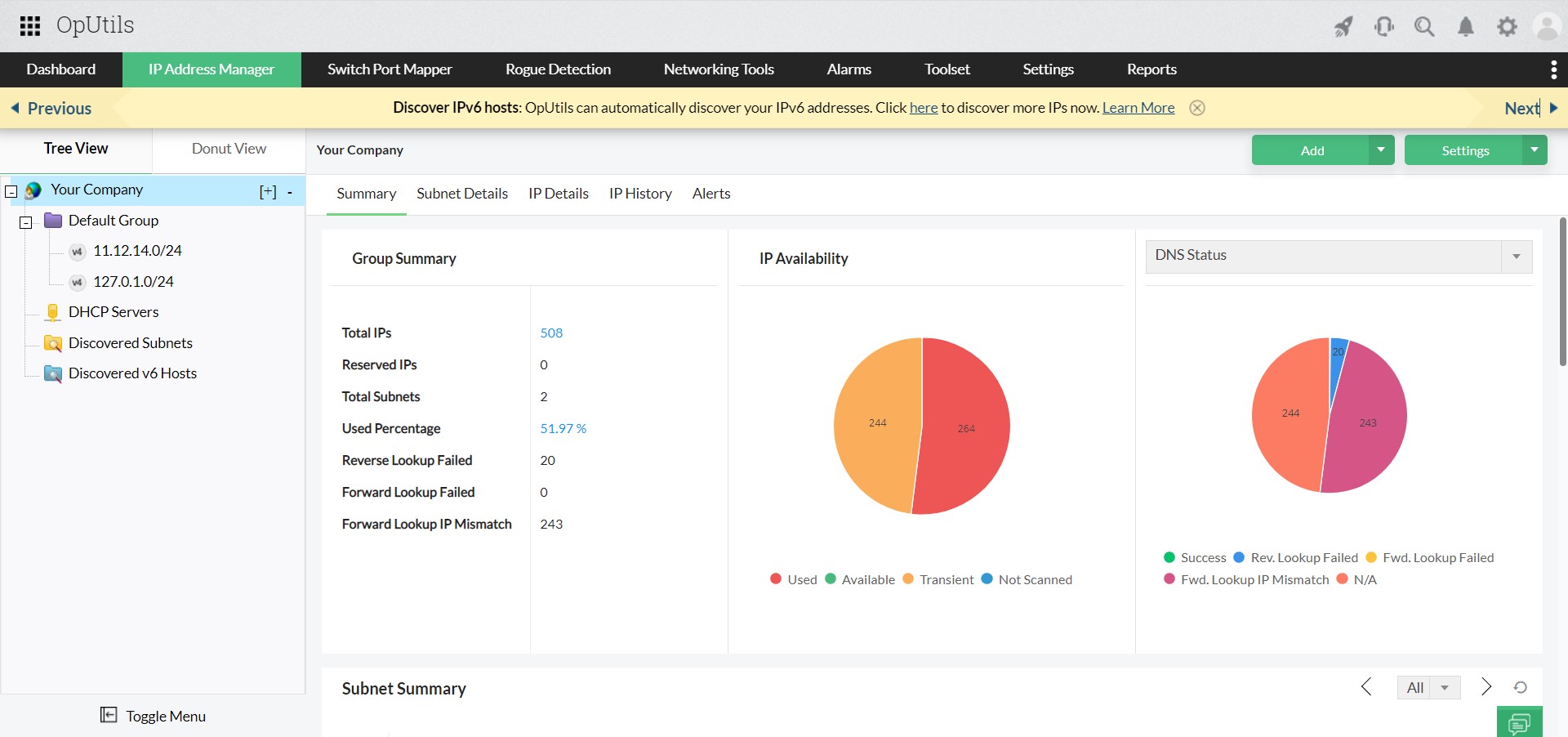
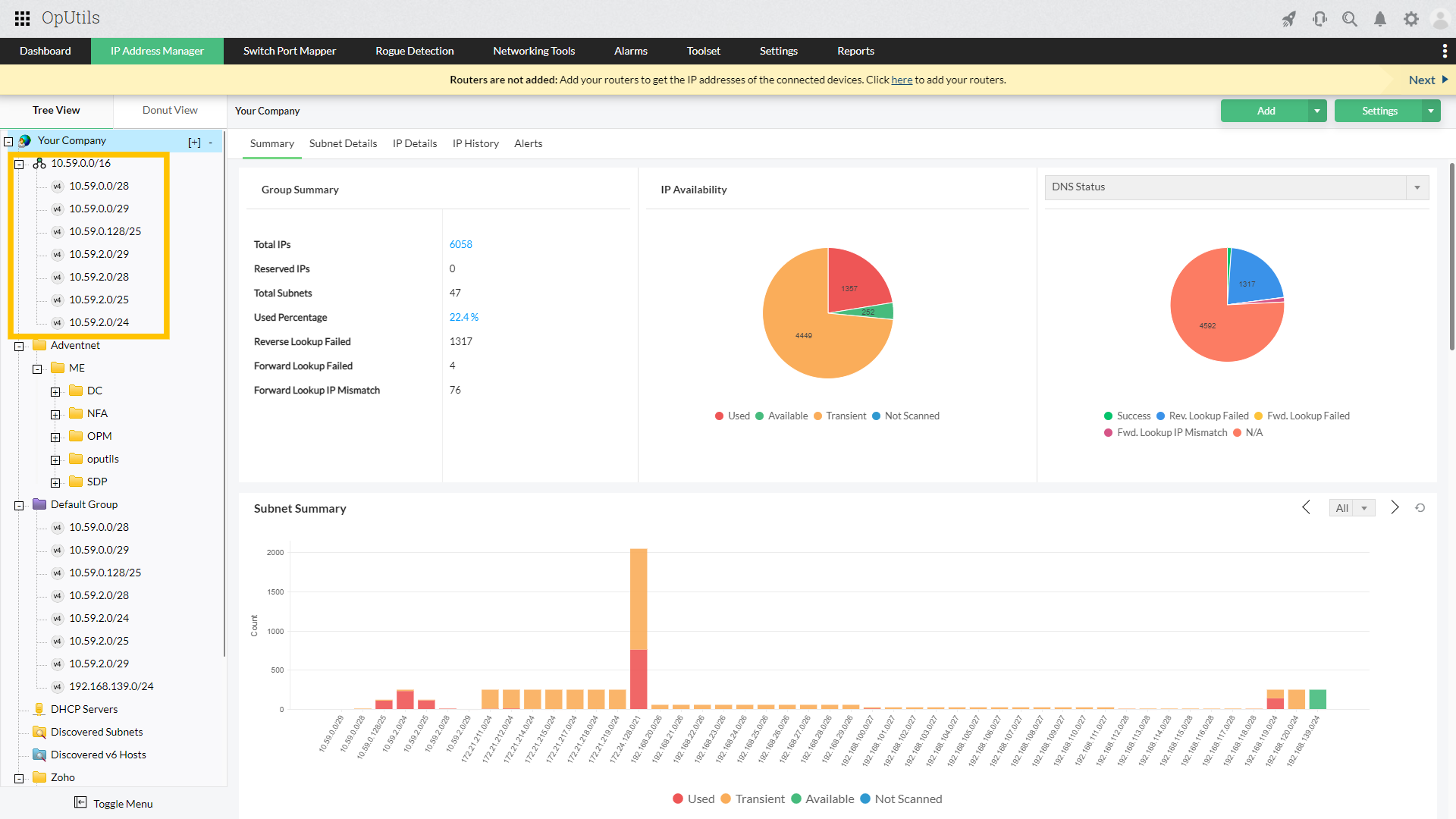
  • IPv4 and IPv6 tracking: Scans and tracks both IPv4 and IPv6 subnets from a single console, making dual-stack management simpler.
  • Auto-discovery and supernetting: Automatically discovers subnets from routers and organizes them into scalable supernets for efficient routing.
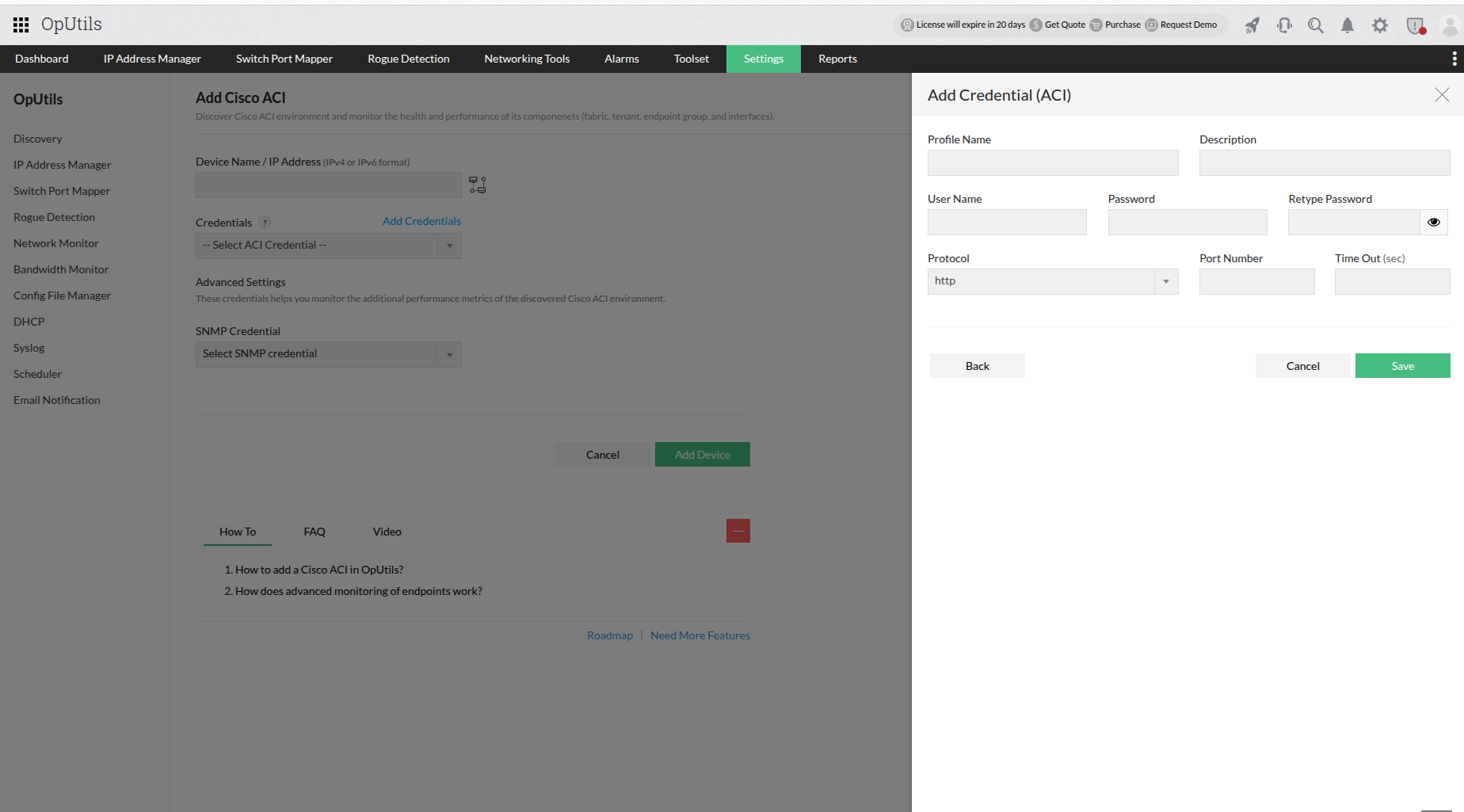
  • Cisco ACI discovery: Integrates with Cisco APIC controller to discover switches, interfaces, VLANs, and connected endpoints without SNMP configuration, providing real-time visibility.
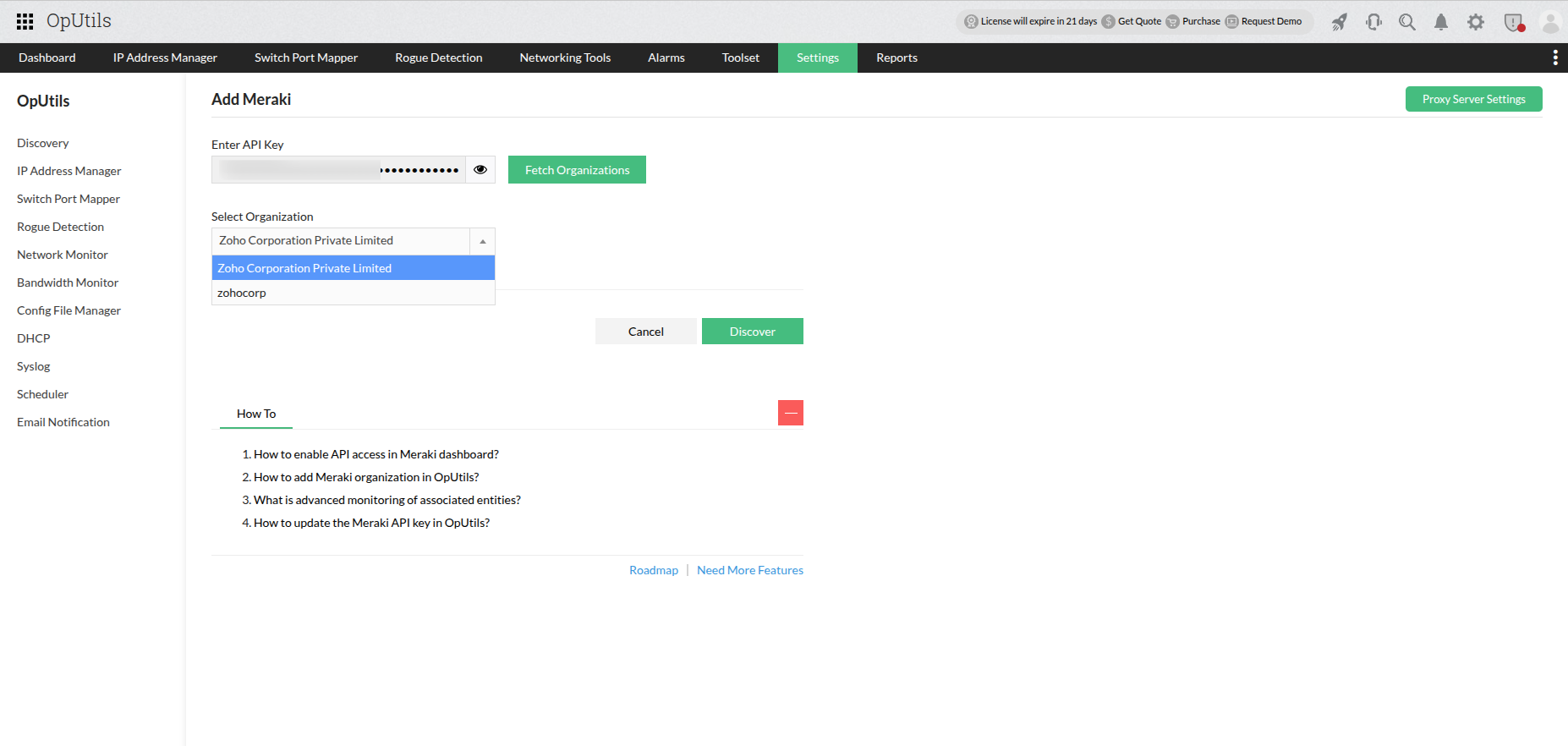
  • Meraki controller discovery: Connects with Meraki dashboards to automatically discover and track subnets for centralized network management.
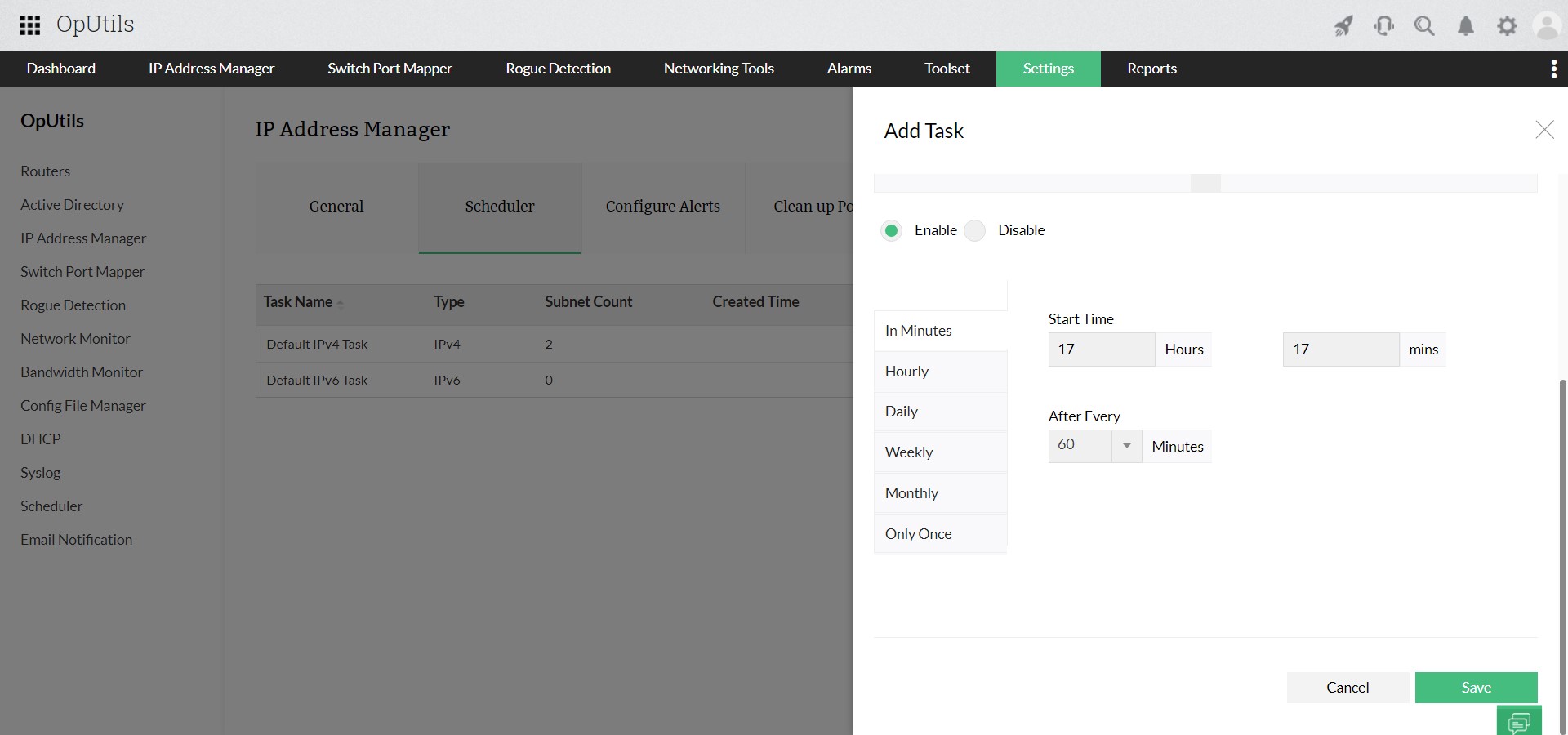
  • Scheduled and real-time scanning: Keeps IP availability data up to date with periodic and on-demand subnet scans.
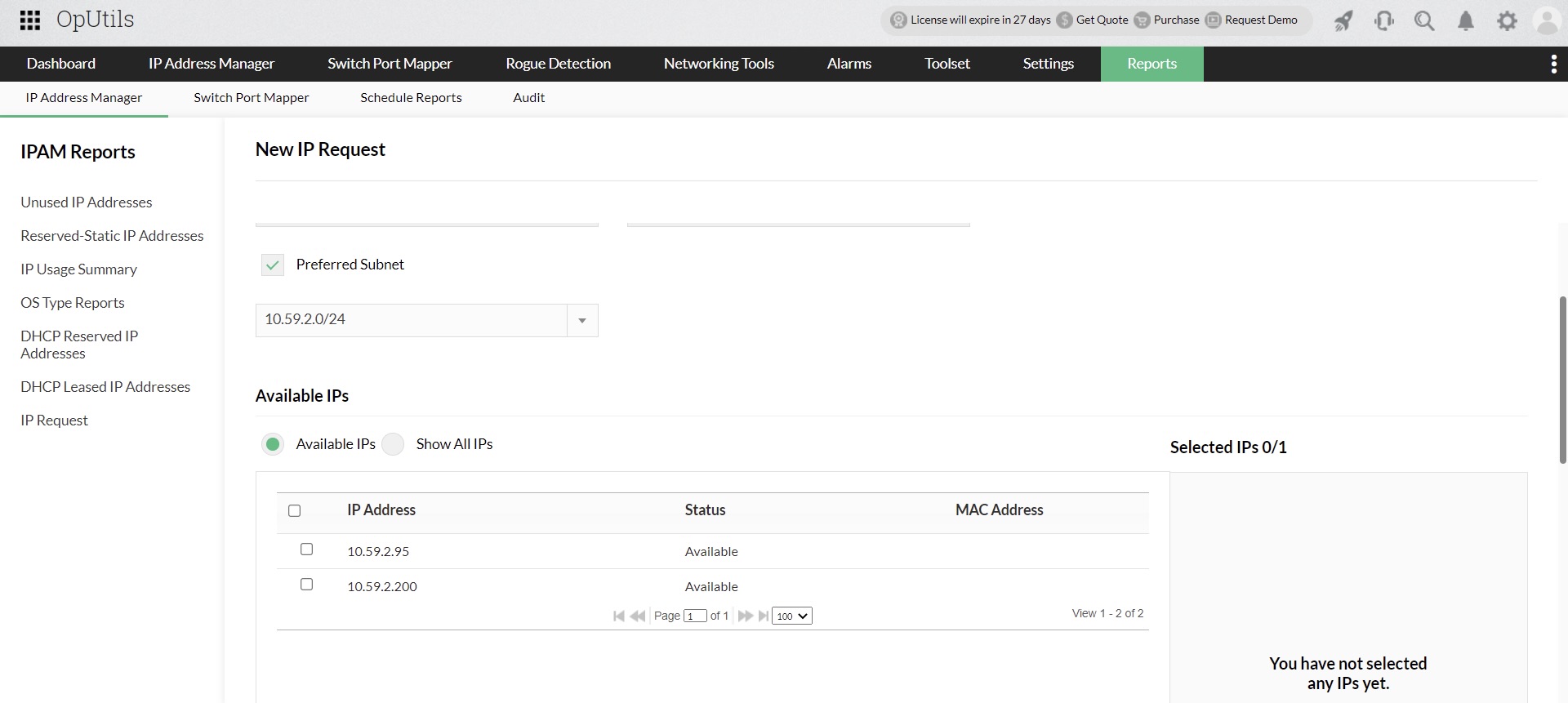
  • Built-in IP request tool: Provides a request-and-approval system that lets admins control how IPs are assigned.
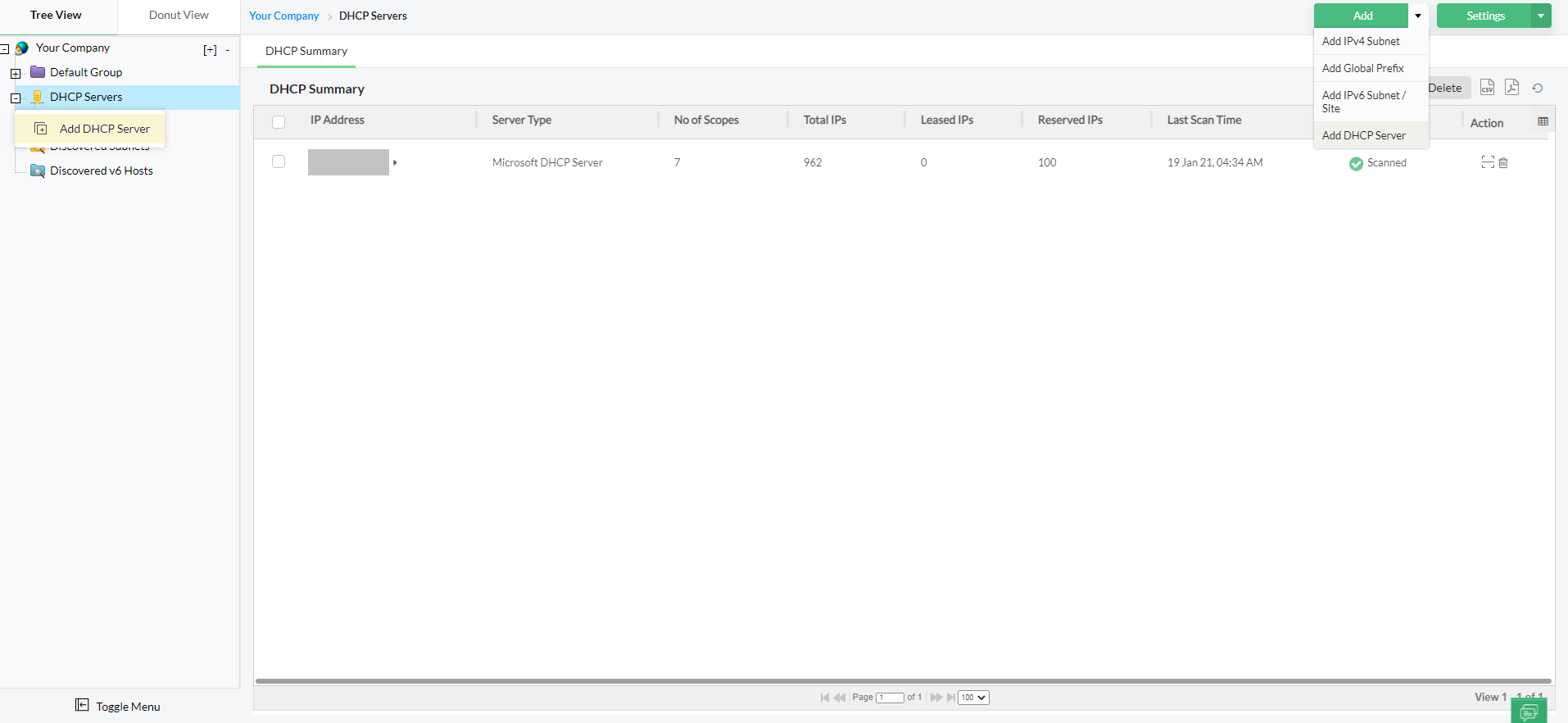
  • DHCP and DNS integration: Integrates with DHCP servers and tracks pools, scopes, and availability with automated alerts.
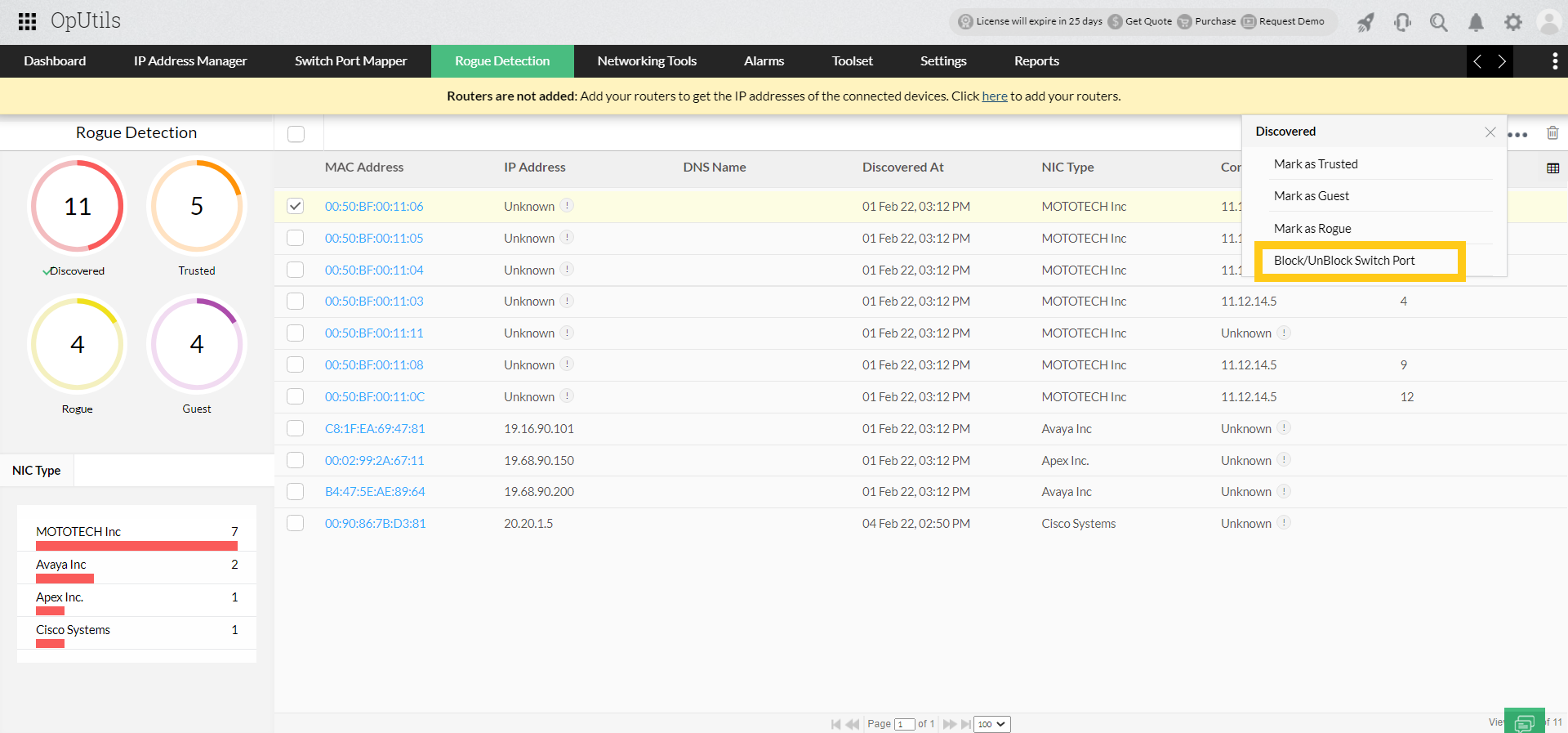
  • Rogue device detection: Identifies and blocks unauthorized devices before they disrupt operations.
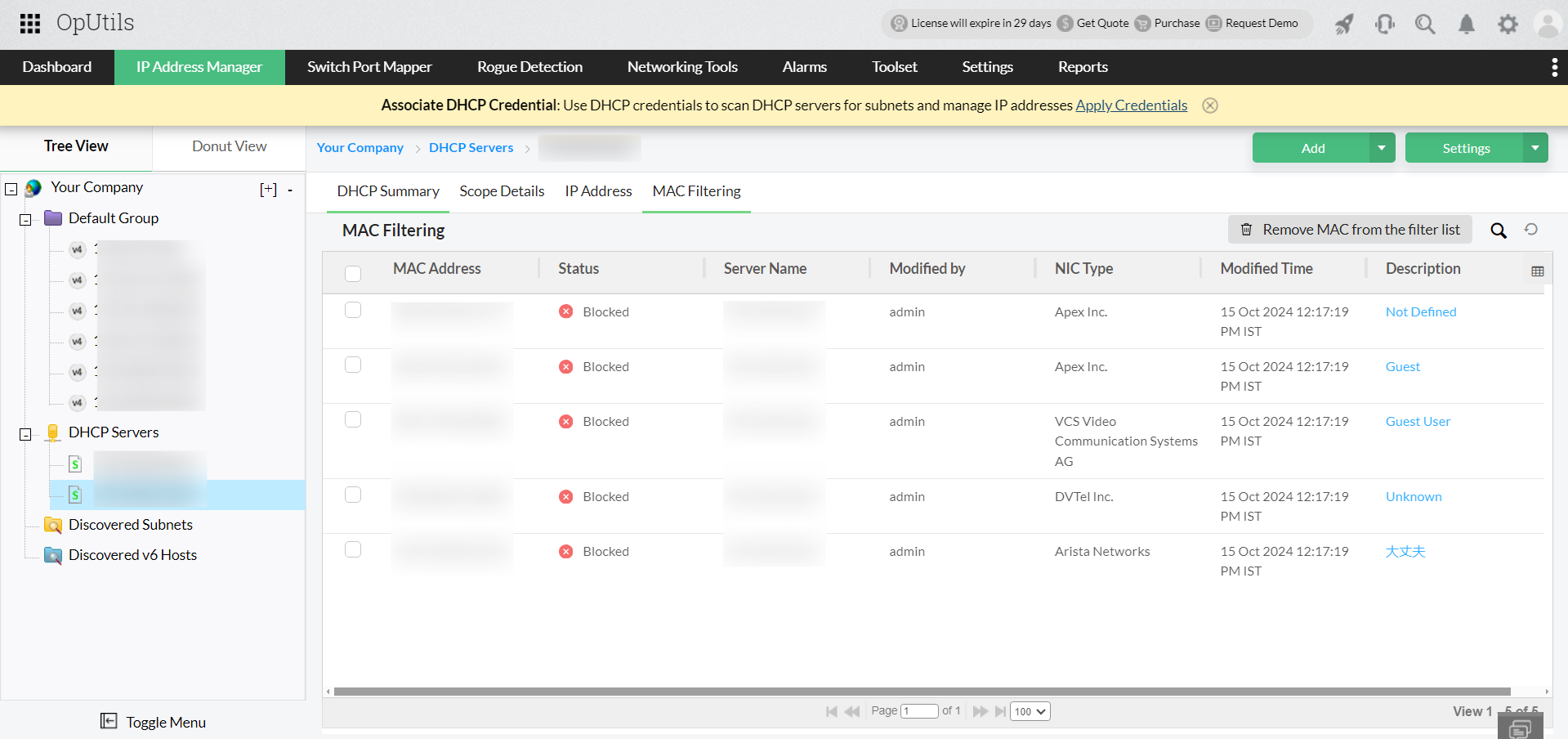
  • MAC address filtering: Allows administrators to restrict network access to specific devices by blacklisting unauthorized MAC addresses. This enhances network security and prevents rogue devices from consuming IP addresses.
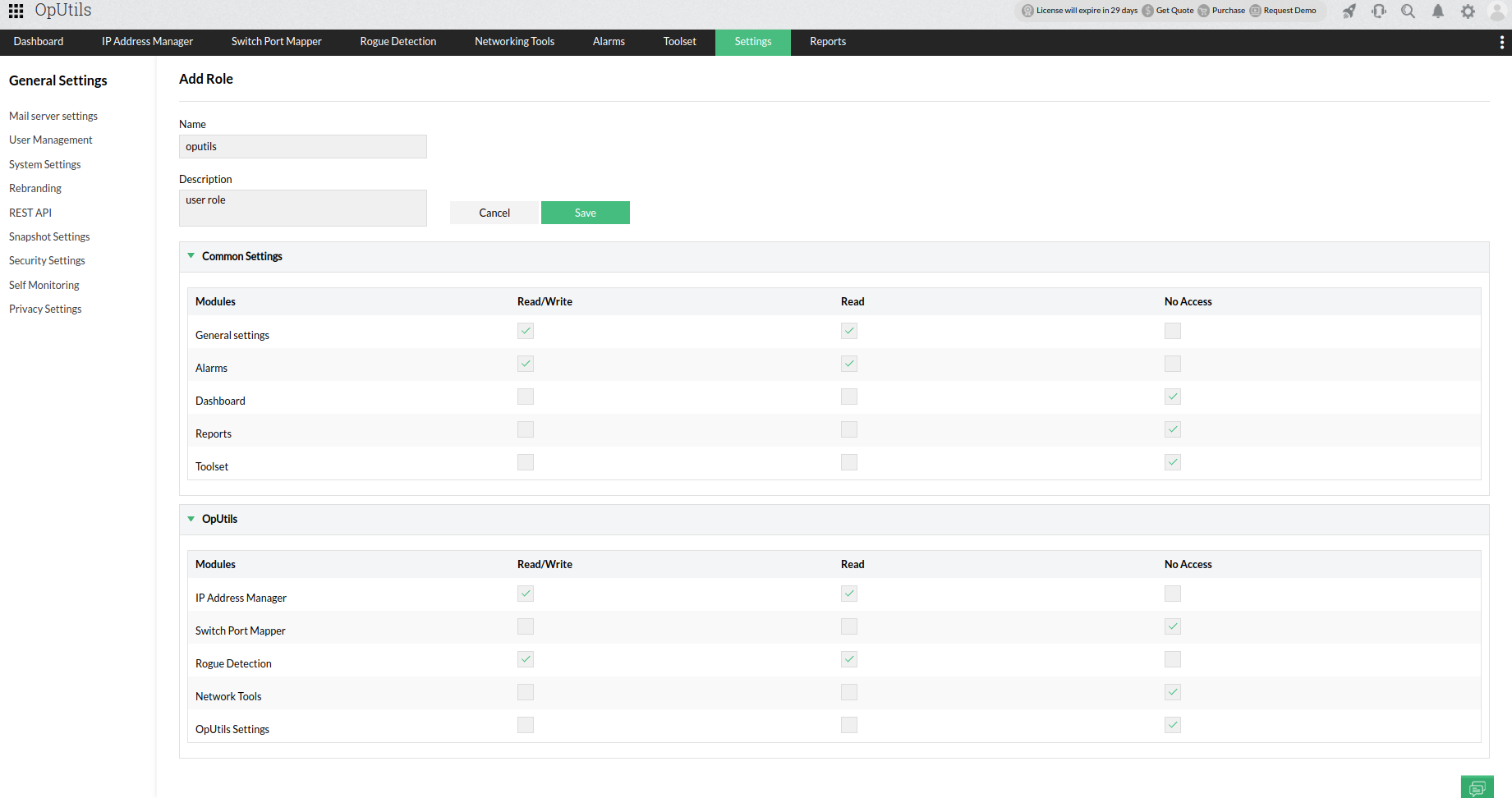
  • Role-based access control (RBAC): Restricts IPAM access through admin and technician roles, improving security.
  • Audit trails: Records every change in IP allocation, ensuring compliance and traceability.
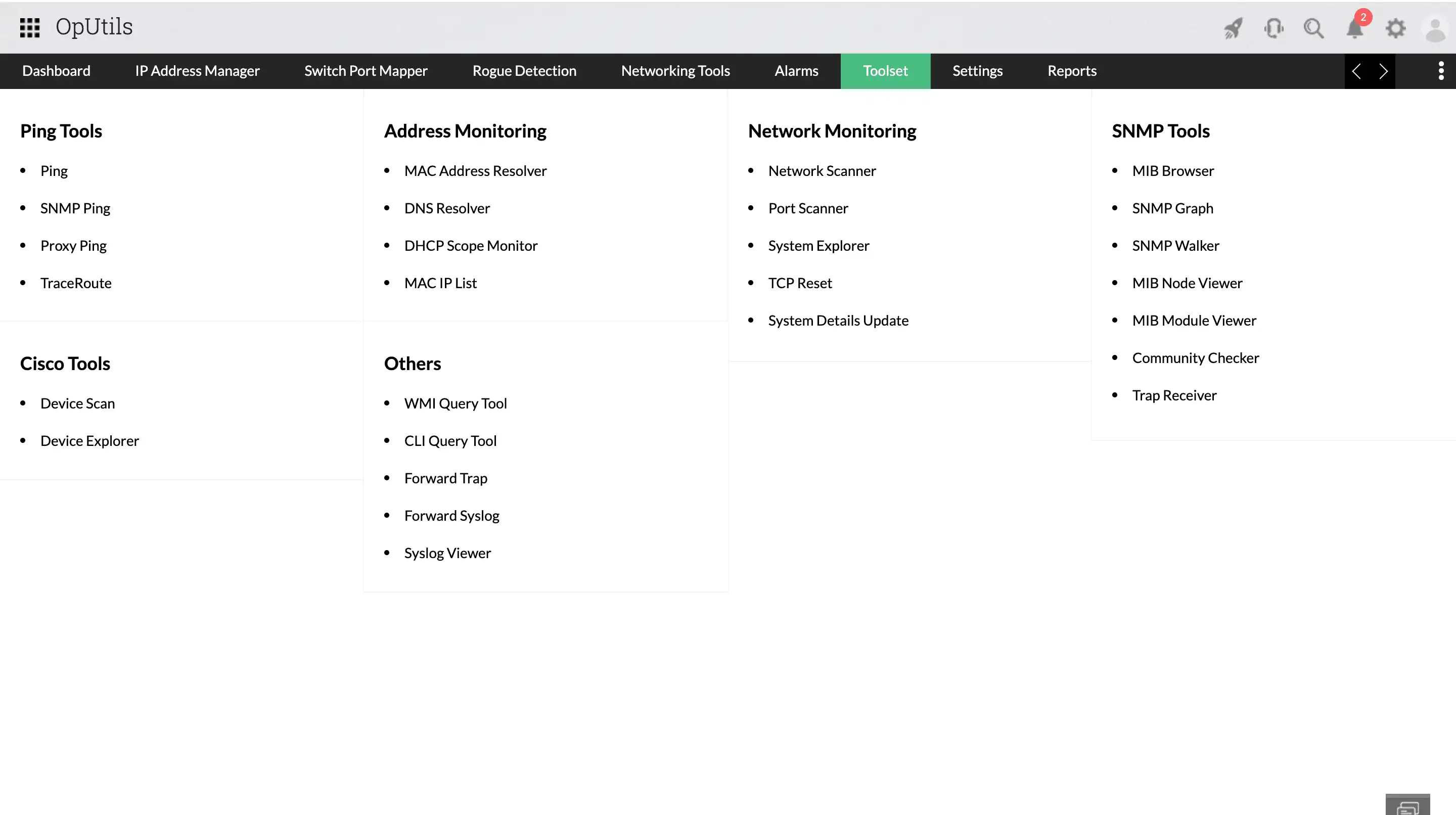
  • Network toolset: Includes 30+ built-in utilities like ping, traceroute, DNS/ MAC resolver, system explorer for faster troubleshooting.
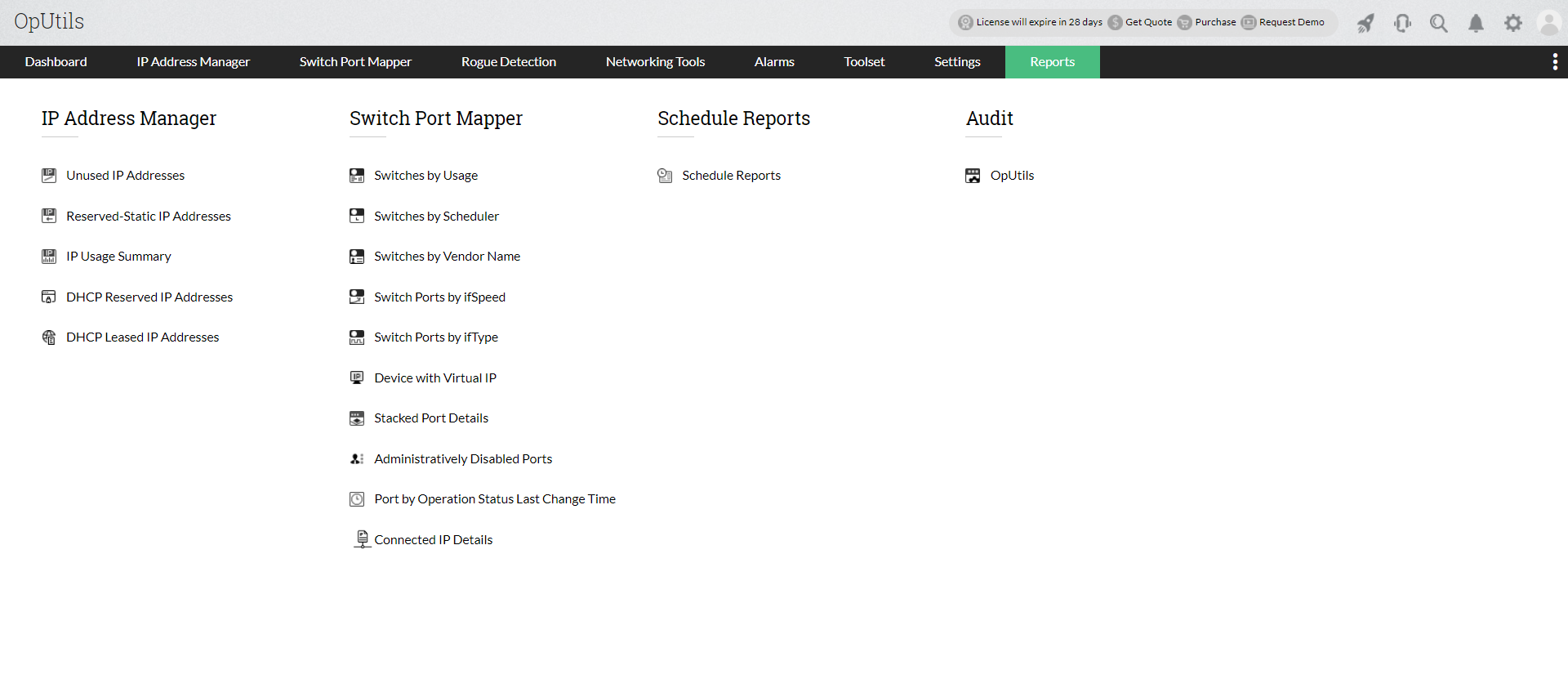
  • Granular reporting: Offers detailed dashboards and exportable reports (PDF, CSV, XLS) for used vs. available IPs.

Effective IP address management is more than tracking who uses what IP. It’s about scalability, security, and future readiness in an environment shaped by IoT, cloud, and remote work. By adopting structured policies, automation, and enterprise IPAM tools, businesses can stay ahead of conflicts, outages, and compliance risks.

IPv4 and IPv6 subnet discovery
Supernet
Cisco ACI
Meraki
Scheduling IP scans
IP request
DHCP monitoring
Rogue device detection
MAC filtering
User management
IP toolse
Reports


Try OpUtils for free for the next 30 days or schedule a personalized demo and we will connect you with the right product expert.

FAQs on IP address management practices

1. What is IP address management (IPAM) and why does it matter?

2. How do IPv4 and IPv6 differ in practice?

3. What are the top best practices for IP address management?

4. Why is automation critical in IPAM?

5. What tools are used for IPAM and when should you upgrade?

6. How does IPAM strengthen network security?

7. What are the risks of poor IP address management?

8. How to manage IP addresses in hybrid cloud environments?

Simplify IP allocation, prevent conflicts, and secure your network with OpUtils.

Try OpUtils for free today
IPAM best practices