Switch port management made easy
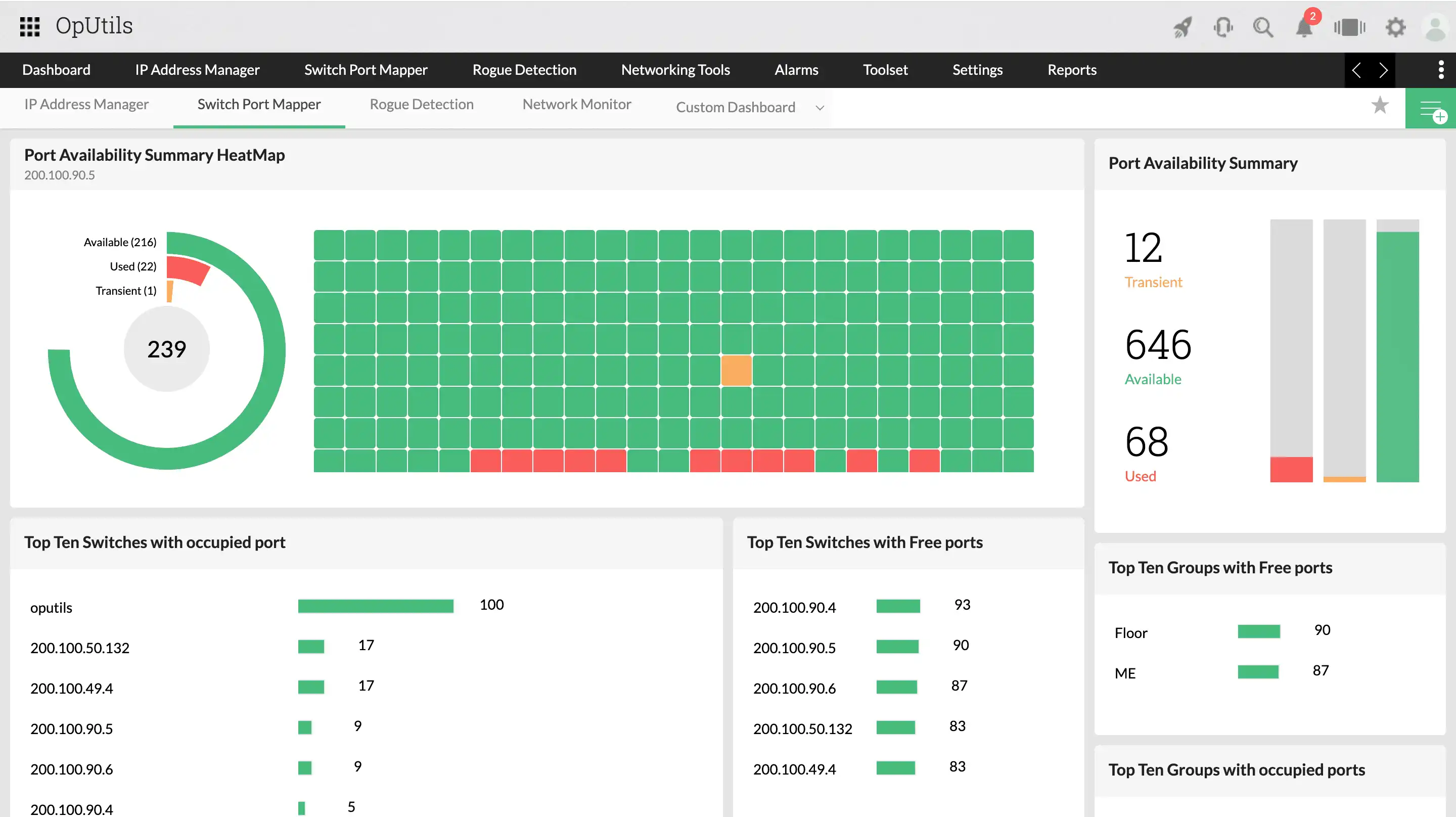
With OpUtils' switch port management, seamlessly discover all the devices connected to the switch ports and gain comprehensive visibility into the connected device information. Add switches, discover connected devices, understand switch port device connectivity, view the operational status, port speed, and more with OpUtils' powerful switch port mapper.
Five core takeaways from OpUtils' switch port management tool
Consolidated switch port management
Administrators can discover switches of various vendors and manage them under a single console, giving them a unified overview into the network switch ports.
Comprehensive mapping
Automatically map the switch ports with the respective devices connected to them to achieve a deeper understanding about the interactions between your switch ports and devices.
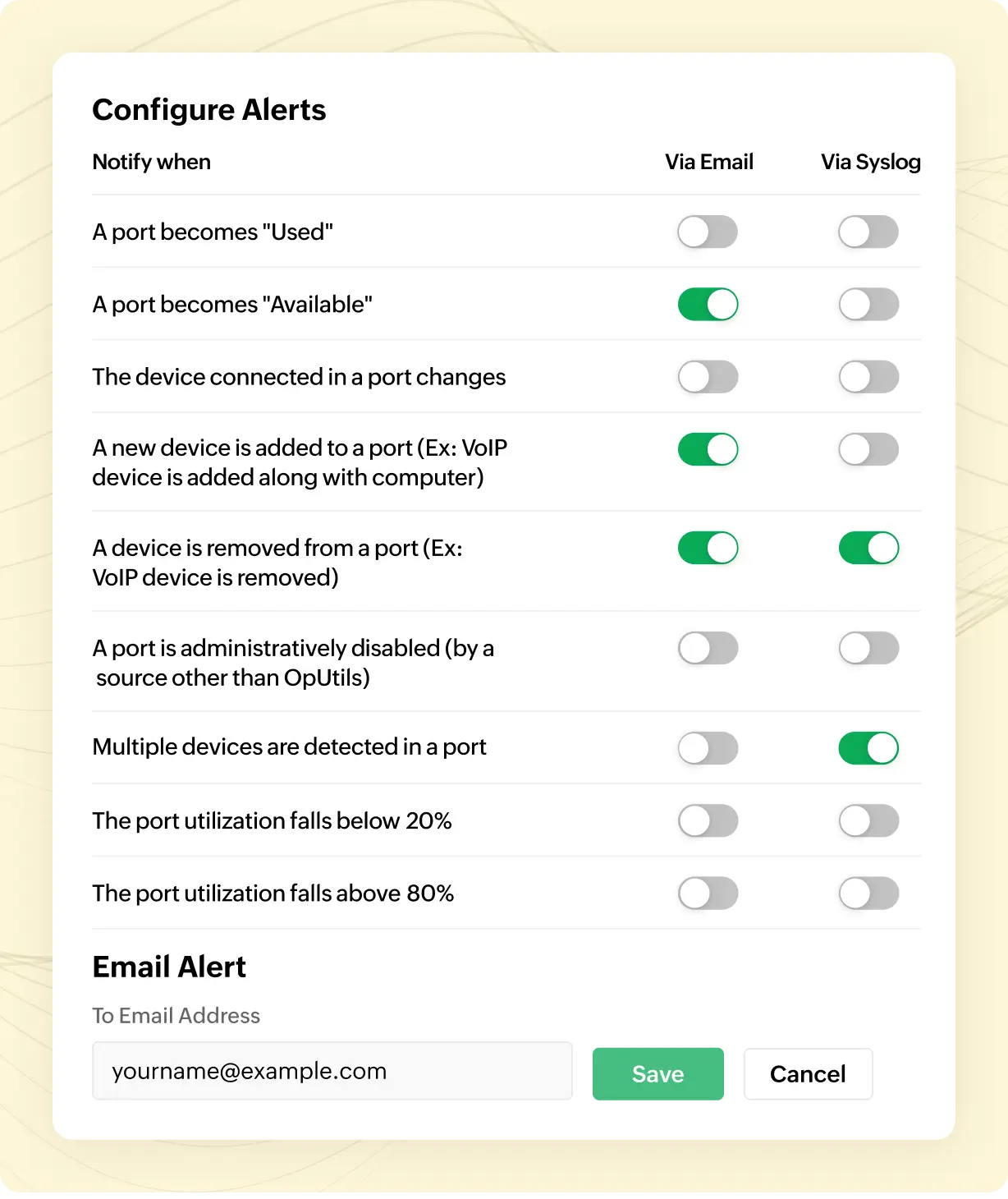
Real-time alerts
Receive immediate notifications via email or syslog whenever a user makes any changes in the network, such as changes in switch status or device connectivity.
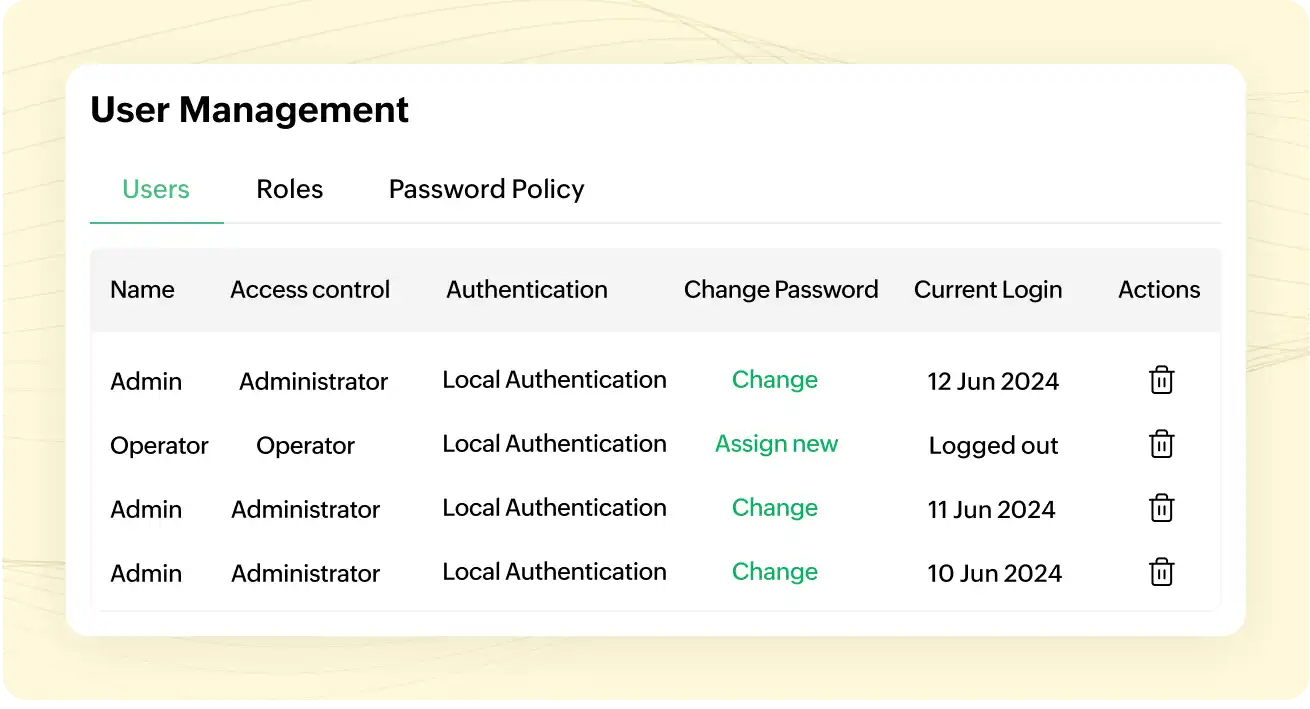
Access control
The role-based access control feature enhances security by granting specific access levels, creating custom roles, and tracking user activity with audit logs.
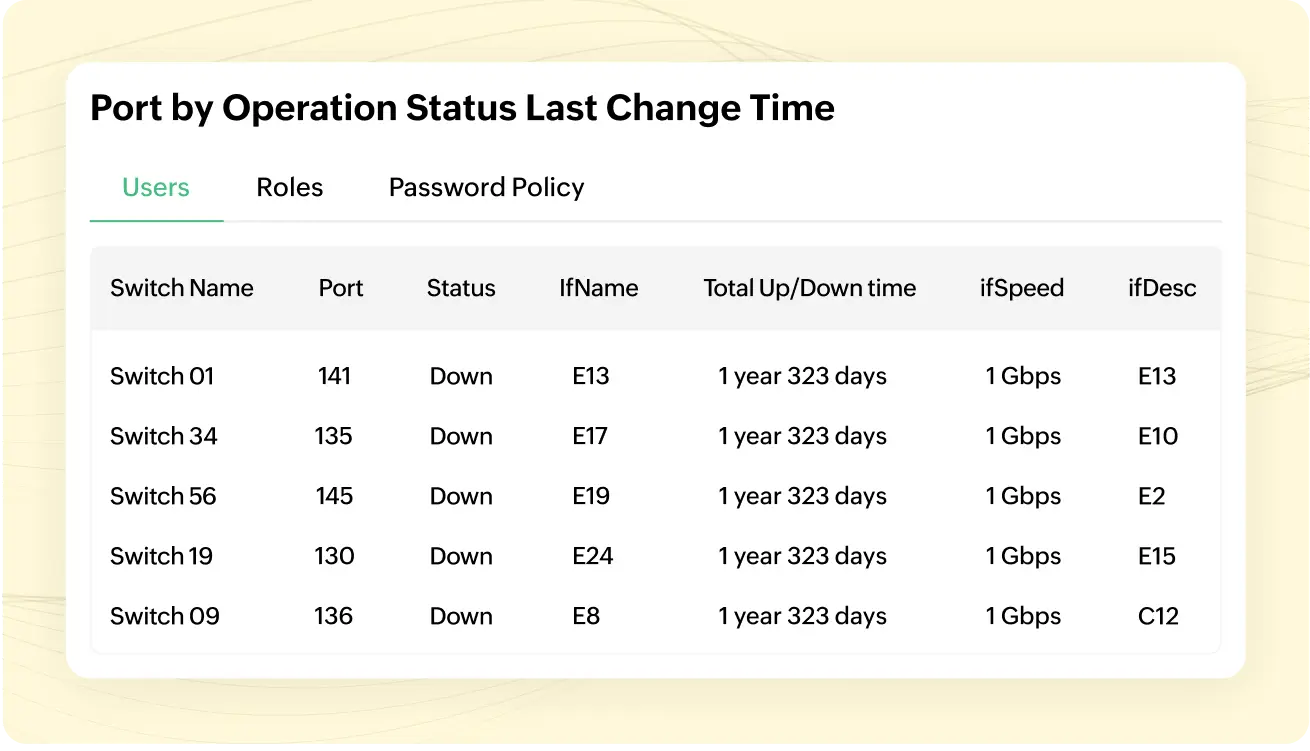
In-depth reports
Obtain deeper insights through visual representation of switch ports by availability, vendor, usage, and more. Export and auto-publish them in your desired format, such as CSV or XLS.
Switch port management is easy with OpUtils' advanced capabilities
Hassle-free discovery
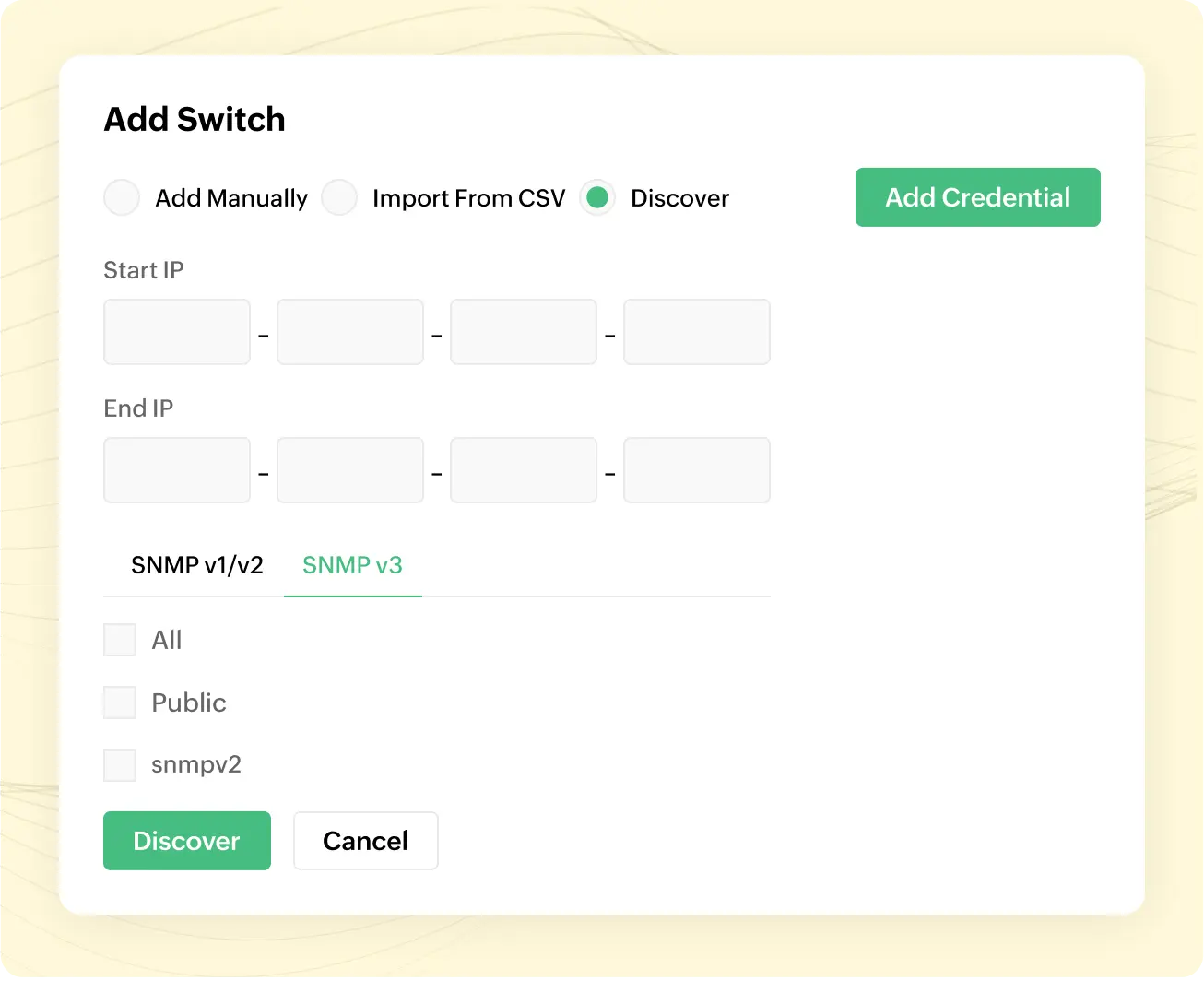
Seamlessly discover the switches in your network by enabling bulk or individual switch port additions. You can import the switch port details directly from a CSV file and populate them into the OpUtils console. The switches will be automatically mapped to the respective devices in the background. This helps them maintain a clear inventory of their switch ports and manage them effectively.
Powerful grouping and scanning
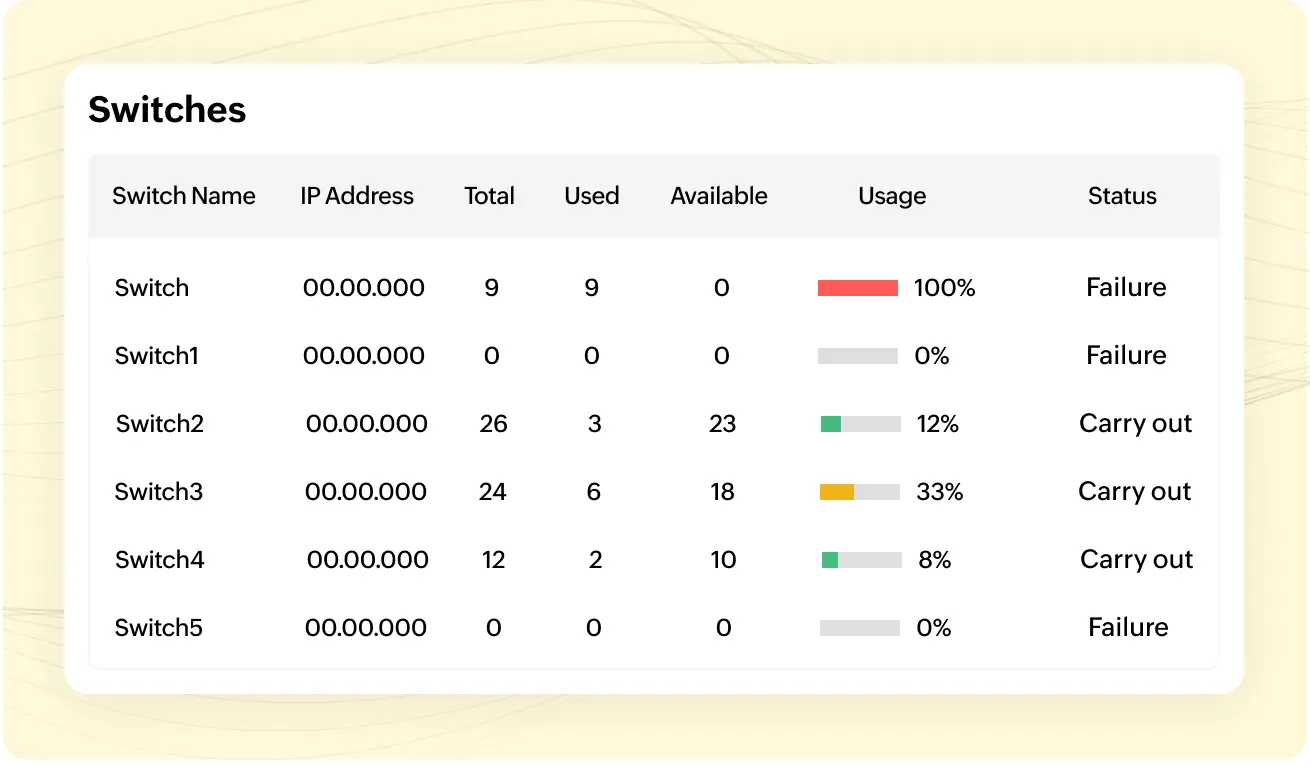
OpUtils enhances network management with its powerful grouping and scanning features. This enables you to streamline your device organization. You can effortlessly group devices based on the locations and even transition switches between different groups. Initiate comprehensive scans to update their statuses, import device details directly from a CSV file and integrate it into the OpUtils console. Quickly identify network issues, and resolve problems proactively and maintain optimal network performance with OpUtils' robust scanning features.
End to end mapping
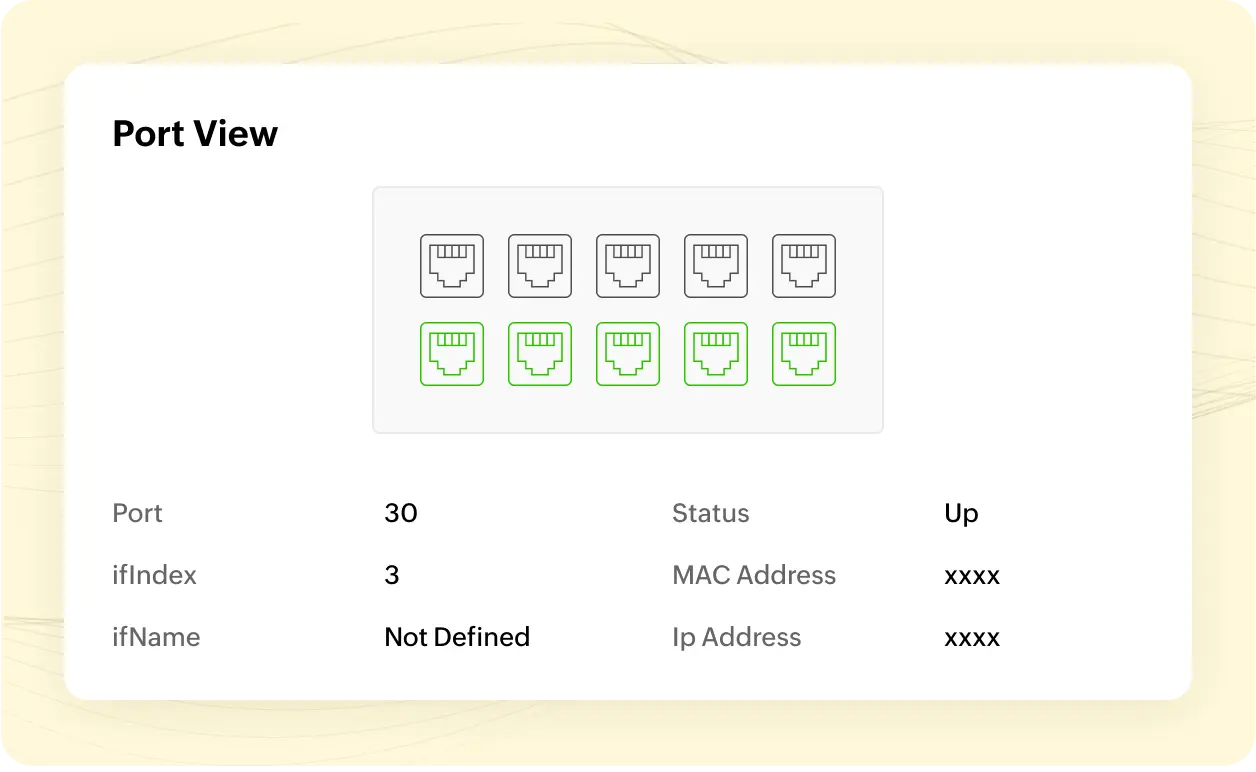
Through the advanced port scanning, OpUtils helps you perform comprehensive end-to-end scanning where the tool maps physical ports to switch ports. The precise physical-to-switch port correlation simplifies administration tasks. The custom CSV mappings help maintain accuracy, even with evolving network configurations. The ports view feature helps visualize switch ports in real time and gives details of the available and unavailable ports. Hovering on the available ports provides details such as IP address, associated MAC address, port number, status, interface index, and more.
Fortified security
OpUtils enhances network security by providing robust protection against potential threats and vulnerabilities. With real-time monitoring and alerts, you can proactively identify and mitigate security breaches, ensuring the integrity of switch port configurations. OpUtils empowers administrators to remotely block switch ports upon detecting rogue devices, ensuring network security with proactive measures. Furthermore, regular security audits and real-time scanning updates allow you to comply with industry best practices and regulations.
Stringent access control
OpUtils' robust role-based access control feature enables you to define granular access permissions for different users. By default, OpUtils grants default administrator and operator roles. You can create other custom user roles according to your needs, allowing you to easily assign specific roles and access levels to individuals based on their responsibilities. This ensures that each user has access only to the relevant features and data necessary for their tasks, enhancing network security. Additionally, detailed audit logs track user activity, providing accountability and transparency.
Extensive reports
OpUtils streamlines network management with its extensive audits and reporting capabilities, enabling you to gain comprehensive insights into network configurations and performance. You can generate various reports on switch port activity, correlate with IP addresses, gain actionable insights, and perform effective troubleshooting.
Switch to the best with OpUtils switch port mapper!
One of the best products to manage the environment

Great software, does everything I need, nothing I don't
Networking on the NEXT level