What is a network port scanner: How it works, and why it matters
Before understanding the nuances of a network port scanner, let us begin by knowing what a port is.
A port is a virtual endpoint for sending and receiving data on a device, identified by a number (0 - 65535). Think of an IP address as a building, and ports as the doors for specific services (e.g., web server, email).
Here are some port types you need to be aware of:
- Well-known ports (0 - 1023): HTTP (80), HTTPS (443), SSH (22), DNS (53)
- Registered ports (1024 - 49151): Custom services or vendor applications
- Dynamic/private ports (49152 - 65535): Temporary connections, often for client-side use
This page will help you understand how network port scanners work, scanning techniques, legal considerations, and how OpUtils simplifies the process.
What is a network port scanner?
A network port scanner is a tool used to check the status of ports, whether they are open, closed, or filtered - on a device or across a network. Think of it like knocking on multiple doors in a hallway to see who responds. Each “door” is a port, and the response or lack of one reveals its status.
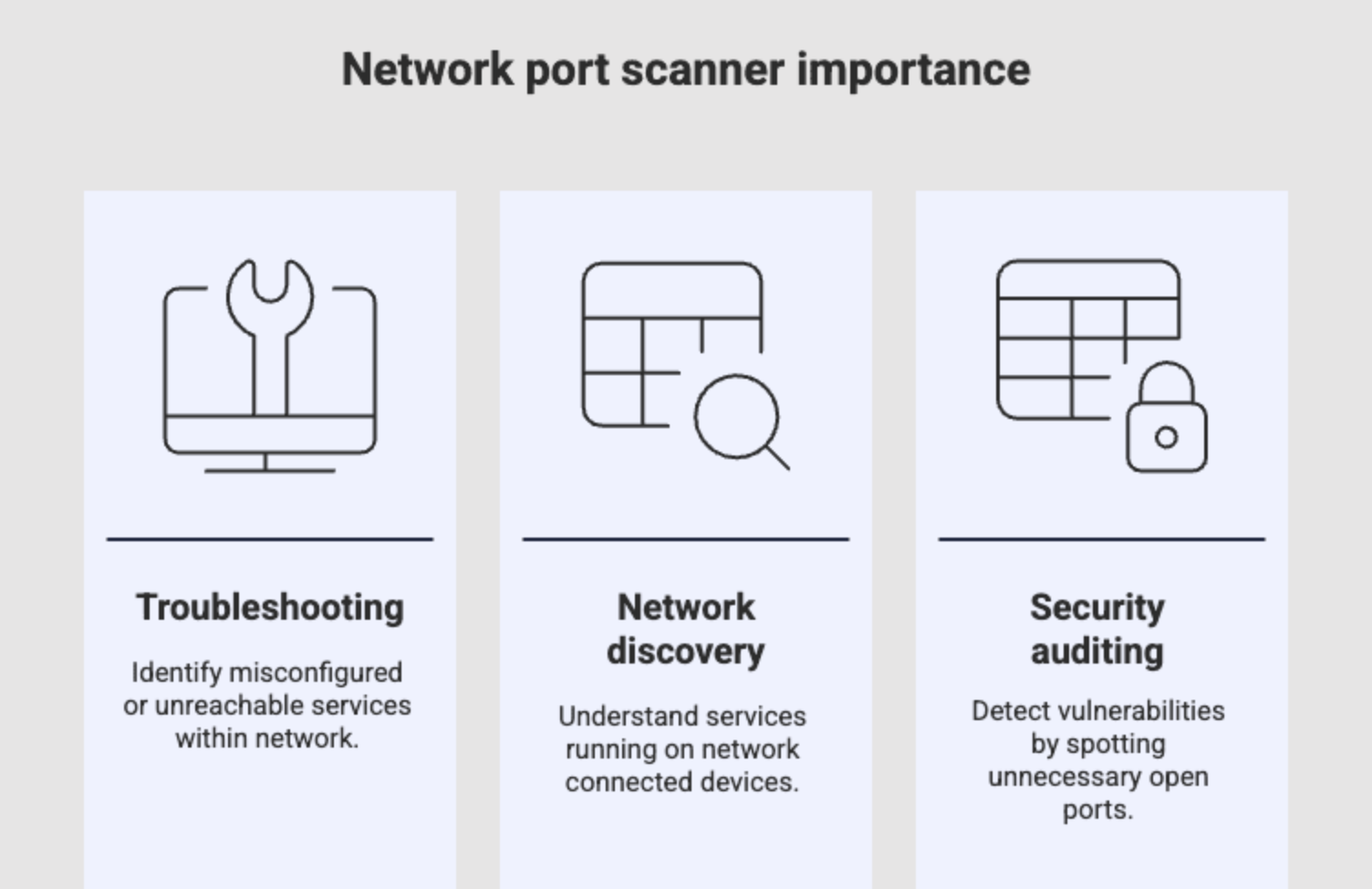
Why are network port scanners important?
- Troubleshooting: Identify misconfigured or unreachable services.
- Network discovery: Understand which services are running on which devices.
- Security auditing: Detect vulnerabilities by spotting unnecessary open ports.
This brings us to another important question: why is it necessary to scan ports in a network? Here’s the answer.
Why scan ports in a network?
Scanning ports helps you understand how your network is behaving, uncover potential risks, and ensure everything is configured as intended. Here's what it helps you achieve:
- Discover active services on a host: Identify which ports are open and which services are actively running.
- Detect unauthorized applications: Uncover unknown or unapproved applications that may pose a security risk.
- Identify security vulnerabilities: Locate open or misconfigured ports that could be exploited by attackers.
- Validate firewall configurations: Verify whether firewall rules are effectively allowing or blocking the right traffic.
- Improve visibility in IPAM: Understand how ports are being used across devices to improve resource allocation, detect anomalies, and streamline network planning.
How does a port scanner work?
A port scanner operates by actively probing ports on a target device or network to determine their status.
Here’s a high-level view of how it works:
- Sends packets to specific ports: The scanner initiates communication by sending specially crafted packets to a range of ports.
- Waits for a response: Based on the type of response received such as ACK, RST, or no reply, the scanner determines the port's status.
- Interprets the results:
- Open: The port responds, indicating a service is listening.
- Closed: The port is reachable, but no service is listening.
- Filtered: No response or an error, possibly blocked by a firewall or filter.
- Involves multiple OSI layers: Typically operates at the Transport layer (TCP/UDP) and may also interact with the Network layer (e.g., ICMP messages).
- Protocol matters: Different protocols like TCP, UDP, and ICMP affect how ports are probed and how responses are interpreted. For example, TCP scans are reliable but slower, while UDP scans are faster but harder to analyze due to lack of standard replies.
Types of port scanning techniques
A port scan involves sending packets to specific destination ports using different scanning techniques. Some of the commonly used methods include:
TCP Connect Scan (Full Open Scan)
- Mechanism: Completes the full three-way TCP handshake (SYN, SYN-ACK, ACK) with the target port. If the handshake succeeds, the port is open.
- Pros: Reliable for detecting open TCP ports.
- Cons: Easily detected and logged by firewalls and Intrusion Detection Systems (IDS) because it establishes a full connection. Often blocked.
TCP SYN scan (Stealth or Half-Open Scan)
- Mechanism: Sends a TCP SYN packet (like starting a connection) but doesn't complete the handshake. An SYN-ACK response indicates an open port; an RST indicates a closed port. No response implies filtered.
- Pros: Less likely to be logged by applications than a full connect scan. Generally faster.
- Cons: Requires raw socket privileges to craft packets, so often needs administrator/root access.
UDP scan
- Mechanism: Sends UDP packets to target ports. No response is often interpreted as the port being open or filtered. An ICMP "Port Unreachable" error indicates the port is closed.
- Pros: Necessary for identifying UDP-based services (e.g., DNS, SNMP, DHCP).
- Cons: Slower due to potential timeouts. Interpretation can be difficult and less reliable than TCP scans.
FIN, XMAS, and NULL scans (Stealth TCP Scans)
- Mechanism: Send TCP packets with unusual or empty flag combinations (FIN, PSH+URG+FIN for XMAS, or no flags for NULL). RFC 793 dictates that a closed port should respond with an RST, while an open port should ignore such packets.
- Pros: Designed to bypass some older stateless firewalls and simple packet filters.
- Cons: Not effective against modern stateful firewalls. Behavior can vary across operating systems.
ICMP scan (Ping Sweep)
- Mechanism: Sends ICMP echo requests ("pings") to a range of IP addresses to determine which hosts are active and responsive on the network.
- Pros: Useful for initial network reconnaissance to identify live hosts before conducting more detailed port scans.
- Cons: Doesn’t reveal specific port status, only host availability. Often blocked by firewalls.
Types of port scans (with examples)
| Scan type | Protocol | Use case | Example tool |
|---|---|---|---|
| TCP connect | TCP | Standard scanning for reachable services | Nmap |
| SYN scan | TCP | Stealth scanning for security assessments | Nmap, OpUtils |
| UDP scan | UDP | Identify UDP-based services (e.g., DNS) | Nmap |
| FIN/XMAS/NULL | TCP | Bypass certain firewall rules | Nmap |
| Ping scan | ICMP | Check host availability | OpUtils |
Is port scanning legal?
If you’re wondering, “Can anyone scan my device, and if so, how is my device safe on the internet?” it’s a valid concern. That leads us to an important question:
The legality of port scanning depends on where, why, and how it’s performed:
- Varies by jurisdiction: Laws differ across countries and regions. Some treat unauthorized scanning as a cybercrime, while others may view it as a gray area.
- Legal for internal use: Scanning your own network for monitoring, troubleshooting, or security auditing is generally legal and necessary.
- Can be flagged as intrusive if done externally: Scanning external networks, especially without consent, can trigger intrusion detection systems and lead to legal or disciplinary action.
- Always obtain permission: Before scanning any network or system you don’t own, get explicit written permission to stay compliant and avoid legal risk.
Common use cases for port scanners
- Network inventory and documentation: Identify active hosts and services to maintain an up-to-date network map.
- Detect unauthorized open ports: Uncover open ports that may have been unintentionally exposed or misconfigured.
- Monitor mission-critical services: Ensure key services like SMTP, SSH, and RDP are running and reachable.
- Troubleshoot slow or unreachable devices: Diagnose connectivity issues by checking if the right ports are open and responsive.
- Prepare for penetration testing or audits: Conduct pre-assessment scans to identify potential security gaps before formal testing.
How OpUtils helps with port scanning
OpUtils simplifies and enhances port scanning for IT teams with built-in visibility, automation, and reporting:
- Visual port scan dashboard: Get a clear, real-time overview of scanned ports across devices and subnets.
- Scan by IP range or subnet: Flexibly scan individual IPs, predefined ranges, or entire subnets for complete network coverage.
- Real-time status of open/closed ports: Instantly view port availability to detect unauthorized services or connectivity issues.
- Exportable reports for audits: Generate detailed scan reports that can be saved and shared for compliance and security reviews.
- Integrated with other tools: Combine port scanning with OpUtils' IP scanner, MAC address tracker, and switch port mapping for deeper network insights and end-to-end device traceability.
By leveraging a tool like OpUtils, IT teams can transform port scanning from a sporadic, manual task into a continuous, automated, and integral part of their network security and management strategy.
Interested in exploring OpUtils? Start with a 30-day free trial or schedule a personalized demo to see how it fits your port scanning and network management needs.
Frequently asked questions on network port scanner
What is the difference between TCP and UDP port scans?
+How long does a port scan take?
+What are common open ports to check?
+Can port scanning be detected?
+How is port scanning different from vulnerability scanning?
+What is a network port scan?
+How do I check my network ports?
+How to scan for open ports in a network?
+Simplified port scanning with OpUtils
Try OpUtils for free today