Why the ChatGPT palm reading trend puts your IT security at risk
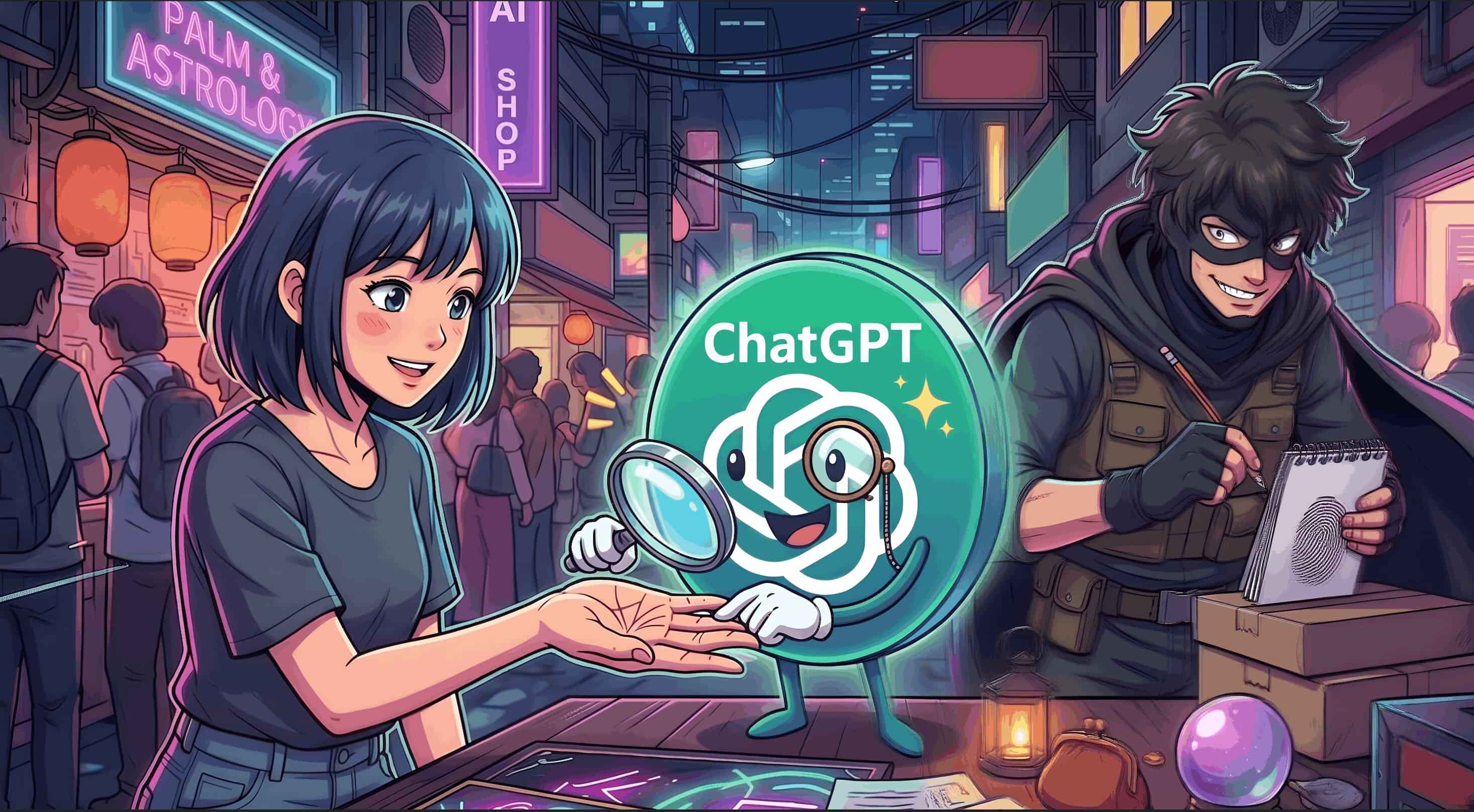
AI tools never cease to amuse us with their out-of-the-world capabilities, their lightning-fast processing, and their seemingly exponential knowledge. This has accelerated so many fields such as IT, healthcare, finance, entertainment, and any field you can name. The newest to join this list is ChatGPT palmistry. People are uploading photos of their palms to AI and asking it to read their fortune. It's fun, seemingly harmless, and is going viral by the second.
But if you work in IT security, there's something about this trend that should make you cautious, because what looks like a party trick has potential to become a serious biometric exposure.
How ChatGPT's palm reading works
With the release of ChatGPT's new image generation and processing model GPT-Image 2, users are trying to generate life-like images and process details in images at a more granular level. This palm reading trend is one example.
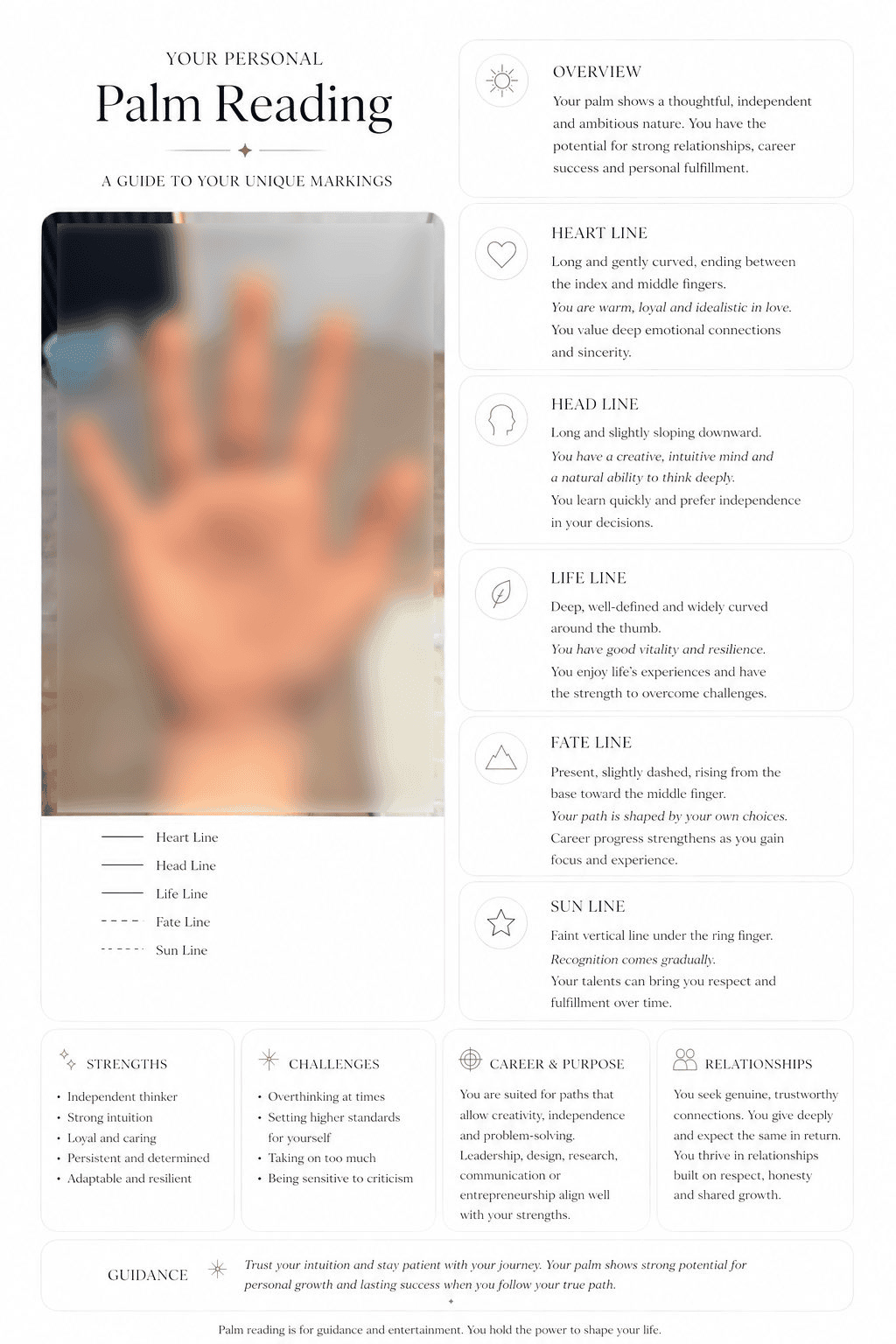
Users first prompt ChatGPT or use a custom GPT with the skill of a palm reader, instructing it on the various ridges and fingerprint patterns of the human hand and what they denote in palmistry. Once that knowledge is fed to the AI, it then asks for high resolution images of your palm from multiple angles to get all patterns for an accurate read. Once the photos are uploaded, ChatGPT returns a full-on, professional-looking palmistry report in whatever format the user requests.
While it is amusing, entertaining and costs less than a human palm reader, there is a data oversight that can be disastrous if the right people's data falls into the wrong hands.
The security risks of the ChatGPT palm reading trend
When someone uploads a clear, well-lit palm photo to an AI tool, they provide more than a picture of their palm. They are indirectly submitting the ridges, skin texture, hand geometry, and topology of their one true authentication factor: their fingerprint. This is more comprehensive biometric data than most passive soft-copy fingerprint exploits can ever extract from a target, and this can be used to create fingerprint clones of high-profile or privileged users.
What can threat actors do with your palm image?
Fingerprints have been successfully cloned in the past, and it has only gotten easier.
As early as 2014, German defense minister Ursula Von der Leyen's fingerprints were cloned with several of her routine press photos, which did not even have proper lighting. In contrast, the photos for the palm read uploaded to ChatGPT are ensured by users themselves to be of high quality with the perfect lighting to catch the ridges for an accurate reading. With such high quality photos, an attacker would only need one or two of them for a full reconstruction, with information on how to create deep fake fingerprints already out there.
Fingerprint cloning is also inexpensive to do. Three-dimensional printed fingerprint clones can be created on molds with printers as low as $200, and achieve up to 80% success rate while using the fake fingerprints on any type of fingerprint sensor.
This is not a passing threat. The tools to clone fingerprints have gotten cheaper and more accessible over the past ten years since being available as open-source projects. The frequency of fingerprint cloning will only keep increasing.
Is your fingerprint data stored securely?
Let us address the elephant in the room. Most of social media is concerned about their biometric data being commercialized or passed on to government agencies.
Those are real concerns, yes. But that is not the elephant in the room. Data exploits are.
Multiple ChatGPT and AI exploits have taken place in the last three years, ranging from prompt injection, DNS tunneling, and malicious extensions exploiting vulnerabilities. So if your account gets taken over or your images get leaked, your ChatGPT palm reading might lead the way to your fingerprint-secured systems.
How fingerprint cloning affects your IT security
Let's say a threat actor ran the fingerprints they got from an exploit and found one that belongs to one of your admins. They have access to identity stores, group policies, server infrastructure, and even physical server rooms and data centers secured by — you guessed it — fingerprint scanners.
A cloned fingerprint can also unlock entry into company property, bypass endpoint authentication, and allow them to reset their entire identity if they have access to other factors such as passwords, emails, and phone numbers. They can then reset everything to make the admin's account their own.
Once inside, the attacker isn't limited to what that one account can access. Privileged credentials open the door to lateral movement, escalating privileges, accessing sensitive data stores, and establishing a presence that can go undetected for weeks until they initiate their attack. All of this can result from a palm photo uploaded for a bit of curiosity or fun.
While other exploits usually have a way to reset things back to normal, the dangerous part that makes fingerprint cloning a serious threat is that there is no reset once this data gets exposed. Users can't just burn fingerprints and move on with a new set, nor can they use other fingerprints since their entire palm was uploaded.
Remediation against fingerprint cloning
Once a fingerprint is cloned, it can be used against that user — and your systems — indefinitely. The one good prevention technique is not to share your personal data, not just with AI tools, but with any tools that do not have the necessary security features to safeguard biometric data.
Fingerprints cannot be your only authenticator. You need factors that cannot be accessed by actors outside your physical space to stay safe in the digital space. That is where ManageEngine ADSelfService Plus' phishing-resistant MFA methods with an adaptive MFA model come into play.
How ManageEngine ADSelfService Plus reinforces your authentication flows
ADSelfService Plus enables passwordless authentication, adaptive MFA, and self-service password management for Active Directory and cloud applications.
The core problem with the palm reading trend is that it exposes a factor you can never change. FIDO2 authentication sidesteps this entirely by replacing biometrics as a standalone authenticator with device-bound cryptographic keys. The private key never leaves the user's device, there's nothing to clone from a photograph, and there's no central credential store to breach.
With ADSelfService Plus, you can enforce phishing-resistant FIDO2 authentication across your environment, configure adaptive MFA policies based on user risk, device, location, and behavior context before granting access, and give your team secure access to applications without relying on a single biometric factor.
While you cannot ensure all of your users stay away from trends and that expose their data like this one, you can ensure that your security systems do not falter when they do. Try out the 30-day free trial of ADSelfService Plus to secure your users' authentication today. Contact us for a free, personalized demo to find out how you can implement phishing-resistant adaptive MFA and ensure its adoption across your organization with ADSelfService Plus.