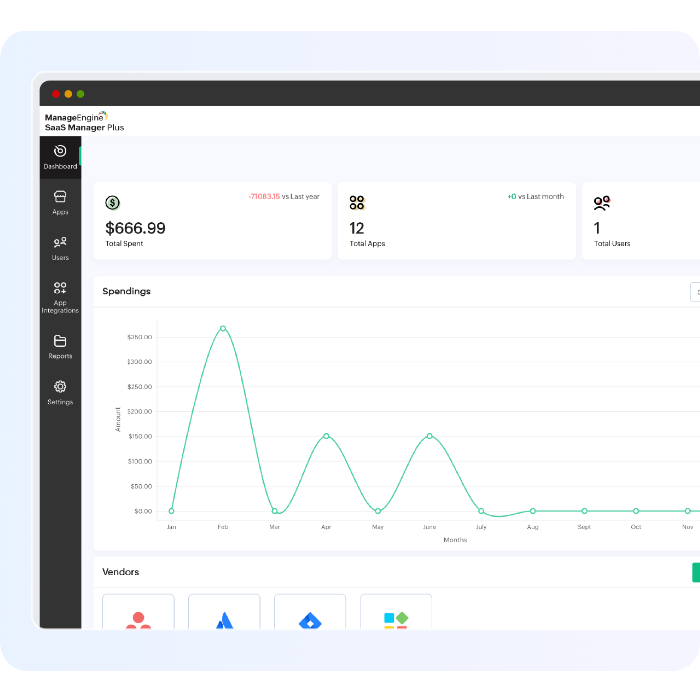
Effortlessly add, manage, and secure users while ensuring streamlined workflows.
Take control of your SaaS ecosystem with our SaaS user management platform!
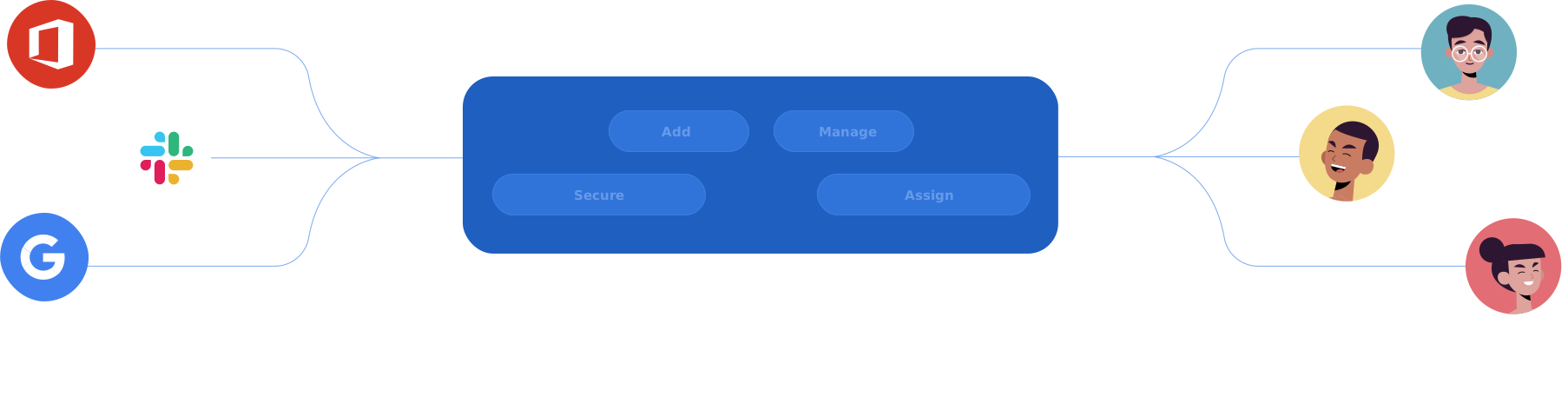
With SaaS Manager Plus, managing user roles and access is a breeze. Whether it's adding new users, managing their app assignments, or ensuring compliance, our platform equips you with all the tools you need.
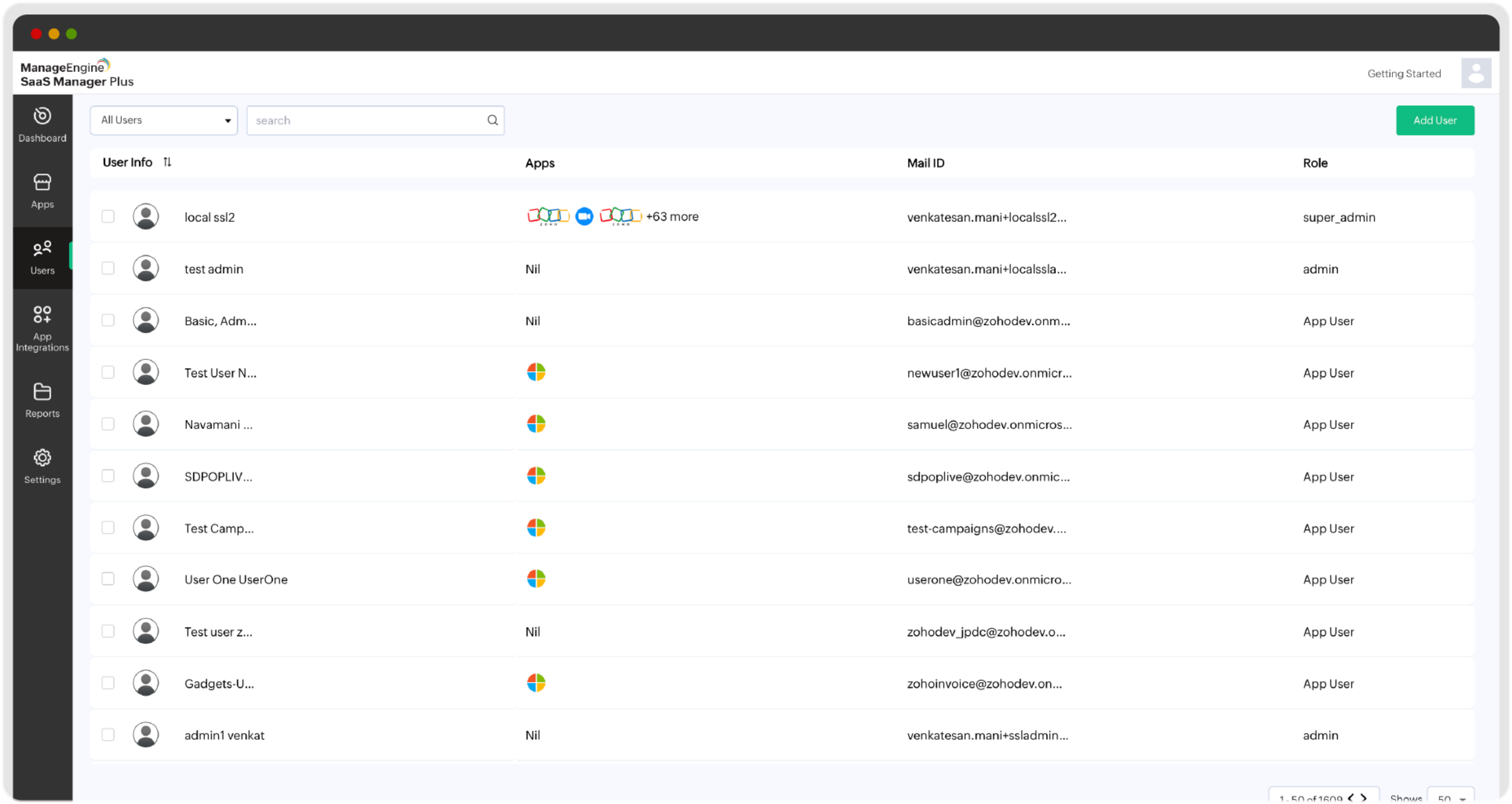
The Users tab in SaaS Manager Plus offers a comprehensive view of:

Quickly locate users and sort usernames with ease.

Know which apps each user is accessing.

Stay organized with the email details of every user.

Clearly see roles like Super Admin, Admin, Moderator, or App User.
Effortless user addition with granular role assignment
One-click access management for Admins and Moderators
Lightning-fast app invites
Customized user roles with zero complexity

With SaaS Manager Plus, you can ensure the right access levels are granted to the right users—every time.
Effortlessly assign, update, or remove apps for any user. Whether it's changing user roles or managing app permissions, SaaS Manager Plus offers intuitive workflows.
Experience the ease of user management
| A search feature | Find users instantly using the search bar. |
|---|---|
| The All Users drop-down | Filter users by an app or vendor for detailed insights. |
| List or grid views | Choose the view that works best for your management style. |
| Boost productivity | Streamlined onboarding processes mean no downtime for new users. |
|---|---|
| Improve security | Centralized access control reduces risks from shadow IT. |
| Save time and effort | Intuitive workflows eliminate manual management headaches. |
| Ensure scalability | Adjust your user management strategies as your organization grows. |
Efficient user management is the backbone of a secure, productive SaaS ecosystem. With SaaS Manager Plus, you can simplify workflows, reduce risks, and improve operational efficiency—all on one platform.