Zendesk
Zendesk is a cloud-based customer service solution. When integrated with EventLog Analyzer, it empowers IT and security teams to track and act on security incidents in real-time—right from their support interface—resulting in faster threat response and improved collaboration.
Actions Supported
- Two-way synchronization
- Run workflow
- Disable log collection
- Disable ticketing tool notification
- Export incident
Before you begin:
- Download and install ManageEngine EventLog Analyzer if you haven't deployed it yet.
- If you're an existing user, ensure that you have updated EventLog Analyzer to its latest version. The integration with Zendesk is supported from build number 12550 and above.
Steps to Integrate EventLog Analyzer with Zendesk
To manage EventLog Analyzer incidents from Zendesk, you must install and configure the EventLog Analyzer Marketplace App in the Zendesk platform. Follow the instructions below to integrate EventLog Analyzer with Zendesk.
- Log in to your Zendesk account as an admin.
- Download the EventLog Analyzer app from the Zendesk Marketplace.
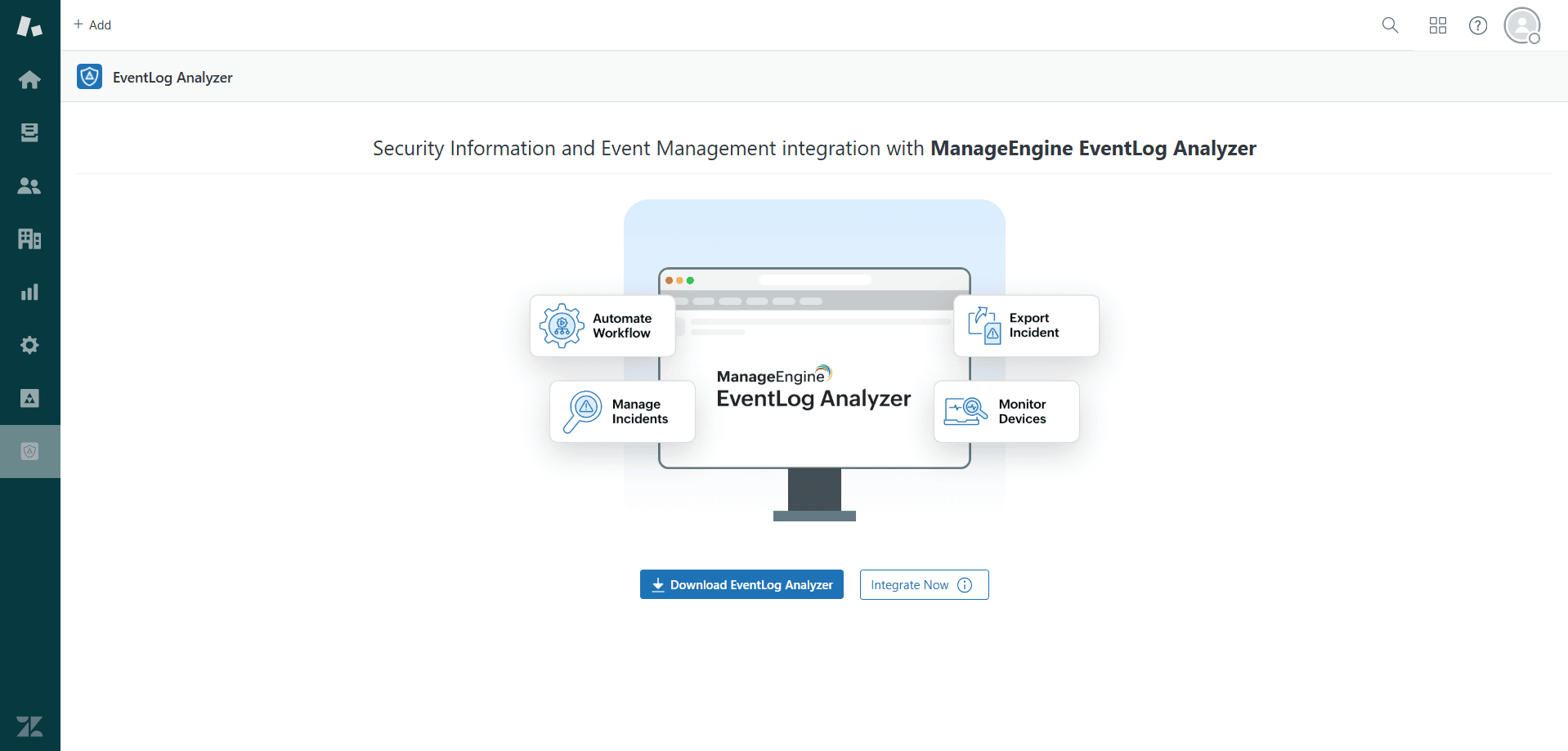
- Click the EventLog Analyzer icon from the left-hand navigation pane, and then click the Integrate Now! button.
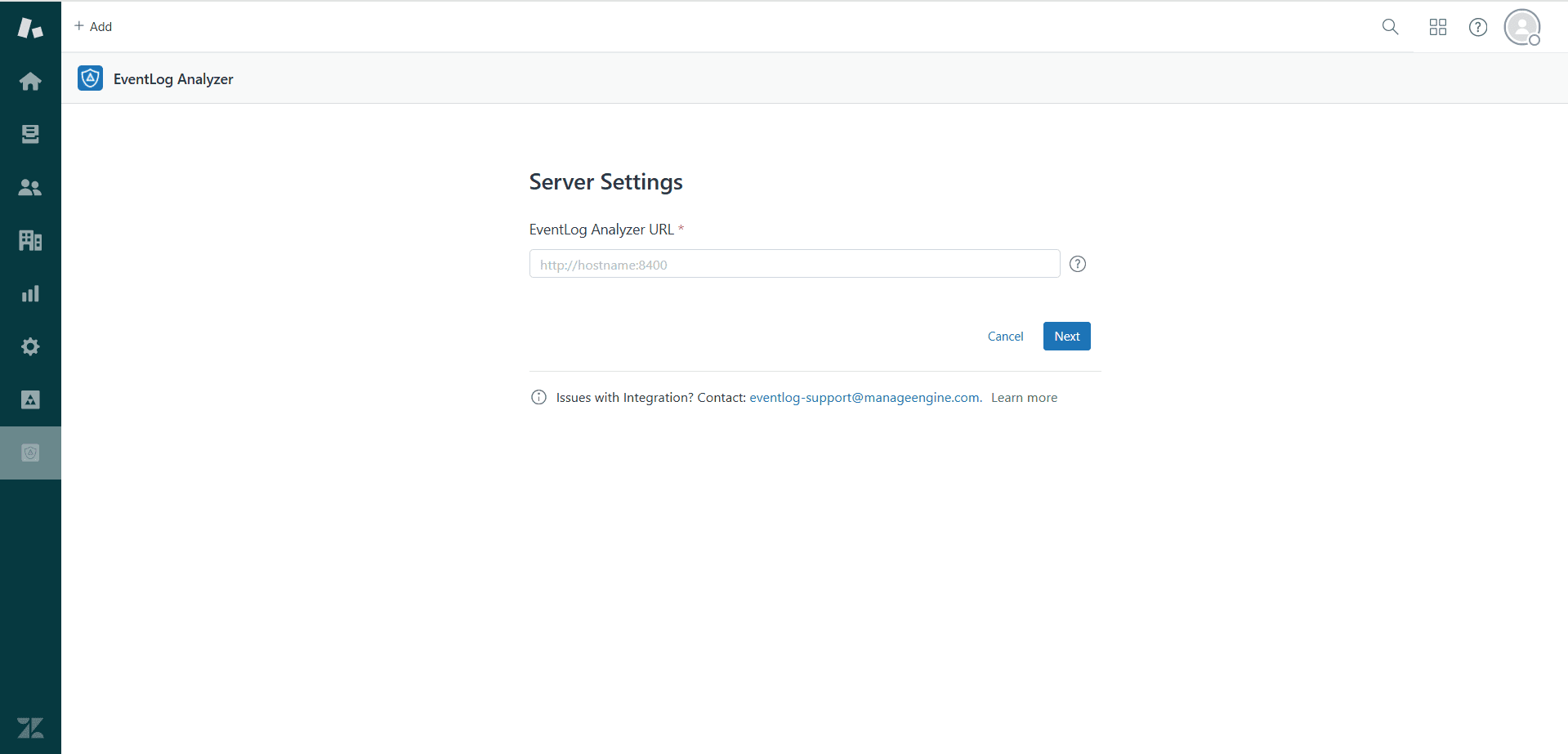
- Enter the URL of the server where EventLog Analyzer is running.
- Open EventLog Analyzer and generate an AuthToken with the following scopes: product.details.read, ticketingtool.configuration.read, incidents.update, incidents.export.create, incidents.export.read, devices.update, workflows.read, workflows.execute, alertprofiles.read, and ticketnotification.update.
- Copy the AuthToken and paste it into the AuthToken field in Zendesk.
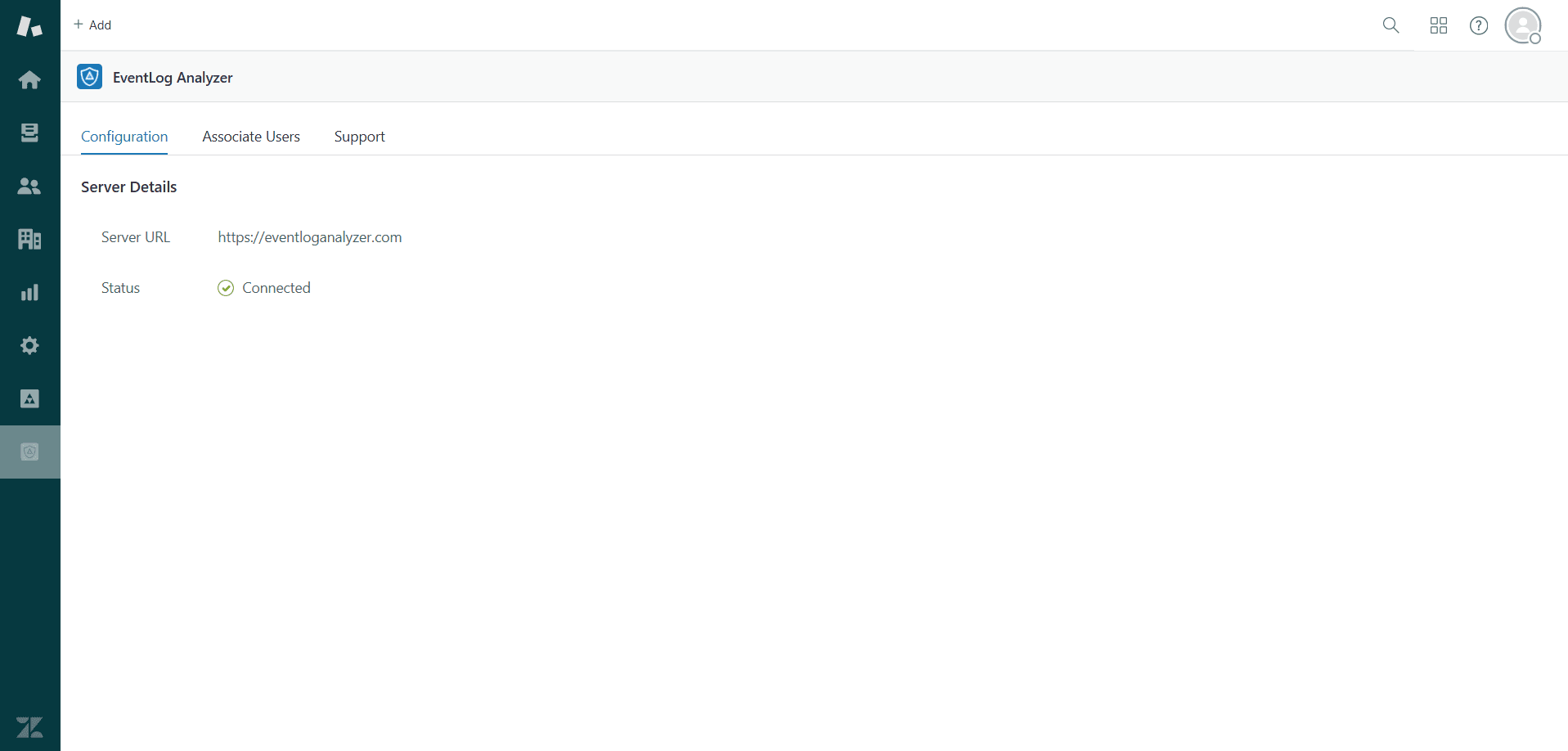
- Click Next to complete the integration. Once EventLog Analyzer has been successfully configured, you can edit the configuration details if needed.
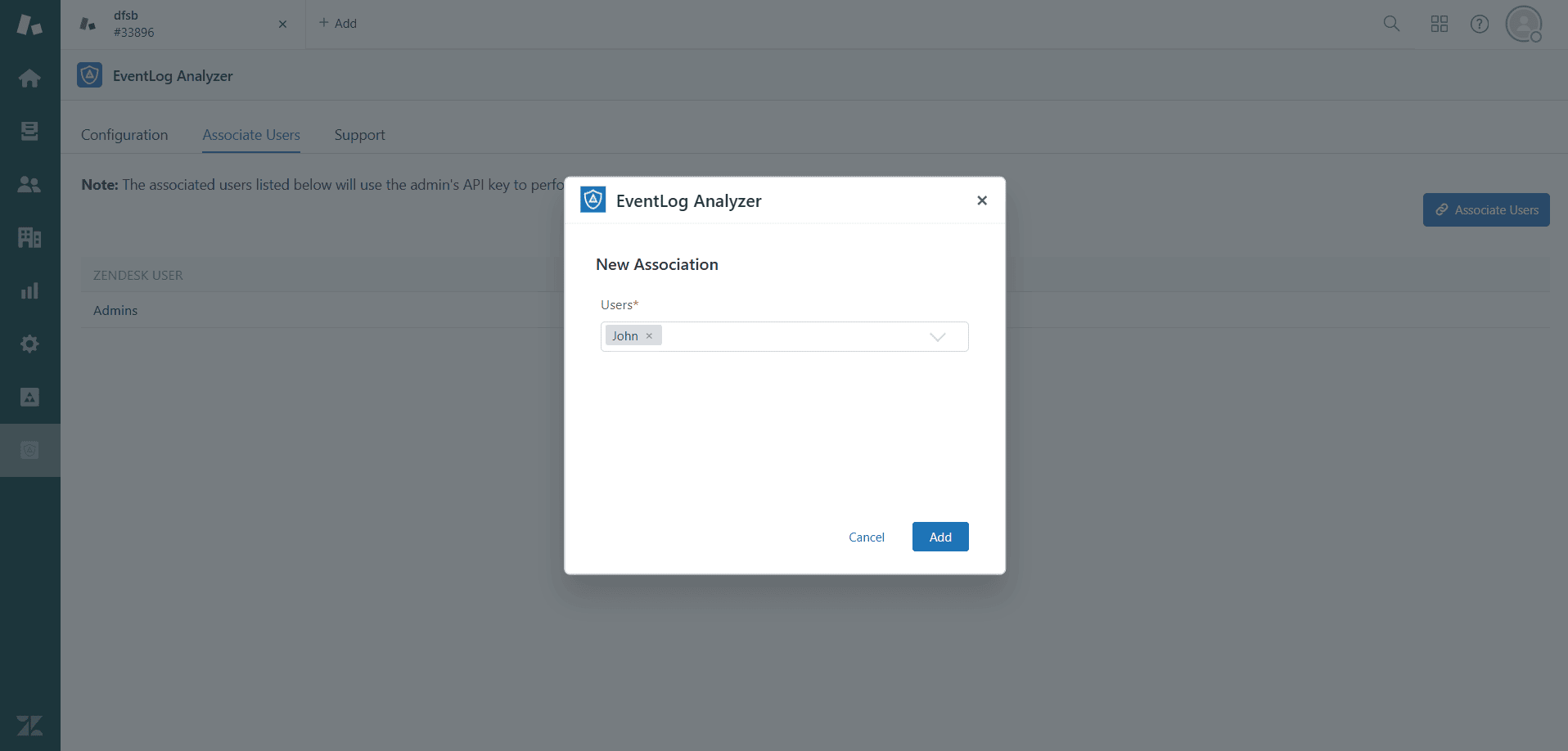
- Admin users will have access to all pages by default. Non-admin users must be associated appropriately to perform actions from the Tickets window.
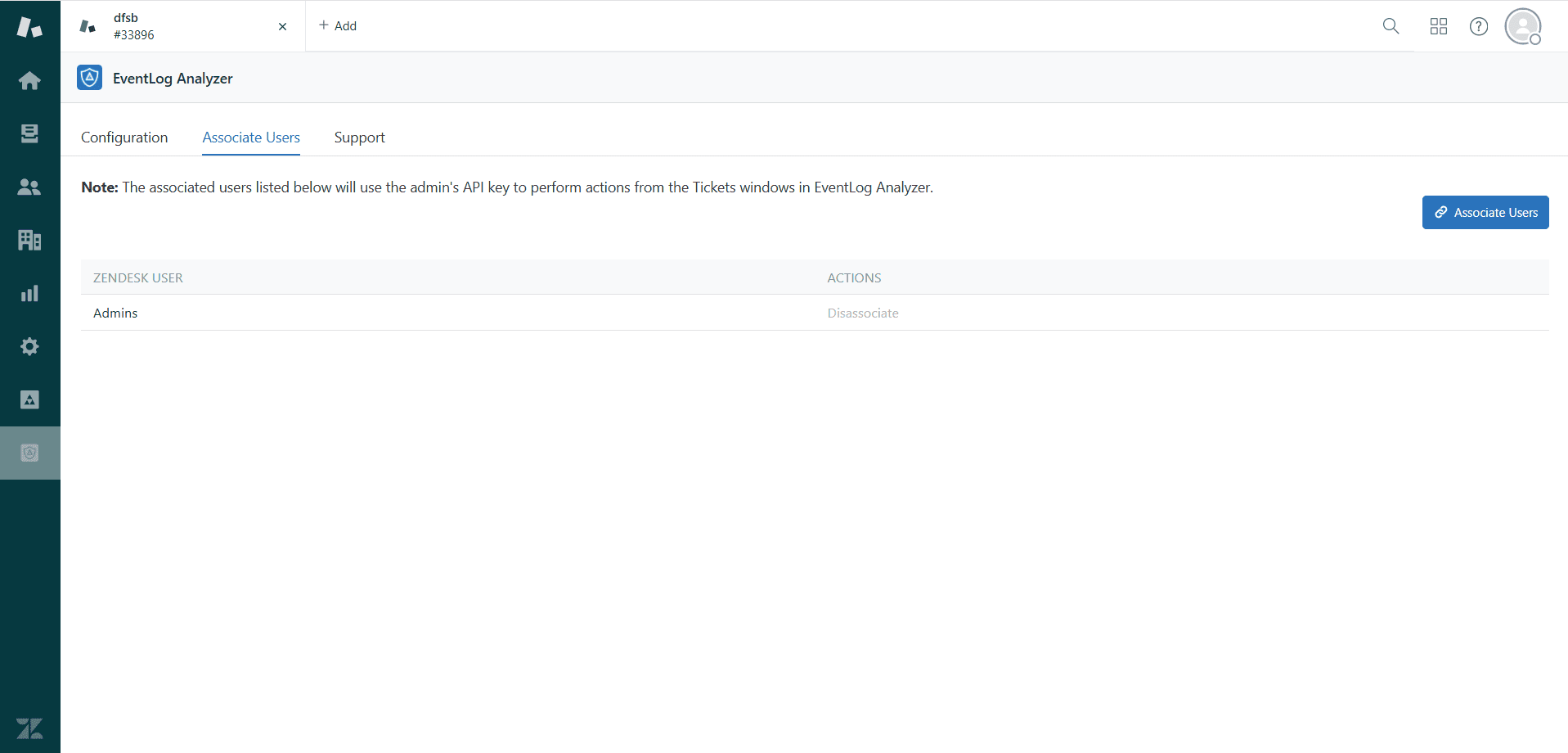
- To associate users, go to the Associate Users tab in the configuration section and associate the Zendesk users.
Note:
- Alert-specific operations will only be available in tickets raised from EventLog Analyzer build 12550 and above.
- Two-way synchronization will not work for bulk ticket updates.
- Please refer to this link for more details on the EventLog Analyzer App for Zendesk.

 Click here to expand
 Download PDF