Can I configure monitoring interval in bulk for all devices?
To configure monitoring interval in bulk for all devices , follow the below steps:
- Go to Monitoring Intervals under Settings -> Configuration -> Quick Configuration Wizard.

- Change the monitoring interval of the corresponding Infrastructure type to which the devices belong
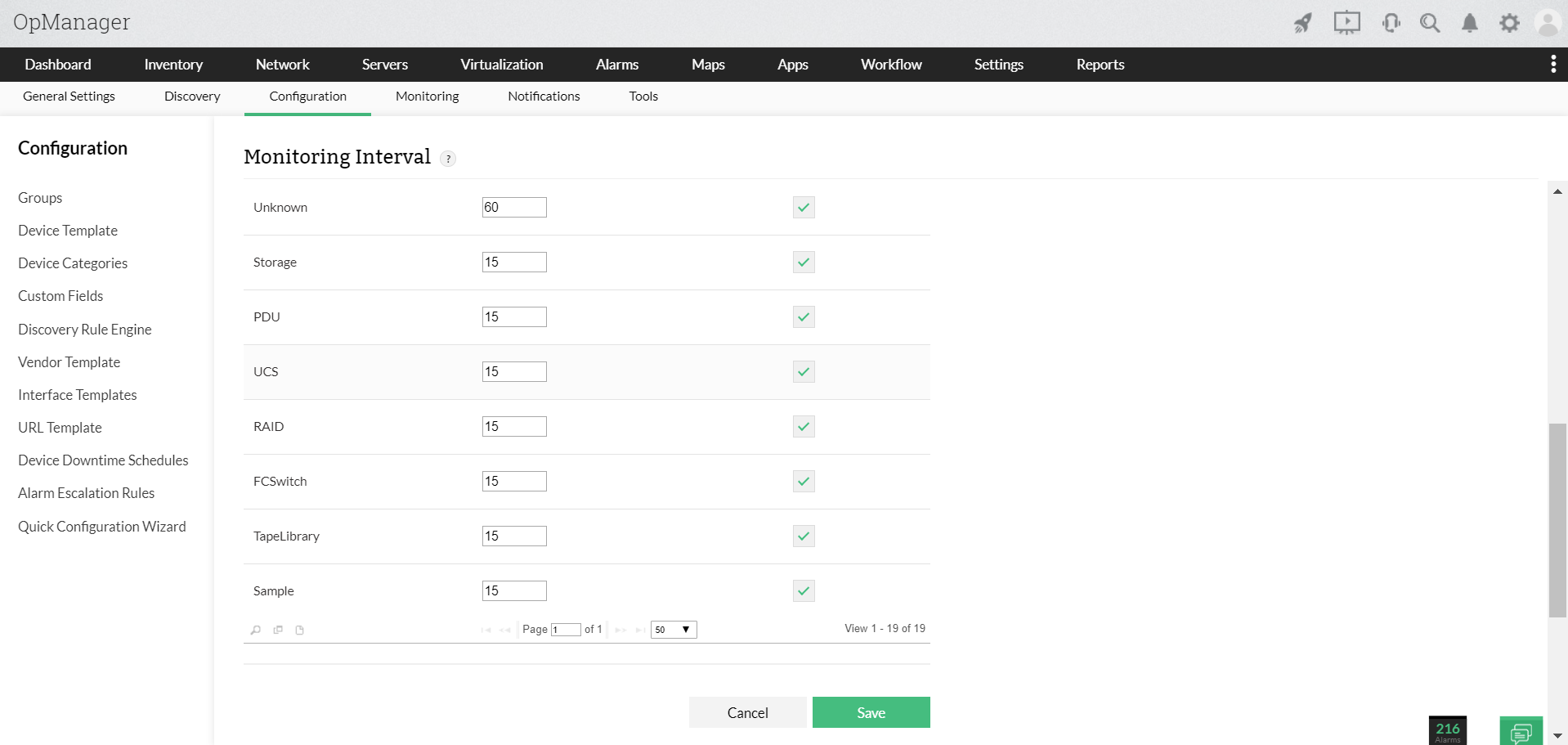
- Click on Save.