Accelerate image deployment without any physical contact.
Learn more!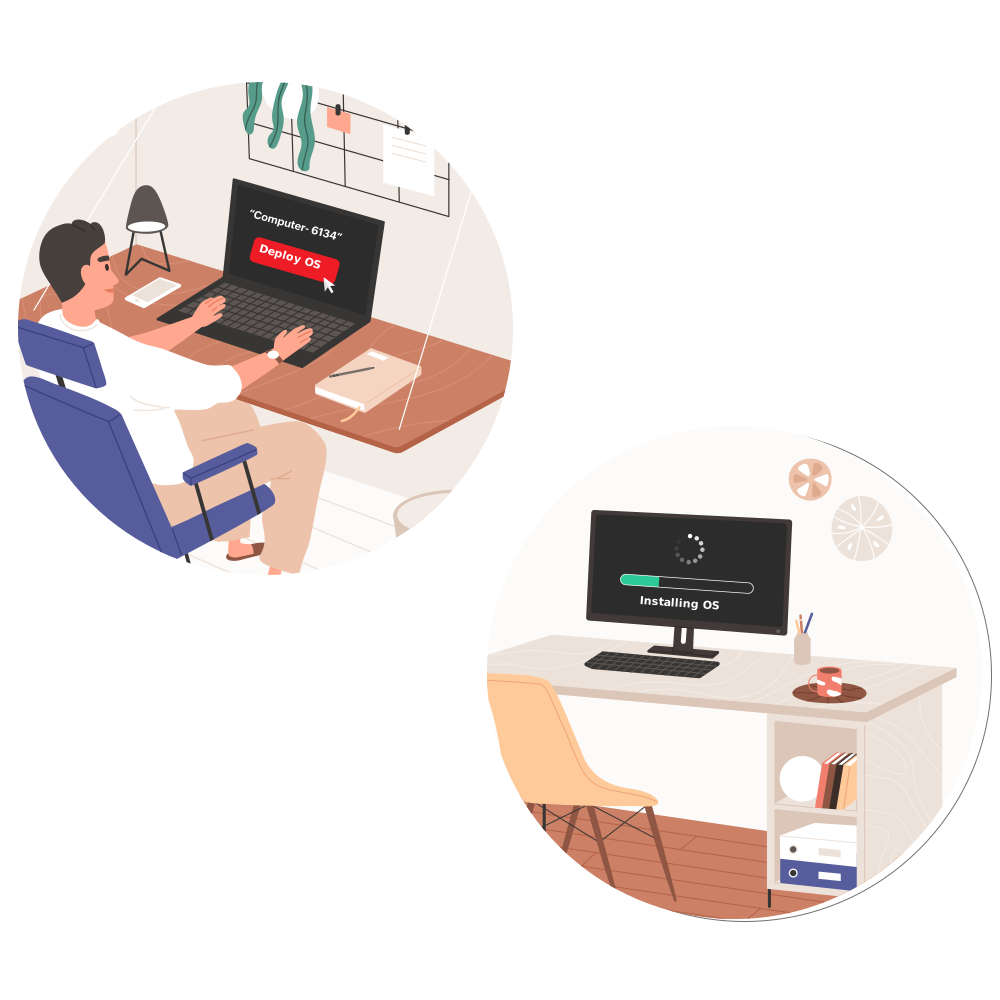
A comprehensive solution for deploying OS at ease.
Avail a free trial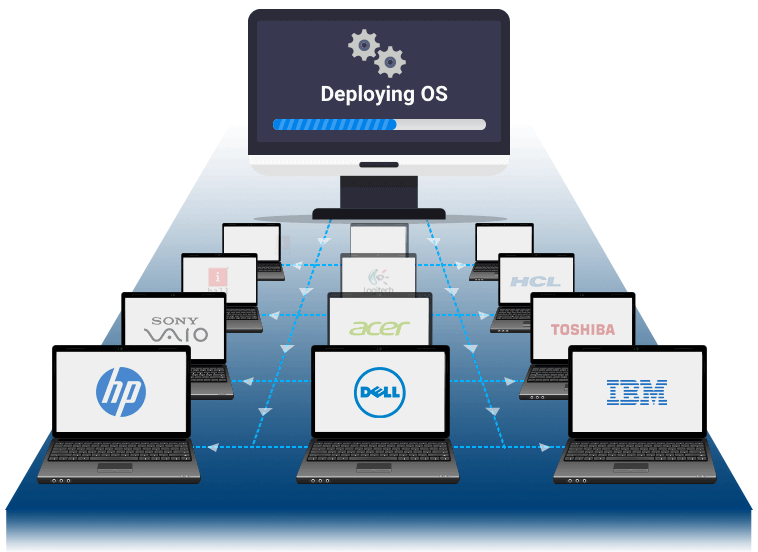
Distribute OS images for work from home (WFH) users right from your desk.
Know more!
OS Imaging & Deployment Software
ManageEngine OS Deployer is an OS imaging and deployment software that helps IT teams create, customize, manage, and deploy operating system images across physical and virtual devices at scale. As a comprehensive OS imaging and deployment software, it streamlines OS deployment activities by enabling administrators to capture a golden image, configure deployment settings, and roll out standardized environments across multiple devices from a centralized console.
Designed for enterprise OS imaging requirements, OS Deployer simplifies OS deployment workflows with hardware-independent deployment, driver management, image customization, and automated deployment capabilities. IT teams can deploy OS images to new devices, refresh existing systems, and upgrade to newer OS versions with minimal downtime. From OS image creation and maintenance to large-scale operating system deployment, OS Deployer provides a reliable and scalable platform for modern device deployment.
3 Simple steps of OS imaging & deployment
Create
Create an OS image using advanced online or offline imaging techniques.
Customize
Customize the image for deployment according to the organization's user roles and departments.
Deploy
Deploy the OS image across multiple computers using unique techniques like OS Deployer's authentication passcodes.
Key Features
Image a machine when it's live and functioning in the network without disturbing the end user's productivity.
Save time and effort by seamlessly migrating user profiles right when you are deploying operating system.
Effortlessly deploy one golden image to multiple computers, regardless of vendor makes or models.
Customize the image for deployment according to your organization's needs. You can also configure the post-deployment activities and the applications to be installed on the target computer after deployment.
Connected to a corporate network or not, provision work-from-home users and computers in remote offices with OS images in just clicks.
Reliable and convenient driver management to automatically collect and distribute drivers to any computer, anywhere.
Deploy OS without physically touching your target machines using automated booting and deployment
OS Deployer lets you
Minimize manual
efforts
Cut-down
cost
Standardize
systems
Wrap up working
hours
Available as 3 editions
Free Edition
Up to 4 workstations & 1 server- Suitable for SMBs
- Fully functional
- Up to 4 workstation & 1 server
Professional
suitable for computers in LAN- Online/offline imaging
- Multicast/ Unicast deployment
- Hardware Independent Deployment
- Computer Specific Settings
- SID handling
Enterprise
suitable for computers in WAN- Online/offline imaging
- Multicast/ Unicast deployment
- Hardware Independent Deployment
- Computer Specific Settings
- SID handling
- Remote office deployment
Can't decide which plan is right for you? See our complete edition comparison matrix.