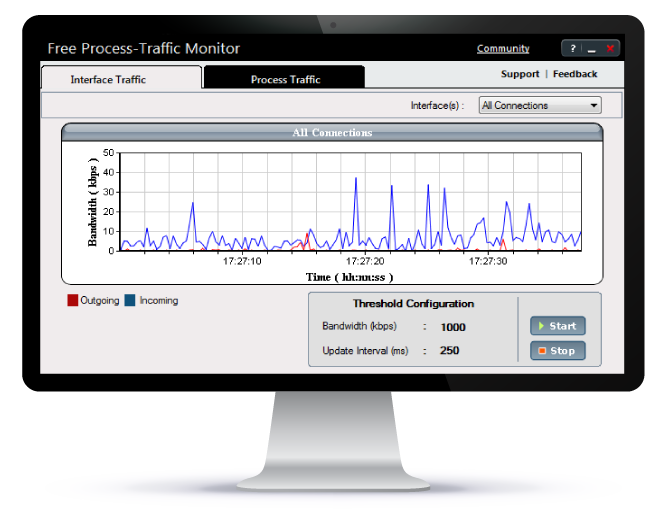
Free Process Traffic Monitor
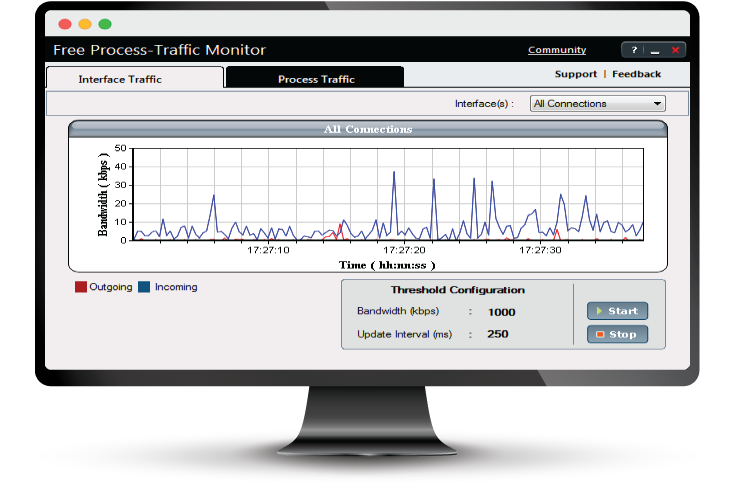
- View server/desktop traffic usage graphically
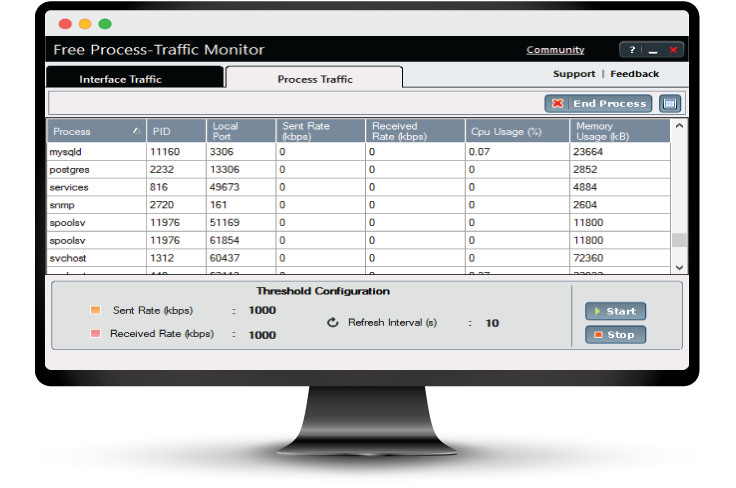
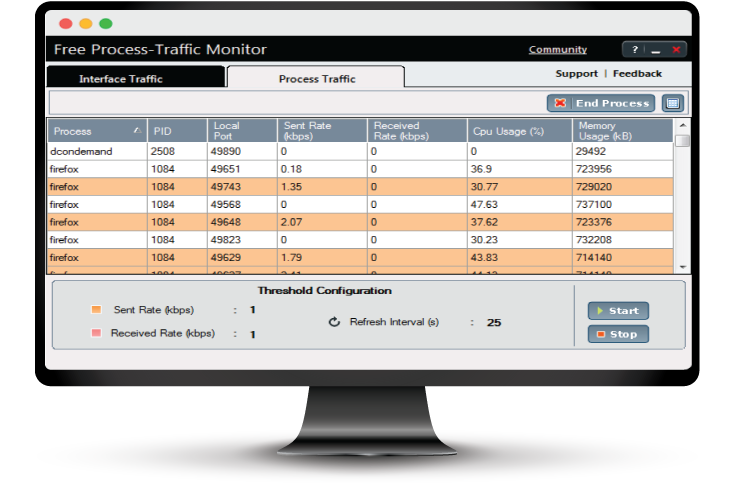
- Monitor Processes/applications occupying ports(UDP/TCP)
- View individual interface traffic usage graphically
- Configure thresholds for IN/OUT traffic usage
- Search based on process & sort based on any column
- Terminate unwanted processes from UI
White paper
AIOps 2.0: The future of IT operations
Learn to deliver resilient, high-performing IT ecosystems at scale with next-gen AIOps.
Get your free copy
Report
State of Observability 2025
A report on adoption, challenges, and the path forward
Get the report
Leverage proactive process monitoring for critical processes on your servers using OpManager's Process Monitoring module
- Complete discovery and listing of processes running in discovered devices
- Perform customized monitoring to identify processes having different paths.
- Advanced fault management including workflows to resolve running programs.
- Process template feature for association with multiple devices.

Keep an eye on network traffic & bandwidth usage using NetFlow Analyzer
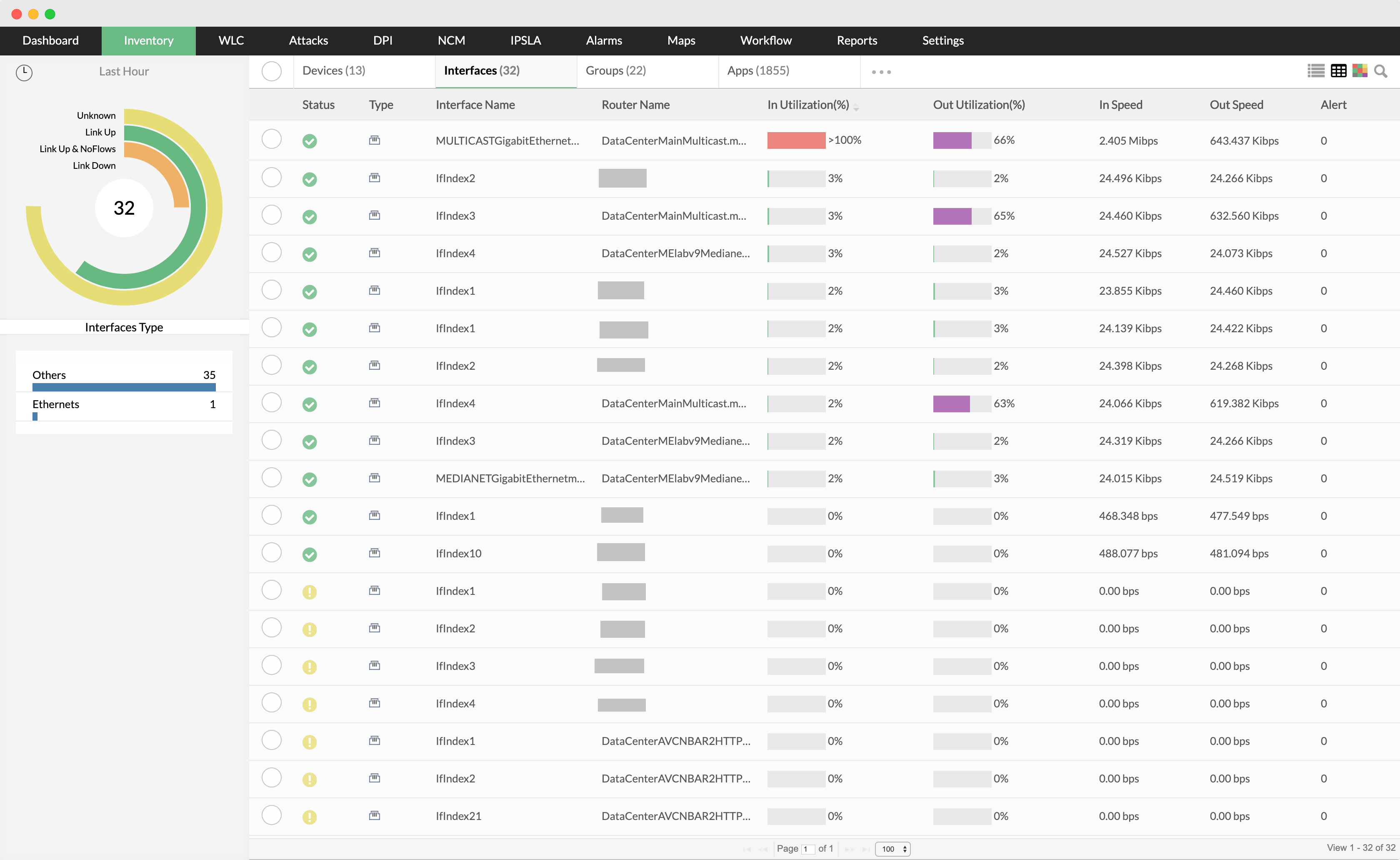
- Real-time bandwidth monitoring
- Threshold based instant email & SMS alerts
- In-depth bandwidth utilization reports
- Detect threats, anomalies with network forensics and security analysis
- Monitor voice, video and data effectively
- Multivendor support and flow technologies