
Broad offering from a single console
We are conscious of striking a balance between jam-packing the features through a single workflow versus achieving your needs through integrations. Besides requiring multiple agents in your end-user devices, integrations usually are not seamless and impact your end-user computers.
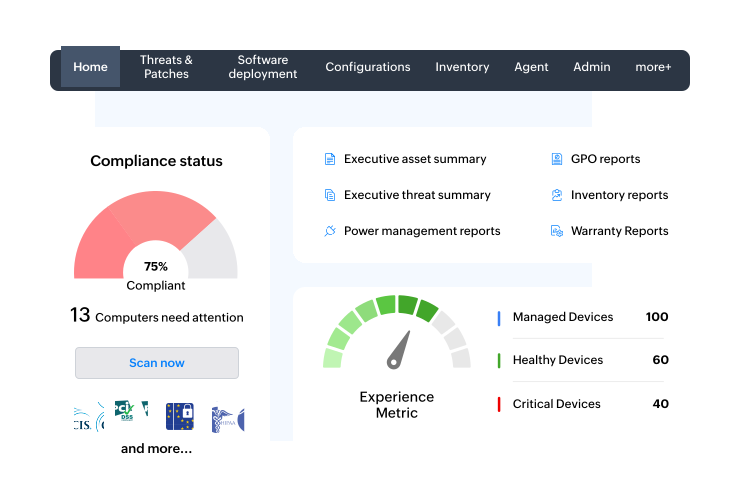
A worker's efficiency and productivity are greatly enhanced if their tools are arranged logically in their toolbox. Endpoint Central is your enterprise toolbox. We have crafted the solution with impactful endpoint management and security features by constantly paying attention to your enterprise needs.


Support for multiple OSs and devices
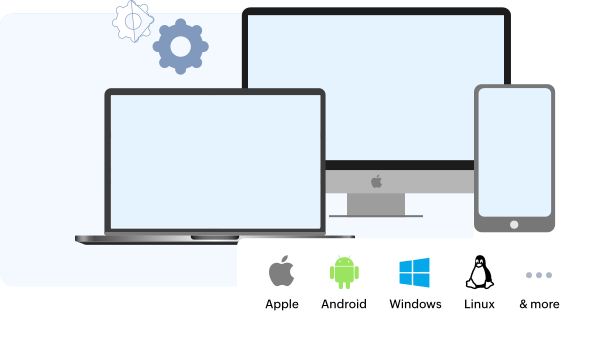
We do not see many enterprises running with just one type of OS and device. The nature of your business necessitates having multiple endpoints and OSs. Also, you will find it illogical to invest in too many solutions for managing your diverse endpoint fleet.
That's why Endpoint Central is your one ring to rule them all. Be it Windows, Apple, Linux, Android, or IoT devices - you mention, we can have them managed and secured.
Network-neutral architecture
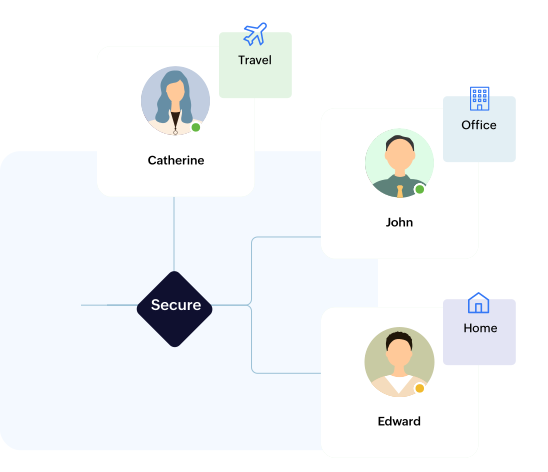
Do you have a hybrid workforce? Do you have employees frequently travelling across the globe? Do you run your business in a secure environment by shunning the internet? Wondering how to manage and secure endpoints in these scenarios? You have our architecture to meet your custom needs. Our solution is also available as either an On-Premises or Cloud version—both public and private cloud—to suit your needs.


Vulnerability and patch management
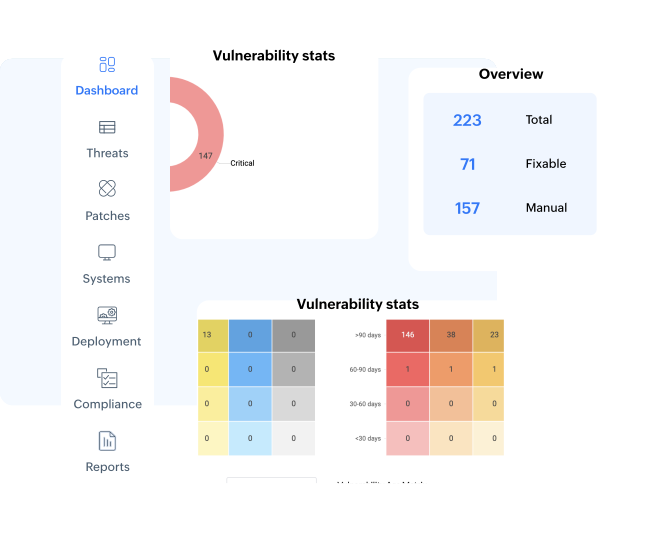
We are one of the few solutions to offer a single dashboard for ITOps and SecOps to collaborate. By contextually linking our threat detection tool with the patch management console, you can detect threats, assess their severity, achieve CIS compliance, resolve security misconfigurations, and remediate threats based on severity, patch availability, and CVE scores.
We realize that your enterprise will have a variety of OS flavors and endpoints. We offer patch support for Windows, Mac, and Linux machines, as well as 1000+ applications you might use in your enterprise. And no, we didn't forget that you might have production servers that run on Windows and Linux. We are your one-stop patching solution.
Mobile device management
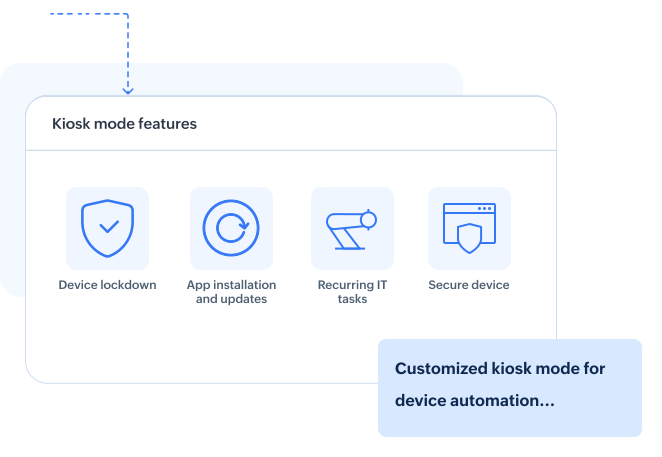
You can seamlessly manage Android, iOS, Windows, Mac, and Chrome machines—all from a single console. Not just that, our solution allows you to troubleshoot remotely 30+ specialized/rugged devices commonly used by frontline workers so that their productivity remains unaltered. Our solution also helps you leverage kiosk mode to manage unattended public information kiosks and point-of-sale machines, preventing users from disturbing their core functionality.
For privacy-minded employees, you could utilize our mobile application management (MAM) policies. Realizing the need for hybrid work culture, we also support bring your own device (BYOD) policies and ensure that personal and corporate data are separated in their devices


Zero-touch OS deployment
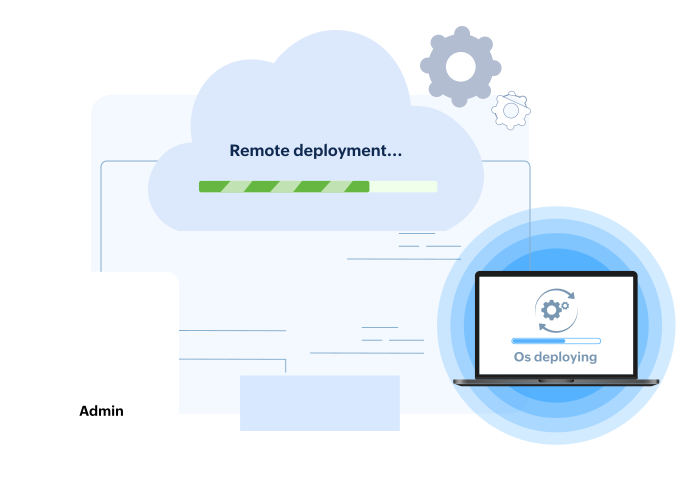
This name must give you a hint about the capability. You can deploy legacy and modern OSs seamlessly—even to remote offices—and make the OS transition easy by backing up user profiles and never worrying about having multiple brands in your enterprise. We are also one of the few vendors to enable OS deployment to work-from-home users.
Browsers are the new endpoints
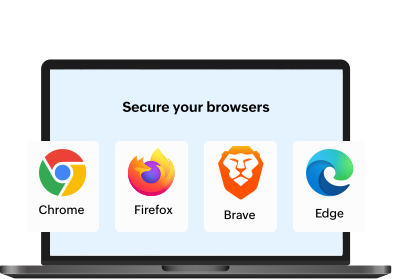
With browsers becoming the frequent gateway to access enterprise and SaaS applications, securing browsers has become essential. You could restrict add-ons, downloads, and websites that are harmful to your IT, while ensuring that your browsers are STIG-compliant.


Attack surface management
Trust is the bedrock of relationships with humans, but not so with devices. The Zero Trust philosophy embedded in our product allows you to create trusted peripheral devices accessing your endpoints. You can also create a list of trusted applications your end users can use in their endpoints. We truly understand the importance of marrying end-user productivity with the principle of the least privilege. That's why we have application-specific privilege elevation.
Data is the new oil, so never let it leak
Our powerful data loss prevention feature will classify data—especially personally identifiable information (PII)—based on predefined or custom templates. Every admin aspires to understand how the data flows in their IT environment. That's why, with Endpoint Central, you can implement file tracing to track sensitive files, especially when you move them to external devices. You can also perform file shadowing operations for sensitive data whenever you copy or modify them in peripheral devices.


Next-Gen Antivirus
Prevention is better than cure. Traditional Antiviruses, with the signature-based approach to mitigate malware attacks, are increasingly capable of defending your endpoints. Next-Gen Antivirus is our next-level approach to secure your enterprise endpoints. With AI-assisted real-time behaviour detection, you can be assured of a comprehensive malware defence and zero downtime of your endpoints.
Advanced Remote - Troubleshooting capabilities
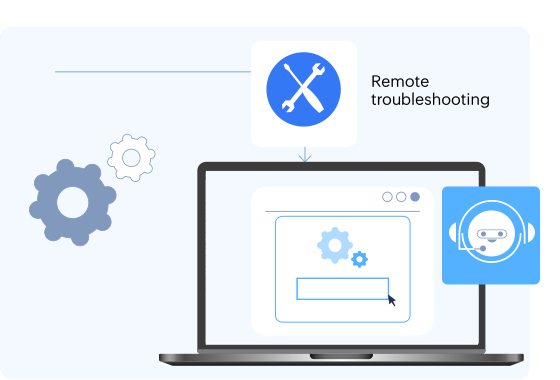
If your end users are stuck with malfunctioning endpoints, their productivity goes for a toss. The situation worsens further if their roles become customer-facing. That is why we have built-in remote troubleshooting capability within our UEM solution.
While we have world-class, HIPAA-compliant remote screen-sharing capabilities, our solution empowers you to avoid screen-sharing altogether. You can fiddle with your end-user's command prompt, system manager and task manager directly from your UEM console.


Over 75+ configurations to supercharge your IT
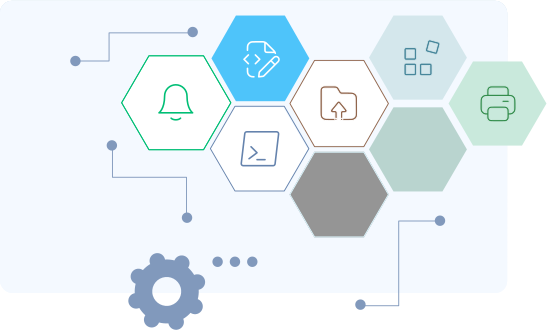
Tired of routinely performing mundane tasks for endpoint management? We have designed 75+ powerful templated automations to boost IT efficiency. This means end users do not face friction when they use their devices, resulting in improved productivity. We also have more than 300 custom scripts in our script repository you can use for meeting your customized requirements.
