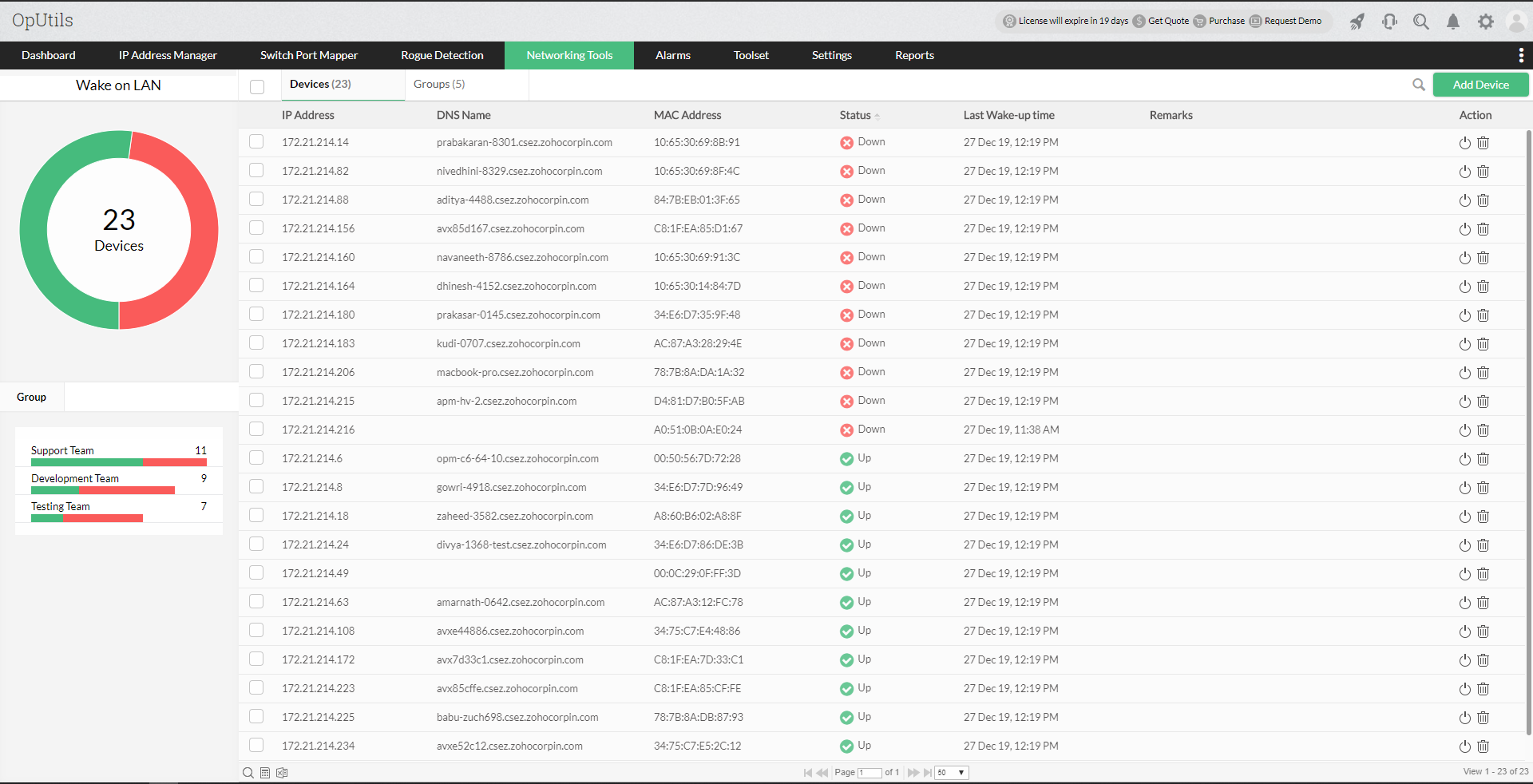
Follow the steps below:
- To know about setting up the tool click here.
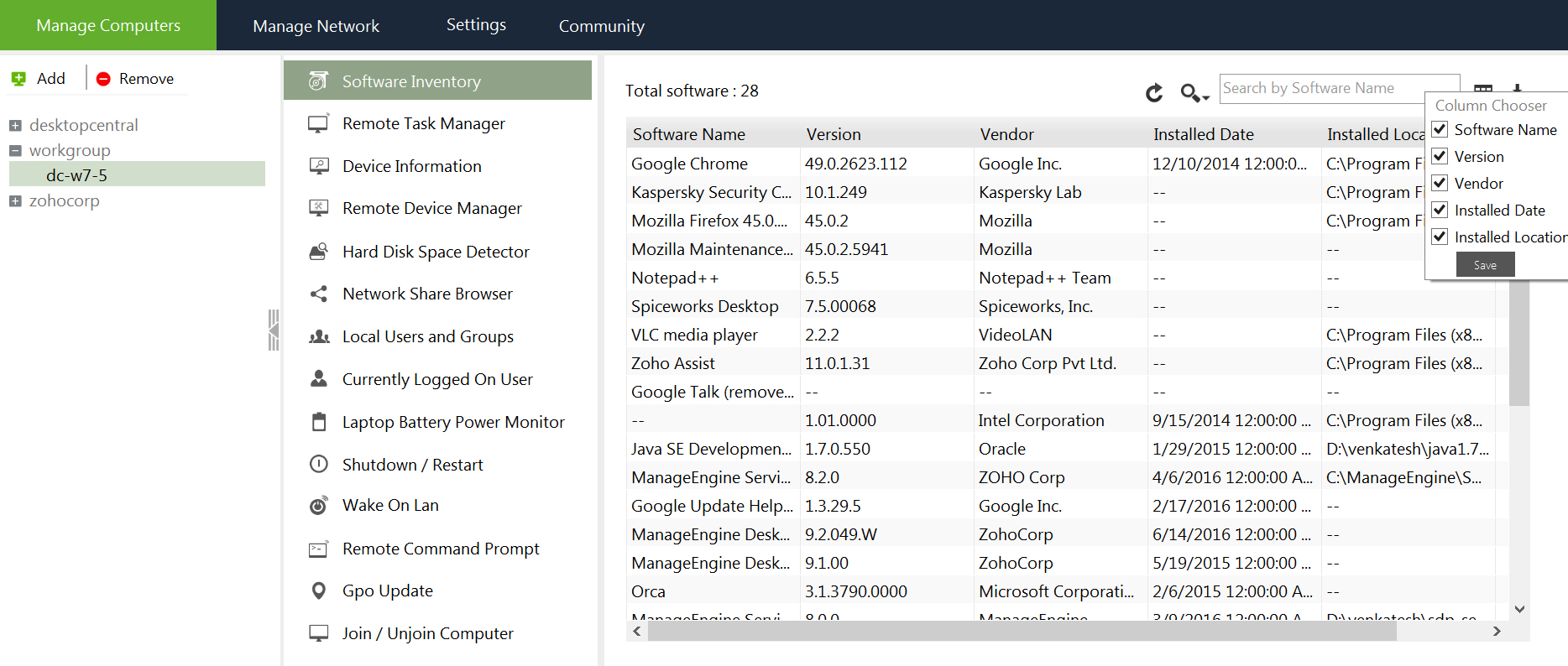
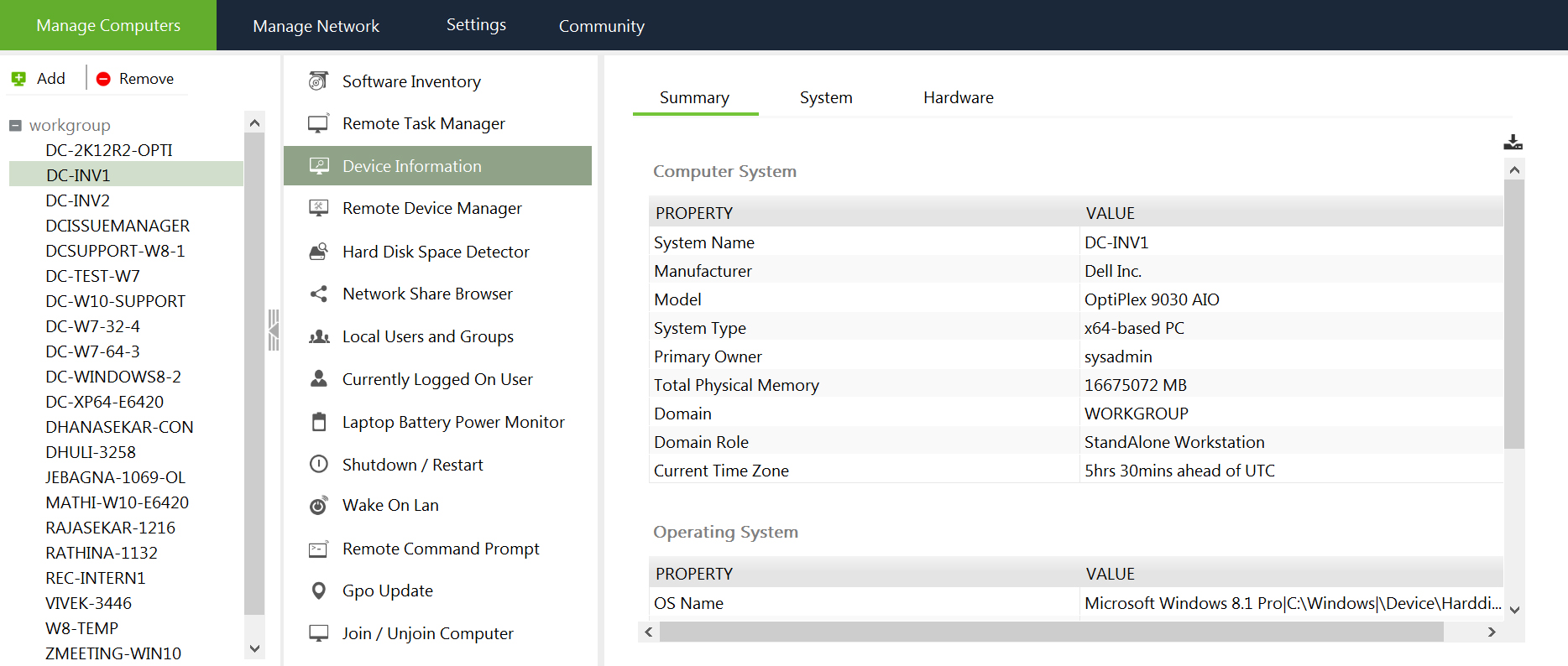
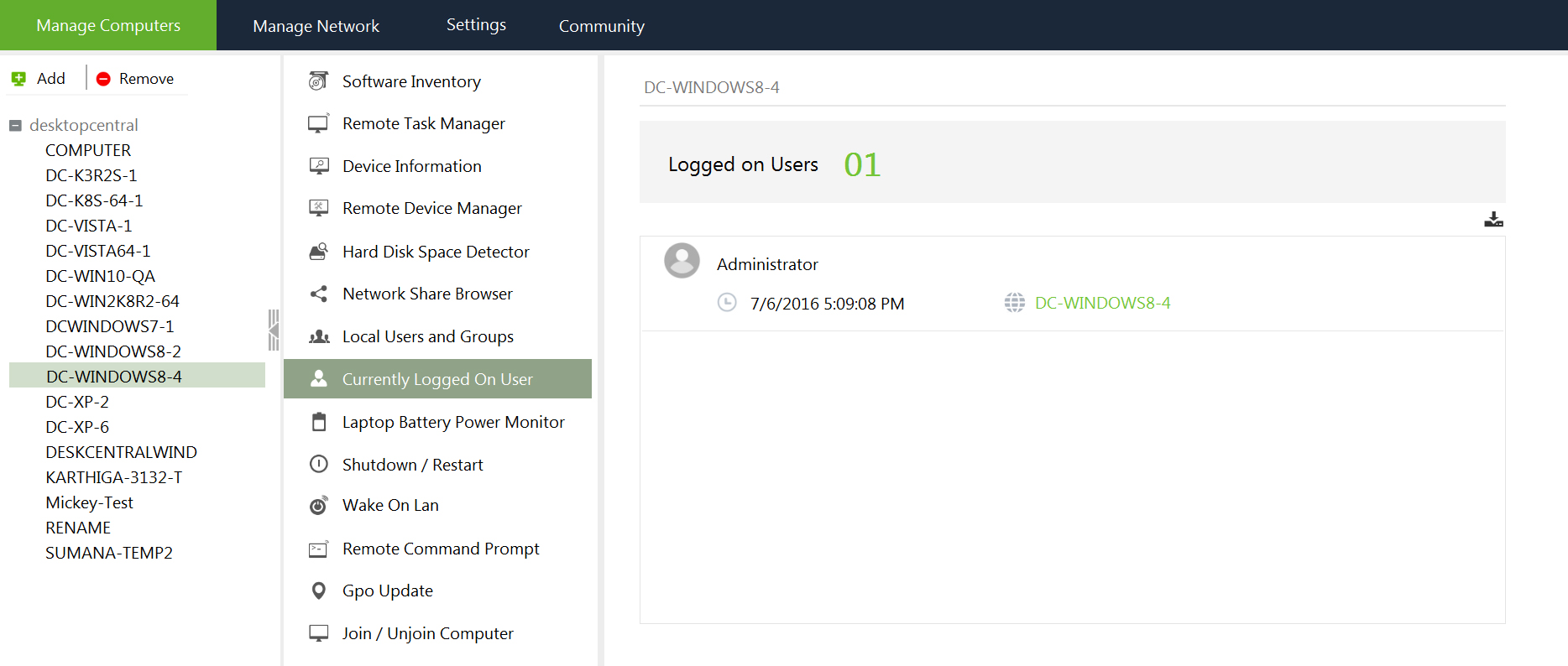
- Select the Domain name available in the left pane.
- Select Wake on LAN to wake up
- Specify the IP address and MAC address(physical address) of the computer you want to wake up.
Configuring Wake On LAN
BIOS Settings
The Wake-On-LAN functionality is generally disabled by default. The option to enable Wake-On-LAN is different with each computer manufacturer. The most common method adopted across different PC's are as follows:
- During the computer’s power-on self-test enter the BIOS setting screen by pressing the F1, INS, or DEL keys.
- Select Power settings. Check for Power Up Control.
- Enable settings related to Power Up on PCI card, LAN, or Network.
- Click Save and exit the BIOS settings.
Operating System (OS) Settings
In some Windows OS, the drivers can enable the Wake ON LAN features of network adapters. For example in Windows 2000, click Power Management tab and under the Adapters properties, select the option Allow this device to bring the computer out of standby.
Alternatively, you can also check the Advanced setting table for parameters related to Wake on LAN and Waking on "Magic Packets" and enable them.
Wake-On-LAN (WOL) Cable
For Wake On LAN to work on computers with older PCI busses, a WOL cable must be installed between the Network Card and the Motherboard. Because this requires opening the computer case, we advice you to contact your PC manufacturer for specific instructions.


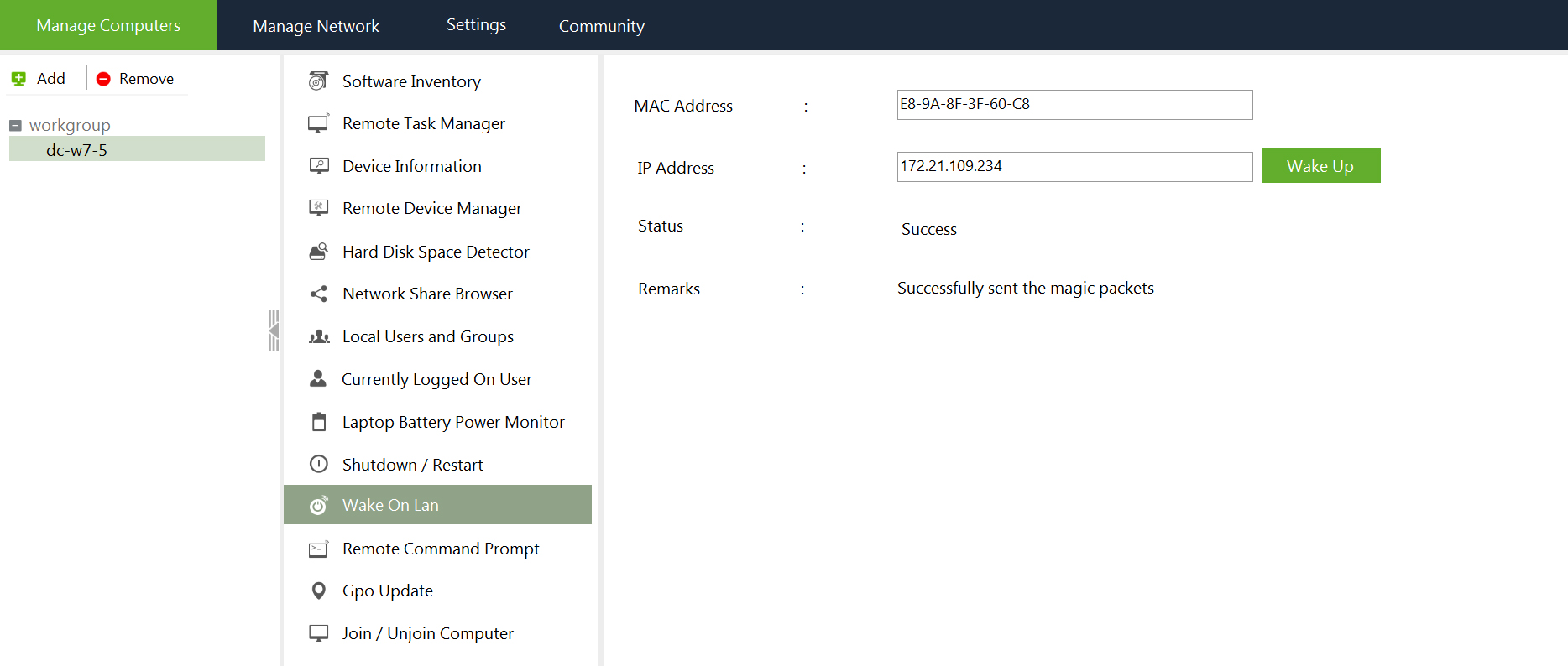
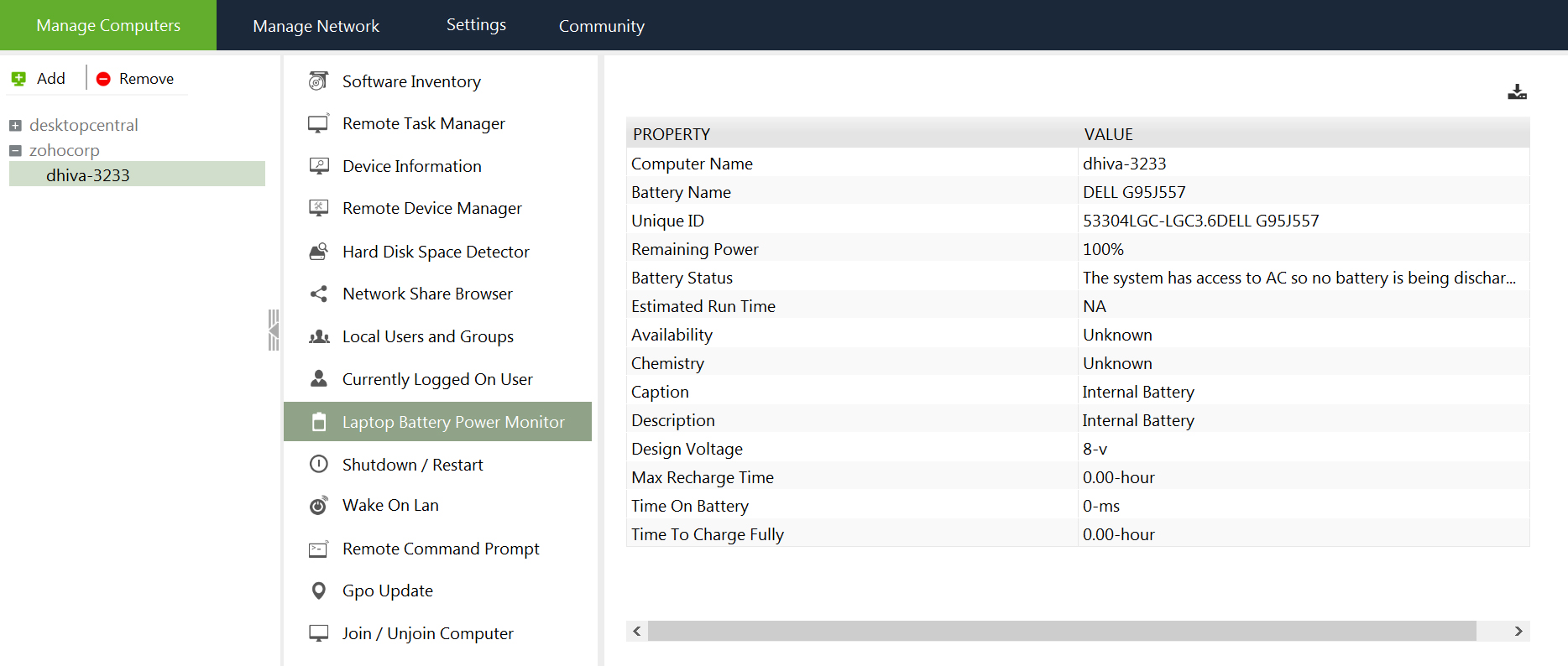

 Wake On LAN Tool