Bulk Configuration Tools for Networks
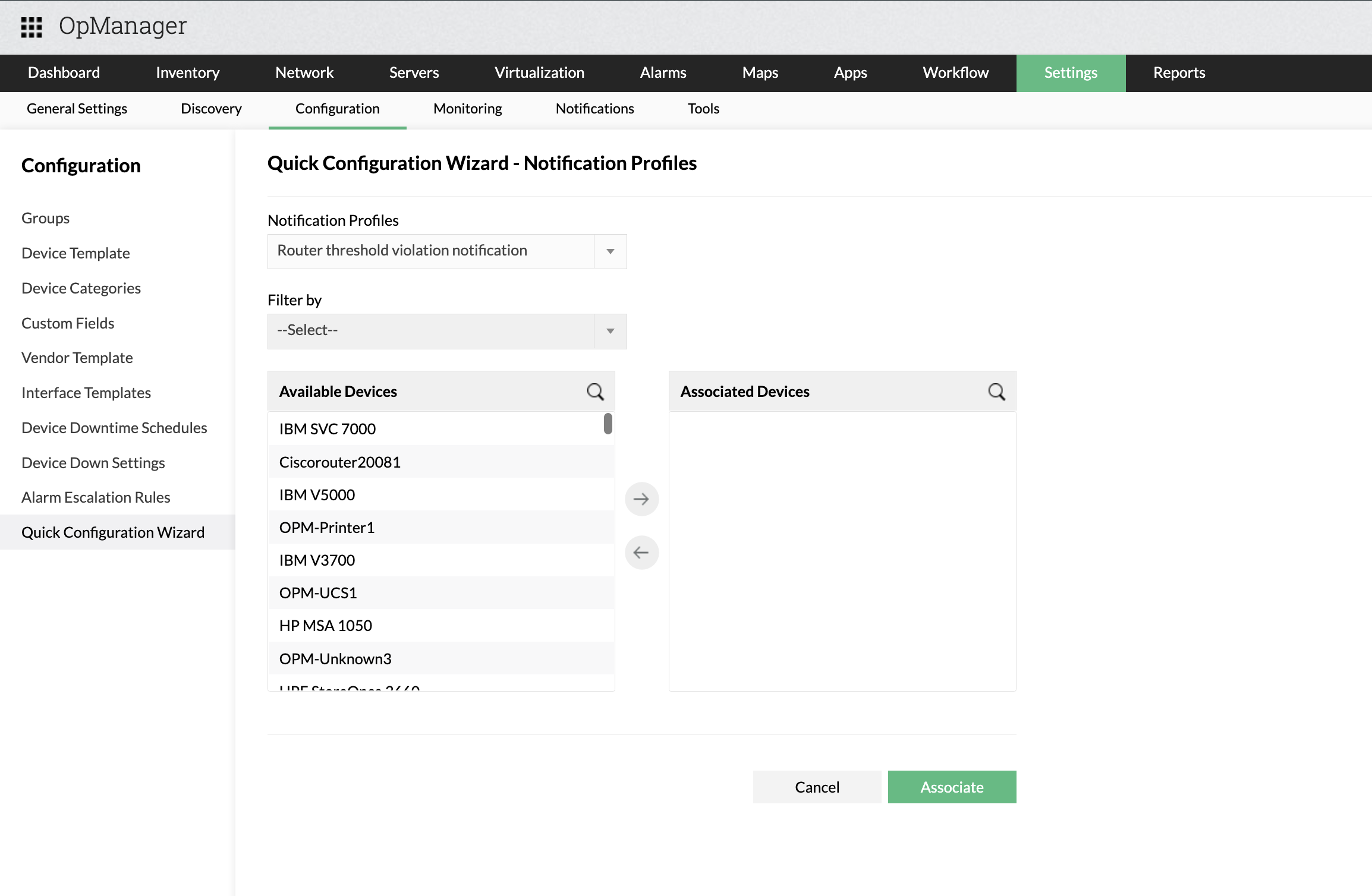
Some network management operations involve setting a common configuration over a large number of devices e.g. adding a common notification profile to devices that serve a common business group, associating a device template (containing pre-configured monitoring parameters and monitoring intervals) to many devices of the same type. With OpManager 8, network administrators can configure such bulk settings within two or three clicks of the mouse without having to painstakingly open up multiple tabs/browsers.
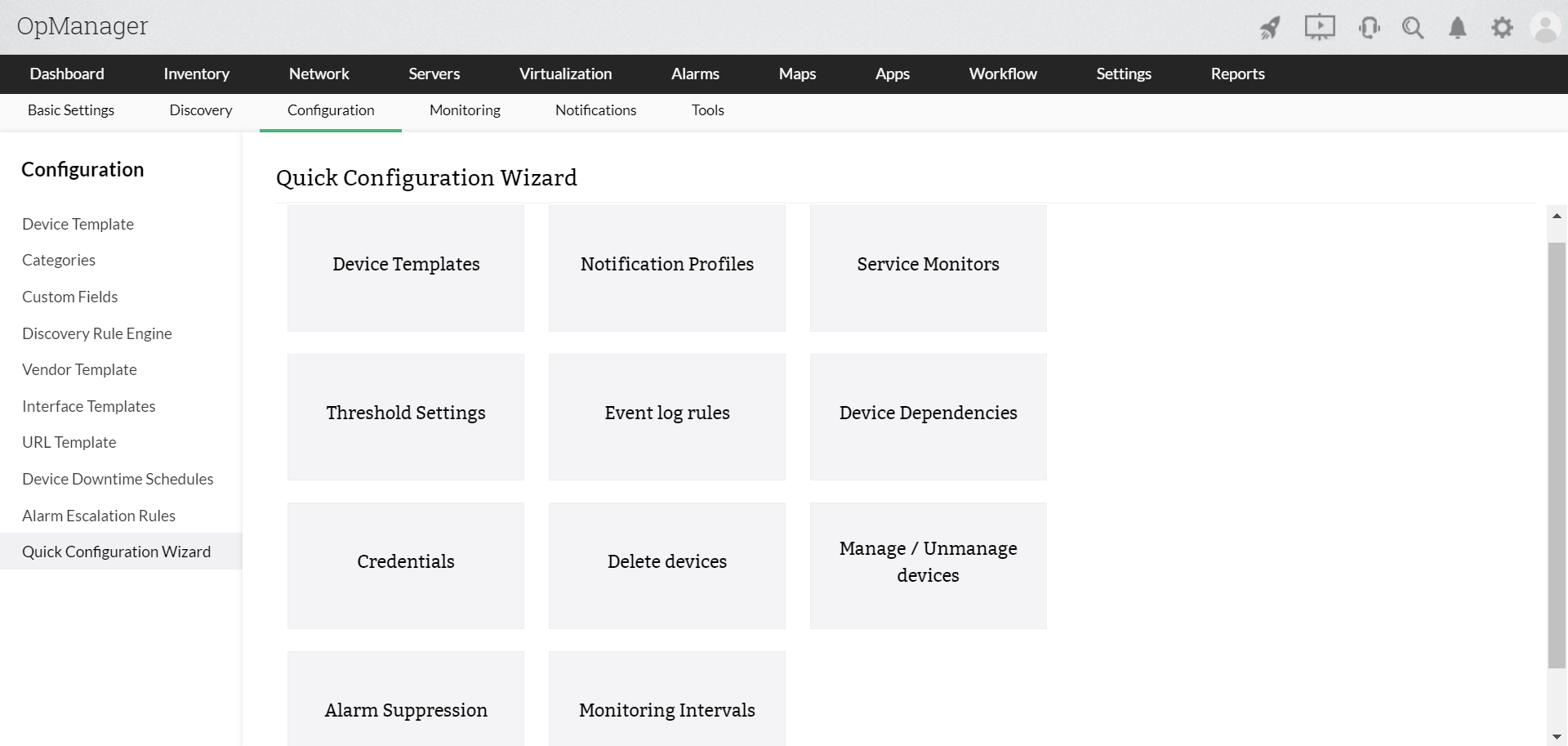
OpManager's List View allows one to select devices and perform the following tasks to them en masse:
- Associate a device template
- Associate or remove notification profiles
- Manage or Un-manage devices
- Associate SNMP credentials
- Configure monitoring intervals
- Delete devices
Besides providing a bulk configuration panel, the List View also acts as a health status dashboard showing current device status and basic resource health viz. CPU and Memory Utilization.