Monitor routers, switches, firewalls, servers, and VMs
for fault and performance
with ManageEngine OpManager
Download 30 day free trial
ManageEngine OpManager is a powerful network monitoring software that provides deep visibility into the performance of your routers, switches, firewalls, load balancers, wireless LAN controllers, servers, VMs, printers, and storage devices. It is an easy-to-use and affordable network monitoring solution that allows you to drill down to the root cause of an issue and eliminate it.
Get in-depth visibility into device health, availability, and performance of any IP-based device in real-time. Monitor network services and visualize system performance with OpManager.
Monitor servers and ensure that they are up and running at their optimum performance level, 24x7. OpManager can monitor Hyper-V, VMware, Citrix, Xen, and Nutanix HCI servers.
Comprehensive in-depth wireless network stats for your access points, wireless routers, switches, WiFi systems, etc. Monitor WiFi strength, and wireless network traffic with OpManager.
OpManager leverages Cisco IPSLA technology to help you visualize and monitor the availability of WAN links, troubleshoot WAN outages and performance issues of your WAN links.
Discover the entire Cisco ACI infrastructure and get a comprehensive view of your controller and monitor components such as fabric, tenants, and endpoint groups with OpManager.
Monitor storage devices like Fiber channel switches, Storage arrays, and Tape libraries with OpManager’s capacity utilization monitors, storage growth trend graphs, and other monitors.
OpManager’s central server provides the required network visibility across locations, network health and performance stats over multiple remote probes with probe specific controls.
OpManager’s Layer2 Maps, virtual topology maps, Business Views, and 3D floor and rack views for your datacenters offer advanced network visualization for better network management.
OpManager correlates raw network events, filters unwanted events, and presents meaningful alarms to the operator. Alarms are color-coded and classified based on severity levels.

Most IT shops use multiple network monitoring tools to monitor and manage network operations. However, in case of any fault, they have to sift through multiple tools, GUI, graphs, and reports to get to the bottom of the issue. ManageEngine OpManager, the integrated network management software, provides real-time network monitoring and offers detailed insights into various problematic areas of the network. It also allows you to easily drill down to the root cause of the network issue and fix it quickly.
With ManageEngine OpManager, a comprehensive network monitor, get end-to-end visibility and analytics of network infrastructure including local devices, wireless network, WAN links, non-computing devices like printers and even access points. OpManager also provides integrated troubleshooting capabilities with planning and configuration management.
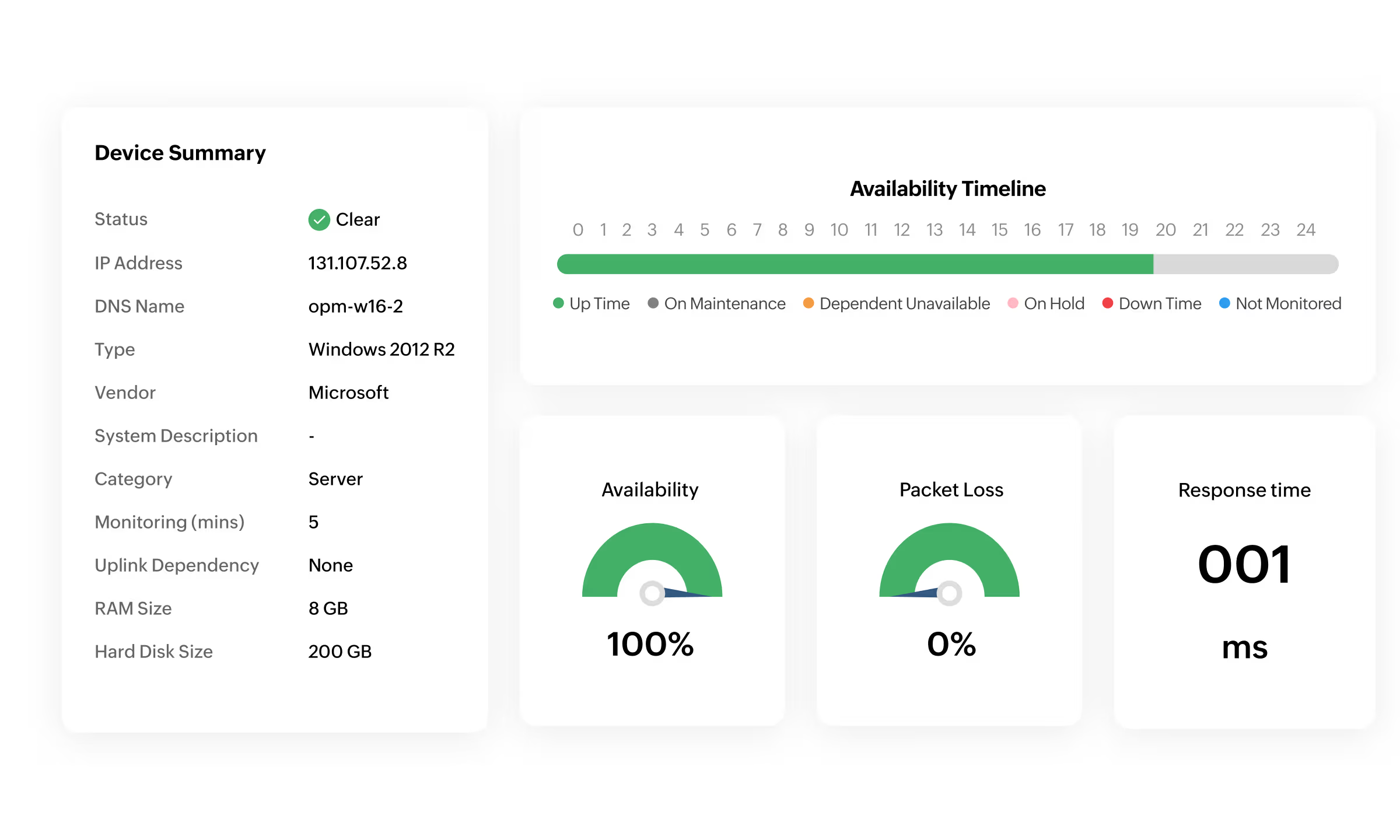
View performance, bandwidth consumption, recent device configuration changes on a single snapshot page. Be sure of what’s causing trouble and fix it before it impacts end users.
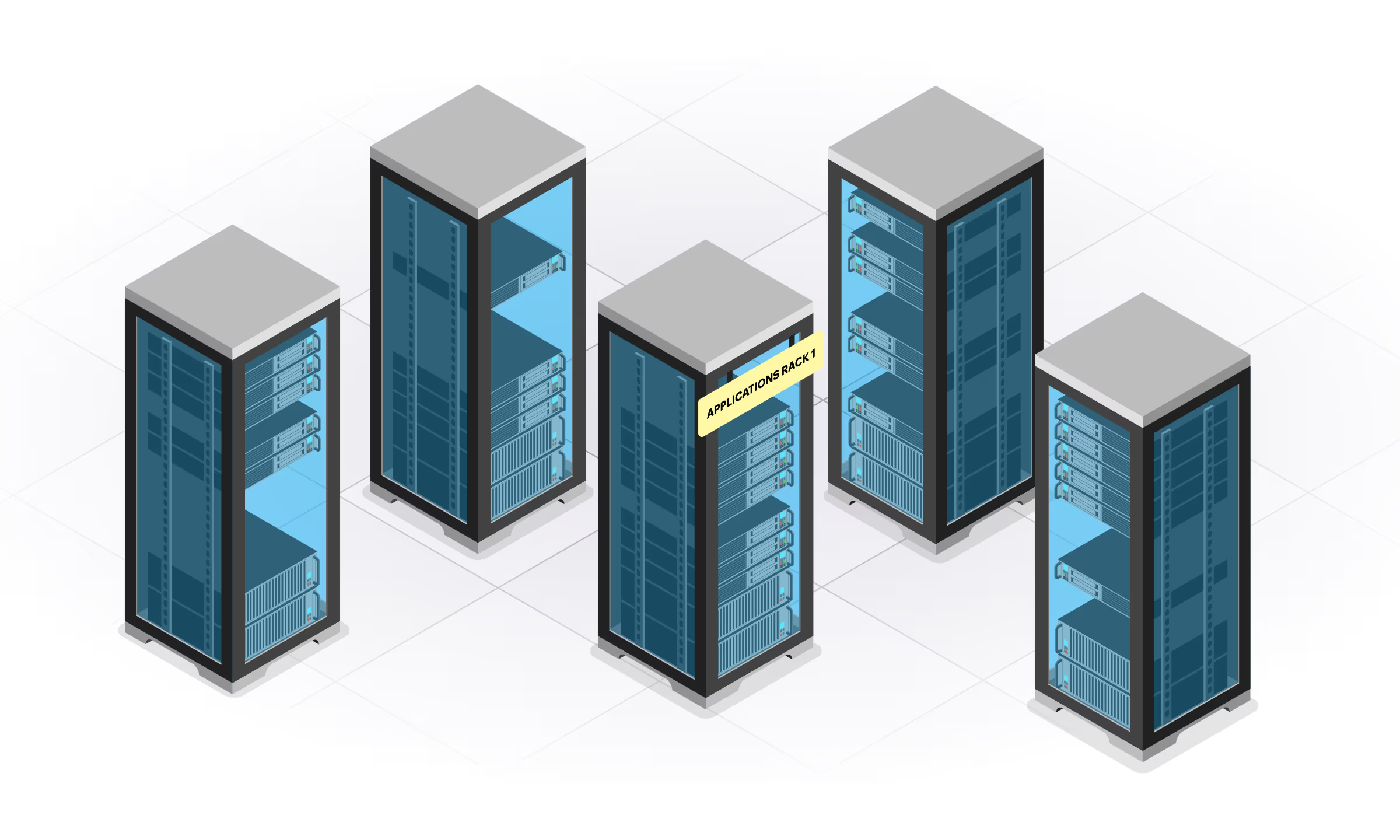
Create racks with populated devices and design data center floors to mimic the data center. Drill down to the actual device snapshot page in case of faults.
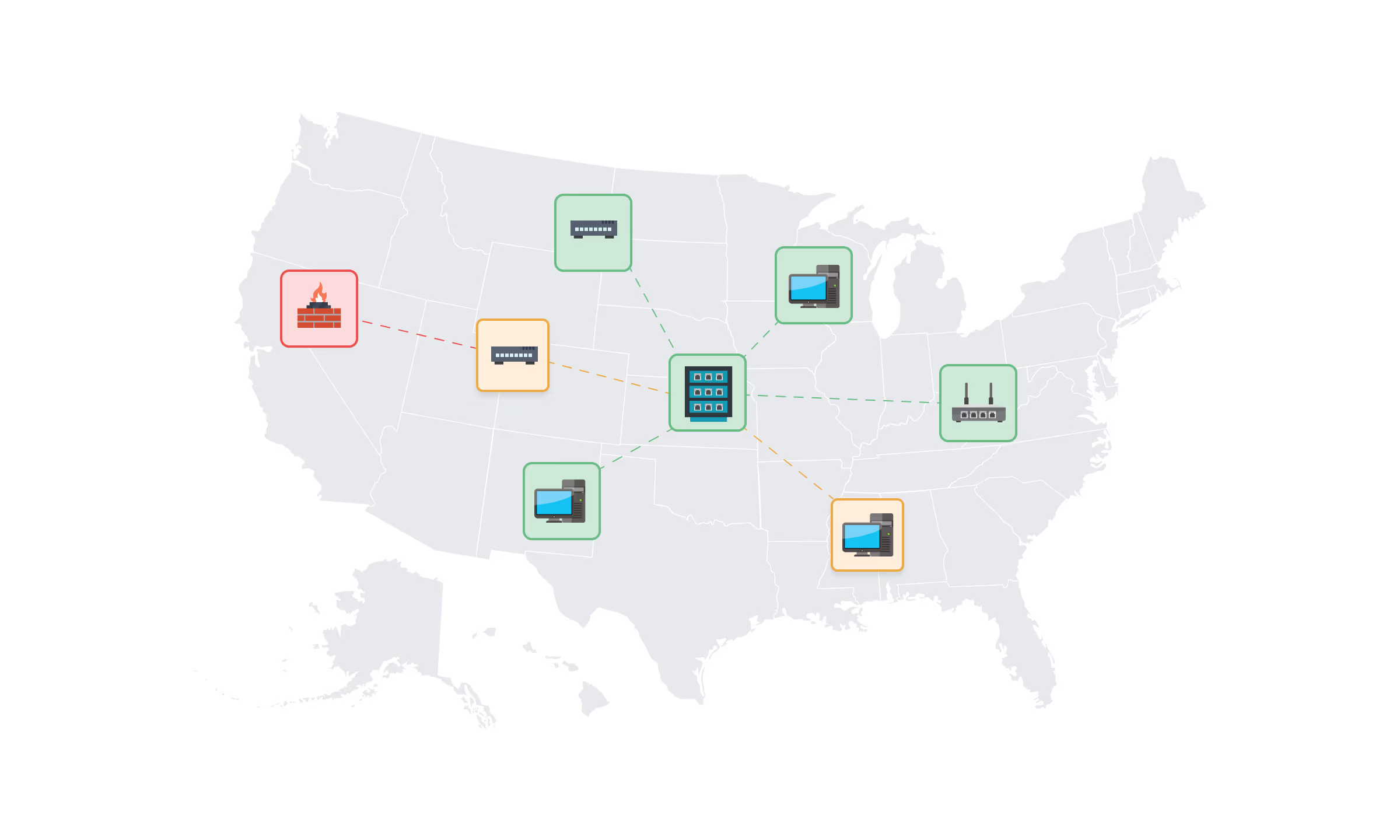
Create business views with devices and maps of your choice. Visualize device health, traffic flowing between departments or branch offices, application widely accessed on a link, and much more.
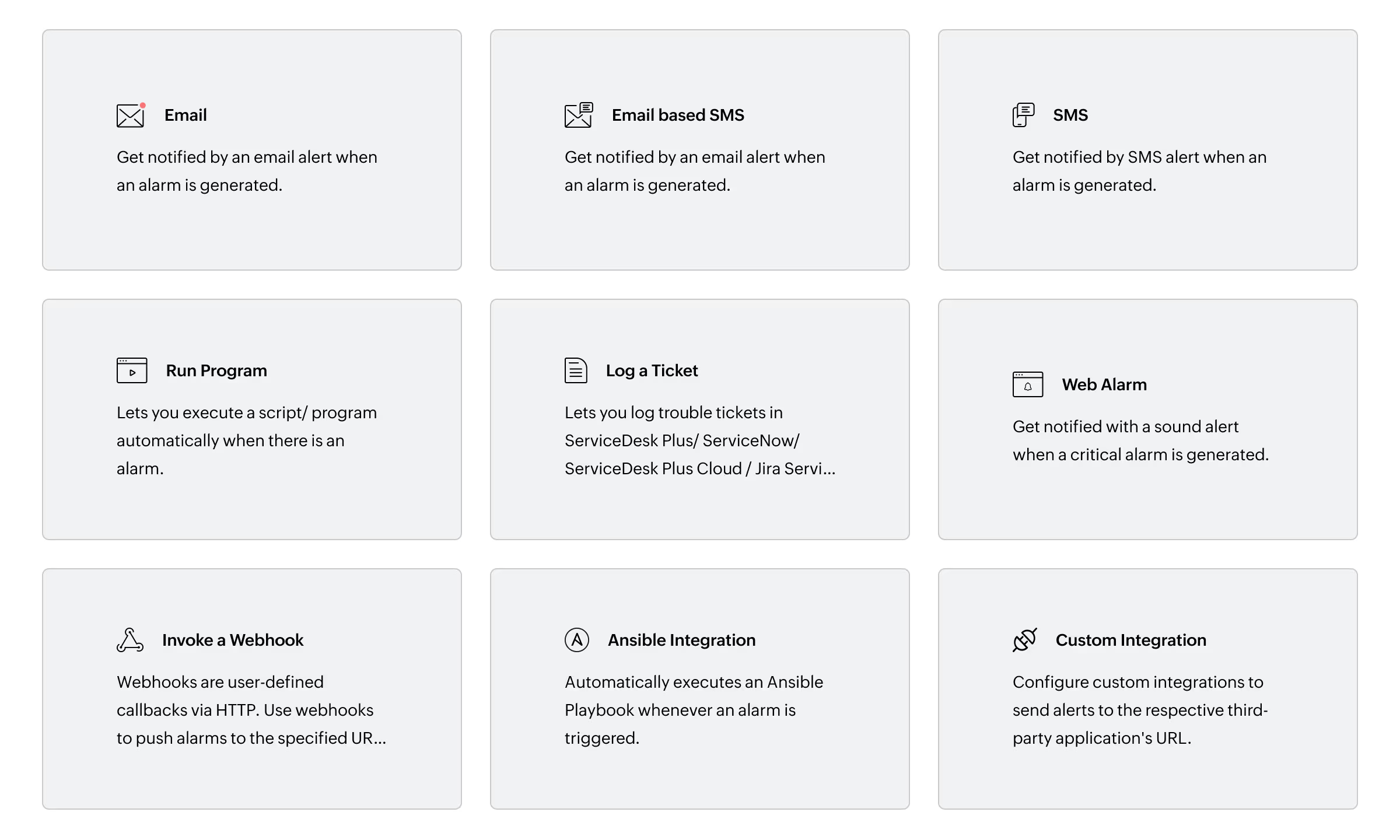
OpManager lets you be the first one to be notified of faults via email and SMS, which makes you gather more information about it and start troubleshooting before end users ring you.
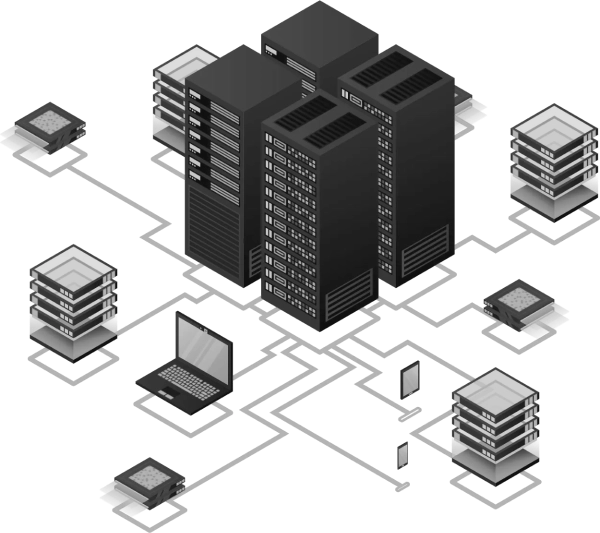
Choose an edition that best suits your network and server monitoring requirements.
Monitor distributed networks from a single console with the ManageEngine OpManager Enterprise Edition
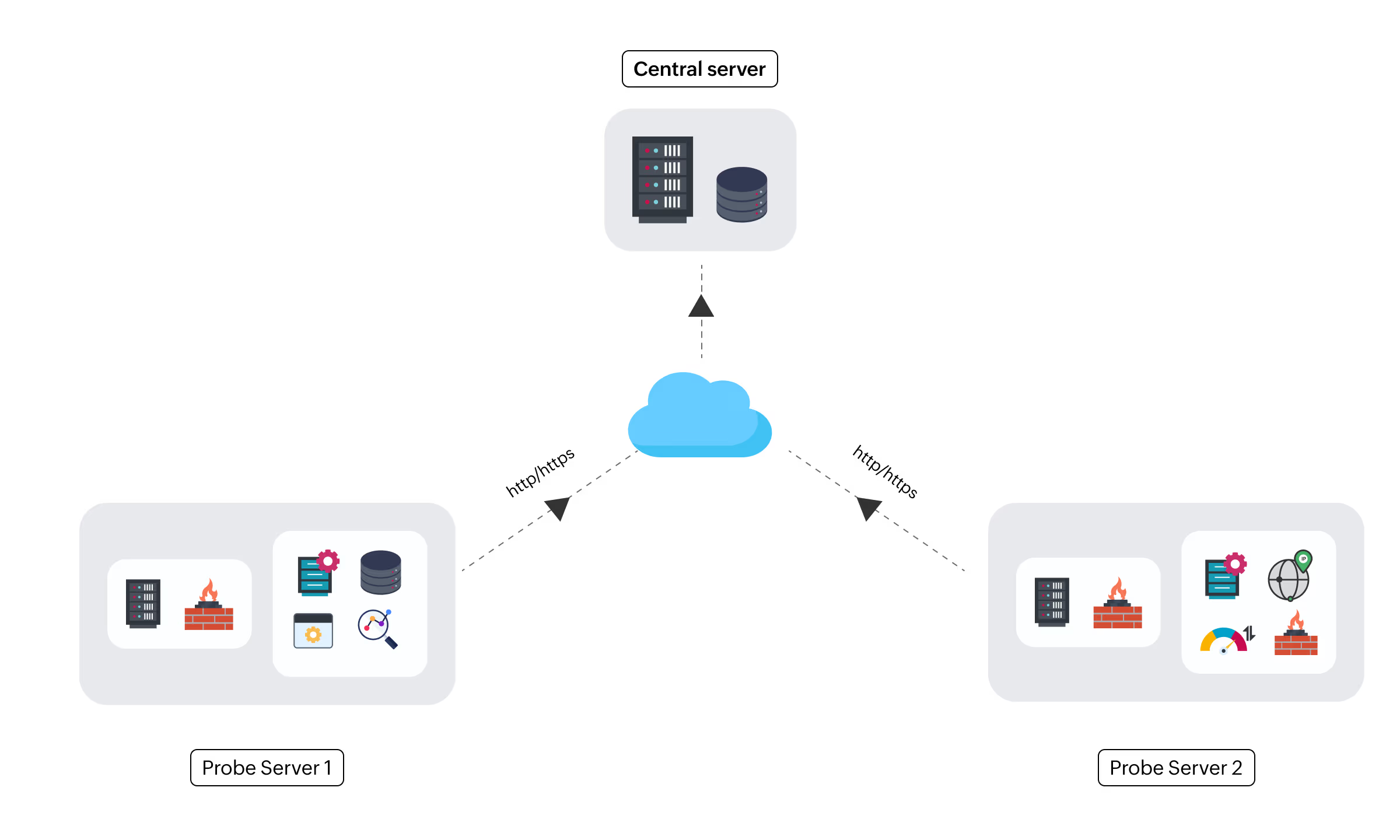
OpManager is the perfect network monitoring system for distributed networks. It's Enterprise Edition is built on a probe-central architecture that lets you monitor network devices and servers distributed across multiple remote sites.
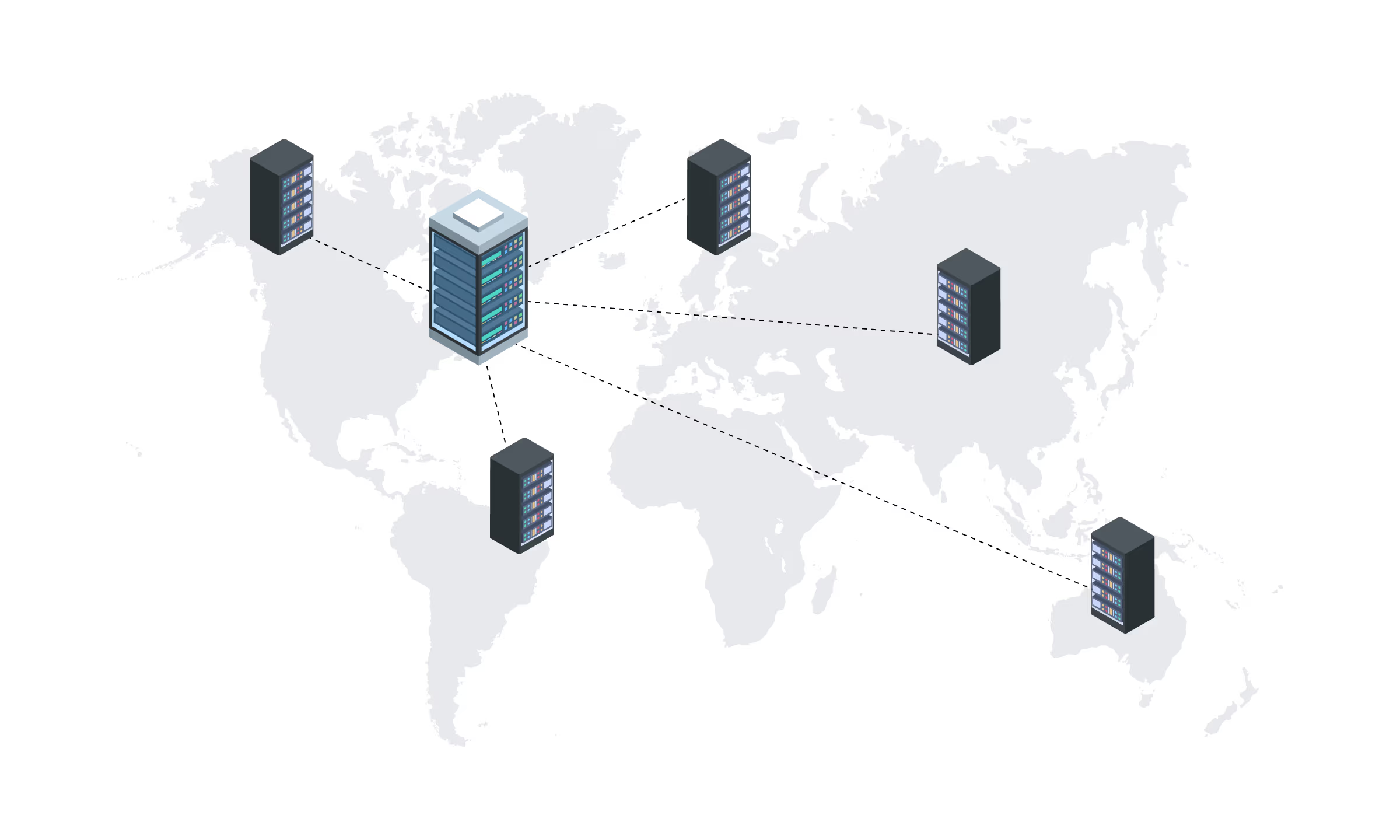
Manage network infrastructure, distributed across geographies from a single location. A sturdy Probe–Central architecture makes it possible to scale up as and when an enterprise grows and expands, without compromising on reliability.
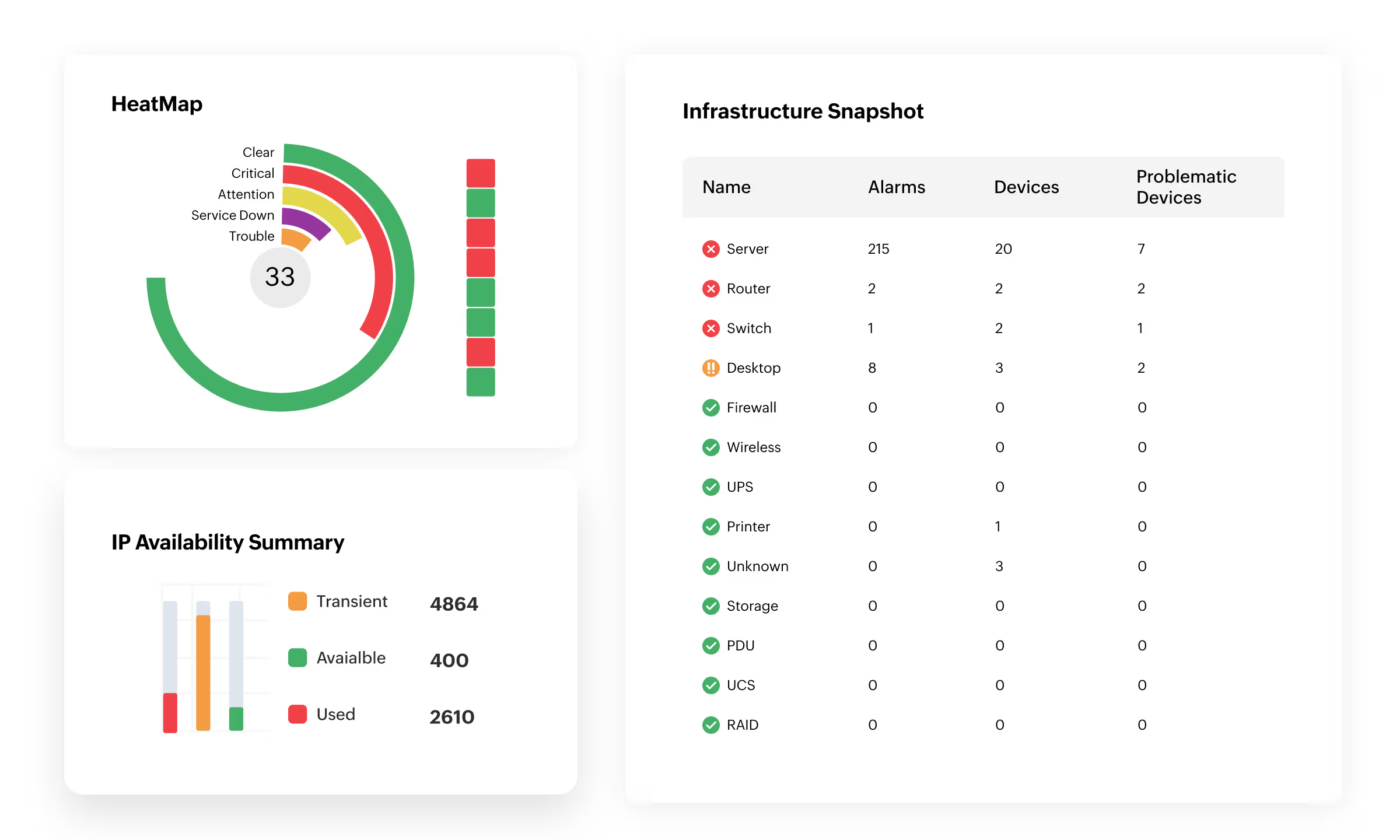
Monitor health, availability and performance across all probes through the central server dashboard. The central server is designed to provide required network visibility across locations, easily scale, consolidate, and report network health over multiple remote probes.
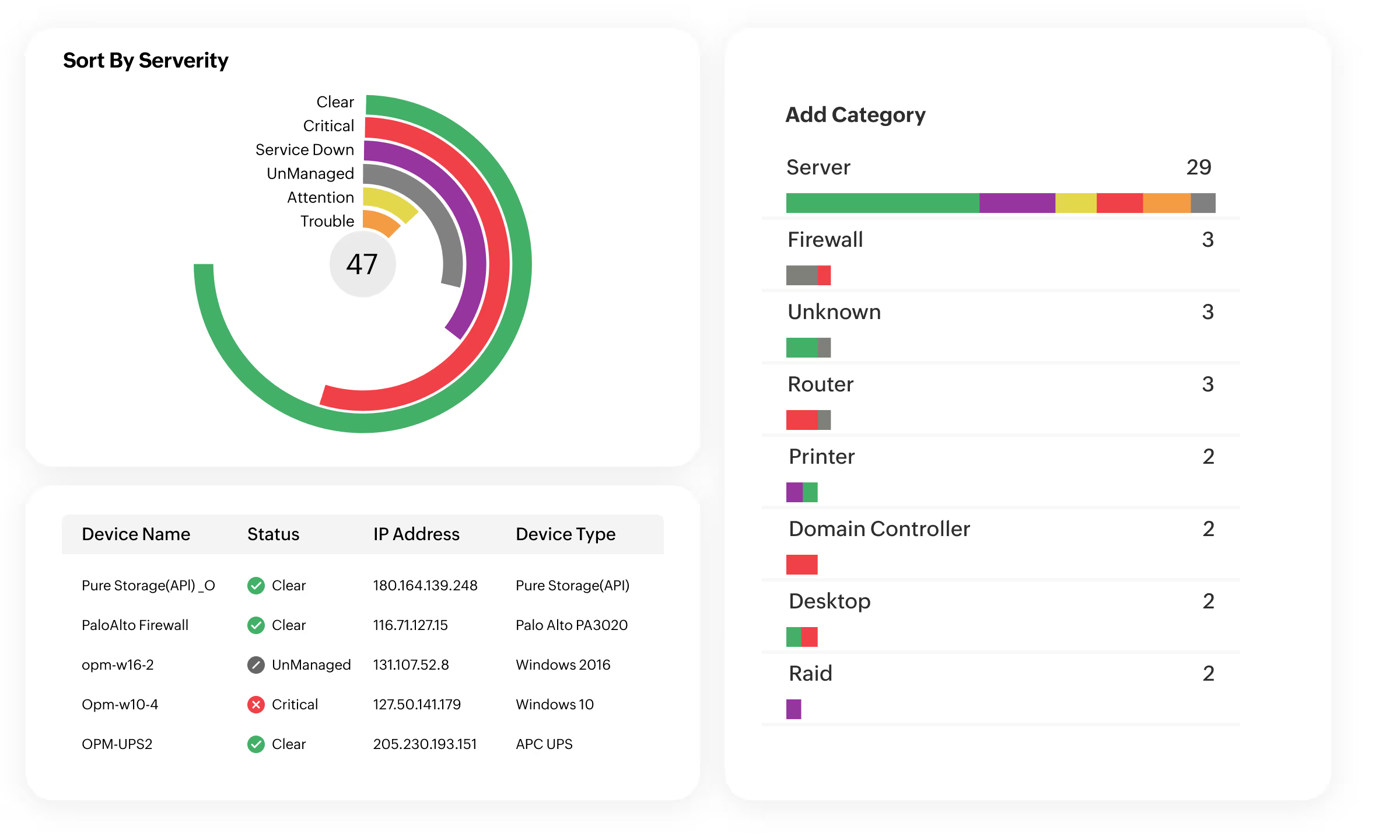
View a unified inventory of all remote probes, with the option to filter by probe name.
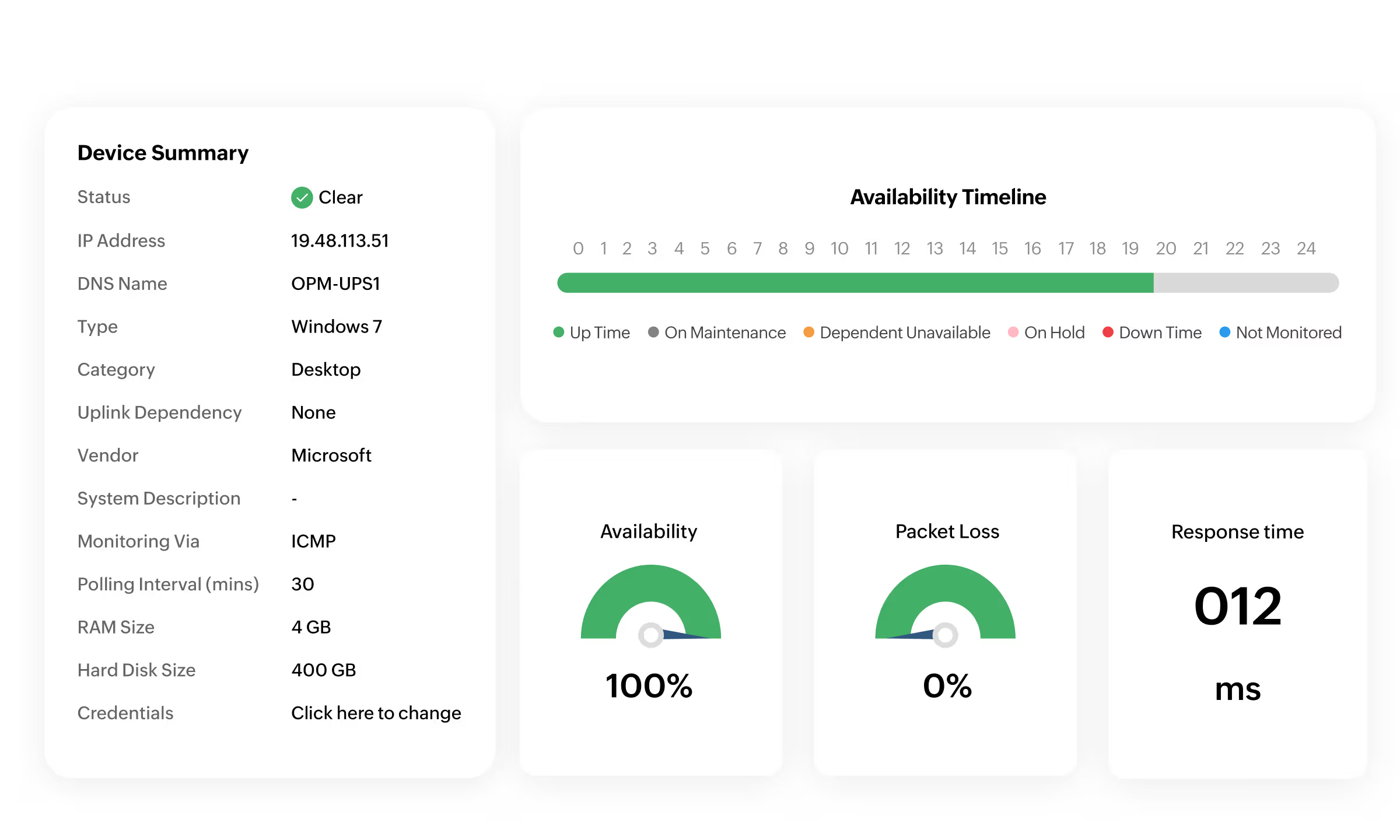
View details of devices running on the probe server from a central server's web client. OpManager provides 100% data integrity, even when there is a connection loss between the central and probe servers using local database support.
A network monitoring and management software designed specifically for MSPs to efficiently monitor and manage the IT infrastructure of multiple clients from a single, centralized console.
OpManager MSP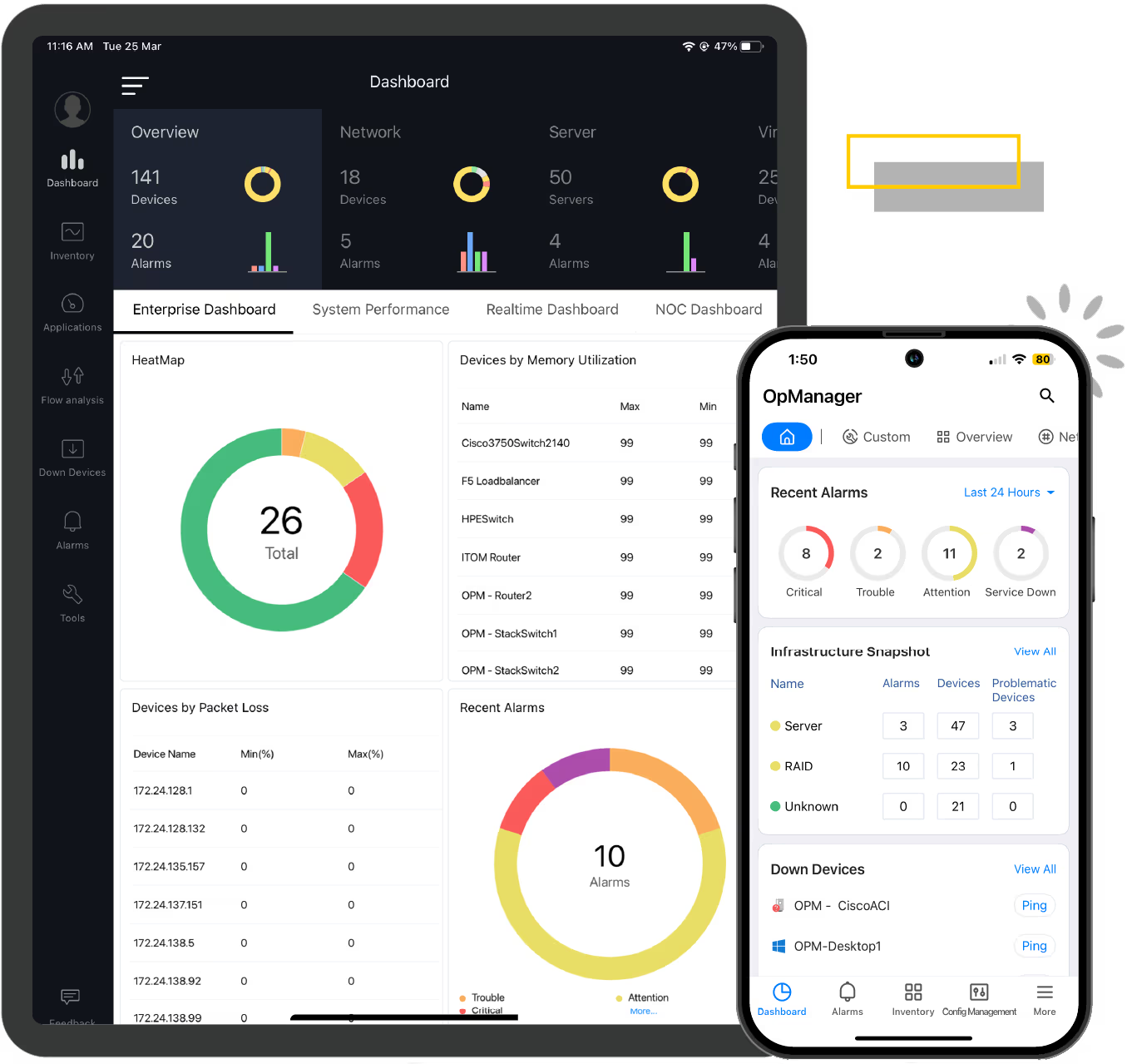
The majority of network monitoring solutions available today lack an integrated mobile app. ManageEngine OpManager, the real-time network monitoring software offers mobile apps for Android, iPhone and iPad to help you monitor your network, perform basic troubleshooting, receive alarms and stay up-to-date with the availability and performance of your IT devices at the comfort of your home or when you are in commute. Customize your dashboard for an at-a-glance overview of the current status of your network displaying critical metrics, on the go.
With ManageEngine OpManager, take control of your network with critical insights on:


for your network monitoring needs?
An affordable and transparent licensing model and uncompromised monitoring.
Probe-Central architecture is designed to scale the needs of large enterprises.
Highly scalable network monitoring architecture with multiple add-ons support.
Create your own network dashboard with over 200 performance widgets.
Customizable to every network monitoring administrators' need.
Easy to install, simplified network monitoring, rich set of features.