Features
Flow-based traffic analysis
Carry out bandwidth monitoring and network traffic analysis at interface-level. View link speed & utilization in real-time.
Carry out bandwidth monitoring and network traffic analysis at interface-level. View link speed & utilization in real-time.
Bandwidth usage by applications
Identify which users, apps & protocols uses the most bandwidth with Cisco NBAR Layer 4/7 apps traffic graphs.
Identify which users, apps & protocols uses the most bandwidth with Cisco NBAR Layer 4/7 apps traffic graphs.
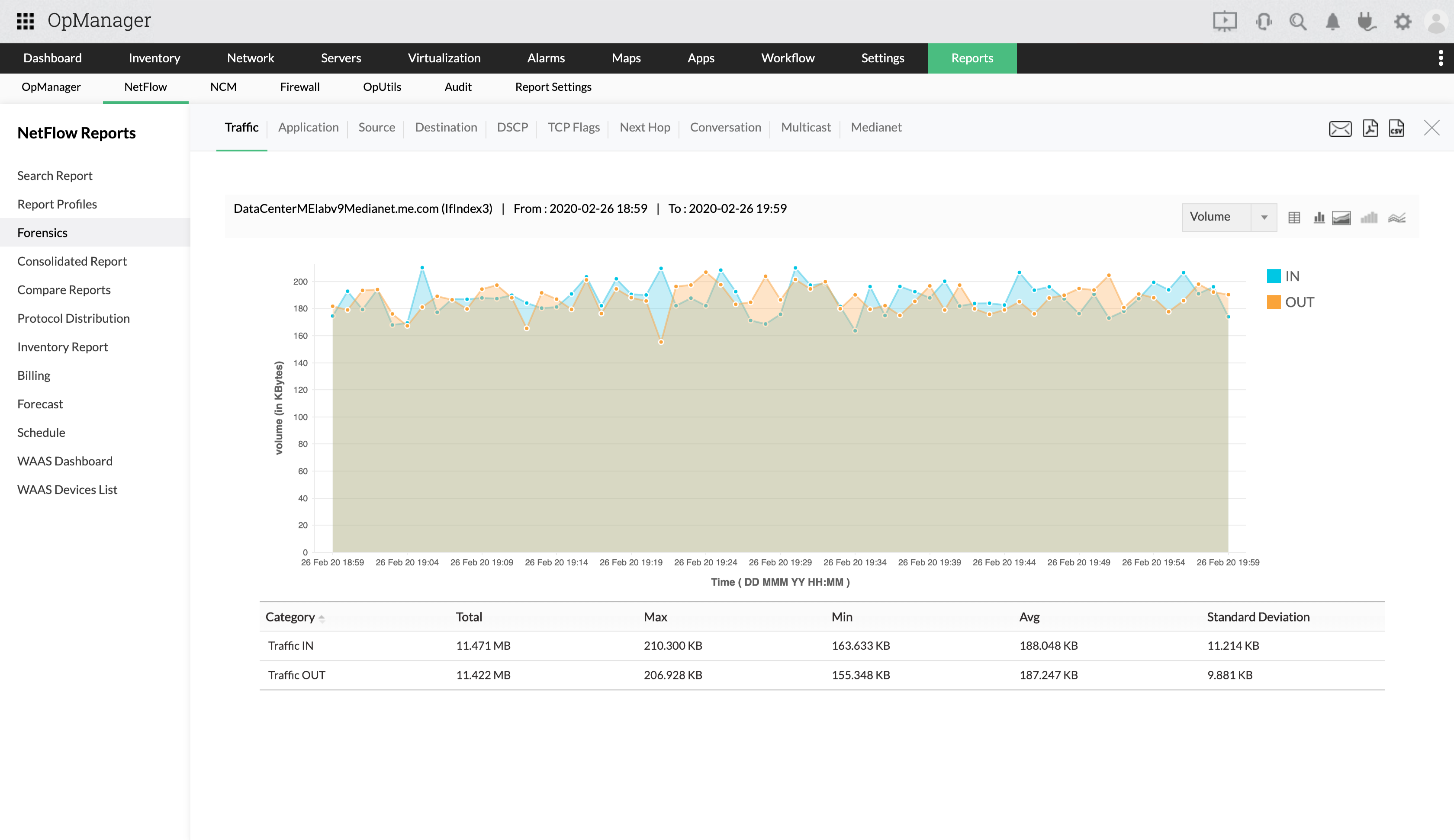
Advanced forensics
Generate reports to drill-down to every traffic details and gain insights on bandwidth issues.
Generate reports to drill-down to every traffic details and gain insights on bandwidth issues.
Reporting & capacity planning
Schedule traffic reports periodically and also generate historical reports to follow usage trends.
Schedule traffic reports periodically and also generate historical reports to follow usage trends.
Application mapping
Add company specific apps to track the exact usage of bandwidth.
Add company specific apps to track the exact usage of bandwidth.
ACL & CBQOS
Set service policies to ensure critical traffic gets high priority. Validate QoS polices with CBQoS reports.
Set service policies to ensure critical traffic gets high priority. Validate QoS polices with CBQoS reports.
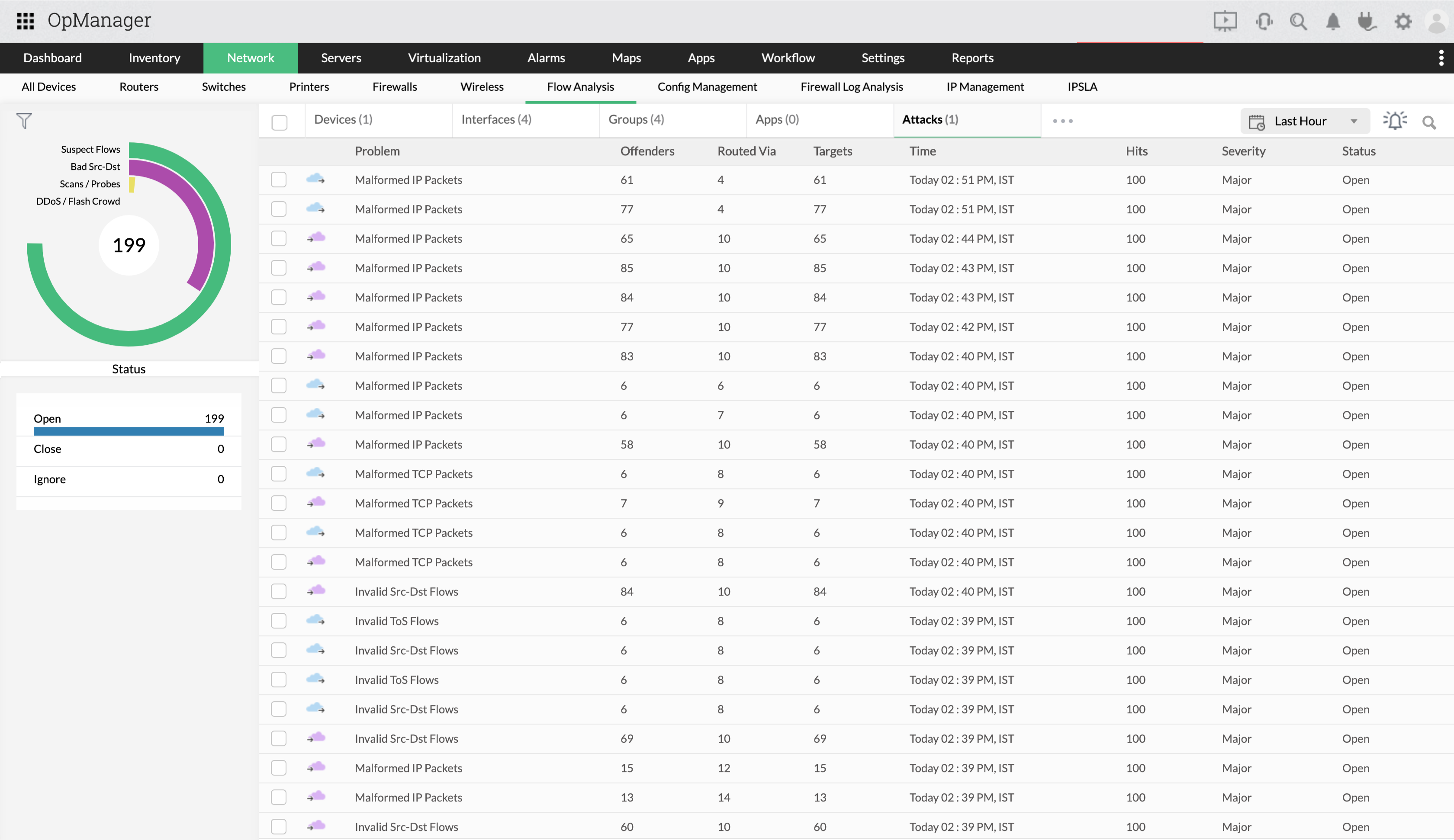
Security threats & attacks
Classify threats, DDoS attacks, zero-day attacks etc. with network behavior anomaly detection.
Classify threats, DDoS attacks, zero-day attacks etc. with network behavior anomaly detection.
Billing
Track bandwidth cost with billing and generate bills department-wise.
Track bandwidth cost with billing and generate bills department-wise.
All that you need, now in one screen
Traffic graphs for devices, interfaces, apps & groups.
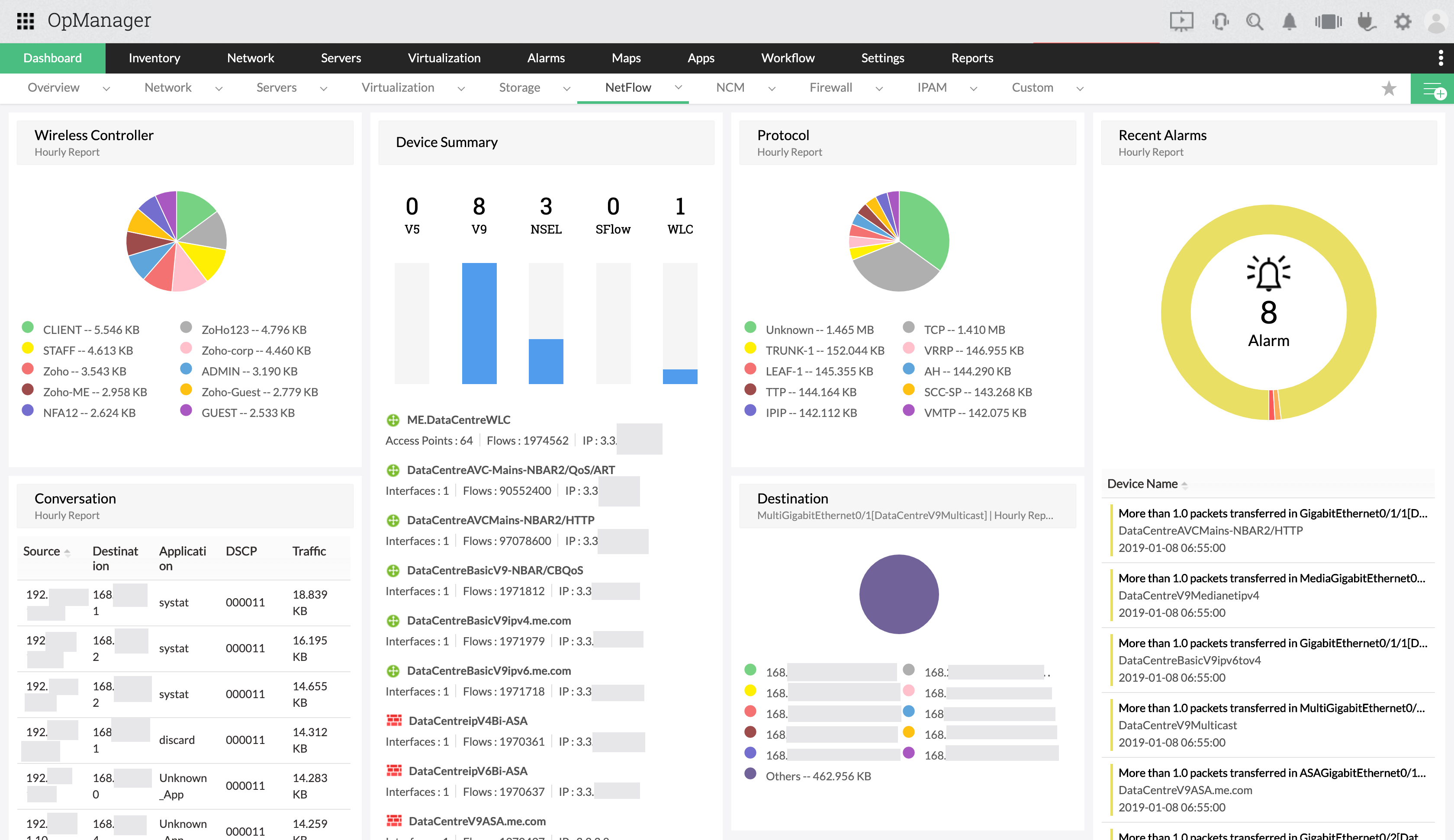
Application-wise bandwidth usage
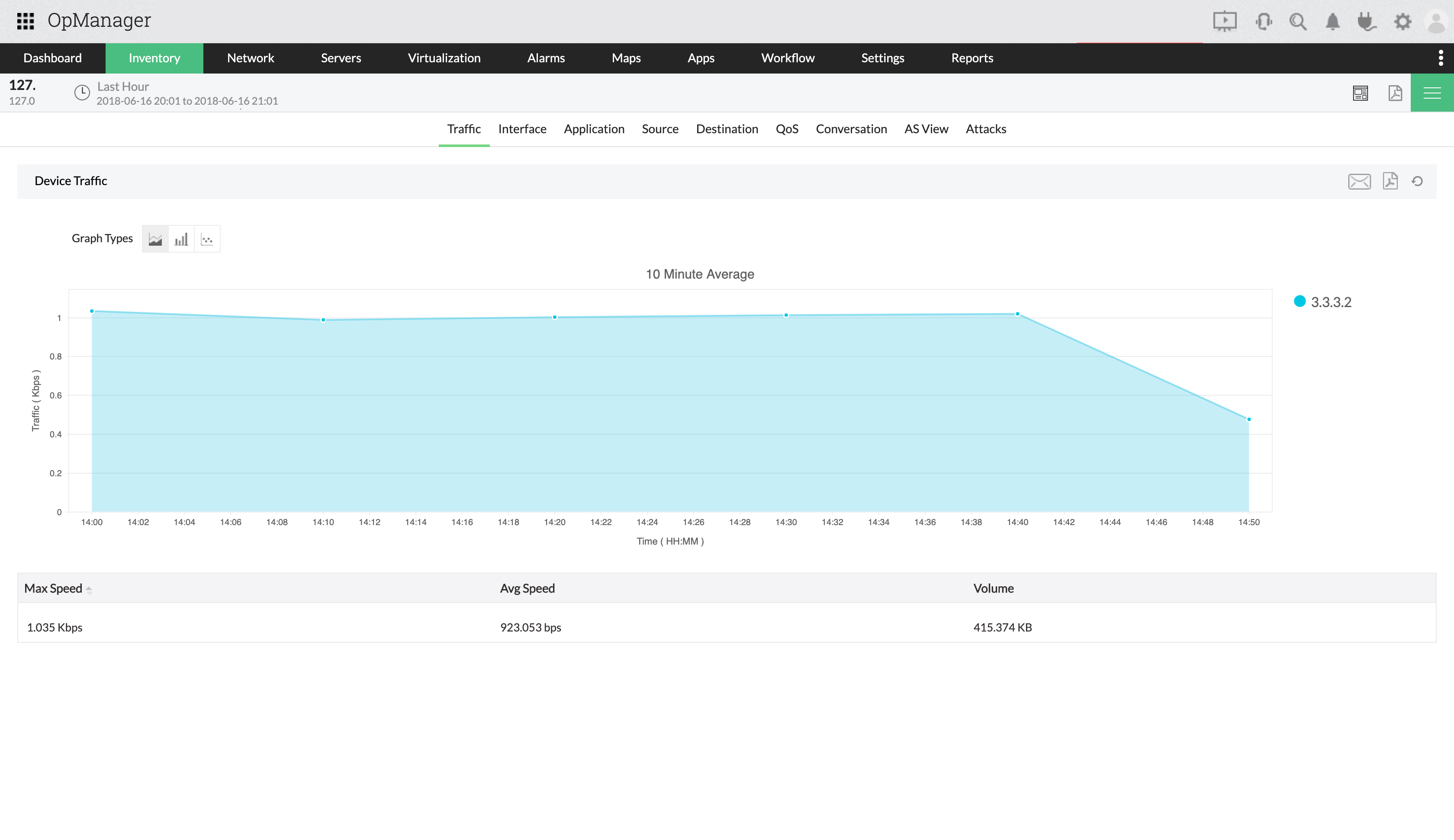
Network traffic forensics
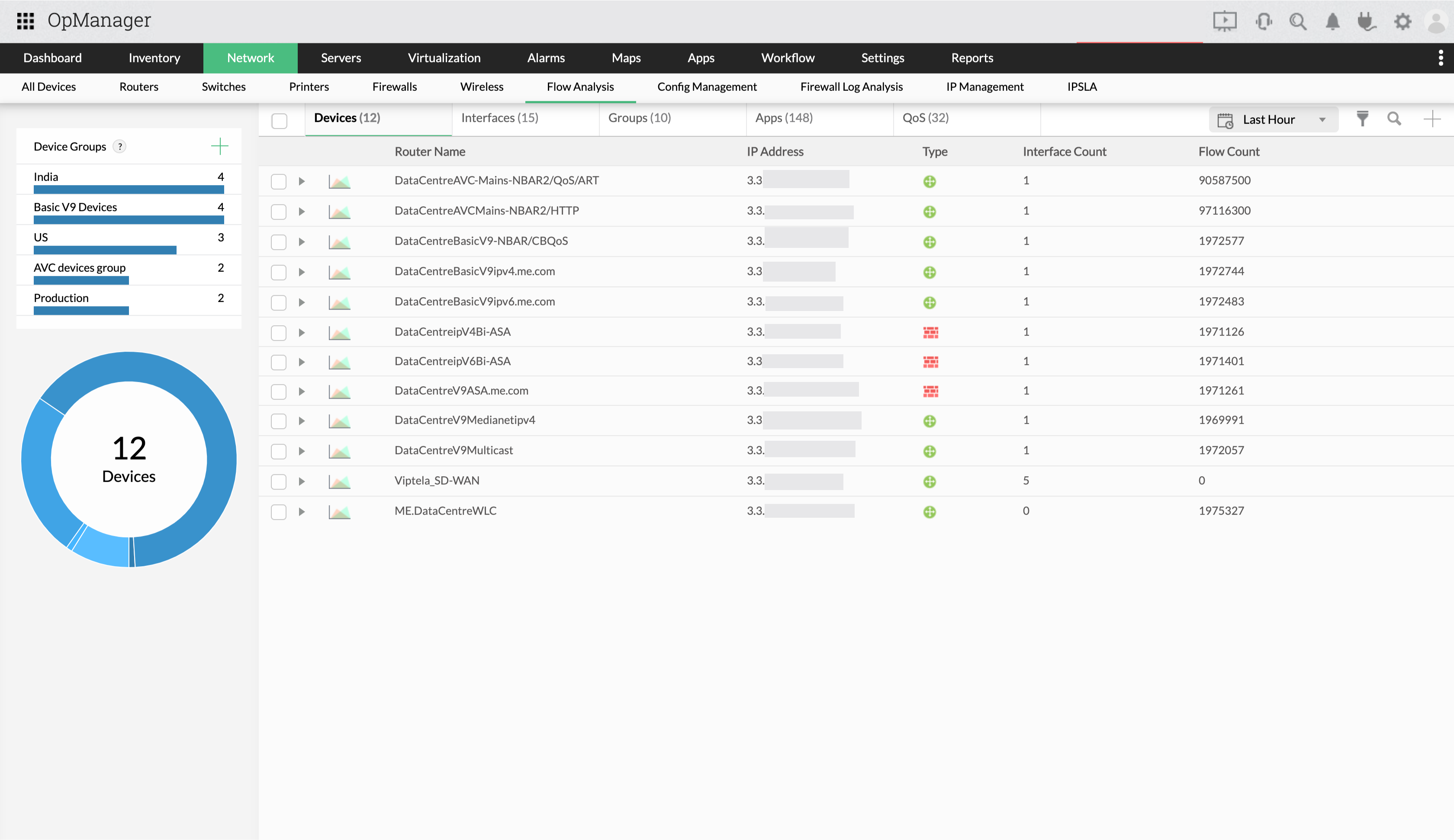
Consolidated Reports & capacity planning
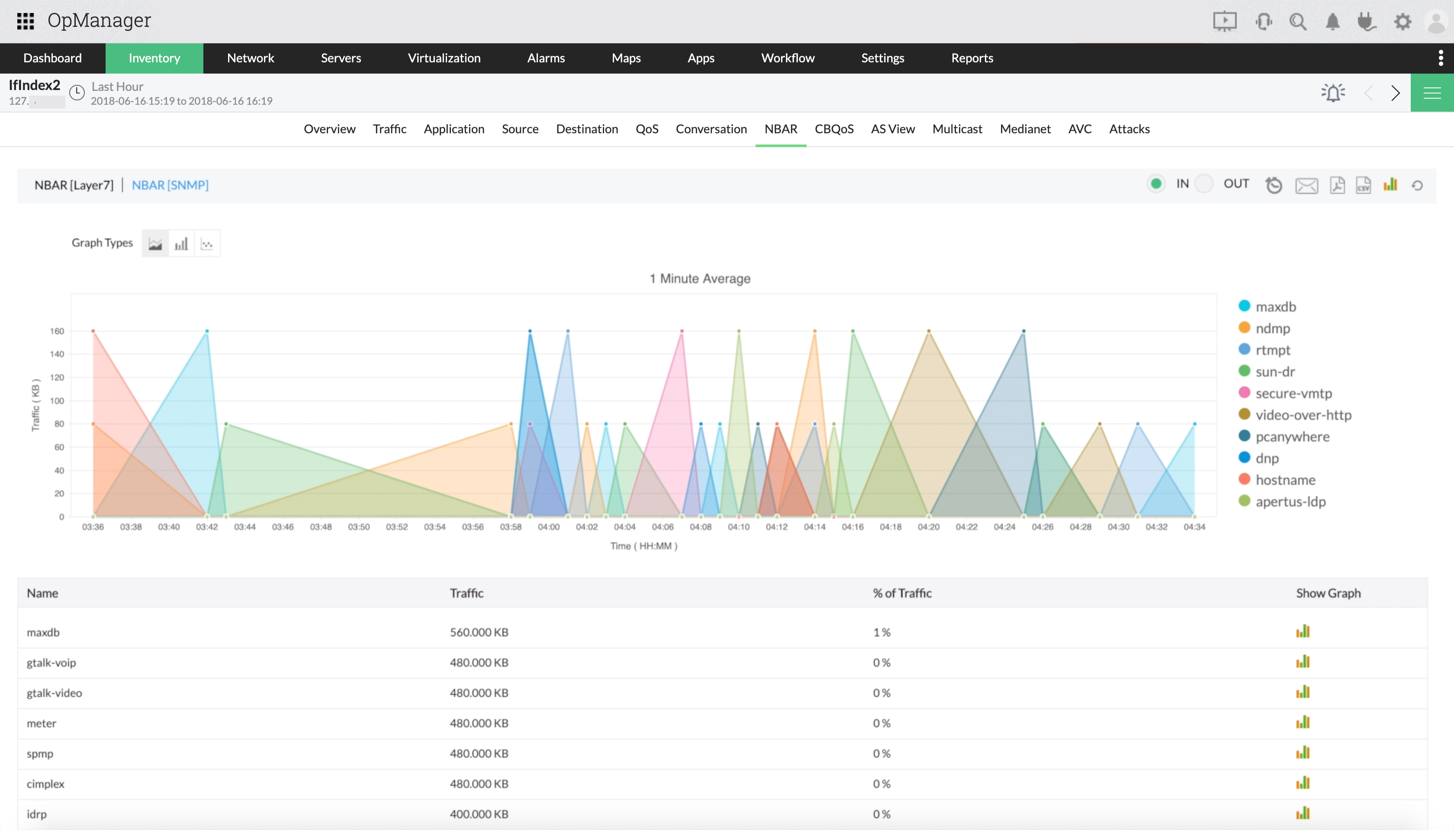
Attacks
Configure ACL
PrevNext
"The new Netflow add-on proved invaluable in troubleshooting a recent VPN outage. I highly recommend both OpManager and the Netflow add-on"
Scott Heckman,
Senior Network Engineer at one of Maine's largest healthcare providers
To know more about netflow monitoring, check out the FAQs section.