
Isolating & resolving bandwidth hogs
A leading educational institution has every teaching staff due for an online certification exam in another 2 hours time. Each staff is connected to the Internet over laptops provided by the institution. For the past 30 minutes a huge, unexplained bandwidth spike is keeping the network administrators on tenterhooks. Any slight congestion on the bandwidth would create problems during the online exam. Here's how the NetFlow Add-on on OpManager helped.
1) The network administrator takes a bird's eye view of the entire network to find out the problematic link using OpManager's business view.
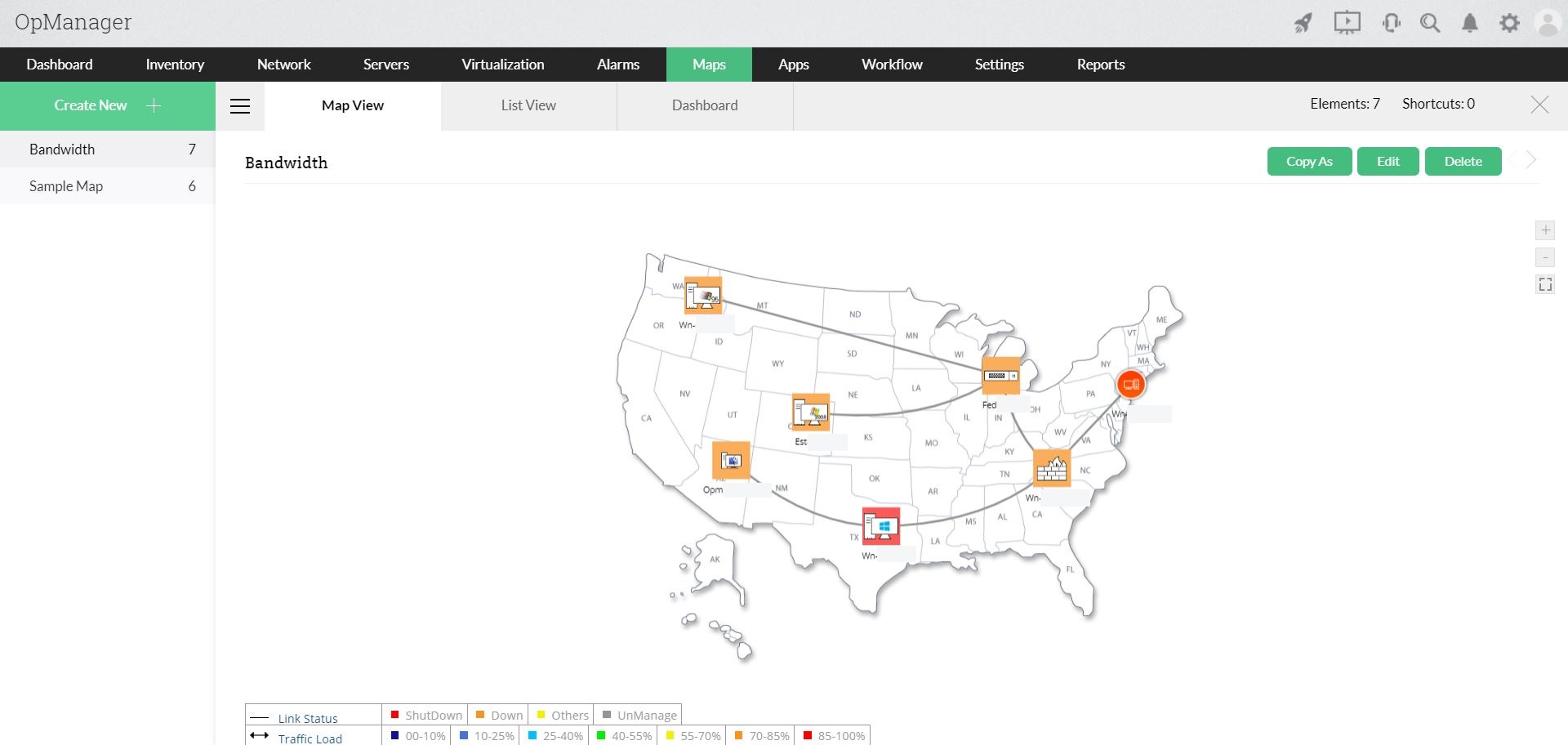
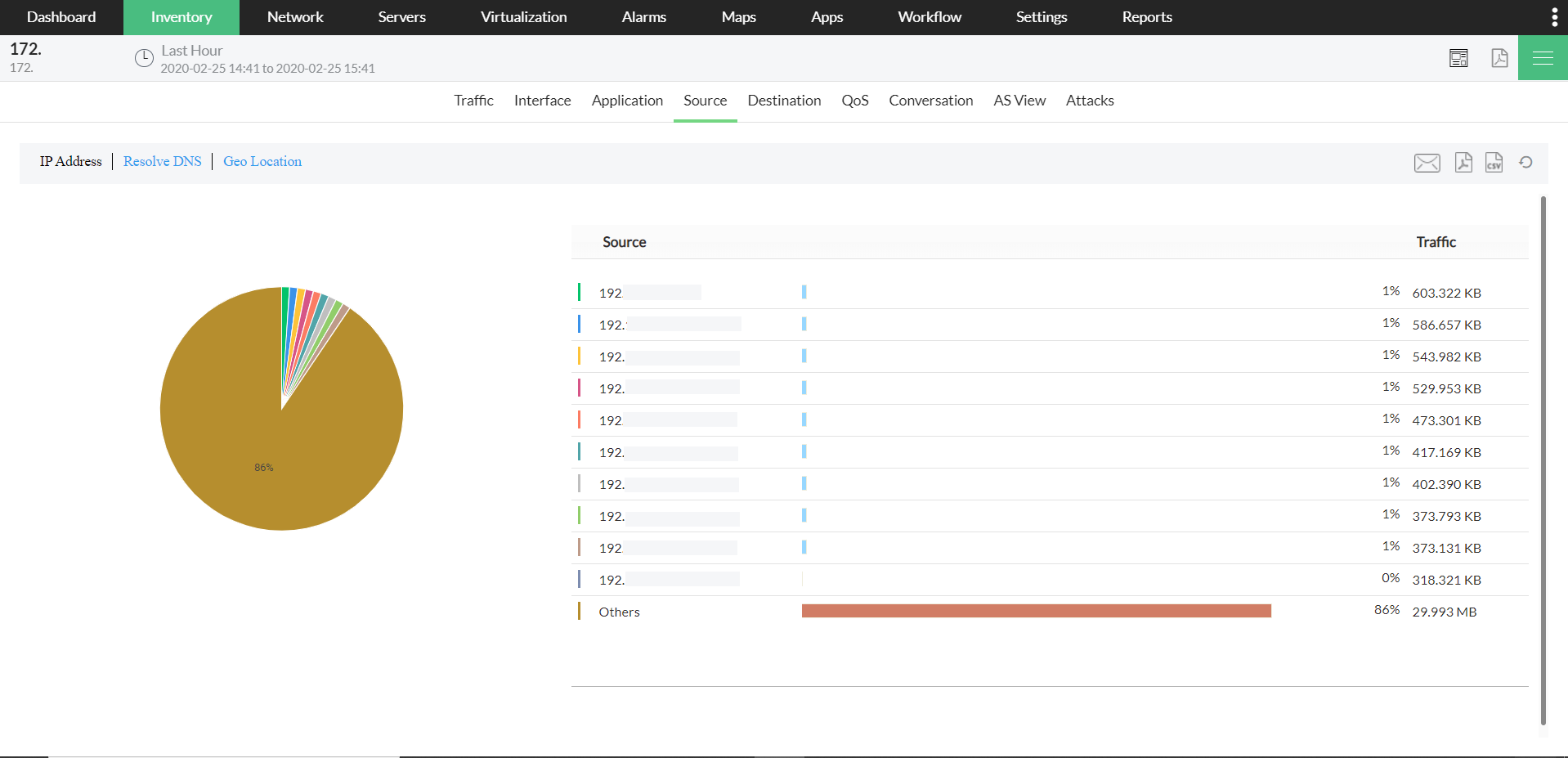
2) He sees the problem link and drills down to identify, using NetFlow charts, a particular user (192.168.181.204) occupying most of the bandwidth.
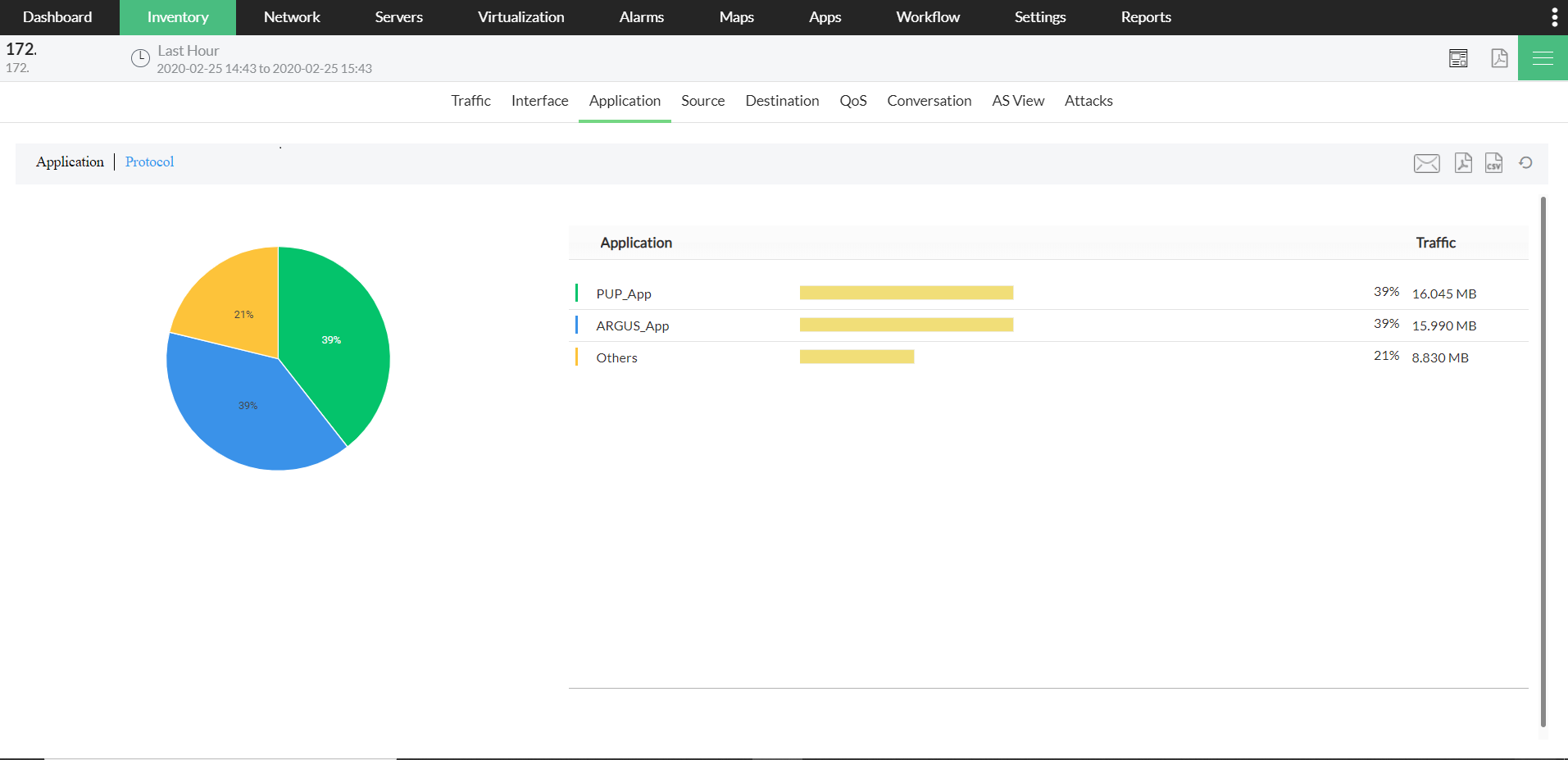
3) Further, the administrator identifies an unknown application (UDP) is occupying most of the bandwidth.
4) From OpManager, he immediately gets into the managed switch which connects all user's laptops to the network. The network administrator has available with him a detailed list of switch ports and their connected devices as seen in the Switch Port Mapper tool. Through OpManager's Web Interface, he isolates the problematic laptop from the network by administratively turning the port down. This does away with the bandwidth hog.
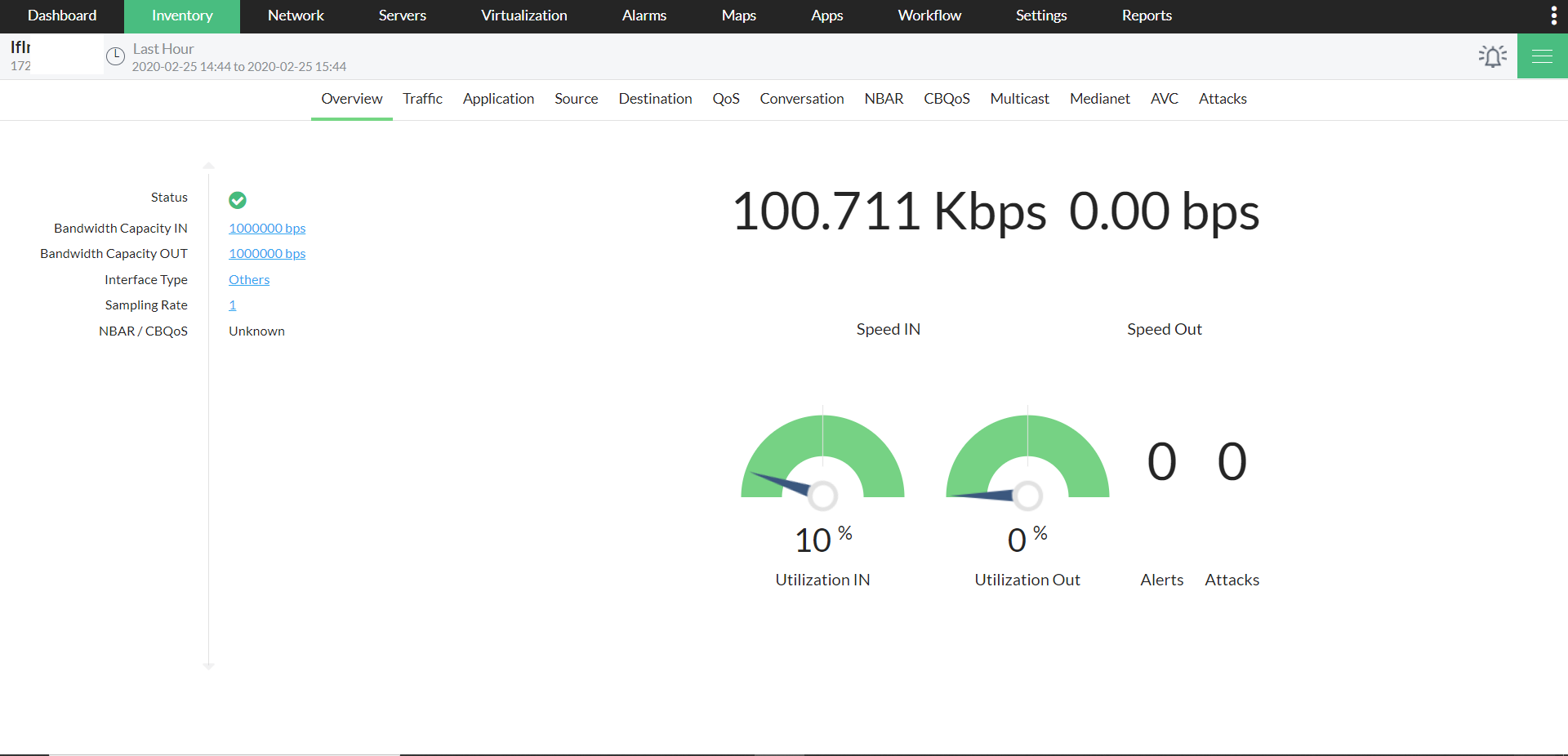
Further investigation showed that a virus affected application downloaded by the user was flooding the entire network over UDP port. After removing the application, the switch port connecting the user is enabled again.
Outcome: The online certification exam passed off without problems. The NetFlow Add-on helped identify bandwidth-hogging user and application and together with OpManager's Switch Port Mapper and switch management functionality, the root cause was isolated, resolved and bandwidth normalcy restored.