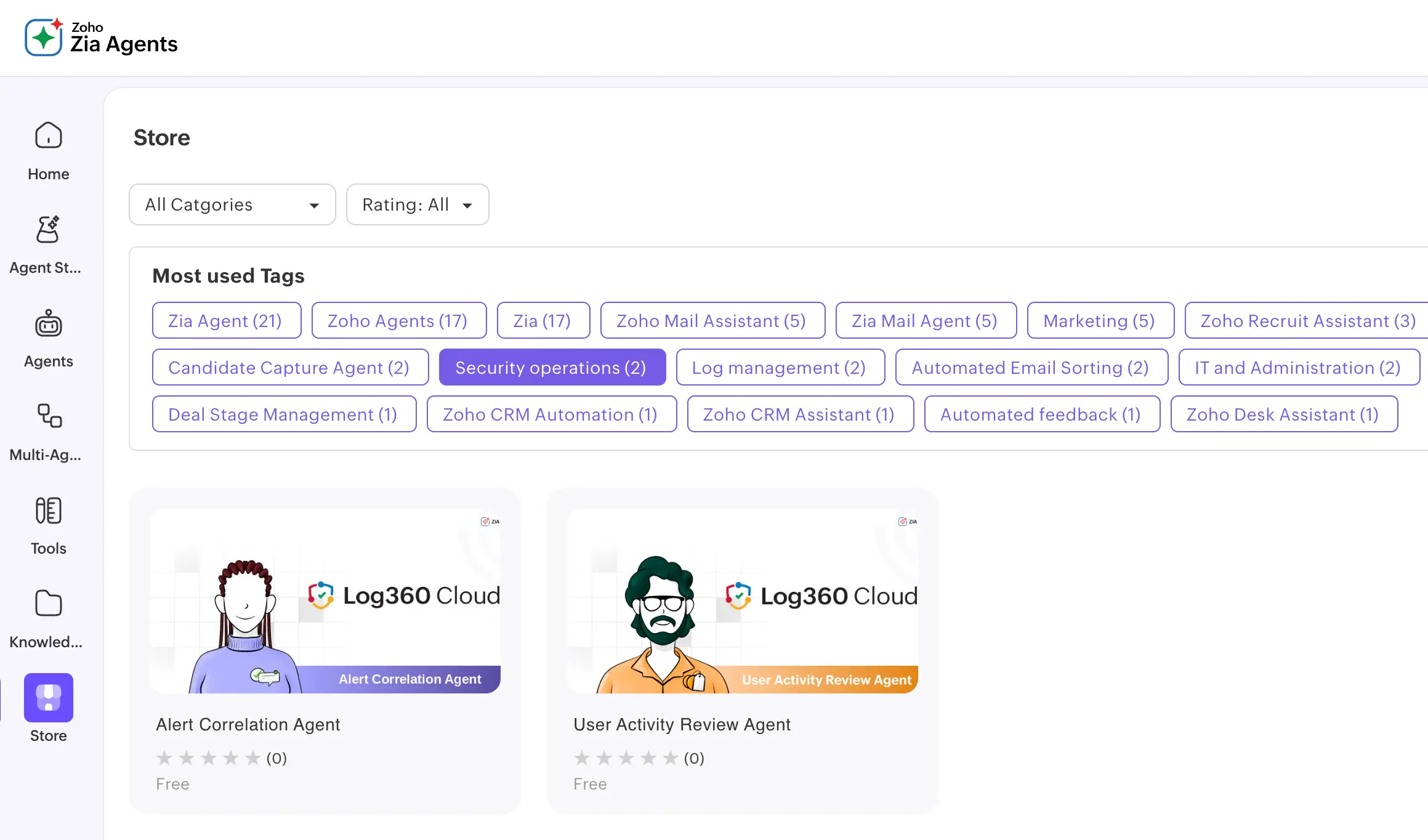
A growing library of agents built for common workflows. Deploy from the Zia Agent Store in a few clicks and start using them immediately through Ask Zia.
Compiles every logon, file access, application access, and triggered alert for a specified user into a single summary. Built for pre-termination reviews, compliance audits, and active investigations.
Reviews alerts across a time window, identifies shared entities (hosts, users, IPs), and sequences them into a probable attack chain with MITRE ATT&CK stage labels. Surfaces connections that look unrelated on the surface.
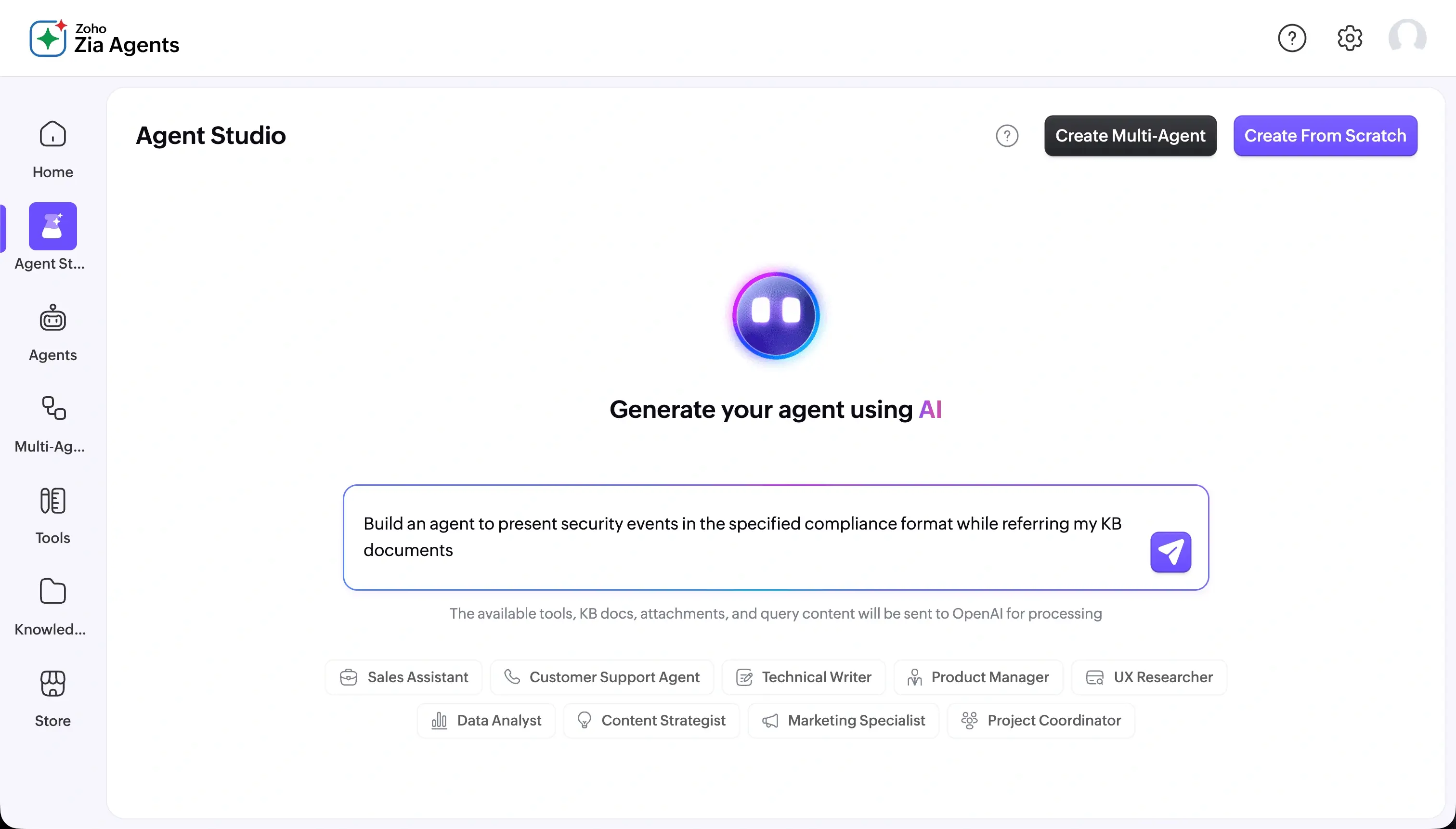
Need something specific to your environment? Describe what you need in plain language and Zia Agent Studio generates the agent for you. Or build from scratch with full control over every setting.
Here is what building an agent looks like in practice, using a GDPR compliance workflow as the example.
You open Agent Studio, name the agent "GDPR Compliance Check Agent," and give it a role: surface a structured GDPR compliance summary based on your organization's policies and current log data. The instruction tells it to ensure accuracy and completeness against GDPR requirements, flag anything missing or unclear, and present findings in a clear format suitable for review.
You select five prebuilt Log360 API tools: logs360_getCompliance, logs360_simpleSearch, logs360_getReports, logs360_getAlerts, and logs360_getCompliancePolicy. The agent draws on these to pull the data it needs. Nothing outside this set is accessible to it.
You add your organization policies, reference materials, users list, and critical devices list. This is the context the agent uses when reasoning through a compliance check, ensuring outputs reflect your environment rather than generic assumptions.
Do: ensure no PII is exposed in outputs, flag missing or unclear information.
Don't: infer or fabricate compliance details, deviate from the required structure. Once deployed, the agent is live in Log360.
Security investigations rarely live in one product. Agents can reach across your security stack, pulling context from each to deliver one unified answer.
Take device risk analysis. You type: "Analyze risk for device [DeviceName]." An agent can query ServiceDesk Plus for the device's business impact and asset owner, check Endpoint Central for known vulnerabilities, review Log360 for detections and UEBA risk signals, and consult Site24x7 for device anomalies. The result is a consolidated risk summary with suspicious indicators flagged, across four products, in minutes.
The same pattern extends across your security operations. Agents can investigate a potentially compromised user by correlating logon anomalies, their assigned assets, and device health. They can assess exposure to a specific IoC or TTP by scanning logs, mapping vulnerabilities, and evaluating business impact. When a new CVE advisory drops, an agent can be run to identify which assets are affected, prioritize by business impact, and check for signs of active exploitation.
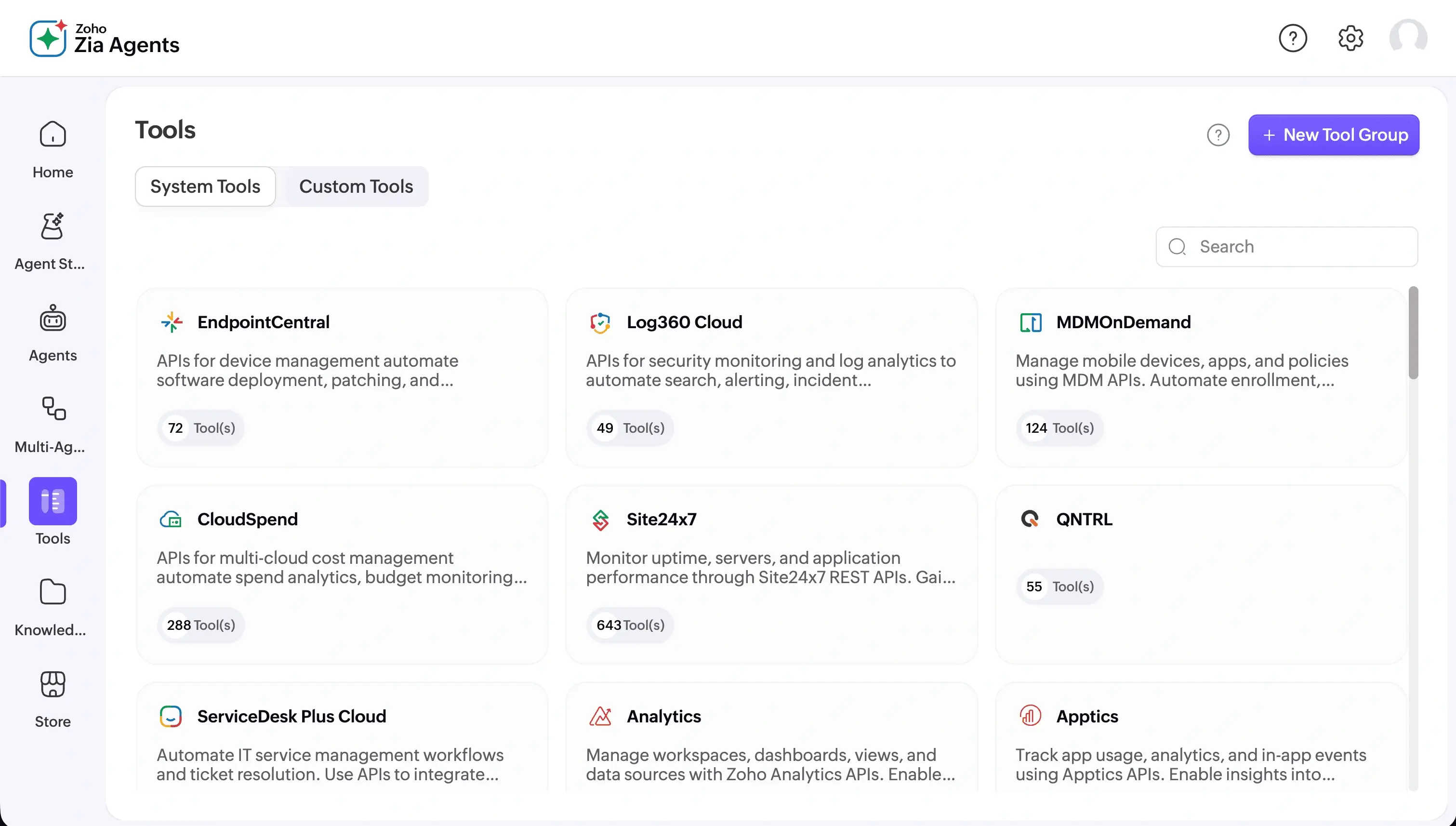
Every agent you build or deploy runs on the same platform layer. Here is how it holds together.
You start by giving the agent access to what it needs. Prebuilt Log360 API tools cover search, alerts, incidents, compliance, and more. You pick the ones relevant to the task. External APIs can be added where needed. The agent works only within what you authorize, nothing more.
Then you give it context: A knowledge base lets the agent draw on your SOC SOPs, internal runbooks, compliance policies, or any reference material when reasoning through a task. This is what separates a generic AI response from one that understands your environment.
Before it goes live, you set the rules. Guardrails define what the agent should always do and what it should never do. Bias checks and toxicity filters are built in. In a SOC environment where agents touch sensitive logs and alerts, those boundaries hold regardless of how a session unfolds.
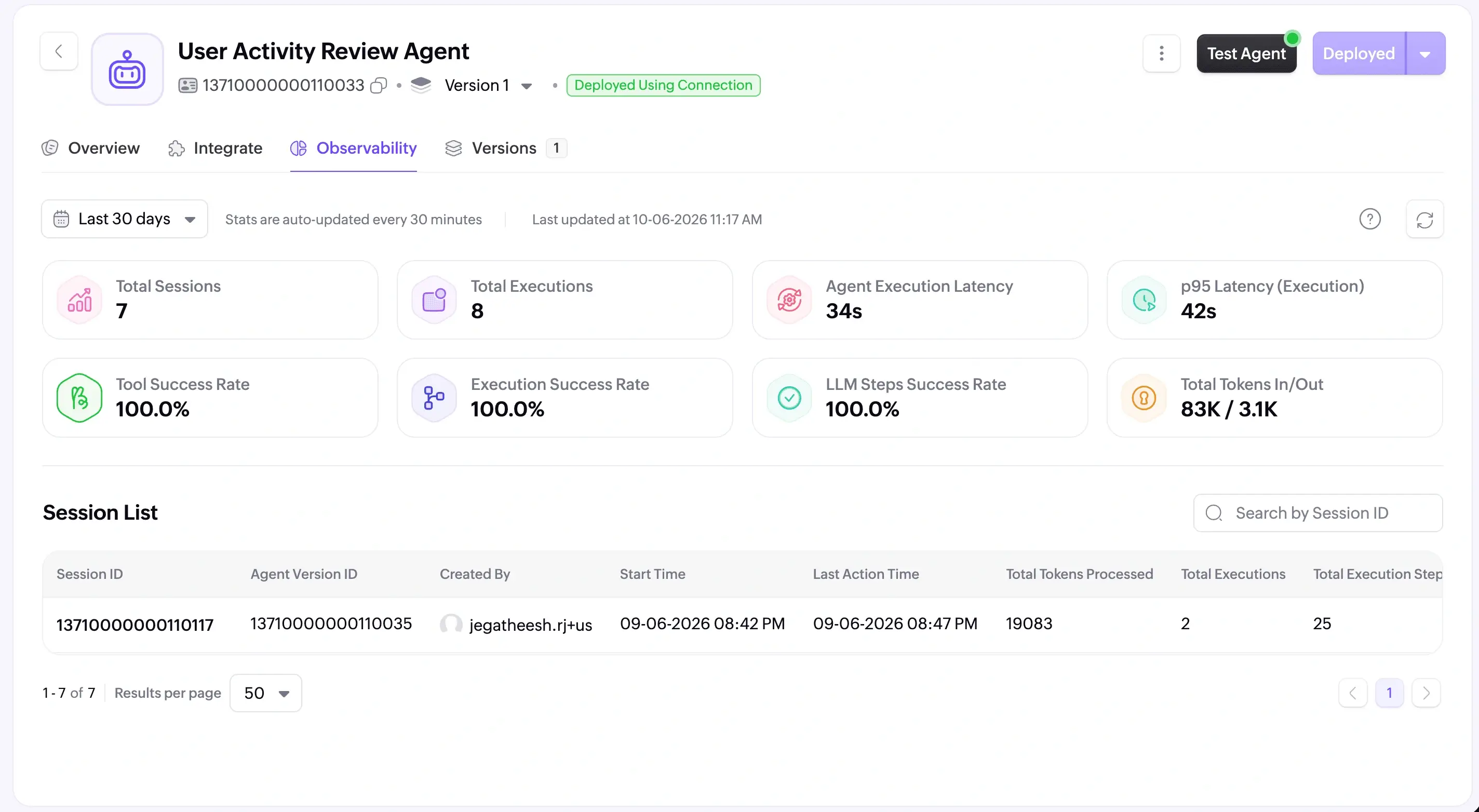
Once deployed, every session is fully observable. You can review the agent's reasoning step by step: queries made, tools called, decisions taken. The full trace is there for compliance reviews without any extra effort.
And the model behind the agent is your choice. Zoho's hosted models, ChatGPT, and more are supported. Different agents in your environment can run on different models depending on the complexity of the job.
Start with a free trial of Log360 Cloud and explore Ask Zia, prebuilt security agents, and MCP integration. Or talk to our team to see how AI agents fit into your security operations.