Network traffic analysis
App-specific network traffic analysis for managing enterprise network bandwidth issues with NetFlow Analyzer
- Detect bandwidth hogging applications instantly
- Analyze traffic from every node in your network
- Proactively alert and respond to abnormal activity
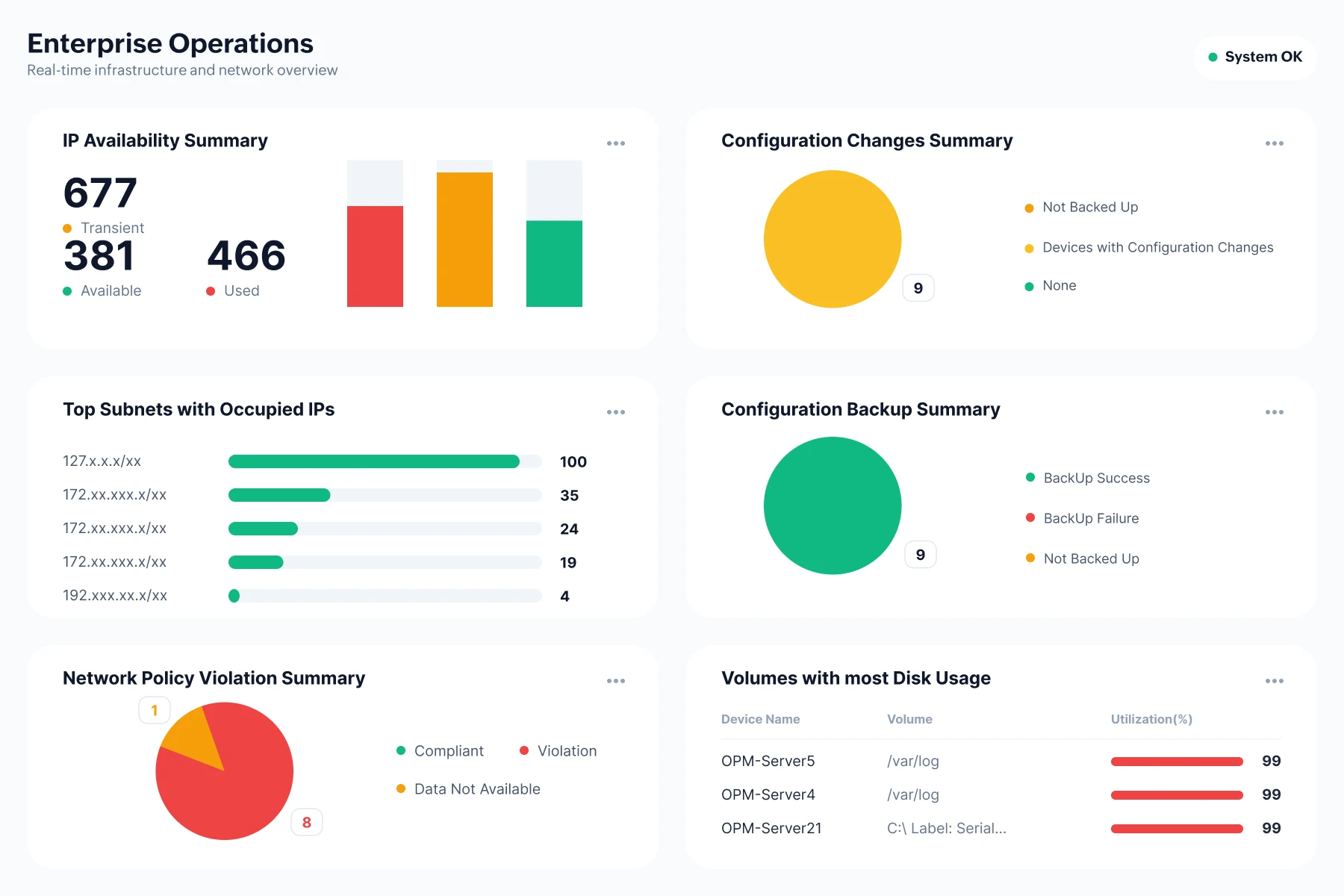
What is network traffic analysis?
Monitoring the network traffic for its origin and context can solve many performance and security issues that complex technologies like SaaS, the cloud, and the IoT bring. Network traffic analysis helps in understanding how an enterprise network interacts within the organization or with a WAN. This enables network admins to know performance limitations and strategize bandwidth allocation processes.
Powerful network traffic analysis features
End-to-end visibility
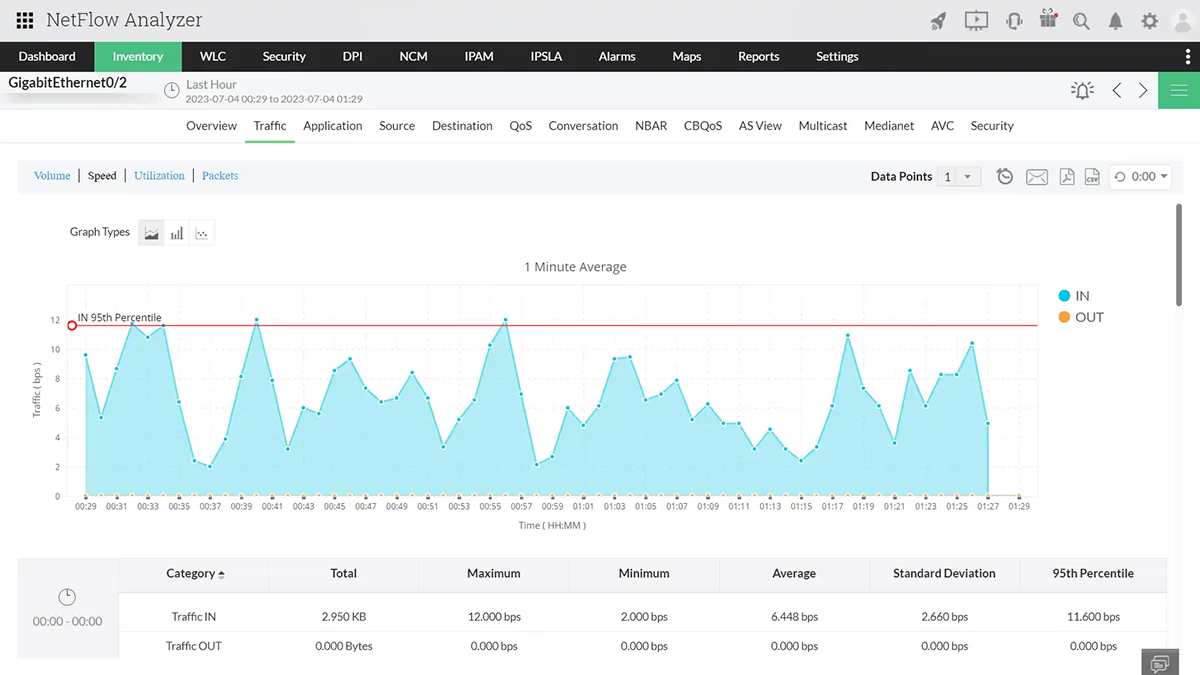
Get extensive visibility into your network, be it hybrid or cloud. Eliminate blind spots with NetFlow Analyzer's ability to track and analyze traffic from every node in your network.
- Track traffic from every node including interfaces, applications, and conversations.
- Drill down to analyze reasons behind traffic spikes including geolocation-based threats.
- Conduct root cause analysis with comprehensive traffic view including protocol usage details.
Configurable dashboard
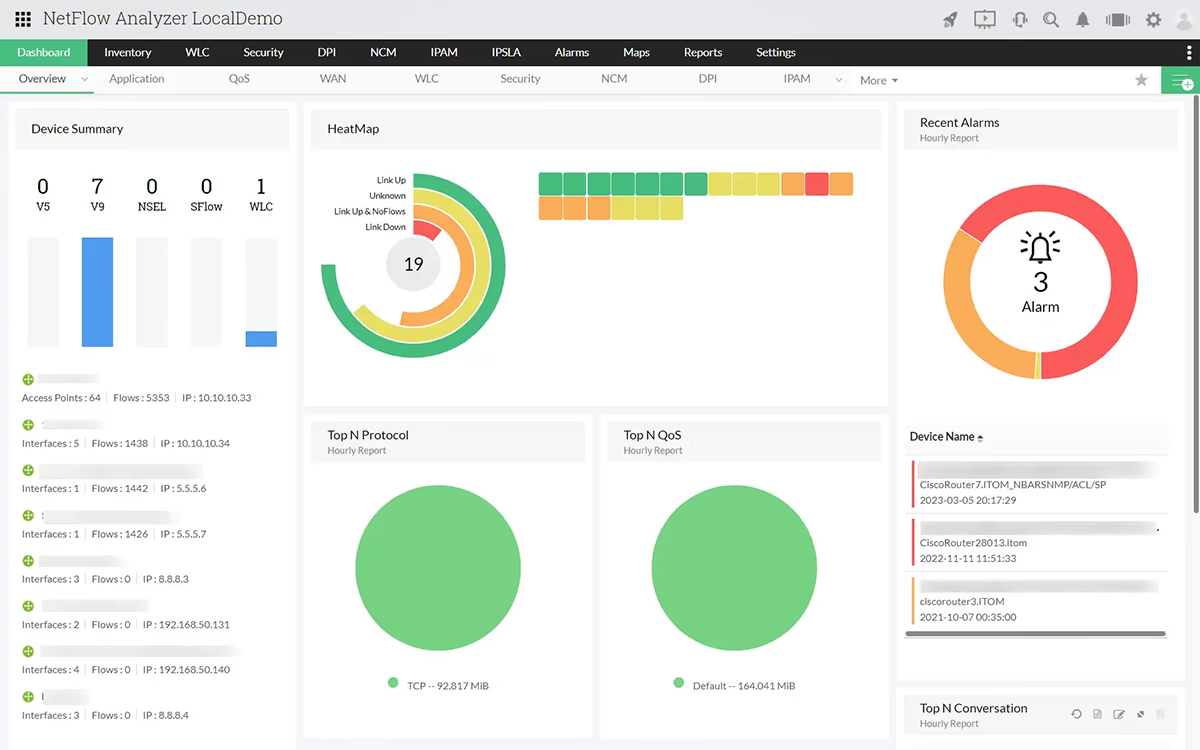
NetFlow Analyzer's configurable dashboard puts the full picture at your fingertips, from top-talking applications and conversations to QoS policies, so you always know what's consuming your bandwidth and why.
- Track top talkers based on conversations, applications, and QoS policies.
- Monitor and protect your network from potential trouble before it creates impact with accurate traffic summary on the top KPIs.
- Analyze traffic usage of network elements at configured time intervals with a NOC view.
QoS traffic shaping
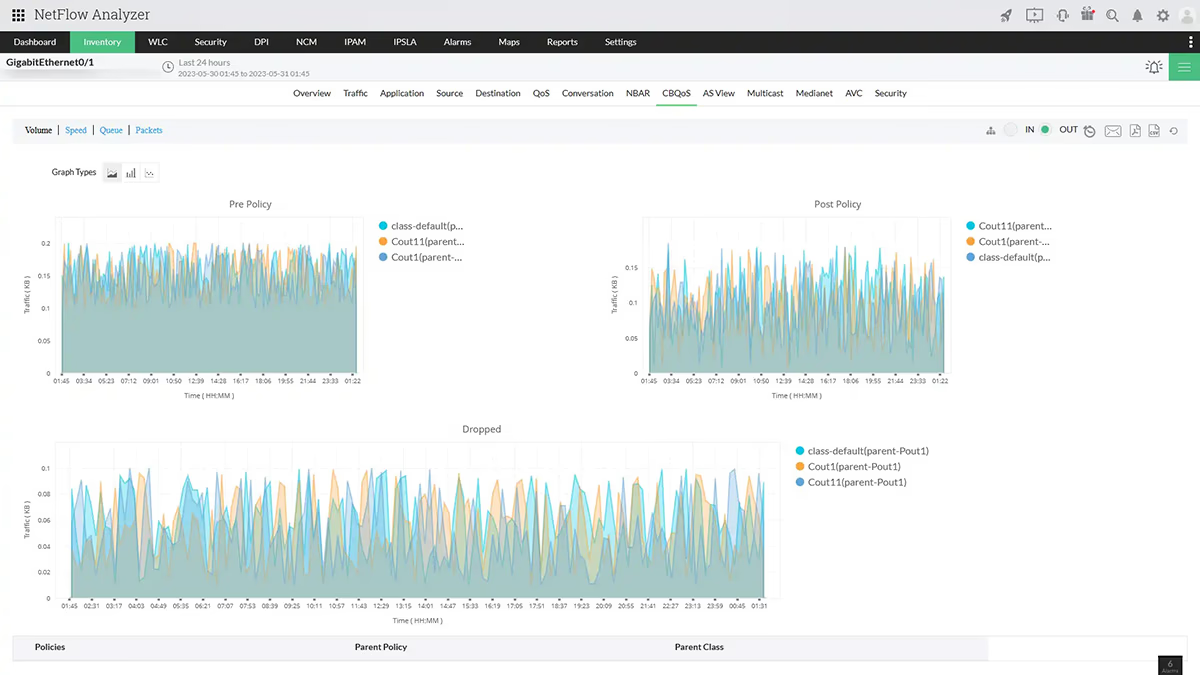
Maximize network efficiency with intelligent traffic shaping. Netflow Analyzer gives you deep visibility into bandwidth usage so you can identify usage spikes, shape traffic precisely, and keep your network performing at its peak.
- Prioritize or shape traffic according to your business requirements by applying policies and classes.
- Limit bandwidth usage by media-rich applications that don't contribute to productivity.
- Evaluate QoS policy impact through pre- and post-policy traffic graphs with CBQoS policies.
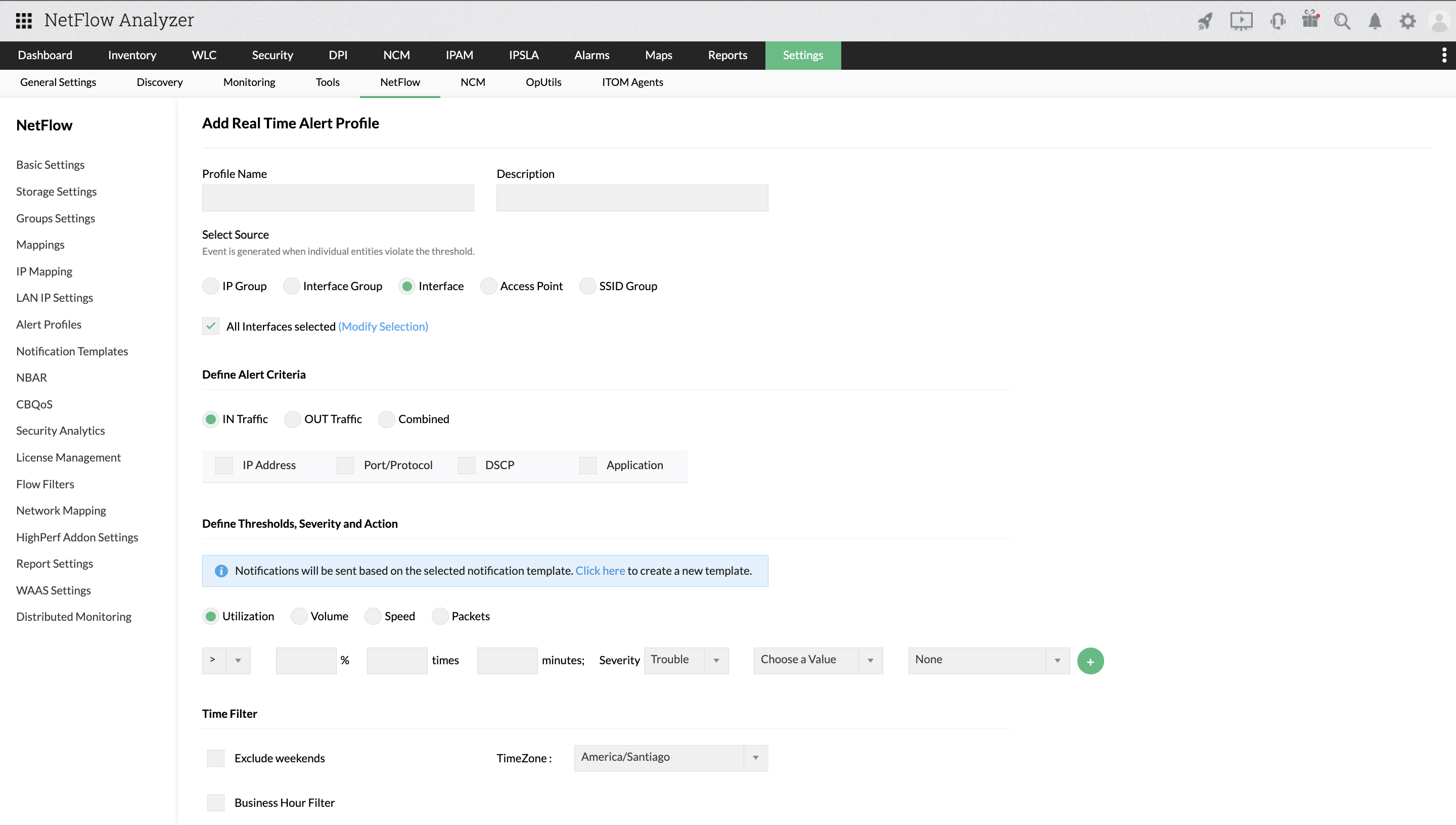
Proactive alerting
Set up real-time and aggregated alerts tailored to your network's baseline behavior, so the moment something unusual happens, you're the first to know and ready to act.
- Configure real-time and aggregated alerts for traffic volume, speed, and utilization.
- Receive alerts when metrics deviate from normal baseline criteria.
- Automatically escalate issues via SMS, email, Slack, ServiceNow, and ServiceDesk Plus Cloud.
Advanced threat detection
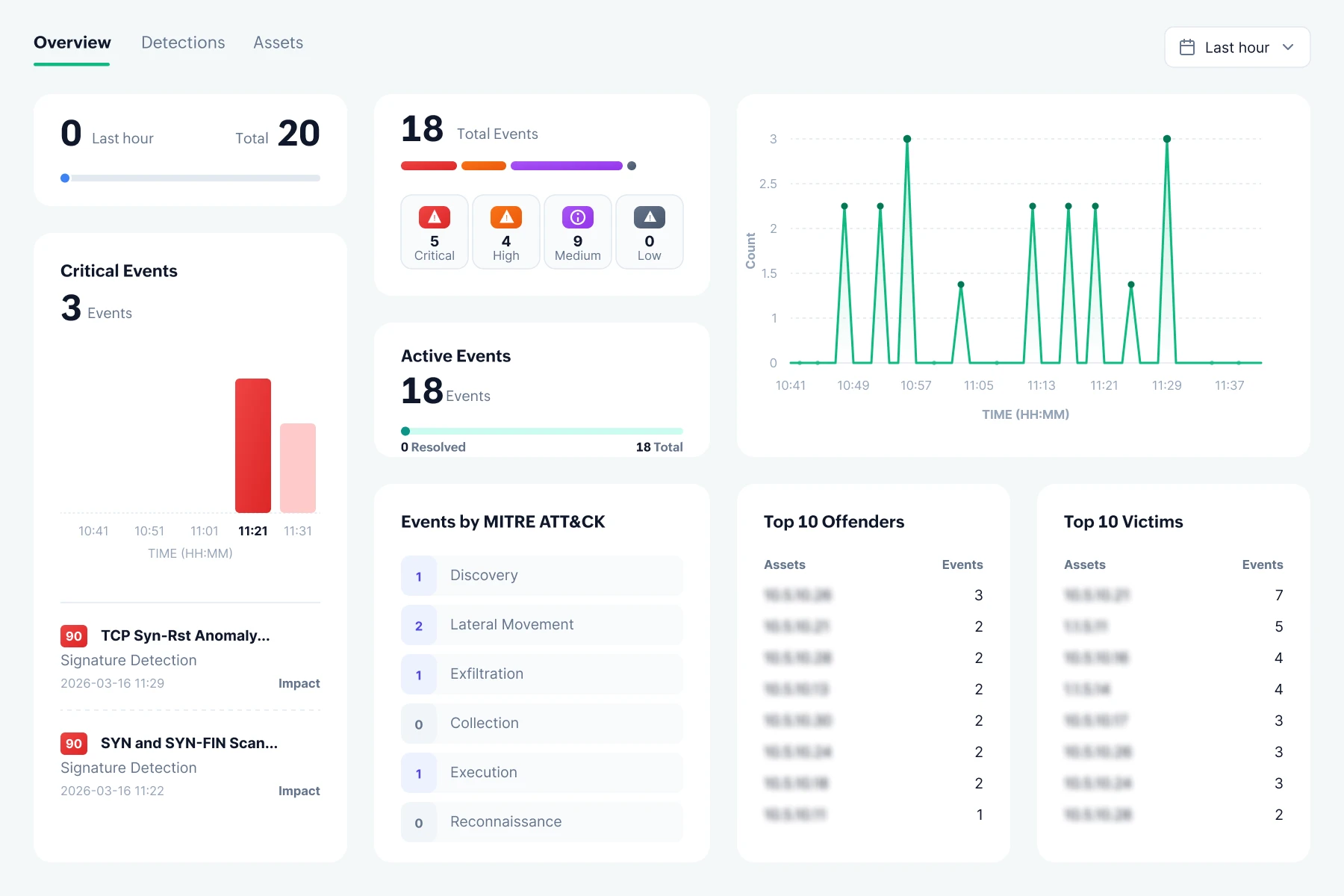
Examine network traffic and understand the cause of bandwidth bottlenecks, whether due to insufficient bandwidth or cyberattacks, using the ML-based Security Analytics.
- NetFlow Analyzer's Security Analytics build a reliable picture of normal network behavior with ML that learns and adapts to your traffic patterns.
- Map every detection to MITRE ATT&CK tactics and techniques for clear, standardized context on how adversaries operate in your network.
- Assigns risk scores to security events so your team can cut through the noise and focus on the incidents that need immediate attention.
Frequently Asked Questions
Find answers to common questions about our platform and services.
Key metrics to monitor network traffic
Some of the key metrics to help you track and understand your network traffic effectively
- Interface bandwidth utilization
- Inbound and outbound traffic volume
- Protocol-wise traffic usage
- Traffic speed and utilization
- QoS pre and post policy traffic rates
- Top talkers by application
- Top talkers by conversation
- Top talkers by IP address
- Geolocation-based traffic sources
- Traffic pattern deviations
- Anomaly risk score
- Threshold breach count
- Baseline vs real-time traffic
- MITRE ATT&CK mapped detections
- Alert escalation frequency
| Category | Supported Vendors |
|---|---|
| RAID arrays | IBM Storwize, IBM FlashSystem, NetApp FAS, Dell EMC Unity |
| Tape libraries | IBM TS4500, Quantum Scalar, HPE StoreEver MSL, Dell EMC ML |
| FC switches | Brocade 6520, Cisco MDS 9148, HPE SN6700B, IBM SAN24B-6 |