Free Edition
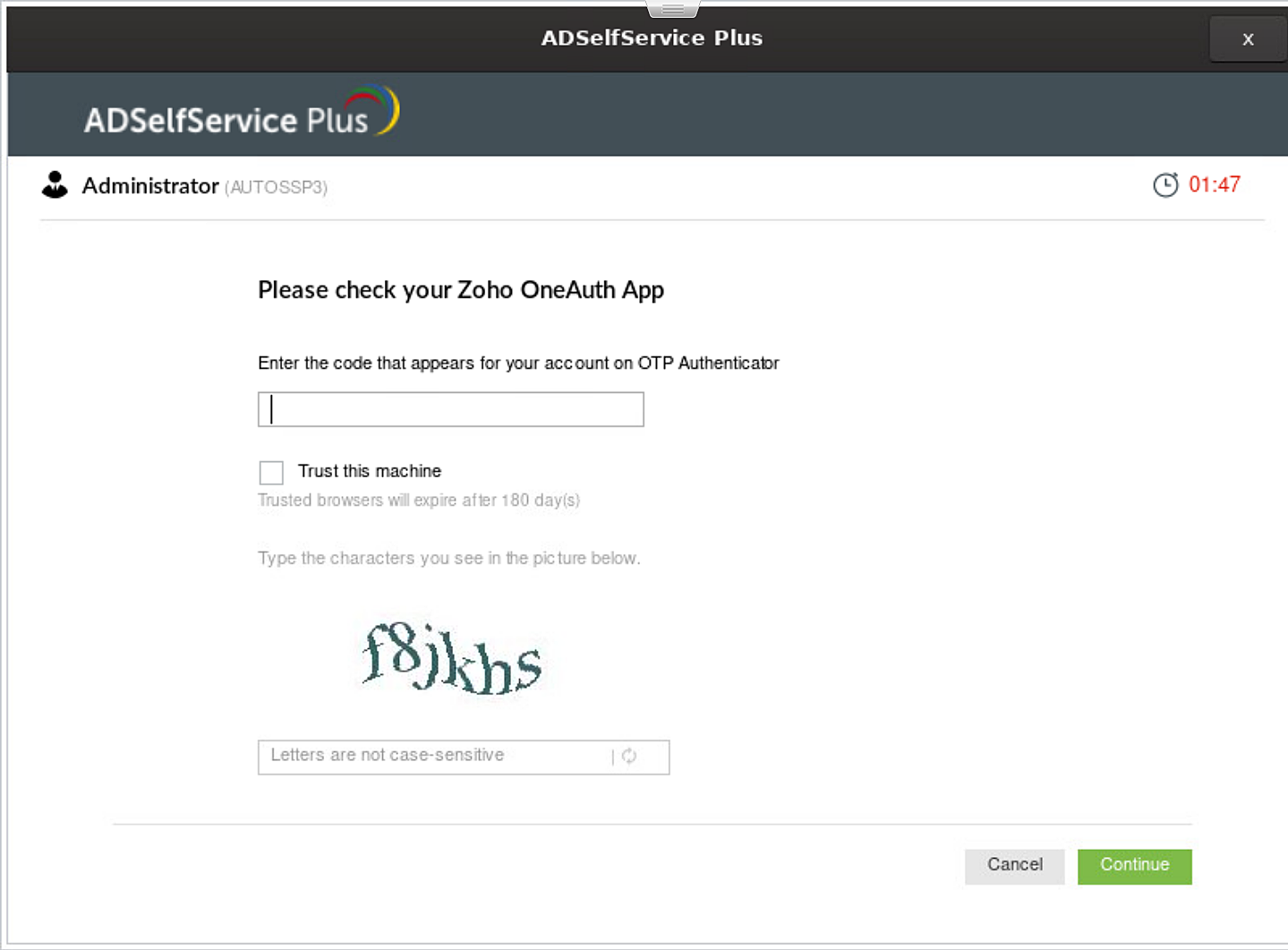
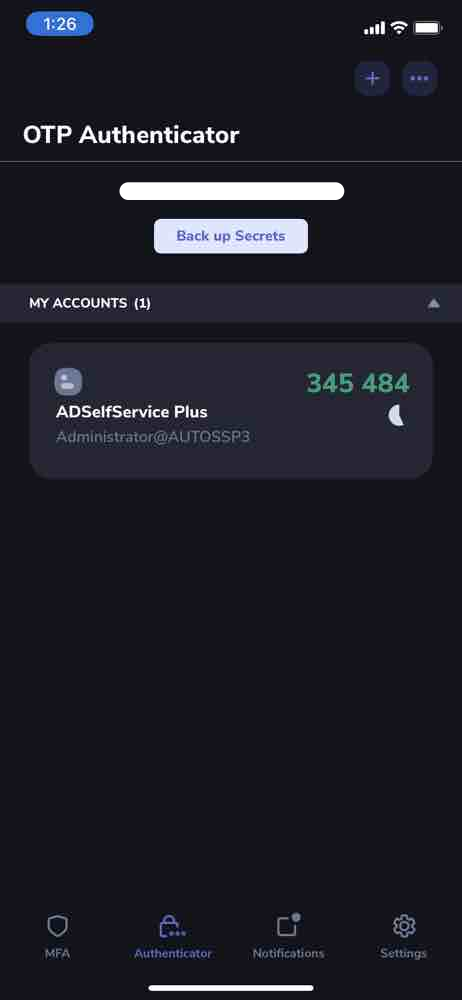
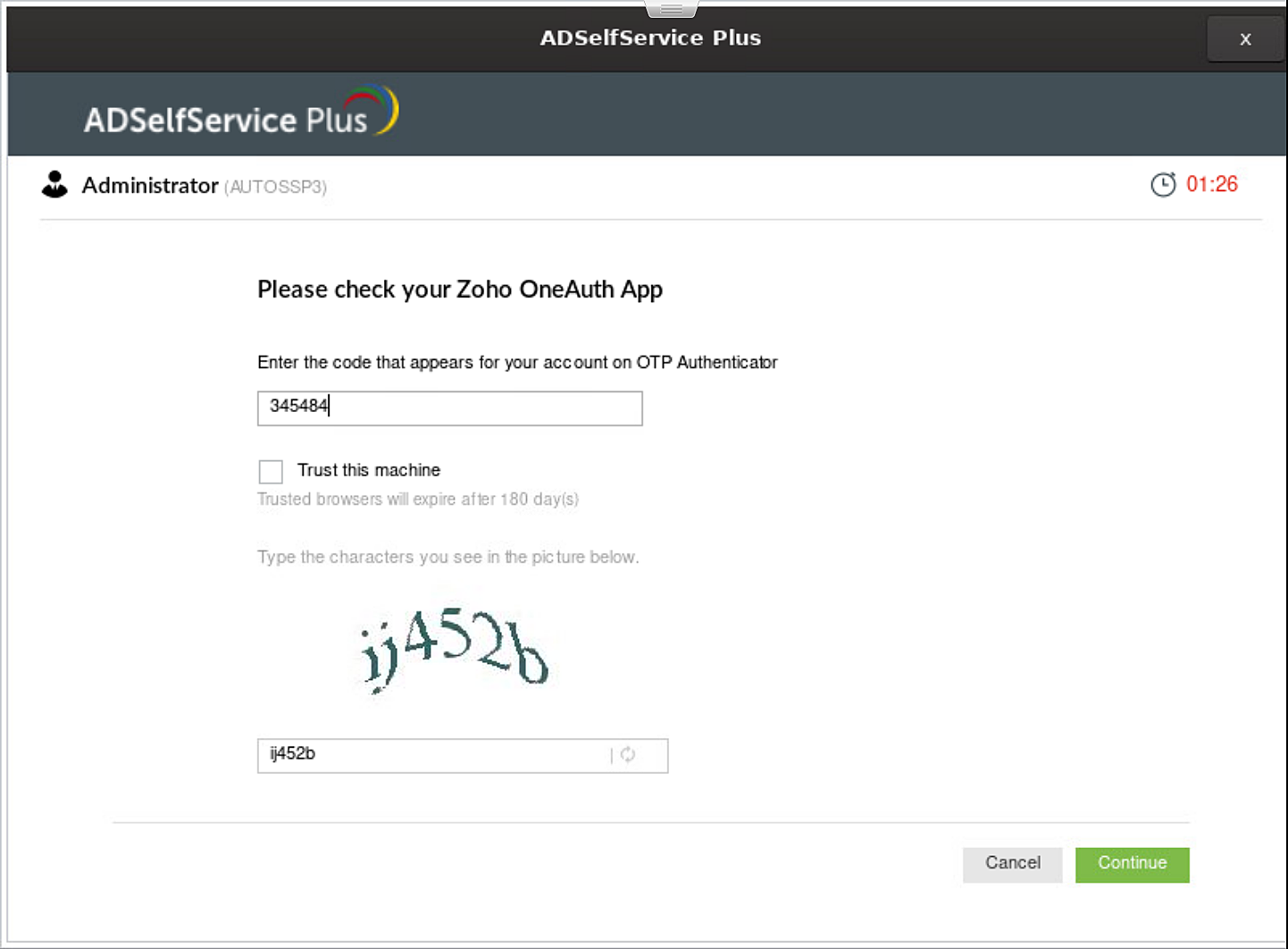
Securing data and resources on the corporate network is of paramount importance to organizations. In a world where most corporate attacks originate at an endpoint, ADSelfService Plus offers 20 MFA factors to enable MFA for major endpoints and allow access only after identity verification. These factors include biometrics and TOTPs, which can be deployed using the ADSelfService Plus login agent to enable MFA for Linux workstations, servers, and other endpoint logins such as VPNs, RDPs and OWA logins.
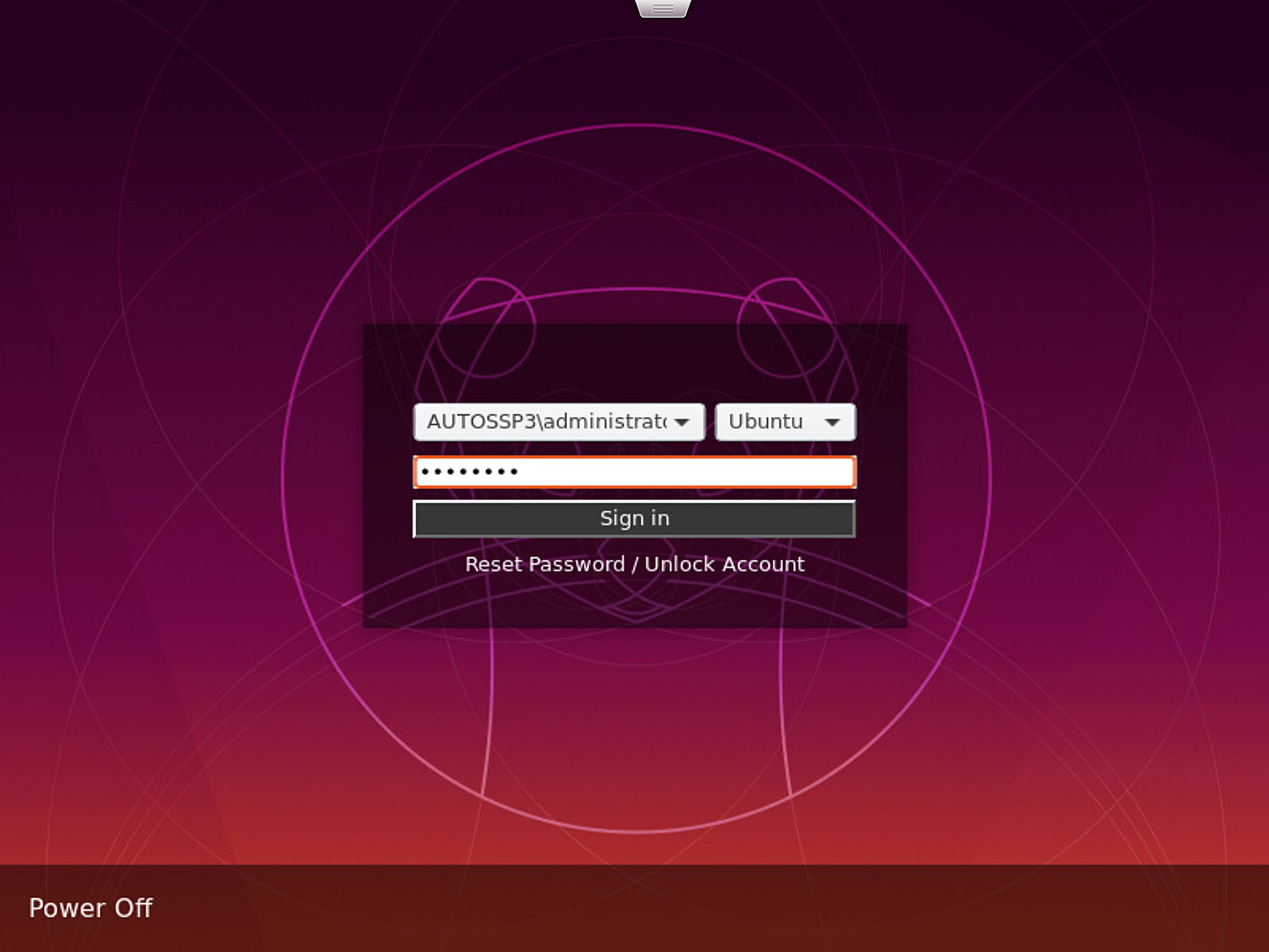
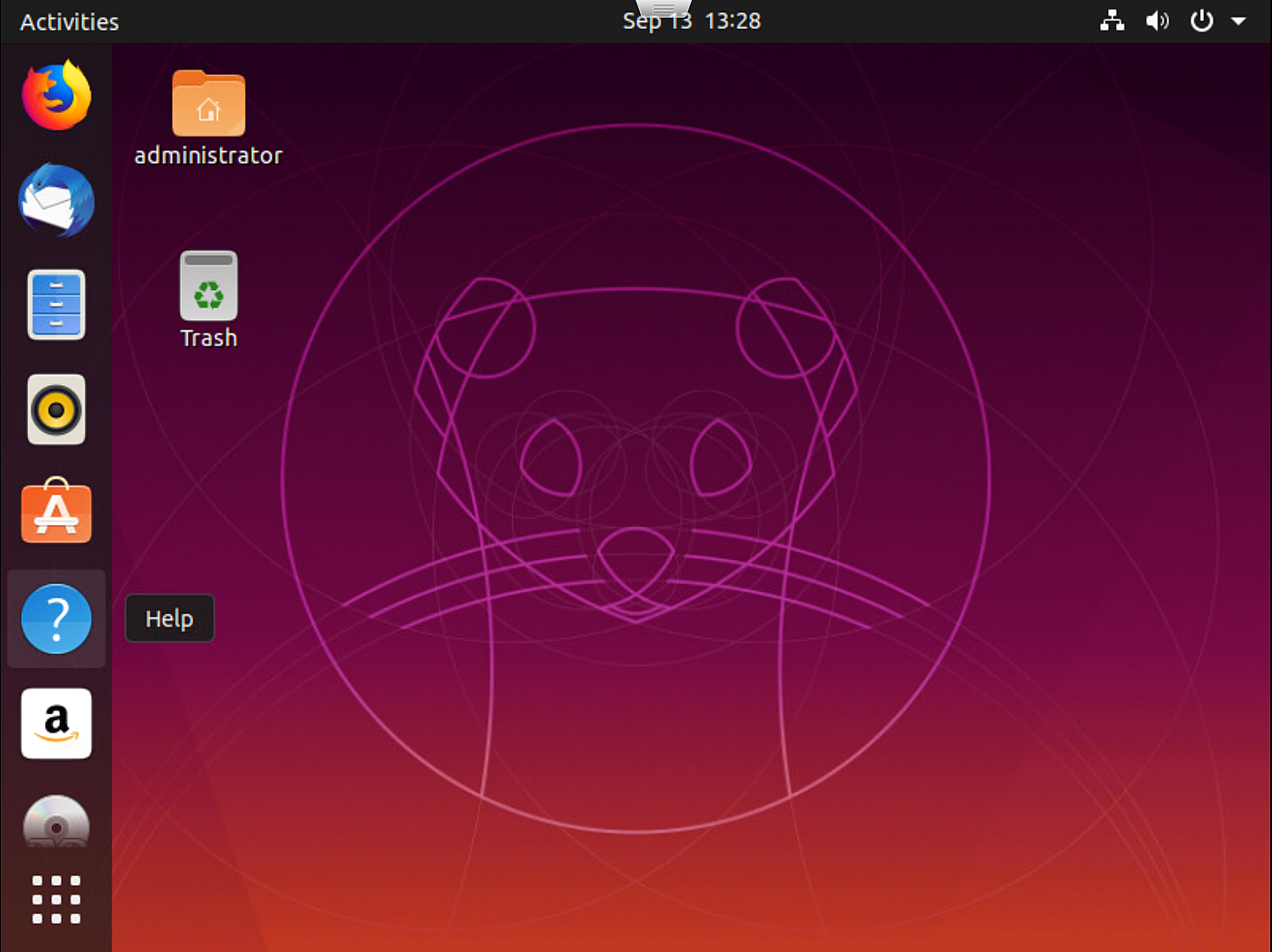
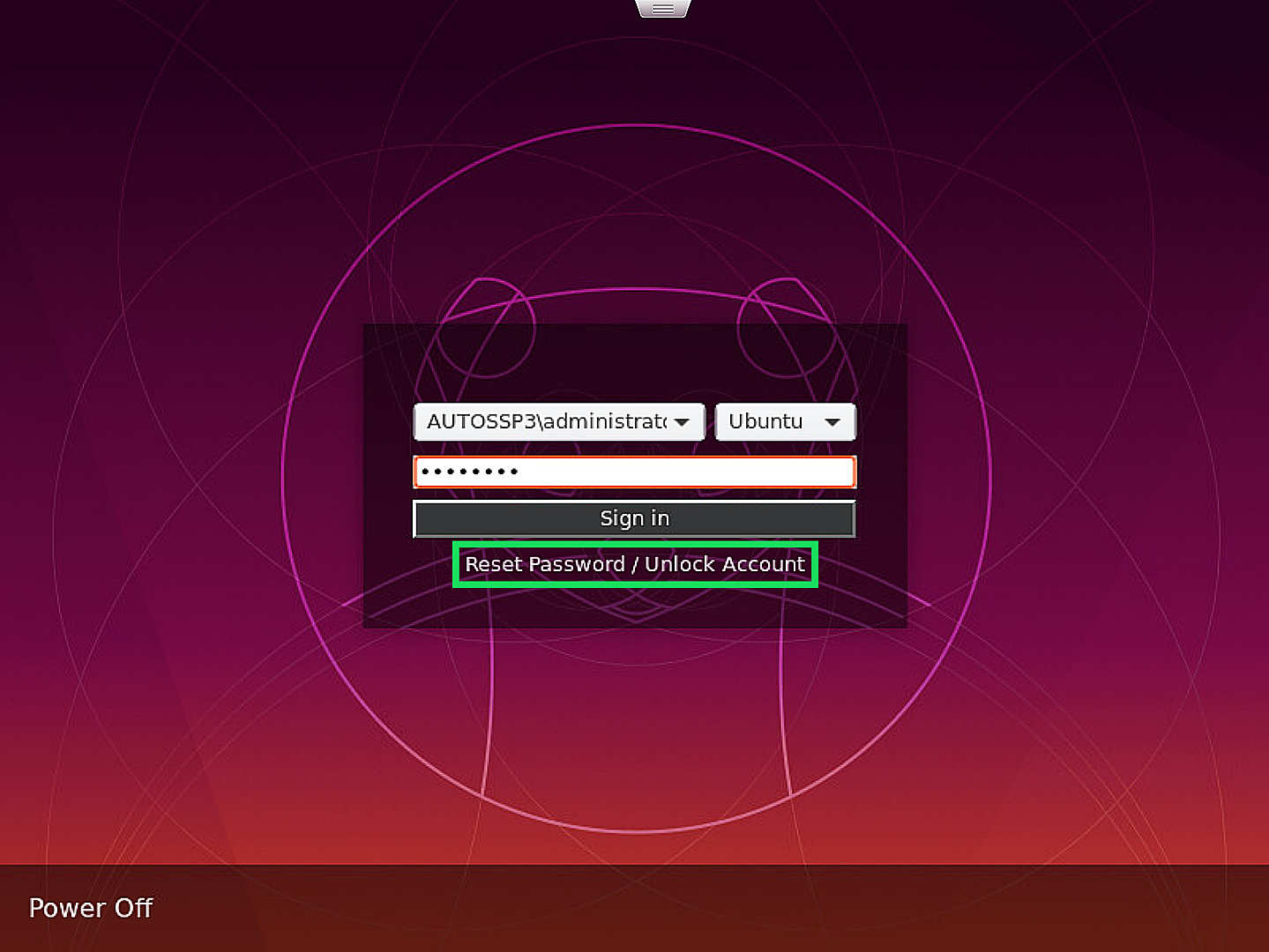
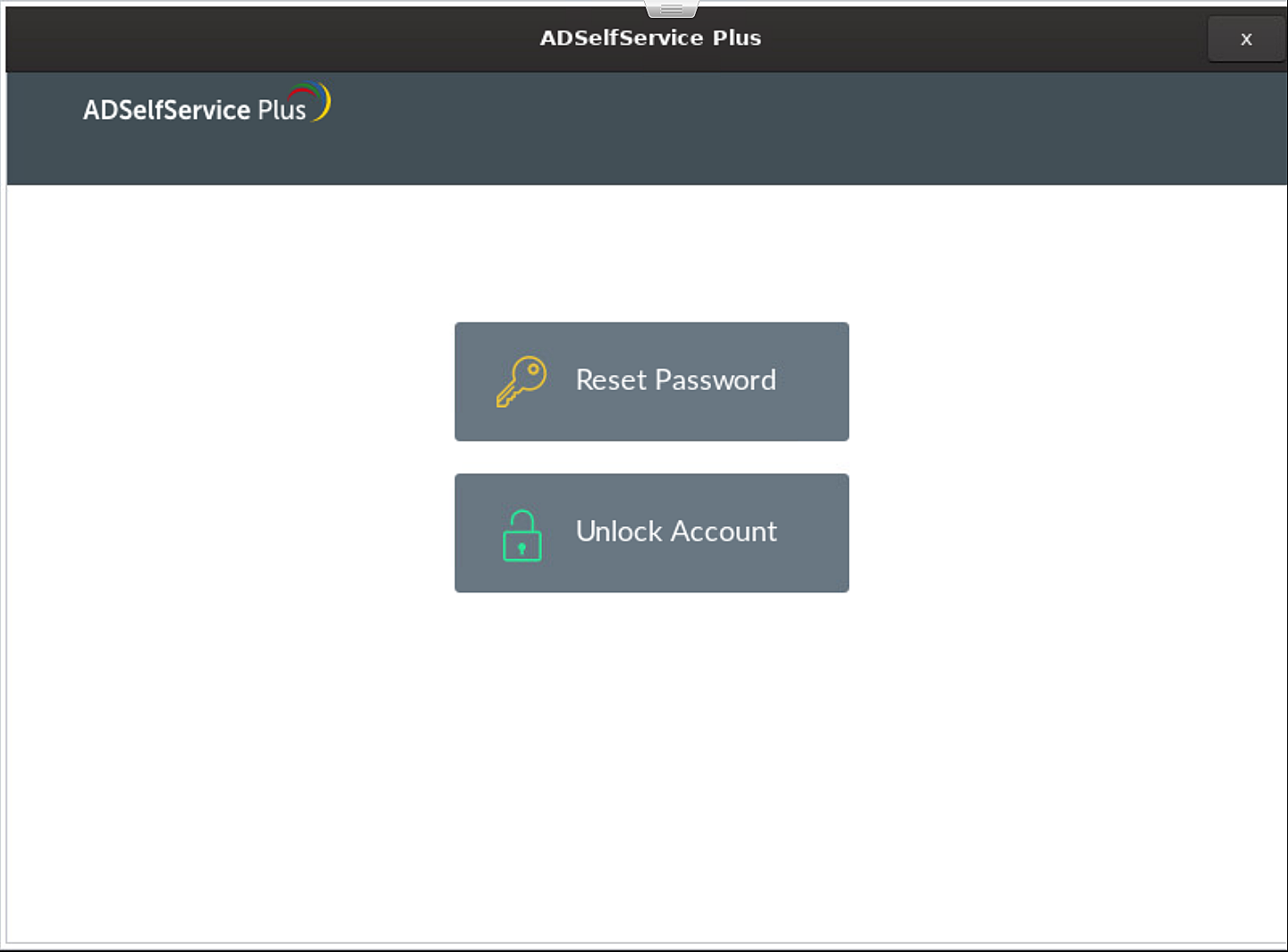
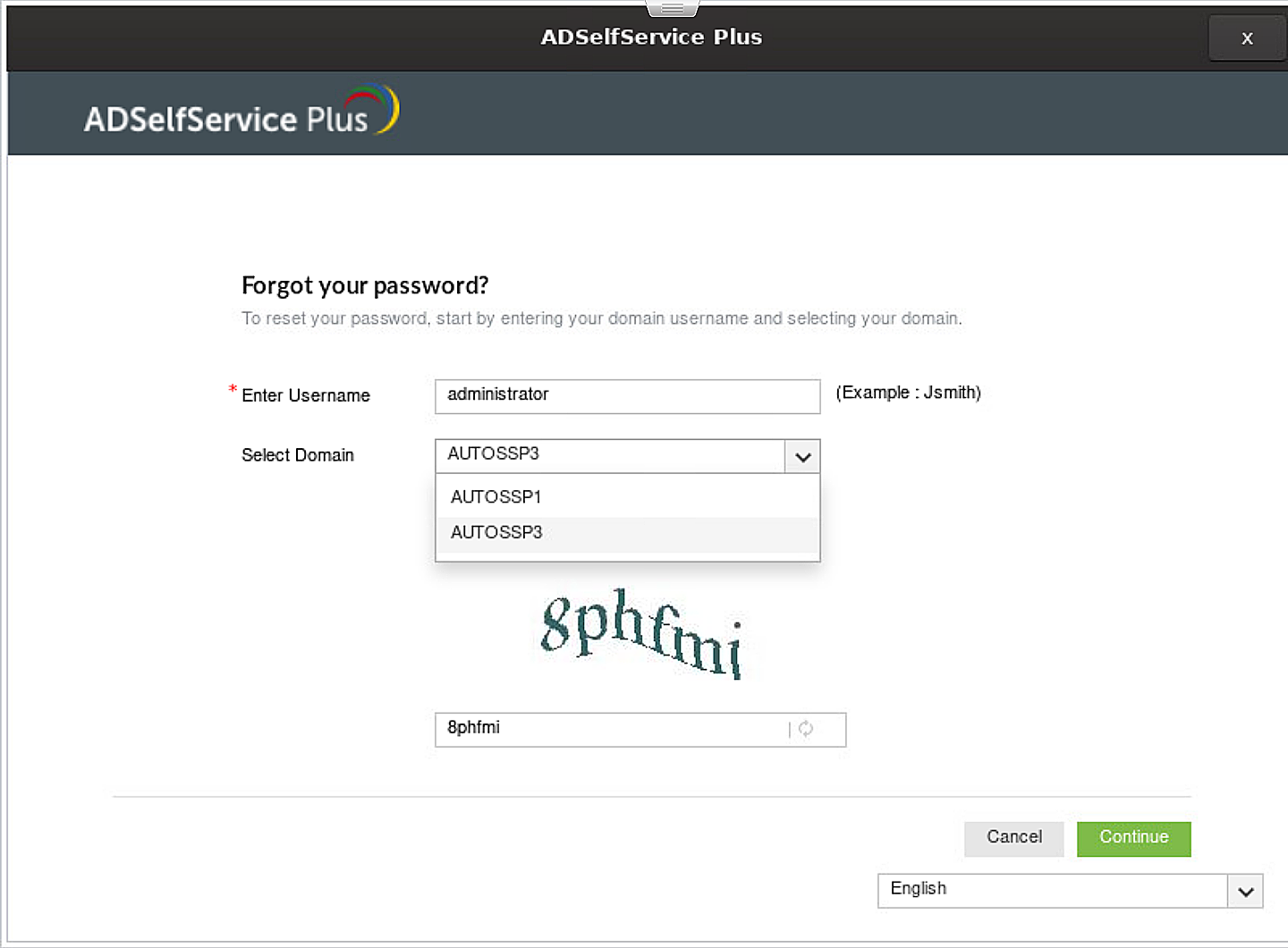
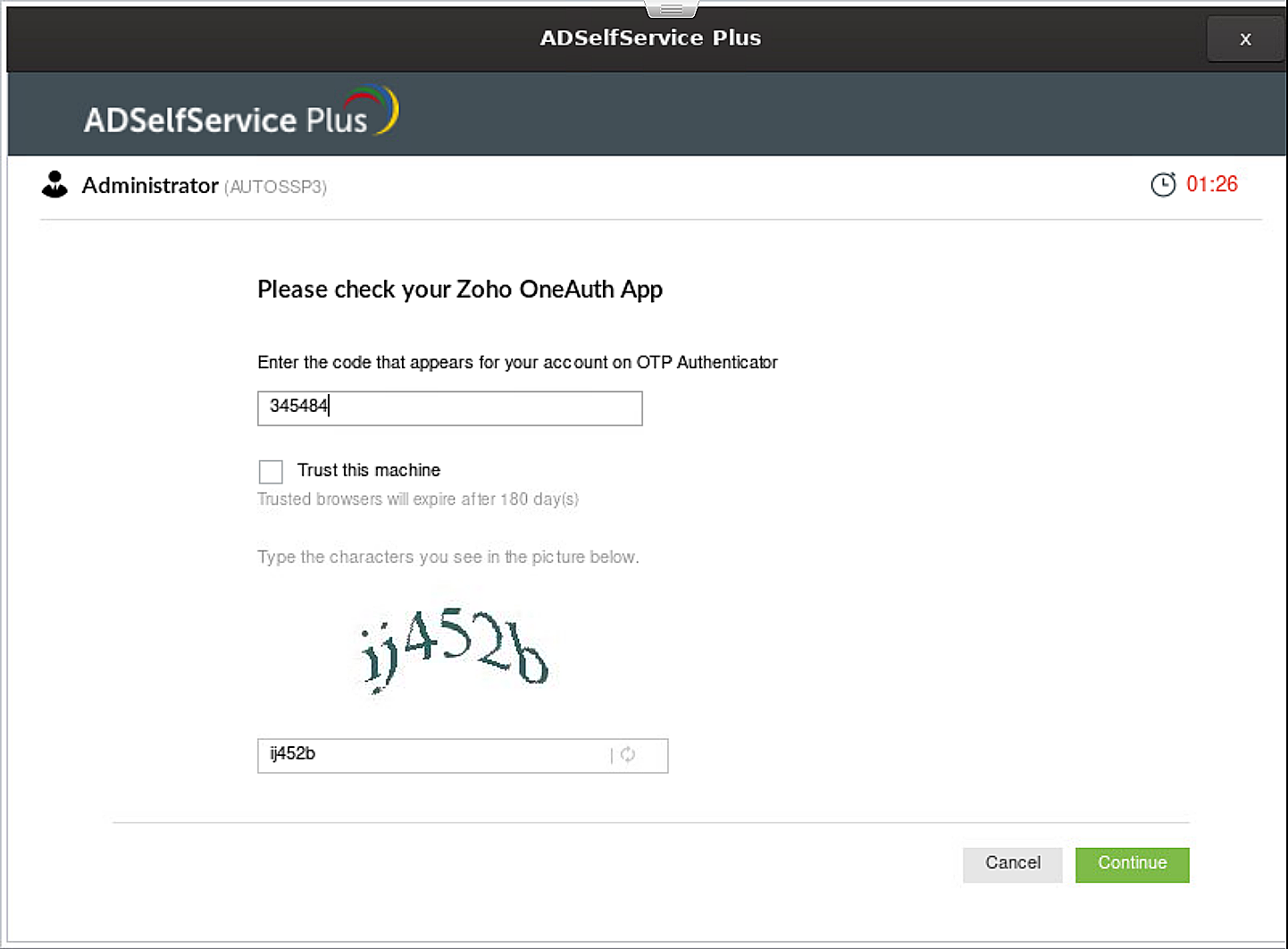
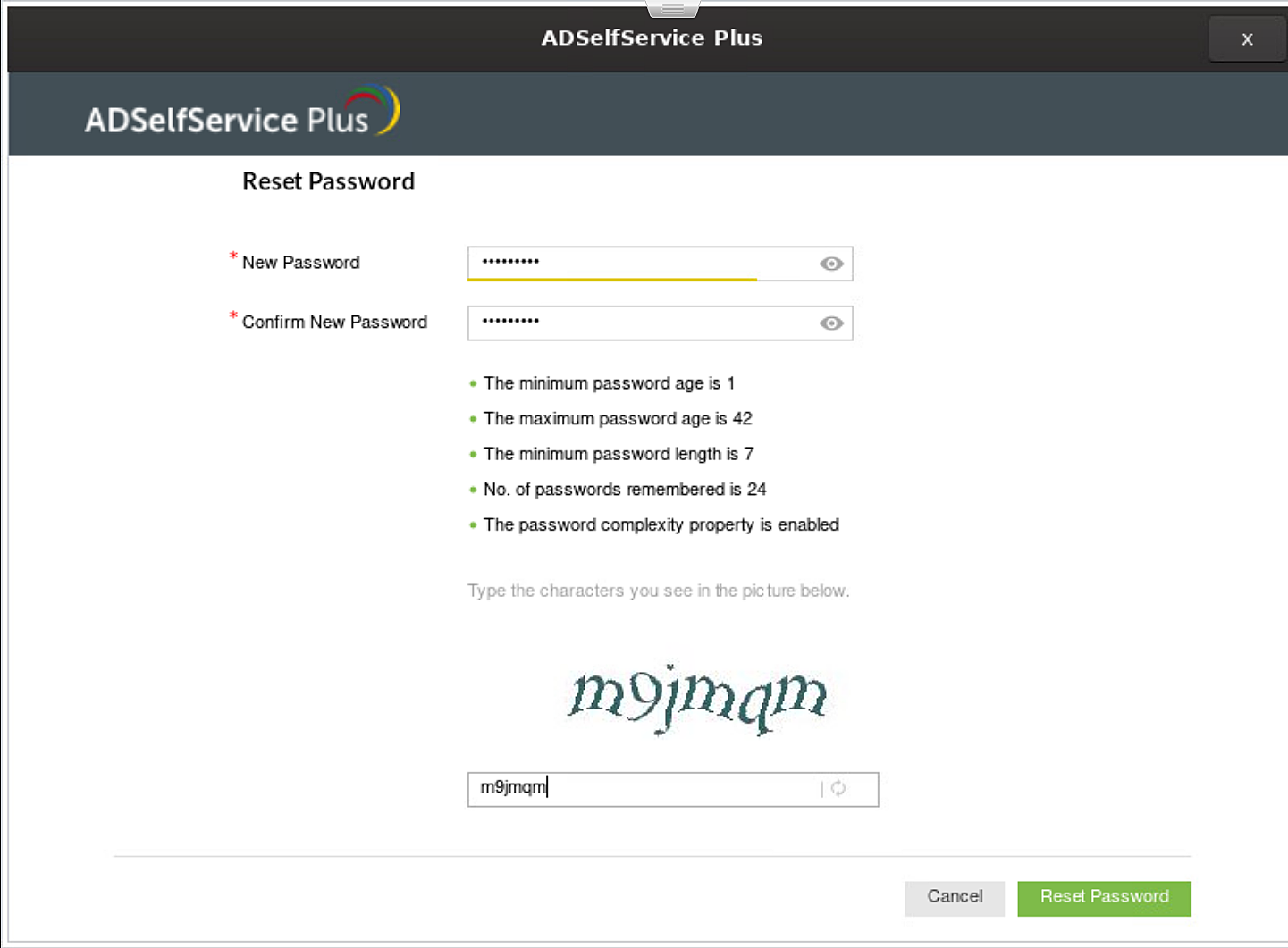
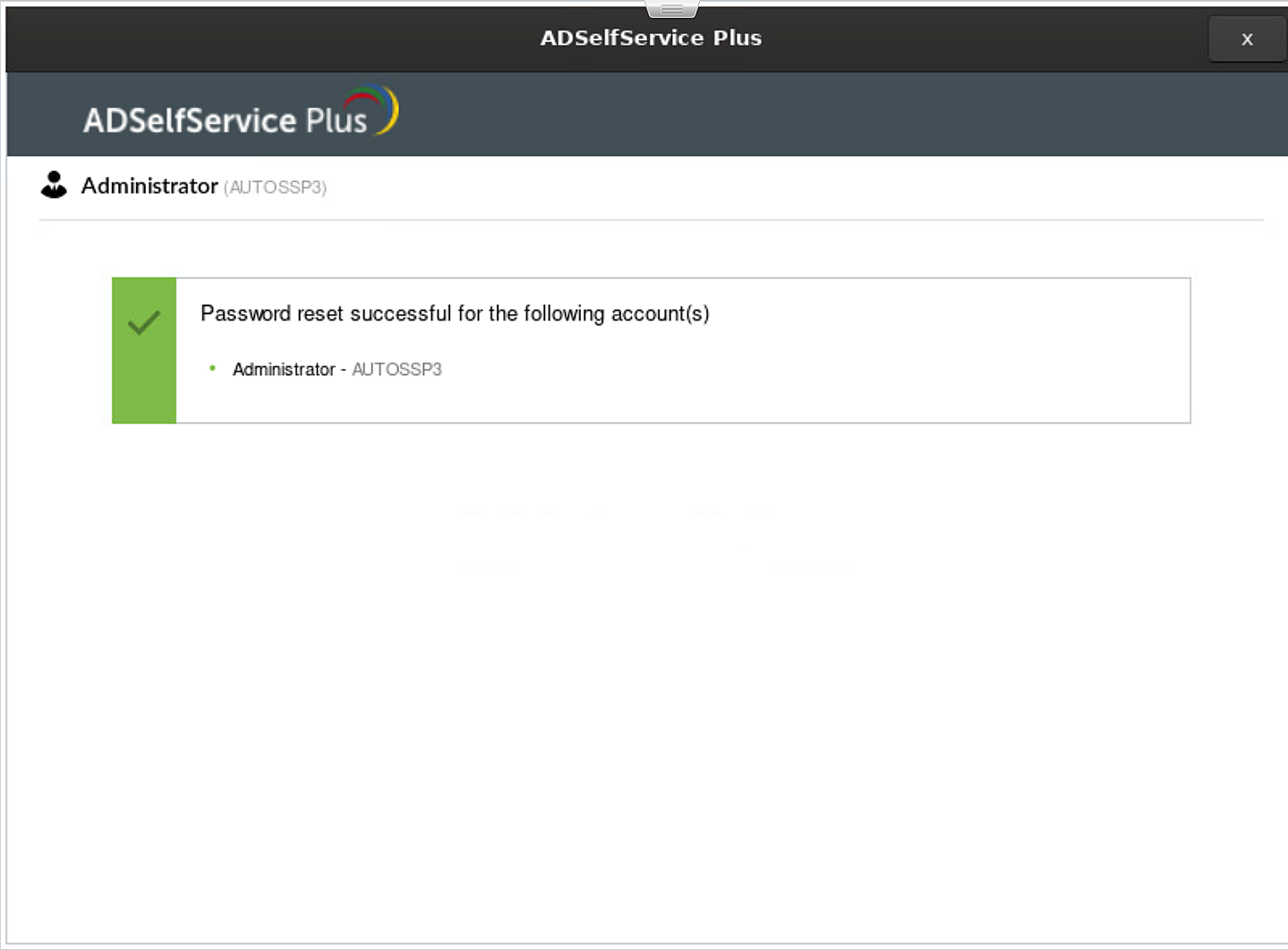
The ADSelfService Plus login agent also empowers users to securely reset their passwords and unlock their accounts right from the login screen of their computer. It achieves this by adding a Reset Password/Unlock Account button to the login screen.
This article shows how end-users can securely log into Linux workstations, as well as perform secure password resets and account unlocks directly from the login screen. It also provides instructions to install, uninstall, and reinstall the ADSelfService Plus login agent on Linux machines.
Note: While the ADSelfService Plus login agent has been officially tested and confirmed to run seamlessly on these three Linux distributions, it might support other Linux distributions as well. Please contact the support team (support@adselfserviceplus.com) to check if the Linux distribution used in your organization is supported.
The Installation Key links the ADSelfService Plus Server and Client securely and is a mandatory parameter while installing and reinstalling the login agent.
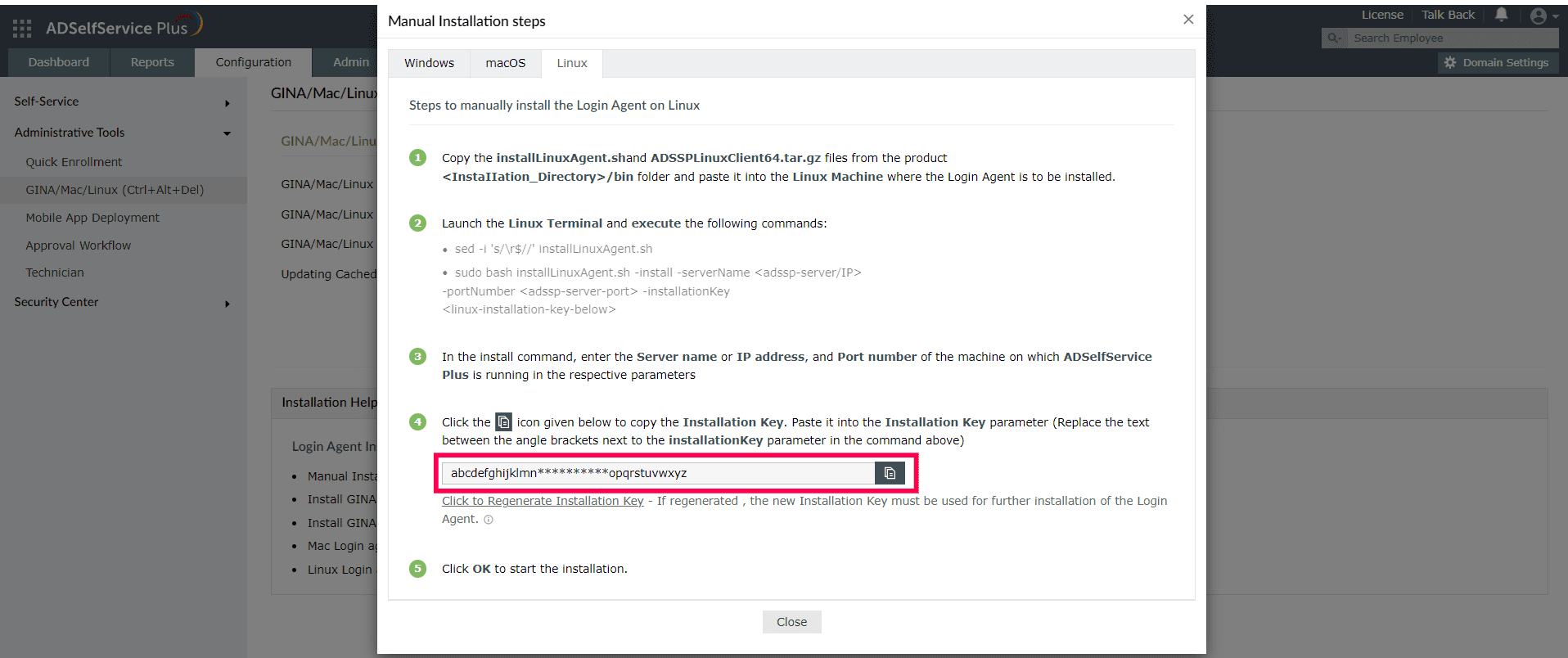
Note: Please treat the Installation Key like a password. It is sensitive information and must not be shared.
If the current Installation Key is compromised, you can regenerate a new installation key using the link in Step 4 of the Linux Manual Installation Steps. If regenerated, copy the command with the new Installation Key from the product admin portal and update the Installation Command field with the new command for all new installations.The generation of a new Installation Key will not affect the existing installations of the Login Agent on installed machines.
The ADSelfService Plus login Agent can be deployed on Linux machines in the following ways:
You can find the detailed steps to install the Linux login agent using these methods in this guide.
Note: The Linux login agent can also be installed using software deployment tools like ManageEngine Endpoint Central. Please find the deployment steps in this guide. For other tools, contact our support team at support@adselfserviceplus.com.
Uninstalling and reinstalling the Linux Login Agent can be done manually and via the ADSelfService Plus admin portal.
Note: Please copy the ADSSPLinuxClient64.tar.gz file for 64 bit machines and ADSSPLinuxClient.tar.gz file for 32 bit machines.
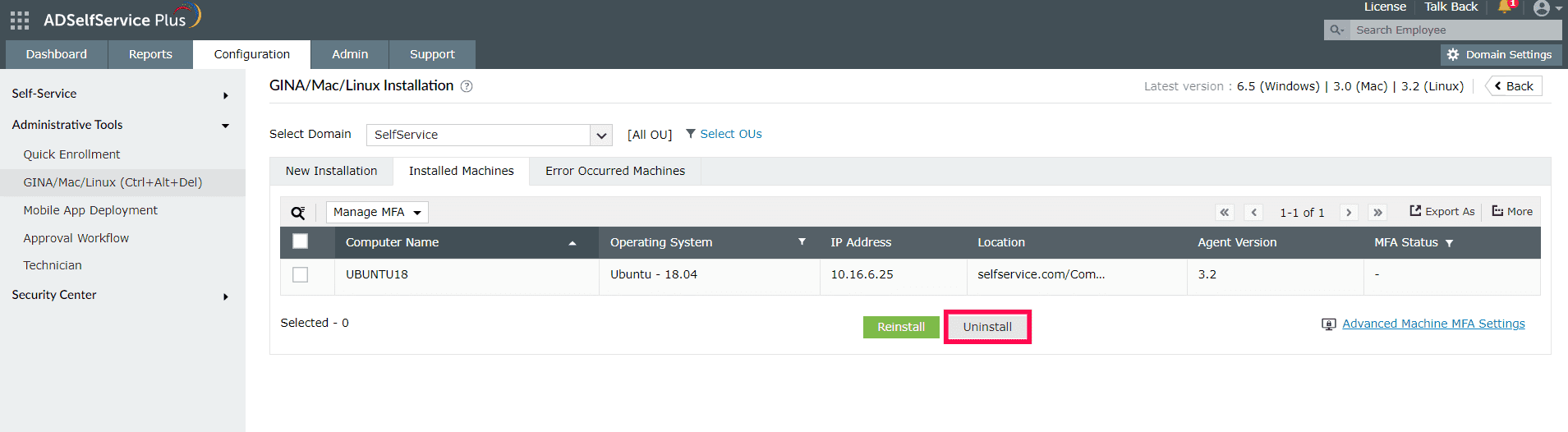
Note: The Linux login agent can also be uninstalled using software deployment tools like ManageEngine Endpoint Central. Please find the deployment steps in this guide. For other tools, contact our support team at support@adselfserviceplus.com.
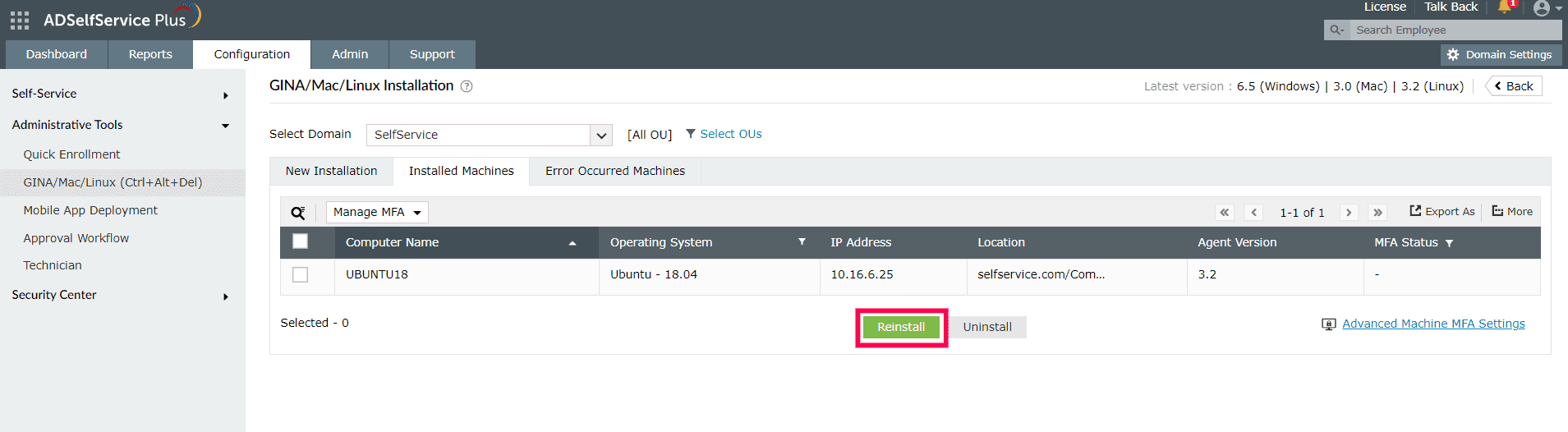
Note: The Linux login agent can also be reinstalled using software deployment tools. You can reinstall the agent using ManageEngine Endpoint Central using the steps in this guide. For other tools, contact our support team at support@adselfserviceplus.com.
Click here for more details on installing, customizing and scheduling installation of the ADSelfService Plus login agent.
Need further assistance? Fill this form, and we'll contact you rightaway.
Allow Active Directory users to self-service their password resets and account unlock tasks, freeing them from lengthy help desk calls.
Get seamless one-click access to 100+ cloud applications. With enterprise single sign-on, users can access all their cloud applications using their Active Directory credentials.
Intimate Active Directory users of their impending password and account expiry via email and SMS notifications.
Synchronize Windows Active Directory user passwords and account changes across multiple systems automatically, including Microsoft 365, Google Workspace, IBM iSeries, and more.
Strong passwords resist various hacking threats. Enforce Active Directory users to adhere to compliant passwords by displaying password complexity requirements.
Enable Active Directory users to update their latest information themselves. Quick search features help admins scout for information using search keys like contact numbers.