CloudSpend on iOS 27: FinOps on the go
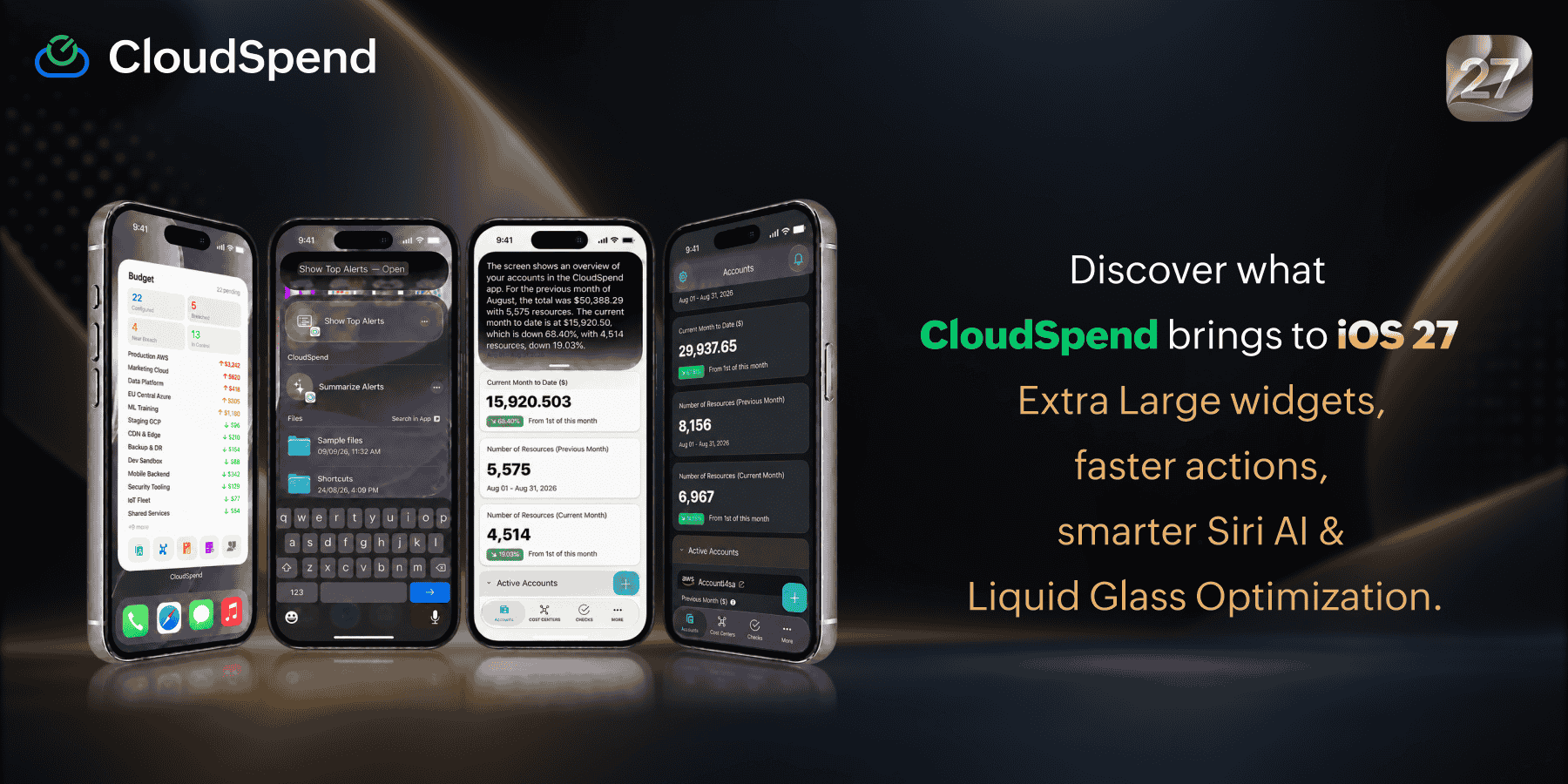
Most cloud cost tools assume you're at a desk. CloudSpend for iOS 27 is built around the reality that you're not. The teams that catch runaway spend early aren't necessarily the ones with better dashboards. They're the ones who saw the alert and acted on it fast.
See your spend status without opening the app
The new extra-large widget puts Budget, Anomaly, and Governance check statuses on your home screen. It's the largest widget CloudSpend has ever supported, and the first time an extra-large widget has been available on iPhone at all. Each check type shows its own status breakdown across Budget, Anomaly, and Governance. Switch between them via the Edit Widget option.
A native experience that gets better with iOS 27
Siri On-Screen Awareness is now live for cloud accounts. When you're on a specific account's page, Siri can resolve it as a named entity and answer questions about it directly. Support extends to Budget, Anomaly, and Governance checks as well.
CloudSpend's navigation and tab bars use Apple's native Liquid Glass material. CloudSpend automatically picks up iOS 27's improved diffusion, deeper edges, and brighter highlights, along with the user's system-wide transparency preference.
What's new in CloudSpend
Here's what else shipped in CloudSpend recently:
- Insights consolidates cost, security, and availability recommendations in one view—useful when you need to know what actually needs attention without digging through multiple reports.
- Unit Economics helps you analyze cost per unit. Instead of knowing you're overspending, you understand exactly where the inefficiency is.
- Rule Engine keeps cost data consistent and improves allocation across teams, preventing attribution problems from compounding.
- Notification Profiles let you manage how alerts reach you across Budget, Anomaly, and Governance checks, so the right people get the right signals without the noise.
- Solution-specific cost reports give you infrastructure cost visibility broken down by solution for when you need to understand what a specific environment or workload is actually costing.
Get the latest version of CloudSpend on the App Store. Not a CloudSpend customer? Start a 30-day free trial.