How to send log files to the Endpoint Central support team?
Description
When you face issues while working with Endpoint Central, it is mandatory for our experts to refer to your logs to resolve the issues you are facing. To provide an appropriate solution for your issue, you must send us log files along with a description of the issue and screen shots, depending on the issue. You can follow this document and upload the required logs, if you are using Endpoint Central build # 80293 or later versions. If you are using older versions of Endpoint Central, migrate to the latest version.
There are two stages in sending the log files, they are:
Extracting the logs
List of Endpoint Central Log Files and their Locations
The following are the list of logs, that might be needed for trouble shooting purposes. You can find the steps to archive the logs
and the steps involved in sending it to the Endpoint Central support.
Endpoint Central Server
Endpoint Central Distribution Server
Endpoint Central Secure Gateway Server
ServiceDesk Plus Server
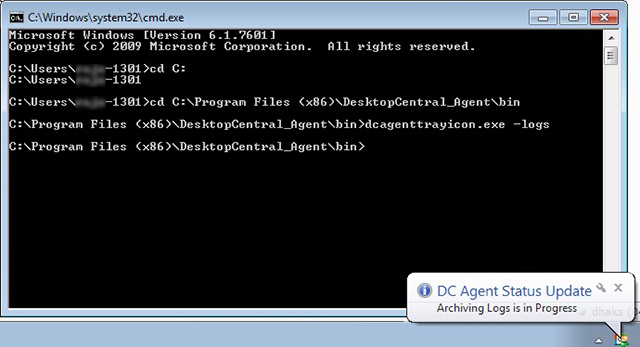
Endpoint Central Windows Agent
Endpoint Central Mac Agent
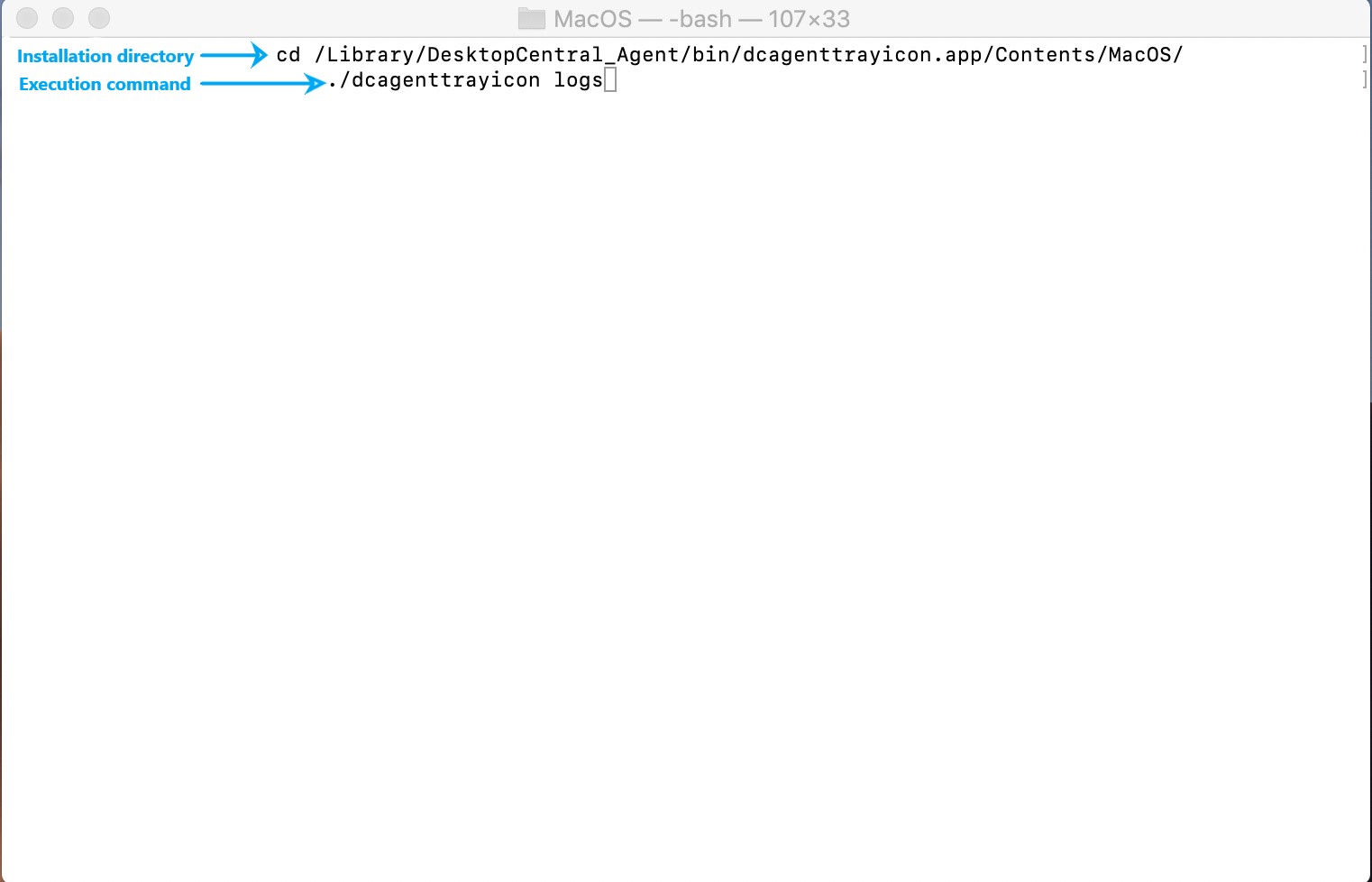
Endpoint Central Linux Agent
Remote Control / File Transfer from the Viewer Machine
Endpoint Central Web Console
ME MDM App on Android Device
OS deployment
Endpoint Central Summary Server
Endpoint Central Probe Server
Sending it to Endpoint Central support
Ensure that the log files are zipped and ready to be uploaded. Kindly note that the logs can be uploaded from the Web Console by navigating to Support->Create Support File. If the Web Console is not accessible, follow the steps given below to send the log files to our support team.
- From a web browser, connect to this link.
- Specify the Ticket ID, if you have one.
- Add the modules, of which the logs are uploaded.
- Specify your email address and the address to receive notifications.
- Specify the reason.
- Click Add files to browse and select the required log files.
- Click Upload.
The zipped log files are successfully uploaded.