Direct Inward Dialing: +1 408 916 9892
 Free Edition
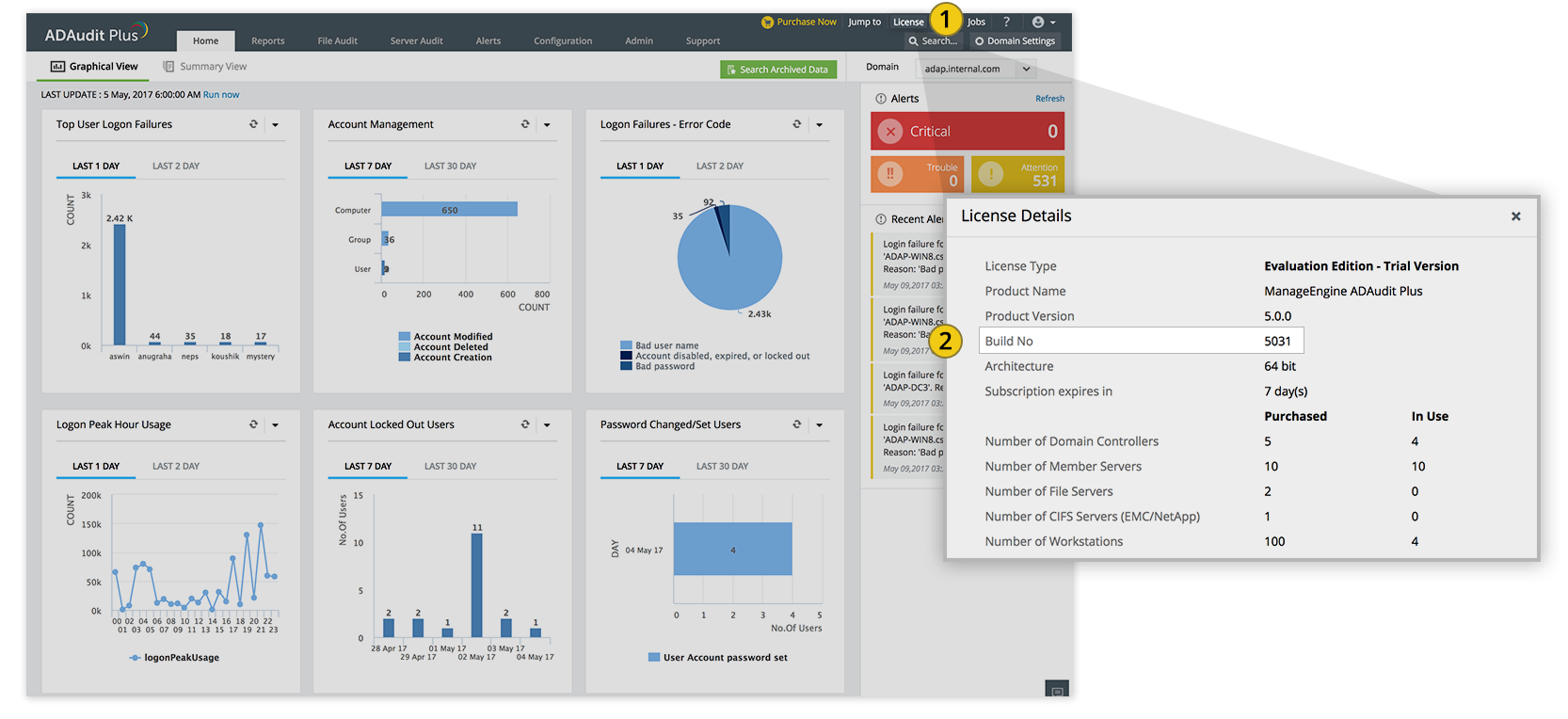
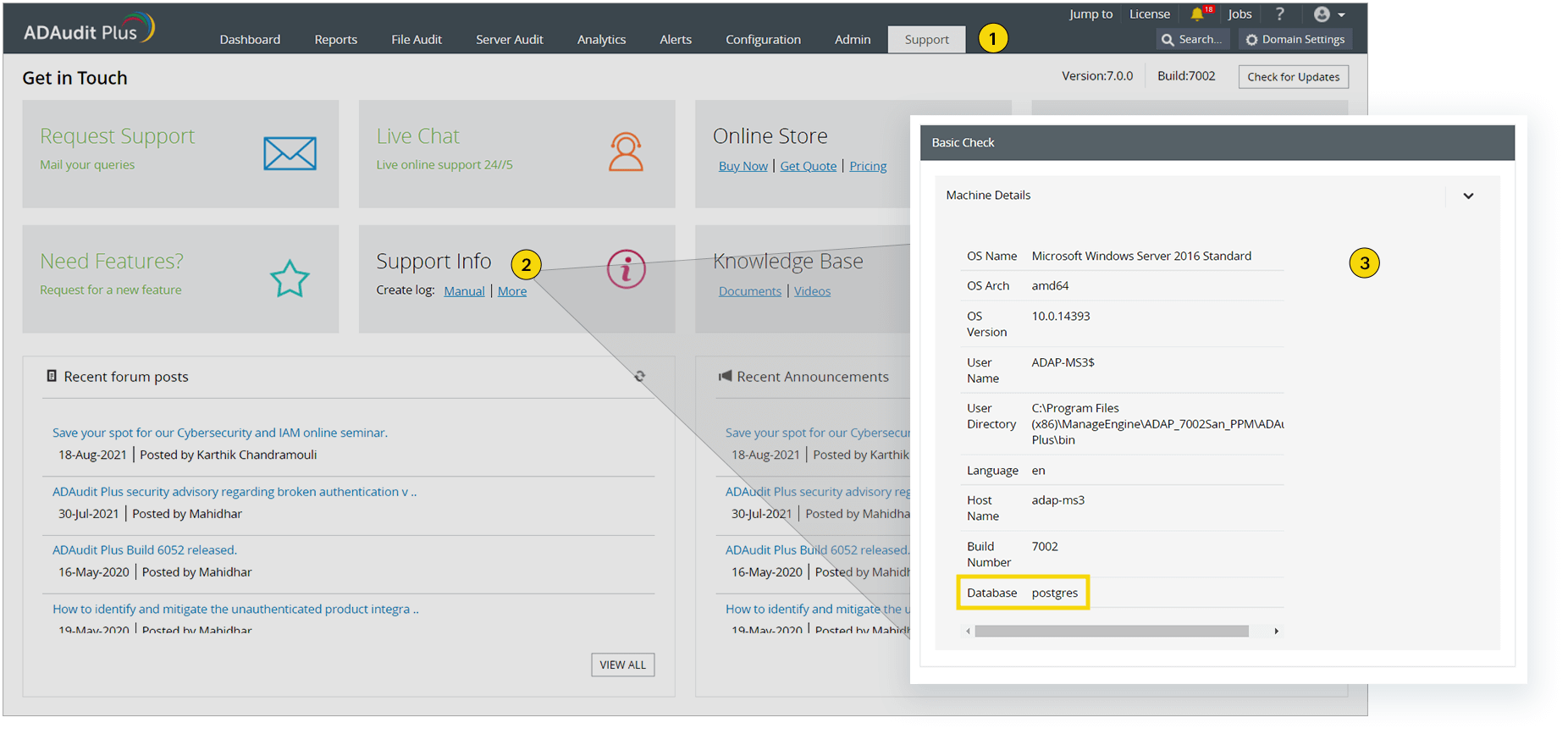
We recommend users move to the latest version, ADAudit Plus 8.7 build 8701 (released in Jul 2026). We also recommend that you back up the existing ADAudit Plus installation before upgrading as this helps prevent accidental loss of data.
| If your Build Number is | Upgrade to Build Number | SHA256 Checksum hash value |
| 8530 | Download and upgrade to latest 8701 |
0996E017D7B28E12A61AE5093DF27C0189EB68270E5444D455AAD3BA60F50E43 |

Note: Support for PostgreSQL version 9.4.x ends with ADAudit Plus build 8512. If you are using PostgreSQL version 9.4.x or earlier, we recommend upgrading the database to version 17.5 for improved performance and stability.
To find your PostgreSQL version:
To upgrade to PostgreSQL version 17.5 follow the steps in this page.
Note: You will be prompted to back up configuration data as a precaution. If you have already made a backup of ADAudit Plus as mentioned in Step 2 (which we recommend), type n to proceed with the installation. Otherwise, type y to back up the database.
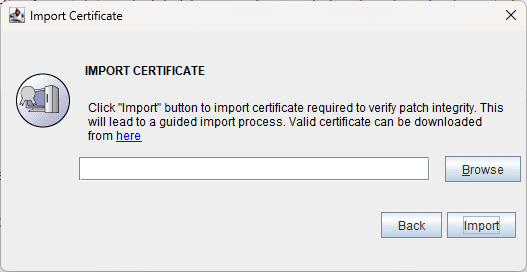
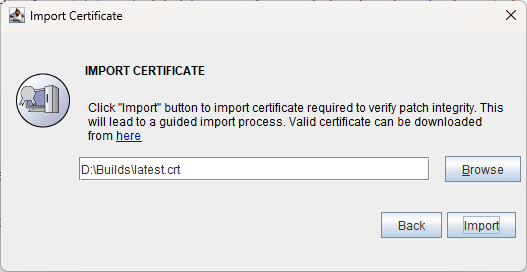
Note: If the service pack application fails, ensure that you revert both the ADAudit Plus folder and the SQL server to the snapshot or backup taken before the upgrade.
Redirect the Command Prompt to <Installation_Folder>\ManageEngine\ADAudit Plus\bin and execute the UpdateManager.bat file.
Note: You will be prompted to back up configuration data as a precaution. If you have already made a backup of ADAudit Plus as mentioned in Step 2 (which we recommend), type n to proceed with the installation. Otherwise, type y to back up the database.
You can contact ADAudit Plus support at any time for assistance in upgrading ADAudit Plus.