A day in the life of a SOC analyst—and what actually slows them down
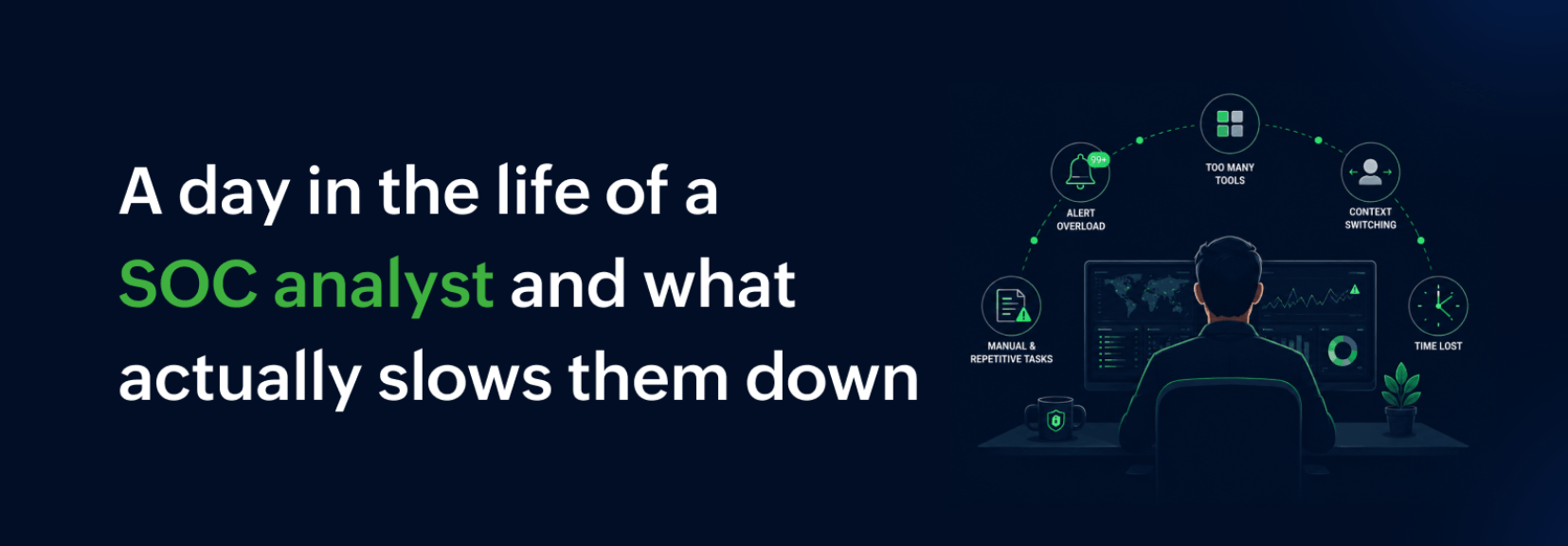
In the current threat landscape, the pressure on security operations center (SOC) teams has never been higher. Yet for many organizations, the reality of daily security operations is less high-tech threat hunting and more of an uphill battle against manual processes and fragmented data.
To understand why SOC teams are burning out, let's walk through a typical morning of an SOC analyst.
Step-by-step: An SOC analyst's morning shift
It's 6am. An analyst clocks in, coffee in hand, and sits down to a queue of 300 new alerts from the SIEM. Here's what happens:
Shift start and queue review: They open the SIEM dashboard. The first 50 alerts are routine backup failures and known-safe system updates. They start clicking "close" as fast as possible just to see the forest through the trees.
Triage: A login anomaly pops up at 6:12am—a user logging in from an unusual location. Is it a threat? Maybe. To find out, they need more data.
Investigation: They copy the username from the SIEM, open the EDR tool in a new tab, and paste it in. The EDR shows no process anomalies, but they lose the timestamp context. They go back to the SIEM, grab the exact time, then open a network console. Now they're bouncing between five tabs. It's 6:20am.
Escalation: They finally confirm it's a brute-force attempt: They cross-reference the login timestamps from the SIEM with failed authentication logs in the EDR, spot 47 failed attempts from the same IP in 90 seconds, then run a quick WHOIS on the IP, which resolves to a known malicious range. The pattern of rapid failures plus a suspicious source gives them confidence to escalate. They write a summary in a separate ticketing system, manually tag the next shift, and attach screenshots from the three different tools.
Handover: At 2pm, they write a handover note in the ticketing system: "Suspicious IP blocked, but check user activity." But the next analyst sees no timestamp, no user account name, no screenshots, no risk score, and a closed "False Positive" ticket from three days ago on the same user with no explanation. They are left guessing. The analyst has two choices: spend 45 minutes re-investigating the event from scratch, or assume the previous shift's analyst handled it and move on. Six hours later, during the evening shift, an analyst notices lateral movement from that same user account. The breach has been dwelling for six hours while the ticket sat in "closed" status.
That's the full workflow. Now let's talk about where it broke down.
Where things slow down
In most legacy environments, the incident response workflow breaks in four specific places.
Alert fatigue: When your SIEM treats a backup failure the same as a brute-force attack, analysts learn to ignore the noise. The high-priority threats get buried, because when every alert is a priority, nothing is a priority.
Siloed data: That login anomaly walkthrough above? Think of it as a tab marathon: five tools, 15 minutes, and a fractured mental model of the threat. The analyst loses context with every switch—timestamp here, process data there, network traffic somewhere else. By the time they piece it together, the attacker has had a 15-minute head start.
Query latency: While hunting for that suspicious process, the analyst runs a wildcard search across 14 days of Windows Event Logs—a standard query in any brute-force investigation. The SIEM takes 90 seconds to return results. In cybersecurity, the attacker just gained a 90-second head start. Those are prime investigation minutes, lost to a loading spinner.
Fragmented handovers: The previous shift closed a suspicious event as a false positive but didn't document why. The next analyst inherits what looks like a closed issue—except it's actually a breach that has already had six hours to dwell. No centralized source of truth means every handover is an inherited time bomb.
What a better SIEM, like Log360, actually changes
So what should your SIEM be doing to prevent this? Not just collecting logs, but changing the shape of that morning shift.
A modern SIEM should reduce the number of tabs your analyst has to juggle, not add another one. ManageEngine Log360 is a unified SIEM solution that combines log management, user behavior analytics, and threat intelligence into a single console.
Here's what that looks like in practice:
There aren't 300 alerts drowning the analyst's morning. They wake up to 50 quality signals because the system has already learned what "normal" looks like in the environment via ML-driven UEBA. The shift-start queue review drops from 45 minutes to 10 minutes.
Forget playing timestamp roulette between five consoles. The analyst runs a single query that surfaces a complete timeline across Windows, Linux, and AWS/Azure instantly. They get the login, the process, and the network traffic in one view.
Analysts never have to guess which alert matters. The SIEM automatically ranks incidents by risk score. A brute-force attempt from an external IP becomes Critical. A routine backup failure falls to Attention. The 6:12am login anomaly is handled at 6:15am, not buried until the afternoon.
Containing a threat no longer means opening four more tabs. They click one button from the alert console to isolate the host or block the IP at the firewall. The gap between detection and containment closes from hours to minutes.
The days of handing over a vague note are over. The next analyst opens a single incident timeline showing exactly when the IP was blocked and which user or entity was targeted. No re-investigation. Just a complete handover in seconds.
Real use case
Let's look at real examples that connect directly to the friction points we just walked through.
Case study 1: From alert fatigue to 90% noise reduction
Emergency Communications of Southern Oregon (ECSO) 911, a public safety dispatch center serving Jackson County and Crater Lake National Park, was drowning in low-priority alerts. For a dispatch center, security failures have immediate real-world consequences. Before Log360, the team lacked a centralized SIEM solution and struggled with manual log analysis, consuming valuable time that could have been spent on proactive security measures.
After deploying Log360's optimized detection rules and object-level filters scoped to high-value assets, ECSO 911 cut false or low-priority alerts by 90%. According to Corey Nelson, IT manager at ECSO 911, "With Log360's optimized detection rules and filtering techniques, we have reduced false or low-priority alerts by 90%, allowing our analysts to focus on the threats that matter most. This improvement has significantly accelerated our ability to identify and respond to real cyber incidents."
In one instance, Log360 flagged a brute-force attempt on the VPN that would have otherwise gone unnoticed, allowing ECSO 911 to take immediate action and prevent any damage.
Why this matters: Analysts at ECSO 911 suffered from alert fatigue. Instead of wasting hours clicking through false positives, they can now focus on genuine threats.
Case study 2: From fragmented handovers and investigation drag to 20x faster response
Paradyn, a managed security service provider, was managing security for a client when a worm infiltrated the network. Before Log360, Paradyn's SIEM product lacked effective threat detection. The team struggled to connect the dots between disparate security data points, leaving threats undetected for too long.
Using Log360's custom correlation reports, Paradyn identified and isolated every device affected by the worm. According to Edward McGrainor, SOC engineer at Paradyn, "Our customer would have taken 20 times longer to do this without the aid of Log360."
In a separate incident, a disgruntled employee who had been let go tried to tamper with sensitive files before leaving. Log360 alerted Paradyn to the unauthorized access and authentication failures, allowing the team to intervene and stop a data breach before it happened.
Why this matters: Paradyn's analysts were burdened with tab marathons and fragmented handovers. Now, custom correlation reports replace hours of manual cross-referencing between SIEM, EDR, and network logs.
Conclusion
Let's go back to where we started: 6am, a queue of 300 alerts, and an analyst drowning in tabs. That analyst spent six minutes just confirming a brute-force attempt, cross-referencing SIEM logs, EDR failures, and a WHOIS lookup across three different tools. Then they spent more time writing up the event and tagging the next shift. When the next analyst arrived, they found a vague note, missing screenshots, and a closed ticket with no explanation.
You can't solve today's threats with yesterday's manual workflows. Your SOC team needs a SIEM that turns 90-second queries into instant answers, brings five fragmented tools into one unified view, and replaces vague handover notes with a single source of truth. That's how you reduce cognitive load, close the gap between detection and resolution, and finally give your team a morning shift that starts with coffee instead of chaos.