
Managing Failover Cluster
Last updated on:
In this page
Overview
This page explains how to monitor module status. Learn how to view active and inactive processors to track their availability for failover.
Monitoring module status
- On the Failover page, you can see roles such as Web Server, Processing Engine, and Correlation Engine, along with the number of active and inactive Log Processors for each role.
- Click More Details next to the required role.
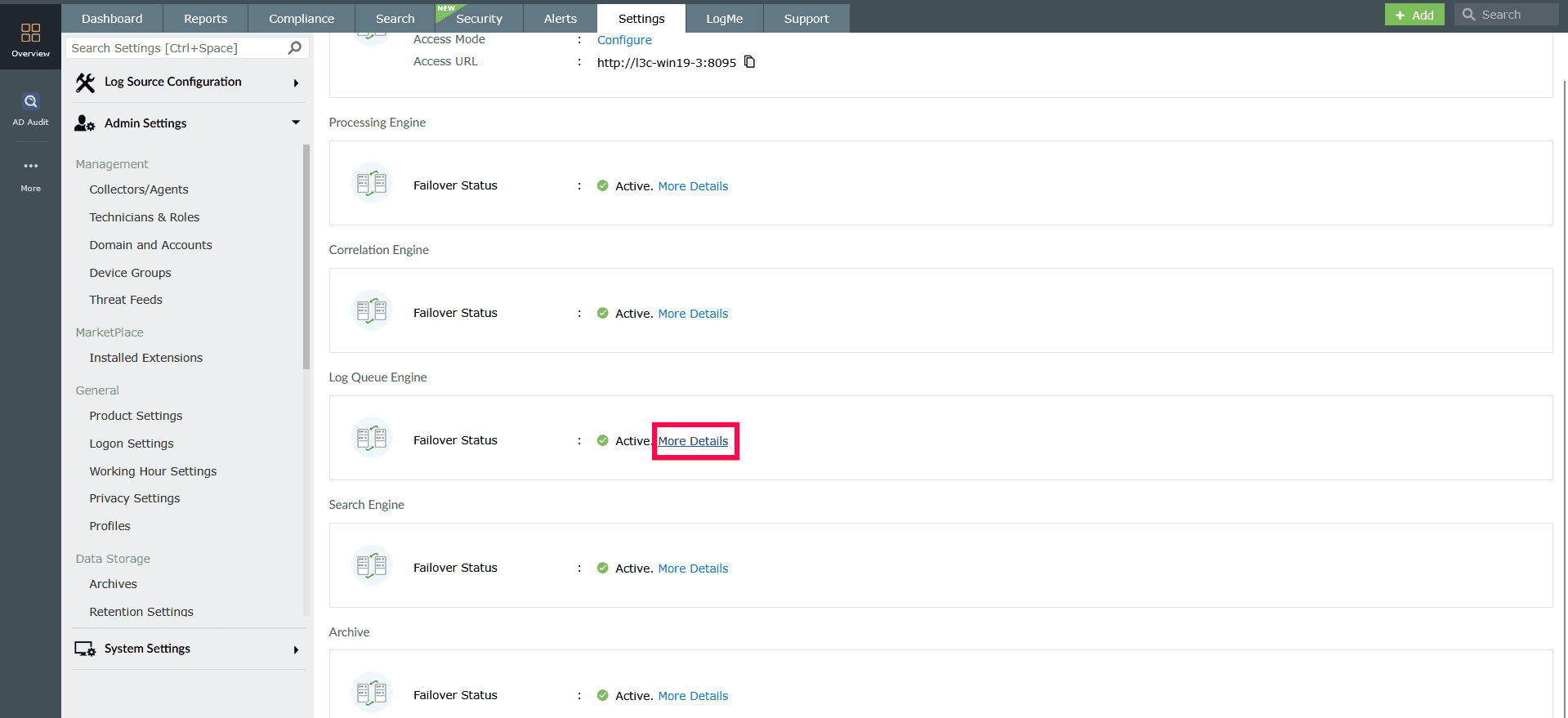
Figure 1: Viewing active and inactive processors - In the window that appears, you can view:
- Active Processors: Log Processors currently handling the selected role.
- Inactive Processors: Available Log Processors that can take over during failover.
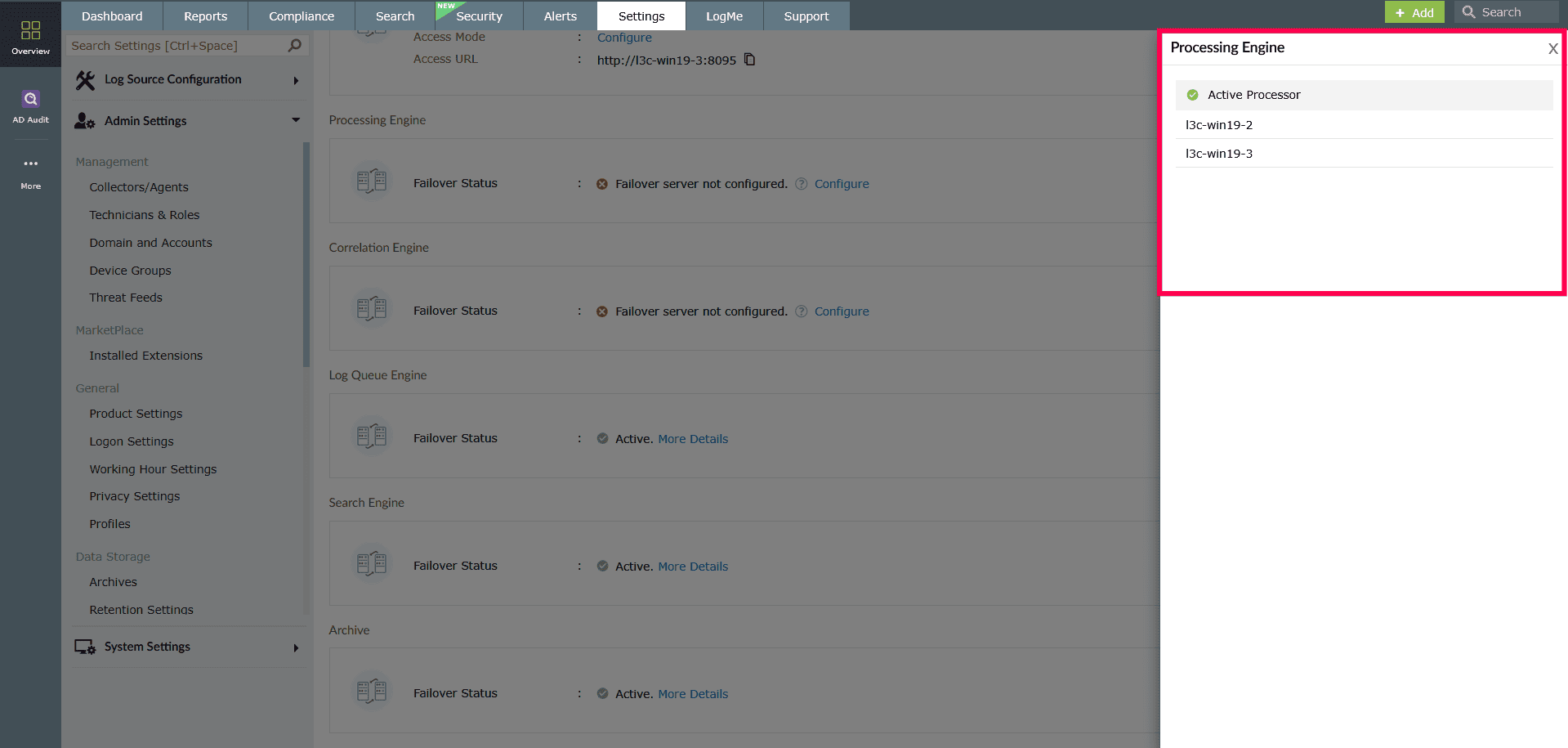
Figure 2: Viewing active and inactive processors
Read also
This page explained how to monitor module status in a failover cluster. For a broader understanding of failover concepts and instructions on configuring failover, refer to the following articles: