
Powerful Integration, simplified network monitoring!

ServiceDesk Plus is a Single Point of Contact (SPOC) tool, acting as a hub for users and customers to report and manage issues in an organized and coordinated manner. However, ensuring awesome service delivery does not end there. Gaining complete visibility into the networking environment helps in proactive approach, so the customer does not have to be the first to report issues.

OpManager offers comprehensive monitoring of servers, switches, routers and firewalls in your IT infrastructure with real-time data. Get critical network insights from OpManager dashboard, in-depth network reports, manage network configuration changes, IP addresses and switch ports - all in one console!

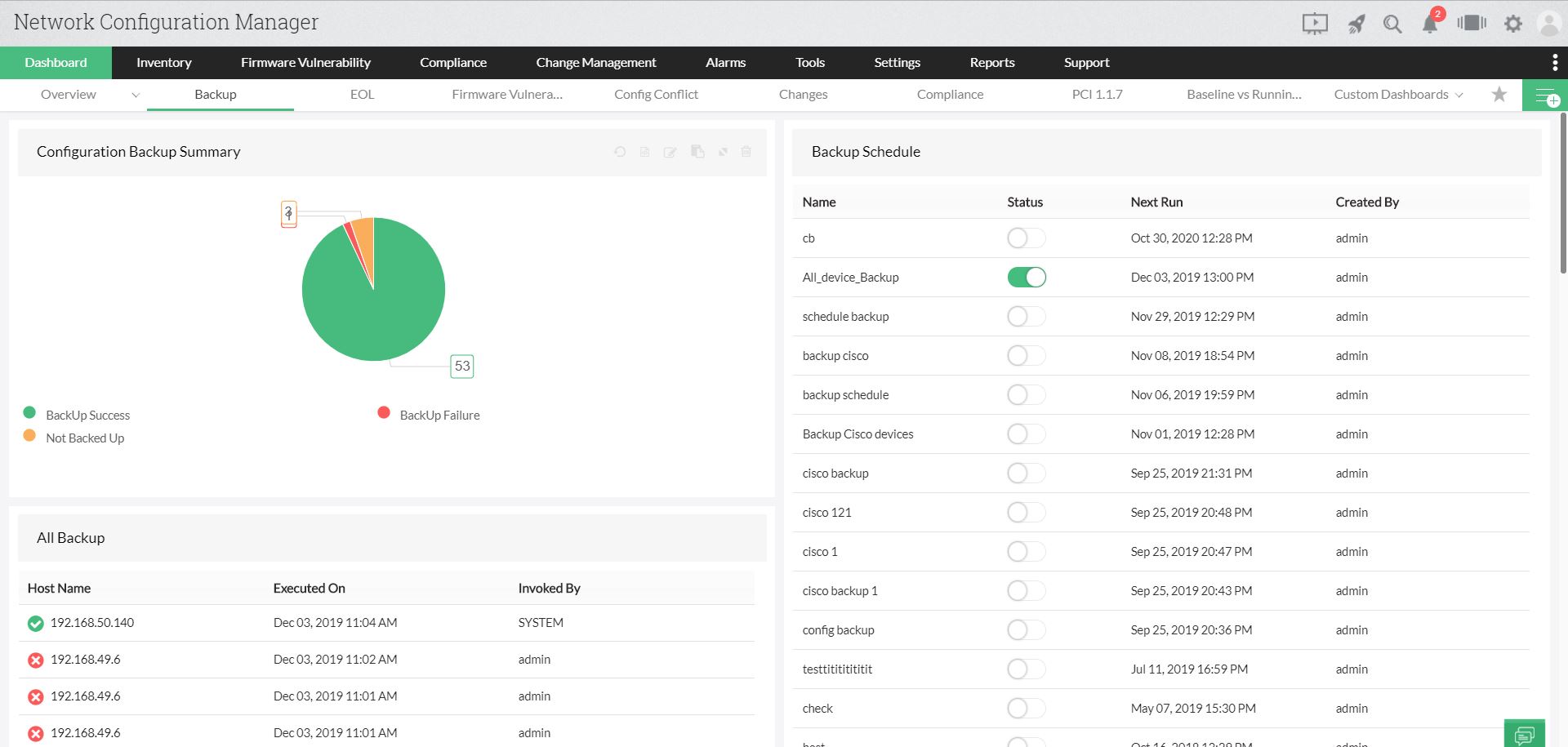
Configuration Backup

Backup your configuration files and instantly recover from network mishaps.

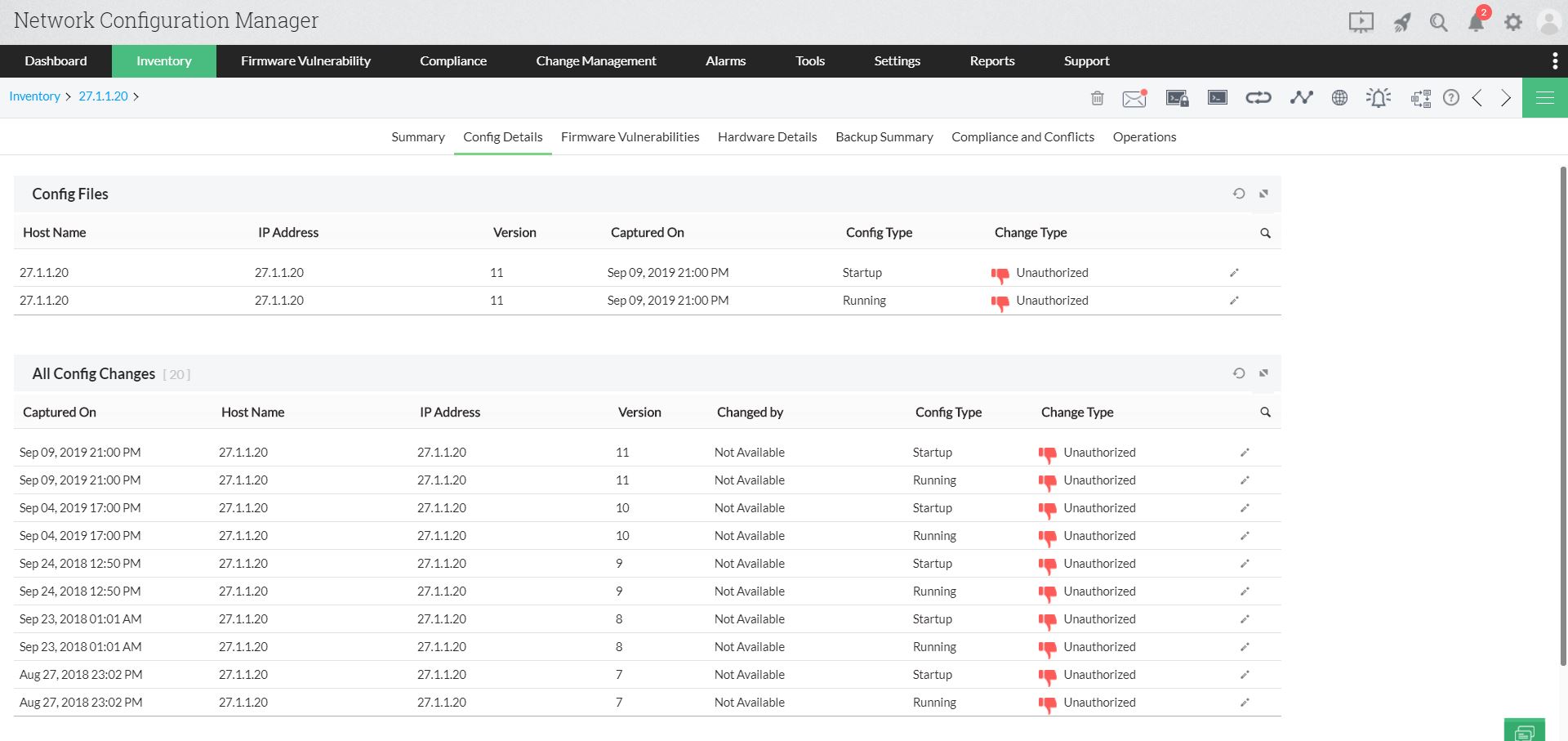
Configuration change management

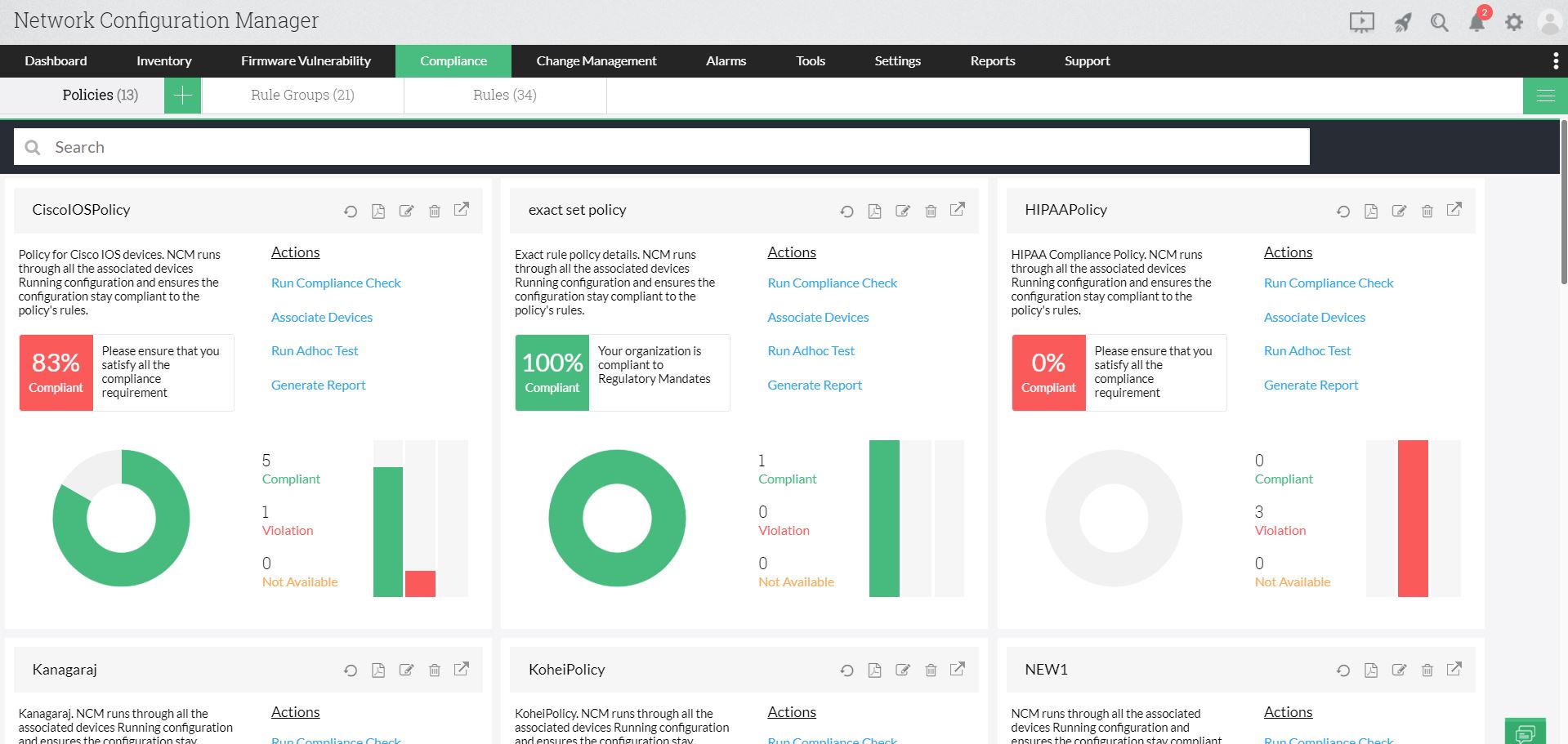
Stay compliant to PCI, HIPAA, Cisco IOS, SOX Compliance and custom policies.

Compliance Audit

Improve visibility with live updates on changes made to the device configurations.

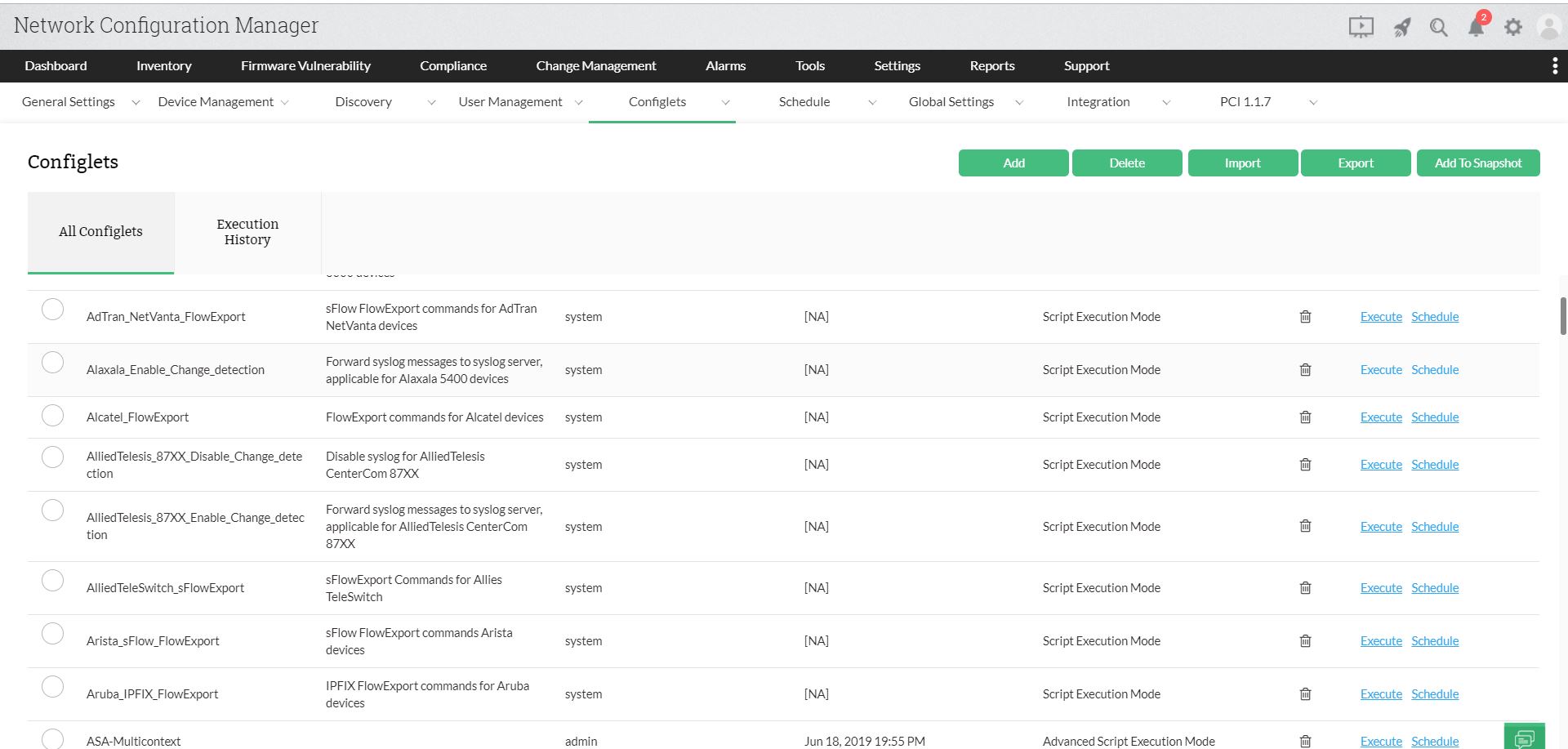
Configuration Automation

Automate repetitive network operations and centrally apply to all devices.

Configuration reports

Generate holistic reports and have a detailed documentation on every configuration task


How Network Configuration Manager adds value to your NetFlow Analyzer

Network Configuration Manager can add more value to NetFlow Analyzer by improving configuration performance and eliminating the underlying configuration issues based on the insights received from NetFlow Analyzer. Using Network Configuration Manager as an add-on to NetFlow Analyzer, you can:

Export flows

With Network Configuration Manager, you can export flows to any number of interfaces in network devices. Once the flow data is exported from the network devices, you can view traffic data in NetFlow Analyzer from the dashboard and inventory tab.

Push ACL commands

Identify network devices consuming a lot of bandwidth using NetFlow Analyzer and push 'Access control list' (ACL) commands in multiple devices using Network Configuration Manager's Configlets to control the priority in which data has to be transferred.

Configure QoS policies

Identify the occurrence of congestion in network devices with NetFlow Analyzer and use Network Configuration Manager to directly configure those devices by updating QoS policies in them instead of configuring them manually.

Audit compliance 

With Network Configuration Manager, you can make sure your network is compliant with internal, industrial and governmental standards by applying compliance policies in network devices and checking them for policy violation.

Backup configurations 

With Network Configuration Manager, you can back up your device configurations periodically and bring back your device in seconds by uploading the backed up configuration in case of sudden outages and network disasters.

Manage config changes 

With Network Configuration Manager, track the changes made to configurations along with the time and date of change and get notified immediately via email. You can also maintain an audit on who made the change and discover the errors in the configurations by comparing the changes with previous configurations using Diff-View.


Provide more than just a service. Provide value to customers.

All in one click from ServiceDesk Plus!

Get real-time alerts on server performance, disk utilization

Raise alerts as trouble tickets automatically

Assign tickets to the concerned team in an instant

360° monitoring of your IT infrastructure with OpManager dashboard

 
 Pricing  Get Quote