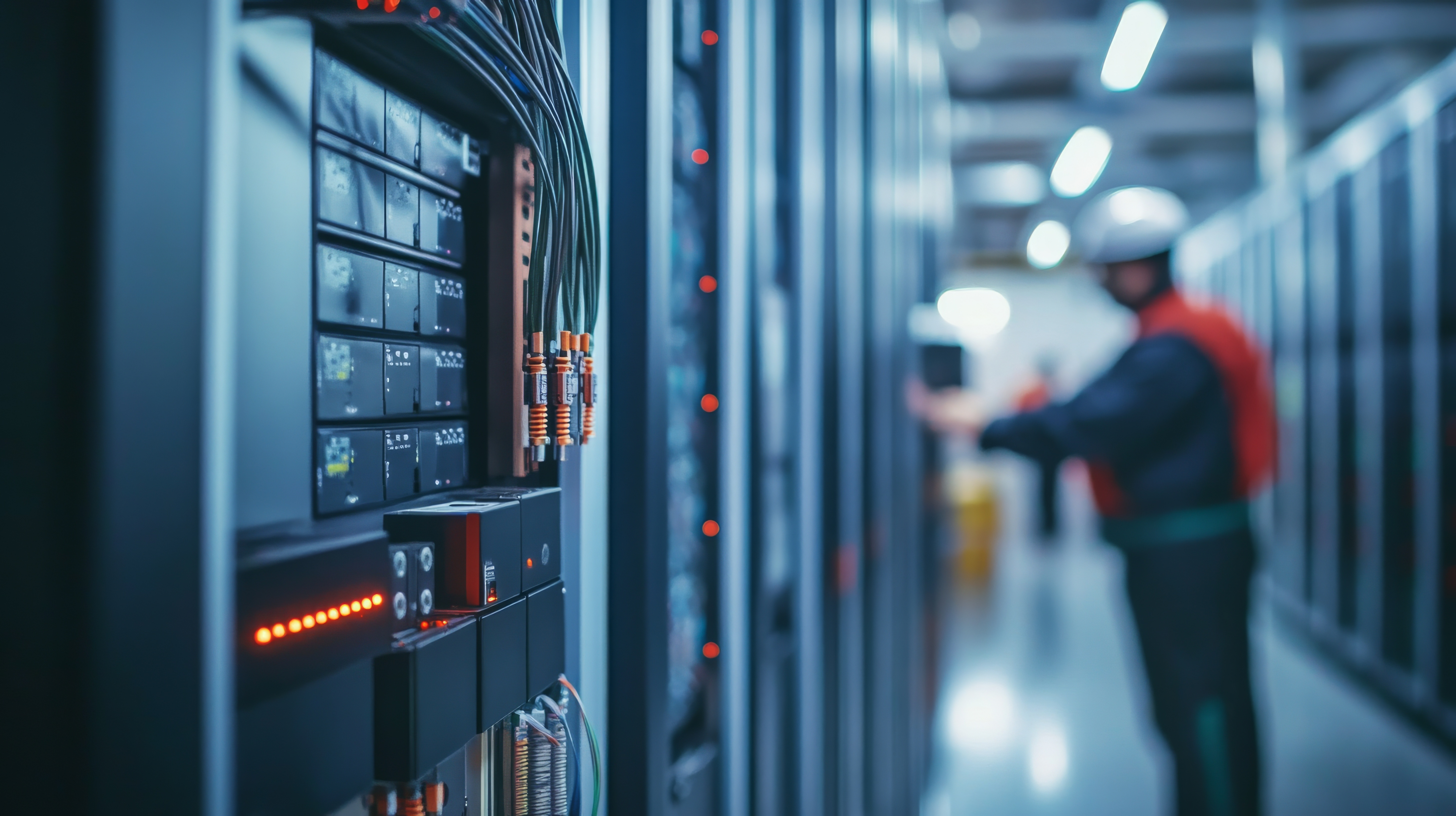
What is hardware monitoring
Hardware monitoring is the continuous tracking of the physical infrastructure's health and status. It collects data from interfaces and components to detect faults, capacity utilization, and early signs of degradation/failure. The practice spans data centers, branches, and hybrid environments, tying device status to user experience.
Key takeaways
- Hardware monitoring should provide end-to-end visibility into physical infrastructure: Hardware monitoring tracks device health, environmental sensors, and performance of components across data centers, branches, and hybrid environments to prevent outages and performance degradation.
- Proactive fault detection and capacity planning: By correlating sensor data and historical trends, monitoring tools enable early issue detection, faster root cause analysis, and informed upgrade decisions that balance performance and cost.
- Comprehensive, multi-vendor monitoring with OpManager: OpManager unifies real-time tracking, automated discovery, and adaptive alerts across network devices, servers, and storage systems- delivering actionable insights and compliance-ready reporting.
How hardware monitoring works
Monitoring platforms discover assets, classify device types, and apply templates that define which metrics to collect and at what interval.Data is gathered via standard protocols and agents, aggregated centrally, and evaluated against baselines and thresholds to trigger alerts. Dashboards, reports, and run-books then guide analysis and remediation to restore performance or prevent outages.
What are the benefits of hardware monitoring
Increased uptime: When hardware monitoring tracks device health, it can warn you about issues like overheating, failing power supplies, or recurring link errors before they escalate. That’s how outages are prevented- not by magic, but by giving you a chance to act early. Without this visibility, problems often surface only after downtime has already occurred, leading to avoidable disruption and higher recovery costs.
Faster root cause analysis: Hardware failures can masquerade as network or application issues, making troubleshooting much harder. With monitoring in place, you can see exactly which component is misbehaving and correlate it with the device’s role in the network. This shortens the time it takes to resolve incidents. Without it, teams may chase false leads for hours before finding the real cause.
Capacity planning and cost control: Monitoring hardware over time shows how resources are being used. You can spot trends like steadily rising utilization, identify idle or under-used assets, and plan upgrades before bottlenecks hit. The opposite is also true: without data, upgrades may come too late (causing slowdowns) or too early (wasting budget).
Stronger security posture:Unusual traffic patterns or unexpected device behavior can hint at a compromised router, switch, or server. Hardware monitoring gives you that layer of visibility. Without it, these signals are often missed, and threats may hide in plain sight until they do real damage.
Supports compliance goals:Many industries require evidence of performance, availability, and change management. Hardware monitoring creates auditable records of these metrics automatically. Without such records, proving compliance becomes a manual, error-prone process, and gaps can put you at risk of failing audits.
What types of network components are part of hardware monitoring
Network devices:These include switches, routers, and firewalls- the backbone of any IT network. Monitoring covers interfaces (the ports that connect devices), routing and forwarding tables (which decide where traffic goes), and built-in power and environmental sensors. Tracking these helps detect packet loss, congestion, or hardware failures before they disrupt operations. For example, a failing interface or rising device temperature can quickly compromise network stability.
Servers and hypervisors:Servers power business applications, while hypervisors (like VMware or Hyper-V) allow multiple virtual machines to run on the same hardware. Monitoring covers CPU, memory, disks, NICs or network interface cards (for connectivity), and hardware RAID. Hypervisor monitoring extends this to the virtualization layer- keeping track of VM performance and resource allocation. These checks ensure servers do not overheat, overload, or suffer disk failures that could cause downtime.
Storage systems:Enterprise storage includes controllers (which manage data flows), IOPS (input/output operations per second), latency, and cache performance. Capacity utilization is also monitored to prevent storage from filling up unexpectedly. Without these insights, performance issues or bottlenecks could silently slow down databases and applications.
Power and environment:Reliable IT operations depend on stable power and safe environmental conditions. Monitoring UPS status ensures backup power is available in case of outages. PDUs (power distribution units) distribute power safely across racks. Environmental sensors measure temperature, humidity, and fan performance. Overheating or excessive humidity can cause gradual or sudden hardware damage, so these alerts act as an early-warning system.
Specialized network devices, edge, and IoT:Edge and IoT devices are often smaller, resource-constrained systems like sensors, smart cameras, or remote gateways. Because of their limitations, monitoring relies on lightweight polling methods and tracks only essential health metrics like connectivity, power, or temperature. Even though each device seems small, their failures can have a big impact when deployed at scale- for instance, sensors in a factory line or remote monitoring gateways for field operations.
Hardware monitoring metrics
- Availability and reachability: up/down, response time, packet loss.
- Interface health: utilization, errors, discards, duplex/speed, queue depth.
- System resources: CPU, memory, swap, disk utilization and latency.
- Storage performance:throughput, IOPS, cache hit ratio, controller status.
- Sensors and power:temperature, voltage, fan speed, UPS battery runtime.
- Capacity and growth: 95th percentile utilization, trending headroom, saturation risk.
What are the hardware monitoring best practices
- Keep an accurate inventory: Run regular scans so every device on the network is accounted for. Unknown devices are flagged quickly, and each device type gets the right monitoring template.
- Protect the management plane: Manage devices through a separate, secure network or VLAN. Restrict access with rules, and never expose management interfaces directly to the internet.
- Separate monitoring and logging: Use one system to track metrics like CPU or bandwidth, and another to handle logs like syslog. Mixing both in one place causes overload and confusion.
- Plan change windows: Schedule upgrades or fixes at set times, and let the team know in advance. This reduces disruption and ensures someone is always available to handle issues.
- Stay updated with vendors: Subscribe to vendor notices, enable standard alerting on all devices, and direct those alerts to your monitoring system so nothing is missed.
- Use standard configurations: Keep “golden” templates for each type of device. Updated diagrams and documentation make audits and troubleshooting faster.
- Automate backups and rollbacks: Always back up configs and create rollback points before making changes. Role-based access ensures the right people make changes safely.
- Set smart thresholds: Measure normal performance for things like CPU, memory, or VPNs, then set thresholds that alert only when it really matters. This reduces noise.
- Monitor hardware health sensors: Watch for early warning signs from sensors like power supplies, fans, disks (SMART/NVMe), and error logs. They often fail before the whole device does.
- Track environmental conditions: Keep an eye on heat, airflow, and humidity. Clear filters and airflow paths regularly to prevent overheating and extend hardware life.
- Perform physical checks: Inspect cables, ports, and optics. Verify RAID health and redundant power supplies. Many faults come from physical issues, not software.
- Audit security and configs: Use secure protocols (like SNMPv3), deny unnecessary access, and centralize logs. Regular reviews close gaps before attackers can use them.
- Test redundancy and failover: Don’t just trust backups- test them. Switch over to secondary devices, simulate failures, and make sure recovery really works.
- Plan upgrades carefully: Follow vendor-recommended software versions. If possible, test upgrades in a lab first, or upgrade one device in a pair before doing the other.
- Plan for end-of-life: Track when devices go out of support. Budget for replacements, or consider refurbished spares if extending life is safe and makes sense.
- Maintain runbooks and escalation paths: Keep guides, diagrams, and escalation contacts up to date. In an outage, this speeds up diagnosis and resolution.
- Place collectors wisely: Put monitoring and log collectors in spots that reduce network strain. Size storage and retention so you don’t run out of space.
- Align with maintenance windows: Sync monitoring activities with planned maintenance. This prevents alert storms and reduces the blast radius of changes.
Use cases of hardware monitoring
WAN reliability: Wide Area Networks (WANs) connect branch offices, remote sites, or cloud services. Monitoring can detect interface errors, “brownouts” (short periods of degraded performance), and ISP under-performance. In industries like retail and banking, where branch operations rely on uninterrupted connectivity, this is crucial. Without monitoring, issues often appear as vague “slow internet” complaints, delaying root-cause identification.
Data center resilience: Data centers run thousands of devices in tight spaces, where cooling and airflow are critical. Monitoring fans, temperature sensors, and disk latency allows teams to address overheating or failing drives before they cause outages. For cloud providers and healthcare organizations, even small lapses can disrupt services or patient records. Without these checks, hardware problems may stay hidden until they cascade into service-wide failures.
Capacity management: Tracking usage trends across servers, storage, and network devices makes it easier to forecast growth and justify upgrades. In telecom or large enterprises, capacity planning prevents bottlenecks during expansion. Without monitoring, organizations risk over-provisioning (results in wasteful expenditure) or under-provisioning (causing slowdowns and outages) because decisions are made blindly.
Compliance reporting: Many sectors- finance, healthcare, government- must prove uptime and performance against service level agreements (SLAs) and regulations. Hardware monitoring provides auditable records of availability and performance that can satisfy external regulators and internal governance teams. Without such data, compliance gaps can lead to fines or reputational damage.
Incident reviews: After a disruption, monitoring data shows whether Quality of Service (QoS) policies were enforced and when network saturation occurred. This is common in service provider and enterprise IT teams, where defensible evidence is needed for post-mortems. Without monitoring, incident reviews often rely on anecdotal reports, making it hard to pinpoint the real cause or avoid recurrence.
Challenges in hardware monitoring
Alert fatigue: Many tools rely on static thresholds- like “CPU above 80%” or “temperature above 70°C.” But hardware behavior is not always that predictable. A server might safely run at high CPU usage for hours, while another may start failing under the same load. When monitoring is too rigid or includes every minor metric, admins are bombarded with alerts, most of which do not require action. This “noise” makes it easy to miss the one alert that signals a real failure, leaving engineers frustrated and reactive instead of proactive.
Blind spots in hybrid and edge environments: Modern IT spans on-premise data centers, cloud services, and edge devices at remote sites. Without a unified monitoring approach, admins often get incomplete visibility. For example, they might see server health in the data center but miss environmental sensor data at a branch office, or fail to monitor constrained IoT devices at the edge. These blind spots mean problems can start in one area and go unnoticed until they impact the whole system. Engineers are left piecing together scattered tools, which wastes time and reduces confidence.
Heterogeneous devices and firmware: Not all hardware speaks the same “language.” A switch from one vendor may provide rich telemetry, while another only gives basic counters. Firmware versions also change what data is available. This inconsistency makes it hard to collect metrics in a uniform way and even harder to compare across devices. For admins, it means constant tweaking of monitoring profiles and scripts, which adds overhead and increases the chance of missing something critical.
Change correlation gaps: Hardware rarely fails in isolation. A device reboot, a fan slowdown, or a configuration change can all cause ripple effects across the network. The challenge is that monitoring tools often capture these signals separately, without correlating them to the timeline of changes. During an incident, admins must manually piece together what happened, which slows down root-cause analysis. Without correlation, teams risk misdiagnosing the problem, fixing symptoms instead of causes, and repeating the cycle in the next outage.
Hardware monitoring checklist
Define objectives, scope, and target SLOs: Setting service level objectives (SLOs) for availability and performance ensures monitoring efforts are aligned with business needs. Without this clarity, teams either monitor too little or waste resources tracking irrelevant details.
Discover and inventory assets: You can’t monitor what you don’t know exists. Discovery builds a live inventory of devices, from core routers to branch UPS units. Grouping by criticality, location, and device type helps prioritize attention where it matters. For example, a core switch in HQ needs tighter thresholds than a test server in a lab. Without inventory, blind spots multiply, leaving admins surprised by unmonitored failures.
Apply templates with metrics, intervals, and thresholds: Every class of device has different failure modes. Servers need CPU, memory, and disk checks, while storage systems need IOPS and latency metrics. Applying pre-defined templates ensures consistency and saves time. Polling too frequently adds load; too rarely, and you miss early warning signs. The balance is tricky without templates to guide admins.
Enable baselining, anomaly detection, and noise reduction: Static thresholds create alert fatigue. Baselining learns what “normal” looks like for each device, while anomaly detection flags unusual behavior. Noise-reduction policies suppress flapping alerts and irrelevant warnings. Together, these features cut through the noise and let admins focus on issues that truly matter. Without them, teams drown in meaningless alerts and miss the real problems.
Configure alert channels, ownership, and escalation: Alerts are only useful if they reach the right person at the right time. Proper routing- via email, chat, or ticketing system- ensures accountability. Escalation paths make sure unattended alerts don’t die in someone’s inbox. When this setup is missing, incidents linger unresolved, increasing downtime and frustration for both admins and end users.
Build dashboards and reports: Dashboards provide real-time visibility for operations teams, while scheduled reports show trends, bottlenecks, and compliance evidence. Both are needed: dashboards for the “now” and reports for the “why” and “what next.” Without structured views, engineers spend more time gathering data than solving problems, and management loses insight into risks and capacity needs.
Review metrics and capacity plans regularly: Device roles change, workloads grow, and thresholds need revisiting. Regular reviews ensure monitoring stays relevant and capacity planning is based on real evidence. Ignoring this step leads to outdated configs, missed warning signs, and upgrades that either come too late or waste money.
Comprehensive hardware monitoring with OpManager
OpManager provides real‑time hardware health monitoring across multi‑vendor network devices and servers, collecting sensor data such as temperature, fan speed, voltage, power supplies, disks, and NICs for early fault detection.
It leverages standard protocols like SNMP, WMI, IPMI, and hypervisor integrations to discover assets, apply device templates, visualize health via dashboards, and trigger actionable alerts and reports.
- Real‑time sensor coverage for CPUs, fans, power supplies, temperature, voltage, and storage health, presented as intuitive dials, graphs, alerts, and reports for quick diagnosis.
- Automated discovery and device classification with scheduled discovery to keep inventories current as hardware is added, replaced, or upgraded.
- IPMI‑based hardware monitoring for chassis‑level metrics, enabling out‑of‑band insight into fans, temperature, PSU, and battery status.
- Adaptive thresholds-powered alarms and event correlation to reduce noise and prioritize remediation based on severity and impact.
- NOC‑ready dashboards, topology views, and historical reports that surface trends, capacity risks, and compliance evidence.
Free hardware monitoring with OpManager
OpManager Free Edition offers free hardware monitoring for up to three devices, making it a practical way to validate capabilities in small environments or pilots. All editions are available as a fully featured 30‑day free trial, allowing comprehensive evaluation of hardware sensor visibility, alerting, dashboards, and reports before purchase.
FAQs on hardware monitoring:
What's the difference between IT network hardware monitoring and PC hardware monitoring?
- IT network hardware monitoring deals with keeping entire communication networks healthy. It looks at routers, switches, firewalls, and access points- checking link errors, device loads, and traffic flow using protocols like SNMP, flow records, or streaming telemetry. This way, admins can see how issues ripple across the network and resolve them quickly.
- PC and server hardware monitoring, on the other hand, zooms into a single machine. It tracks the health of components like fans, power supplies, and disks through built-in controllers (BMC/IPMI) or system tools (WMI, counters). These tools expose sensors for heat, voltages, or disk errors, and allow out-of-band access to fix or reboot systems even if the OS fails.
Who are the personnel involved in hardware monitoring?
In most organizations, responsibility is shared across multiple layers:
- NOC technicians (L1/L2/L3): Staff in the Network Operations Center watch monitoring dashboards 24/7. They handle first alerts, create tickets, and escalate incidents if problems don’t resolve quickly.
- Network engineers and architects:These specialists manage configurations, capacity planning, and change windows. They also fine-tune thresholds and ensure monitoring ties into frameworks like ITIL (incident, problem, event management).
- On-site data center technicians:When physical action is needed, such as swapping fans, replacing failed optics, or reseating power supplies, on-site staff step in- often after a NOC escalation.
- Managers:Oversee process consistency, staffing, and service-level compliance.
What is the role of sustainability goals in IT network hardware monitoring?
Sustainability is no longer separate from monitoring- it is part of it. Modern monitoring tools can track power draw, energy efficiency, and environmental impact.
- Features like Energy-Efficient Ethernet (IEEE 802.3az) or vendor programs like Cisco EnergyWise let devices reduce idle power consumption. Monitoring verifies if those savings are real, creates baselines for comparison, and helps optimize for efficiency.
- Admins can also schedule Power over Ethernet (PoE) delivery (e.g., turning off phones or Wi-Fi APs at night) or track cooling loads to cut waste. These actions not only reduce energy bills but also feed into ESG reporting and Scope 2 carbon targets. Without monitoring, organizations lack the data to prove progress- or to detect when equipment is wasting energy.

By Arjun,
Product Marketer, ManageEngine
Discover more about hardware monitoring