vCenter monitoring
vCenter is a server constructed by VMware. It has centralized control over VMware vSphere virtualized infrastructure. vSphere facilitates building and keeping track of the virtualized environment. Admins can easily abstract VMs from a physical server in order to use the hardware devices optimally with vSphere; vCenter also helps in gaining scalability, flexibility, and more. vCenter, a centralized monitoring and management platform, possesses many capabilities, including the following:
- Monitors all the hosts, handles them with ease, and keeps track of their performance, health, and more from a single resource
- Efficiently manages CPU, memory, and storage devices as it prioritizes workloads based on criticality to ensure resource availability
- Manages workloads by migrating VMs to other hosts in order to improve performance and enhance availability
- Eases the migration process of running VMs between hosts, preventing any downtime or disruption at the same time with the help of vMotion
- Enables high availability by providing failover support for ESXi hosts during the time of failure
- Increases security in the environment with the help of its efficient features, such as role-based access controls and user authentication
Exploring the many benefits of vCenter monitoring
vCenter can help admins keep watch over several ESXi hosts (Type 1 or bare-metal hypervisors) simultaneously and achieve centralized management. But it is important to keep track of vCenter closely as a means of managing it efficiently. This has a lot of advantages and greatly boosts the virtual environment's overall health. Some of the advantages of observing vCenter are listed below:
Boost performance
By keeping an eye on critical metrics such as the performance, CPU and memory usage, storage, and traffic, admins can be in the know about resource utilization and can spot performance bottlenecks and conflicts in sharing a resource between two or more hosts. This helps in adjusting and enhancing the performance periodically.
Stay ahead of anomalies
It is critical to monitor vCenter 24/7, and it helps to observe its performance metrics, alarms, and notifications. This level of understanding allows admins to proactively pinpoint and fix issues in the virtual environment so that they do not escalate into a critical issue or downtime.
Plan for future growth
By monitoring vCenter, admins easily learn about resource utilization patterns and growth trends. Thus, with the help of these particulars, they can plan for future requirements by getting to know when additional resources are needed. Furthermore, they can efficiently address business needs in the event of network expansion.
Maximize efficiency
Another advantage of watching vCenter includes being able to optimize the resources constantly for better performance. This aids in recognizing overutilized and underutilized ESXi hosts and VMs and dividing the workload as required, thus magnifying the efficiency of the environment.
Cut unnecessary expenses
Monitoring vCenter helps admins identify idle VMs, excessive resource allocation, usage patterns that are not effective for the virtual environment, and more. By knowing all this, the admins can remove the unused resources, modify the size of the virtual endpoints, and alter licensing to stop needless expenses.
The best network monitoring and management tool for vCenter
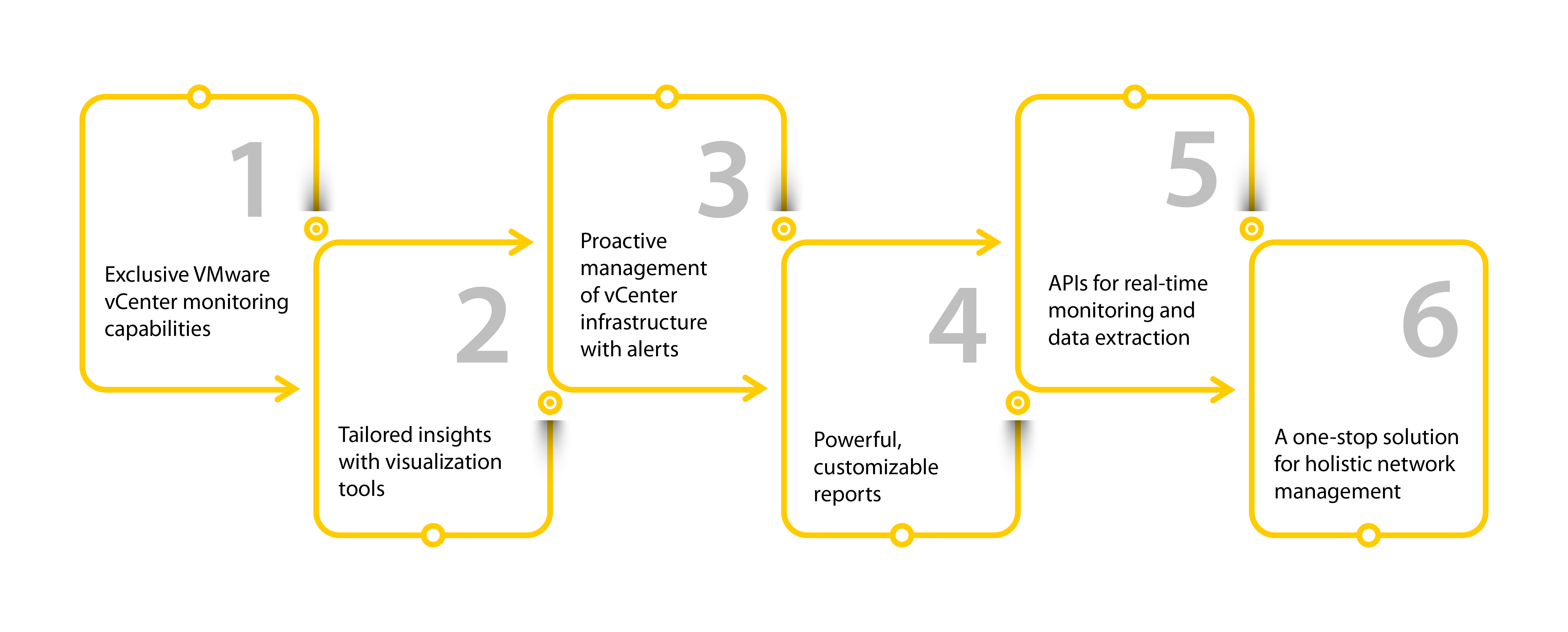
ManageEngine OpManager is a robust network monitoring and management solution widely used by many organizations around the world. Our tool is fully equipped to exhaustively check on VMware vCenter. It assists with handling vCenter proactively in an attempt to enhance the overall health of the virtualized infrastructure. Though the definition of the best network monitoring tool varies from one person to another based on their business needs and preferences, OpManager has always proven itself and been widely acknowledged as a holistic, reliable monitoring tool for VMware vCenter. Here are a few reasons why OpManager is a powerful vCenter monitoring tool:
- Exclusive VMware vCenter monitoring capabilities
- Tailored insights with visualization tools
- Proactive management of vCenter infrastructure with alerts
- Powerful, customizable reports
- APIs for real-time monitoring and data extraction
- A one-stop solution for holistic network management
Exclusive VMware vCenter monitoring capabilities
OpManager has a dedicated dashboard and other visualization features for monitoring the virtualization environment, including VMware, VMware vCenter, ESXi hosts, clusters, and VMs. This efficient tool not only monitors health and performance but also helps admins be watchful of the enviornment's intricate details, resource utilization, and more. Furthermore, the alerting mechanism is specifically designed for VMware environments.
Tailored insights with visualization tools
OpManager's diverse visualization features provide admins with a comprehensive understanding of VMware vCenter and their virtualization environment with just one click. By leveraging these valuable insights, admins can proactively detect and troubleshoot network incidents, ensuring a faultless infrastructure.
Proactive management of vCenter infrastructure with alerts
OpManager provides users with the ability to set thresholds for vCenter performance metrics. Whenever trouble is detected, alert notifications are sent through various channels to ensure the message is received by the responsible admin or technician, as preferred. This facilitates prompt response and proactive management for the vCenter infrastructure.
Powerful, customizable reports
OpManager offers a range of predesigned reports exclusively built for vCenter infrastructures, such as the vCenter summary report, host performance report, cluster performance report, and resource utilization report. These reports offer figures and specifics about vCenter's critical KPIs. That lets admins infer solutions wisely during mishaps, facilitating understanding and planning for future requirements.
APIs for real-time monitoring and data extraction
Gaining access to real-time performance metrics, configuration data, resource capacity, events, and other critical KPIs can be quite a difficult task. To that end, OpManager utilizes vCenter APIs to gather real-time data that is precise and current, helping admins make data-driven decisions during times of anomalies and downtime.
A one-stop solution for holistic network management
OpManager's robust features let network admins not only gain knowledge on vCenter but also comprehensively and granularly monitor the other components of their infrastructure in the bargain. That includes network devices, servers, bandwidth, and applications. Ergo, OpManager aids in overseeing and handling the entire infrastructure from a centralized platform with its extensive feature set.
Still hesitant? Download the 30-day trial version now and experience OpManager's benefits right away!
For more clarity and in-depth understanding, get in touch with our product experts for a one-on-one, personalized demo.