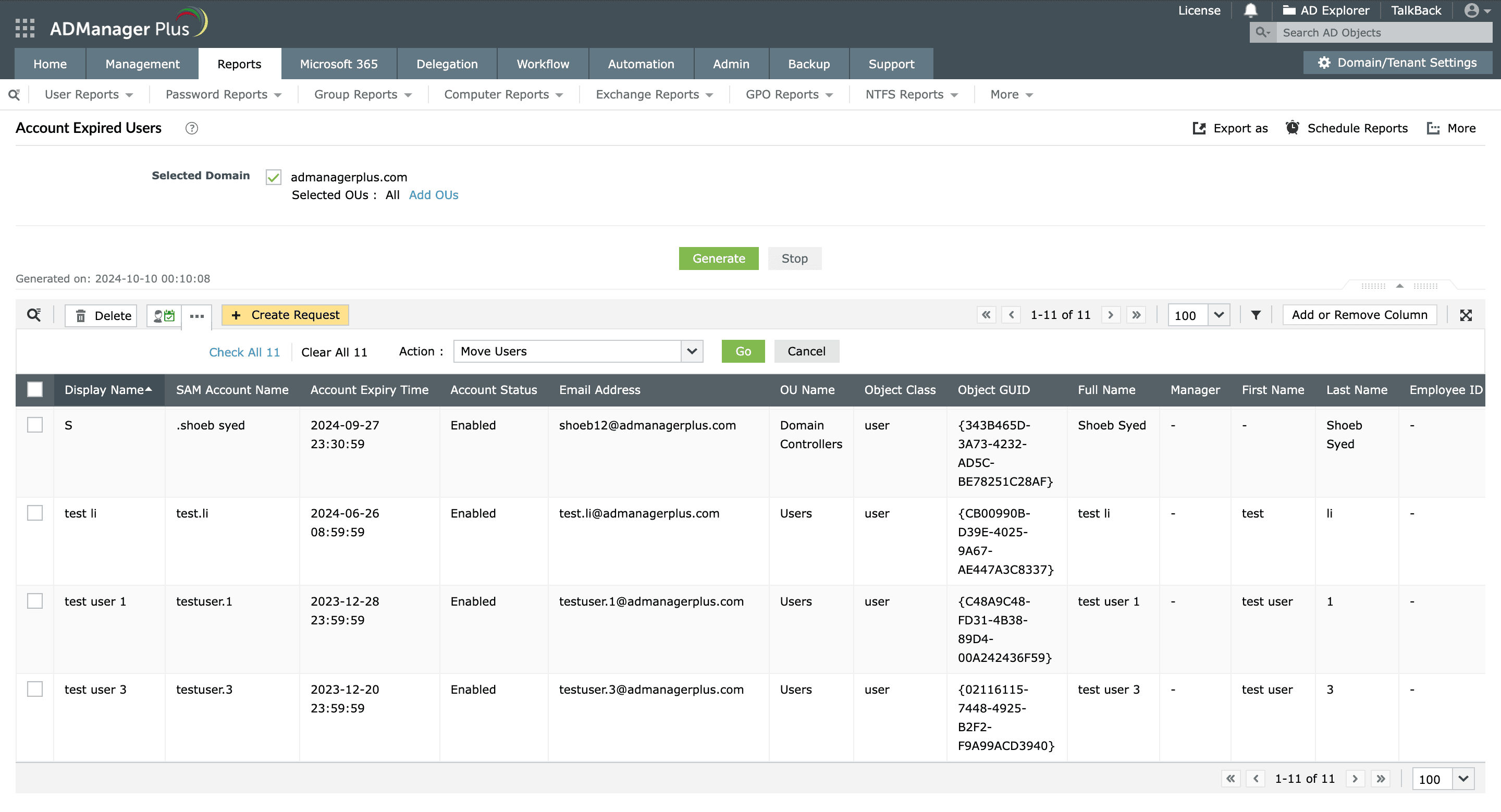
Identify expired accounts in Active Directory using ADManager Plus
User accounts in Active Directory (AD) can be configured to have an expiration date that determines when an AD account must expire. Setting an expiration date helps administrators manage temporary accounts, reduce the risk of dormant accounts persisting in AD, and ultimately streamline user management.
ADManager Plus, an AD reporting solution, allows you to automatically identify and generate detailed reports on users based on their account expiration date. Administrators can also manage, disable, delete, or move users whose AD accounts are about to expire or have expired to another organizational unit instantly based on the reports' results. Read on to learn how account expired AD users can be identified and managed using ADManager Plus.