Your device has been trying to tell your ticket what’s wrong—Endpoint Central’s extension finally lets it
Imagine that your device data and ticket live in two separate rooms within the same building. Your device already has the performance metrics needed to explain the problem—yet, just to make sense of the ticket, your help desk tech still has to walk into the first room, find the data, and carry it back to the ticket room for analysis. This journey, repeated across every single ticket, is what’s quietly costing your IT team.
Employees are losing significant time to IT issues: Studies show that 49% lose between one and five hours a week, while over half have faced disruptions in their work due to underperforming applications. Meanwhile, in HDI’s 2025 survey of support leaders, 34% of leaders reported rising ticket volumes, with organizations handling an average of 10,675 tickets a month, increasing the pressure on existing teams whose sizes remain unchanged.
The obvious message reads IT needs more people. However, the actual problem is narrower and far more fixable: A huge share of that ticket volume is device-related, and the data needed to resolve those tickets already exists. It’s just sitting in a different system than the one the tech has open.
What if the ticket could show that device intelligence directly, without the tech ever needing to switch consoles to go find it? That alone would hand back the time currently spent hunting for information and let techs spend it on actual resolution instead. With Endpoint Central, the fastest, cheapest way to bring down mean time to resolution (MTTR) isn’t adding headcount. It’s putting the device intelligence you already have directly where the resolution actually happens.
Endpoint Central’s DEX capabilities have been tracking device health this whole time, across more than 1,000 data points: CPU, battery, crashes, and network conditions. The cost was never a data problem. It was the distance between that data and the ticket a tech is actually looking at.
Endpoint Central’s extension for IT teams closes that exact gap.
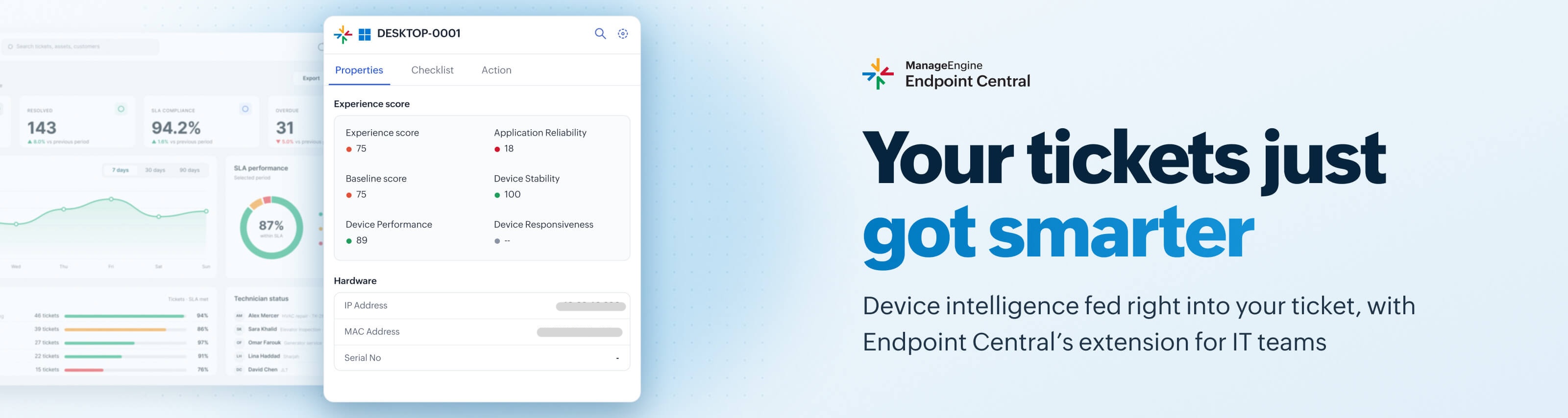
The mechanism is straightforward. The browser extension detects the device tied to a ticket automatically, with no manual cross-referencing involved. Endpoint Central’s existing DEX telemetry then surfaces directly inside that ticket, working across ServiceNow, Jira, Freshservice, or Zendesk, whichever your service desk runs on. Once the cause is visible, the tech can trigger an approved remediation action from the same window without ever switching consoles.
The scoreboard here is MTTR, not ticket count
This isn’t about touching every ticket. It’s about owning one category completely: tickets where the answer is already sitting in telemetry, waiting to be seen. Close that gap, and MTTR drops where it’s measured, not where it’s guessed at. That’s what shifts a reactive service desk into a proactive one.
Getting started
Install the Endpoint Central extension for IT teams from the Chrome Web Store or Edge Add-ons, then enable it against your ITSM instance.
Note: This capability is powered by DEX add-on. If you’d like to activate it on your existing Endpoint Central instance, fill out this form and we'll assist you with enabling the DEX add-on.